Why Monitor Energy in Home Assistant?
Most UK energy suppliers provide monthly or daily consumption figures through their apps, but that data arrives too late to act on it. Home Assistant surfaces real-time power readings — updated every few seconds — so you can see the instant an electric shower, tumble dryer, or immersion heater switches on. Combine that with cost sensors tied to your current tariff, and the dashboard will show you live spend as well as cumulative kWh consumed.
For households on variable tariffs such as Octopus Agile — where unit rates change every 30 minutes based on wholesale prices — this visibility is especially valuable. Automations can respond to price signals and shift discretionary loads (dishwasher, washing machine, EV charger) to cheaper half-hour slots automatically.
UK Hardware Options
There are three main categories of hardware used for home assistant energy monitoring in UK homes: smart plugs, clamp-on monitors, and smart meter bridges. Each covers a different tier of granularity.
Smart Plugs with Energy Monitoring
Not sure which smart plug to buy first? Our best smart plugs UK guide covers the top options with energy monitoring, Home Assistant compatibility, and UK pricing.
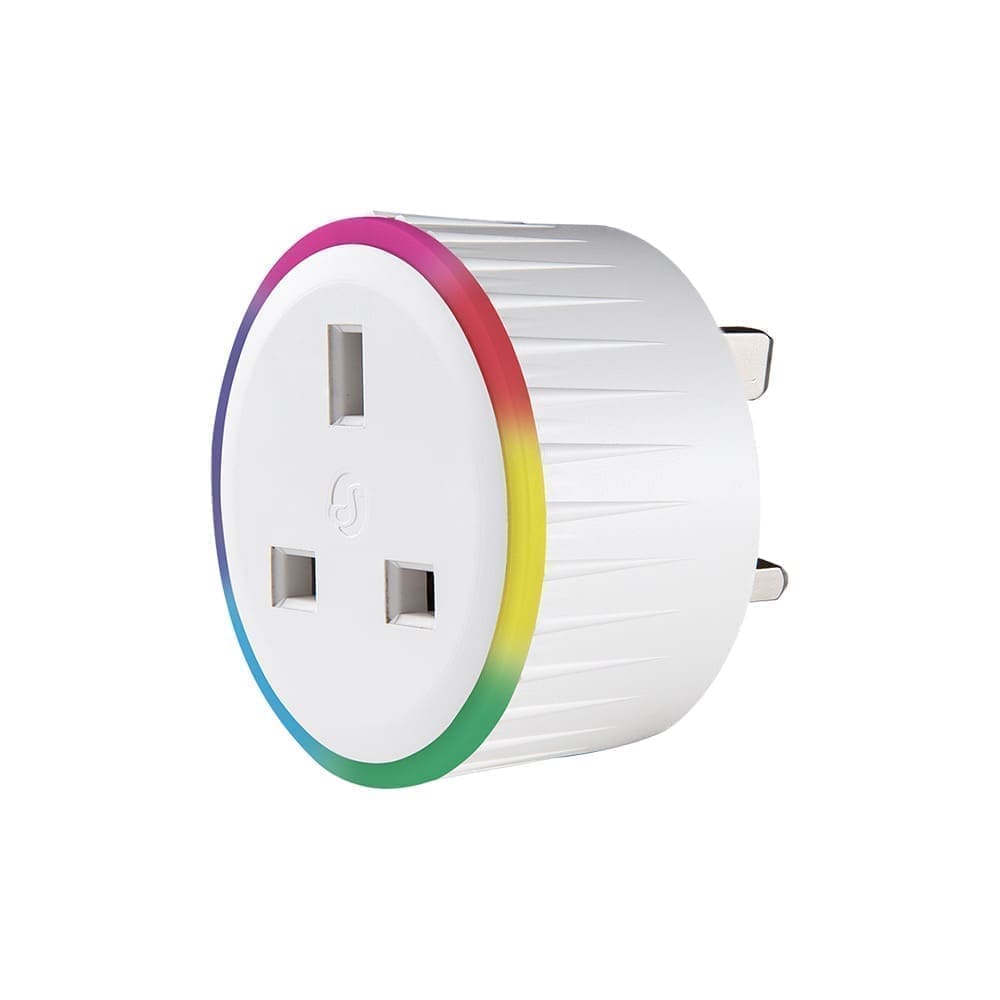
TP-Link Tapo P110 / P110M — The Tapo P110 is the most popular entry point for UK buyers. It uses a standard UK Type G socket, carries both CE and UKCA certification, and is natively supported by Home Assistant's TP-Link integration. Prices vary by retailer; check Amazon UK and TP-Link's own store for current pricing. The newer P110M adds Matter support, which enables local control without relying on the TP-Link cloud — useful if you want maximum reliability in your automations. Once added, Home Assistant creates power (W), energy (kWh), voltage (V), and current (A) sensors that feed directly into the Energy Dashboard.
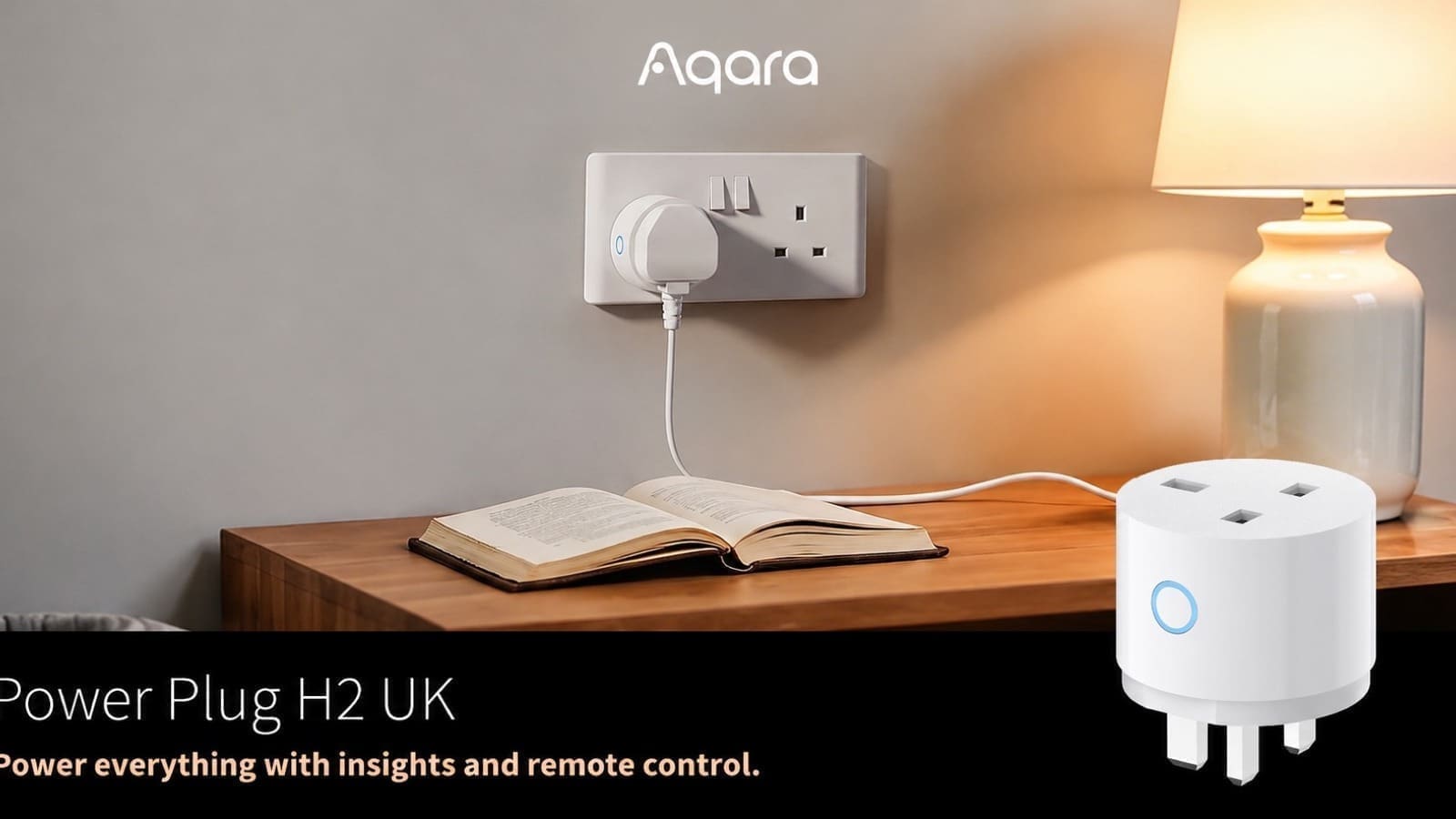
Shelly Plus Plug S (UK) — For buyers who want fully local operation from day one, the Shelly Plus Plug S supports local HTTP and MQTT APIs with no cloud dependency. Home Assistant auto-discovers Shelly devices on the local network via the native Shelly integration. Prices vary; check Shelly's UK resellers and Amazon UK. Not every Matter-certified plug plays as nicely: the newly launched Aqara Power Plug H2 UK supports Matter over Thread, but Aqara currently sends no power or energy data over that protocol at all — you only get those readings via Zigbee mode through an Aqara hub, so check a device's Matter energy support before assuming it will feed the dashboard.
Whole-Home Clamp Monitors
Smart plugs cover individual appliances but cannot tell you your total household draw. For that, a clamp-on monitor sits inside or adjacent to your consumer unit (fuse board) and measures current on the incoming supply cables using CT (current transformer) clamps. No mains wiring is touched — the clamps simply clip around the live cables — but you should have a qualified electrician confirm there is suitable access and that the installation complies with BS 7671 wiring regulations.
Shelly EM — The Shelly EM monitors two circuits simultaneously using separate CT clamps, making it ideal for homes with a split feed or where you want to isolate the heat pump or EV charger circuit alongside the whole-home feed. It pushes readings to Home Assistant over CoAP or MQTT and is auto-discoverable. The Shelly Pro 3EM extends this to three-phase supplies — relevant for a small number of UK homes with 3-phase feeds.
OWON 3-Phase WiFi Monitor — A more budget-friendly clamp monitor compatible with Home Assistant via the Smart Life / Tuya integration. It ships with three CT clamps and supports whole-home monitoring on single-phase supplies (using one clamp) or three-phase (using all three). Prices vary; check Amazon UK and specialist smart home retailers for availability.
SMETS2 Smart Meter Integration
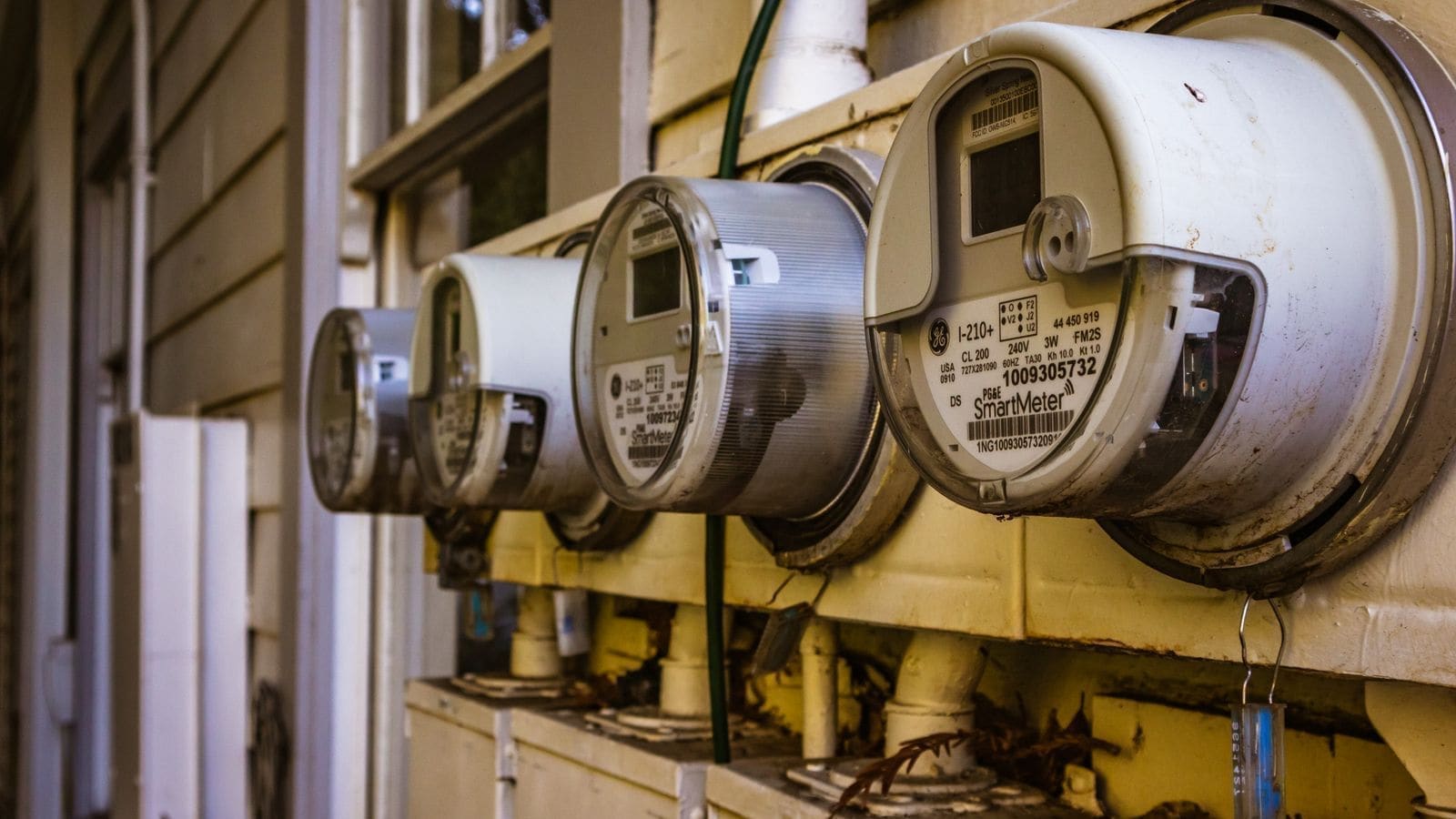
If you already have a SMETS2 smart meter installed by your supplier, you can pull consumption data directly into Home Assistant — no additional hardware required. The recommended path for UK users is the Hildebrand Glow approach: register your meter with the free Bright app (available on Android and iOS), then install the Hildebrand Glow (DCC) HACS integration in Home Assistant. This provides half-hourly electricity and gas readings via the Hildebrand API, with data delayed by approximately 30 minutes.
For Octopus Energy customers, the popular HomeAssistant-OctopusEnergy HACS integration (by BottlecapDave) adds live electricity and gas consumption, current tariff rates, and saving-session signals directly as Home Assistant sensors. This works particularly well with Octopus Agile and Intelligent tariffs, enabling automations that shift load to the cheapest half-hour slots of the day.
Setting Up the Home Assistant Energy Dashboard
Home Assistant ships with an Energy Dashboard accessible from the sidebar. Before you can populate it, your sensors must have the correct metadata:
- device_class: energy
- state_class: total_increasing
- unit_of_measurement: kWh
Sensors from the official Shelly, TP-Link, and Hildebrand Glow integrations already set these attributes automatically. Once you have at least one qualifying sensor, navigate to Settings → Dashboards → Energy and follow the setup wizard. You can add electricity grid consumption, solar generation, battery storage, and individual device consumption sources in one place.
Adding your current electricity tariff rate (in £ per kWh) as a helper entity lets the dashboard display monetary cost alongside kWh figures — a straightforward way to see spending at a glance. If you are on a time-of-use tariff, the Octopus Energy integration can provide a live cost sensor that adjusts automatically as rates change.
Useful Automations Once Monitoring Is in Place
Energy monitoring data unlocks a range of practical automations. Here are three that UK Home Assistant users find particularly useful:
- Tumble dryer notification — Watch the smart plug power reading drop below 5W after a sustained period of high draw. Trigger a notification to your phone when the cycle ends, so damp clothes are not left sitting for hours.
- Off-peak dishwasher — On Octopus Agile, use the rate sensor to start a smart plug — or a WiFi-enabled dishwasher — only when the unit rate drops below a threshold (for example, 15p/kWh).
- High-consumption alert — If your whole-home clamp monitor shows consumption above a threshold (say, 5 kW) for more than 10 minutes unexpectedly, send a push notification. A forgotten electric heater or a faulty appliance can add £ to your bill quickly at current rates.
For more ideas on building automations like these, see our Home Assistant automations guide, which covers the full range of triggers, conditions, and actions available in YAML and the visual editor.
Getting Started: A Recommended Path for UK Homes
If you are new to Home Assistant and want to start monitoring energy without overwhelming complexity, the following order tends to work well:
- If you have a SMETS2 meter and use Octopus Energy, install the OctopusEnergy HACS integration first — this gives you whole-home data at zero hardware cost.
- Add two or three Tapo P110 smart plugs on your highest-draw appliances (electric shower excepted — do not use a smart plug on a high-wattage fixed appliance). Dishwasher, washing machine, and tumble dryer are ideal candidates.
- Configure the Energy Dashboard and set your current electricity rate in p/kWh so you see live costs.
- Once you are comfortable reading the data, consider a Shelly EM at the consumer unit for true whole-home visibility — or the Shelly Pro 3EM if you have a three-phase supply.
Setting up Home Assistant itself is covered step by step in our Home Assistant UK setup guide, including hardware recommendations for the host device and initial network configuration.
UK-Specific Considerations
A few points worth noting for UK buyers specifically:
- Plug standards — All hardware listed here is available in UK Type G format or ships with a suitable UK plug. Always verify UKCA or CE marking before purchasing electrical accessories.
- Consumer unit access — Clamp monitors require access inside or adjacent to the fuse board. While the clamps themselves do not involve live wiring, fitting them in a tight or complex board is best done by a qualified electrician familiar with BS 7671.
- Standing charges — The Ofgem price cap sets both a unit rate and a daily standing charge. To calculate a truly accurate monthly bill prediction in Home Assistant, include the standing charge (currently around 61p/day for electricity under the Q2 2026 cap) as a fixed offset in your cost helper.
- Solar export — Homes with solar PV can monitor both import and export via the Shelly EM (bi-directional CT clamp) or Shelly Pro 3EM. The Energy Dashboard has dedicated solar generation and grid export fields.
Once your energy monitoring is in place, the logical next step is automating the biggest consumer in most UK homes: central heating. Our guide to home assistant heating control covers every integration approach, from tado and Hive to DIY OpenTherm gateways, along with automations that reduce waste during empty periods and cheap tariff windows. Wet appliances are catching up on solar-aware scheduling too, just without an open API yet: Miele's G8 Diamond dishwasher, unveiled at IFA 2026, lets owners tie a wash cycle to surplus solar generation from inside the Miele App — a manufacturer-locked version of the load-shifting automations you can already build in Home Assistant with the energy data above.
For per-circuit control as well as monitoring, our NodOn SIN-4-1-21 review looks at a Zigbee relay that switches a load and reports its power and energy use natively to Home Assistant.