What Is Home Assistant Assist?
Assist is the voice assistant engine built into Home Assistant. Rather than relying on predefined cloud APIs, it uses a pipeline of local components to handle speech recognition, natural language understanding, and speech synthesis. The pipeline has three stages:
- Speech-to-text (STT): A local Whisper model converts your spoken words into text.
- Intent recognition: Home Assistant matches the transcribed text against predefined sentence templates to work out what you want to do.
- Text-to-speech (TTS): Piper converts Home Assistant's response back into spoken audio.
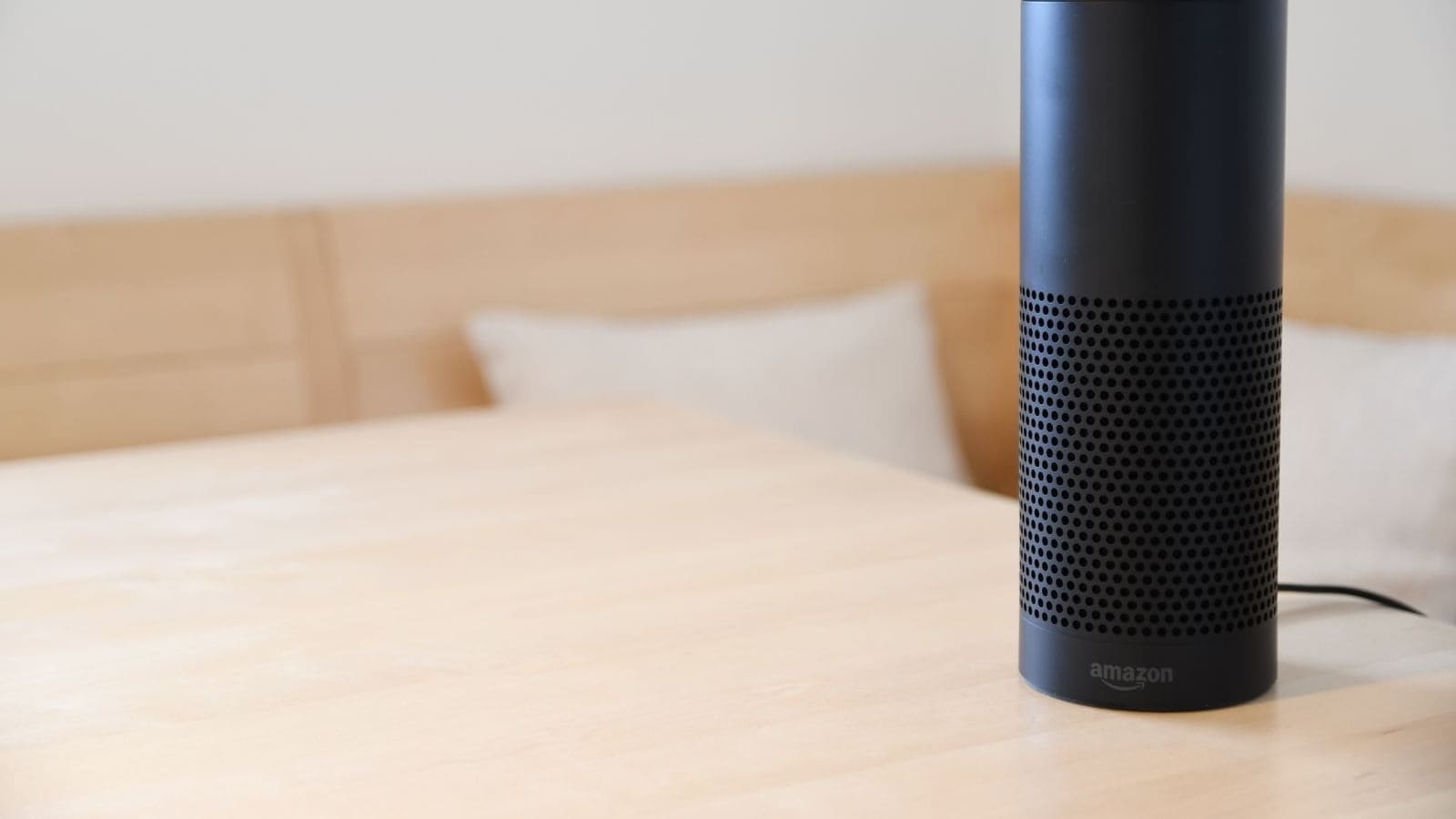
Because all three stages run on your own server, Assist works even when your broadband goes down — a significant advantage over Alexa or Google Home, which both become completely unresponsive without an internet connection.
Hardware Options for UK Users
You have several choices for the physical microphone and speaker that talks to Assist. The right option depends on your budget and how hands-on you want to be.
Home Assistant Voice Preview Edition
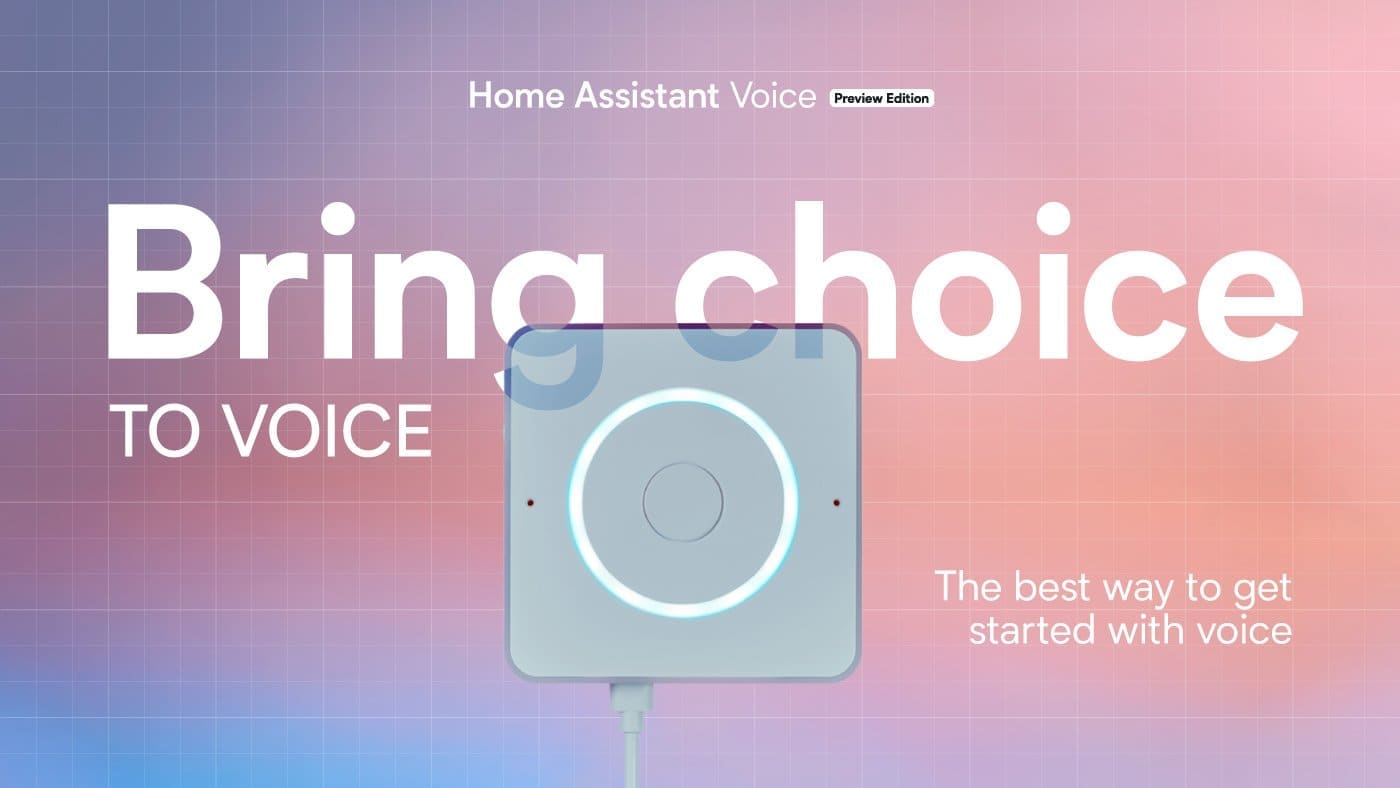
The Home Assistant Voice Preview Edition is an official device from Nabu Casa — the company behind Home Assistant. It is a compact puck with a dual microphone array, built-in speaker, and an LED ring for visual feedback. It connects over Wi-Fi and claims into your Home Assistant instance automatically via the Wyoming protocol. UK retailers including The Pi Hut stock the device; prices vary by retailer so check current listings before purchasing.
The Voice Preview Edition is purpose-built for this use case, which means the firmware is pre-flashed and the hardware is optimised for far-field microphone pickup. For most UK households who want a plug-and-play experience, this is the recommended starting point.
ESP32-S3-BOX-3 DIY Satellite
If you prefer a DIY route, Espressif's ESP32-S3-BOX-3 development kit can be flashed with an ESPHome firmware that turns it into a fully local voice satellite. Home Assistant maintains an official guide for this process, and the device claims into your instance in roughly 15 minutes. The ESP32-S3-BOX-3 includes a touchscreen, speaker, and microphone — making it a capable multi-room satellite at a lower unit cost than a commercial smart speaker.
UK availability of the ESP32-S3-BOX-3 varies; check Pimoroni, Mouser UK, and RS Components for current stock. Prices vary by retailer.
Raspberry Pi with USB Microphone
If you already have a Raspberry Pi running Home Assistant (or a separate Pi as a satellite), you can attach a USB microphone and a small speaker. The ReSpeaker Lite board provides a compact USB microphone array suitable for this purpose. This is the most budget-friendly option and works well in a dedicated room where the Pi can sit unobtrusively.
Software Stack: Whisper, Piper, and Wyoming
The software side of Home Assistant voice control relies on three open-source components that run as add-ons inside Home Assistant OS.
Whisper (Speech-to-Text)
OpenAI's Whisper model is the speech recognition engine. Home Assistant packages it as an add-on that runs locally; your voice never reaches OpenAI's servers. Whisper supports 51 languages, including British English. On a modern host such as an Intel N100 mini-PC, the base model processes a typical short command in under 200 milliseconds — fast enough that the delay is barely perceptible. On a Raspberry Pi 4, expect slightly longer processing times; the tiny model is recommended in that case.
Piper (Text-to-Speech)
Piper is the text-to-speech engine that speaks Home Assistant's responses aloud. It is also a local add-on and includes several British English voices, so responses sound natural rather than with a generic American accent. You can choose between voices in the add-on settings.
Wyoming Protocol
The Wyoming protocol is the lightweight communication layer that connects satellite devices to the Whisper and Piper add-ons running on your Home Assistant server. When you speak into a Voice Preview Edition or an ESP32 satellite, the audio is streamed over your local network to the Wyoming integration, processed through the voice pipeline, and the response is streamed back. Nothing leaves your home network at any point.
Step-by-Step Setup
The following steps assume you already have Home Assistant OS running. If you are starting from scratch, see our Home Assistant UK setup guide before continuing.
1. Install the Whisper Add-on
In the Home Assistant UI, go to Settings > Add-ons > Add-on Store and search for Whisper. Select the Whisper add-on from the Home Assistant add-on repository, configure the language to en-gb for British English, and start the add-on. The Wyoming integration will auto-discover it.
2. Install the Piper Add-on
From the same add-on store, install Piper. In its configuration, choose a British English voice — en_GB-jenny-medium is a popular choice for a natural-sounding female voice. Start the add-on; again, Wyoming auto-discovers it.
3. Confirm Wyoming Integration
Go to Settings > Devices & Services. You should see both Whisper and Piper listed as Wyoming devices. If they are not discovered automatically, add the Wyoming integration manually and point it to localhost.
4. Create a Voice Assistant Pipeline
Go to Settings > Voice Assistants and select Add Assistant. Give it a name, set the Speech-to-text engine to Whisper, and set Text-to-speech to Piper. You can also set the conversation agent to the built-in Home Assistant agent for reliable intent recognition, or to a local large language model via Ollama for more flexible natural language if your hardware supports it.
5. Connect Your Satellite Device
Plug in your Voice Preview Edition or flash your ESP32 satellite. Both devices will appear in Home Assistant's device registry automatically. Assign the satellite to your new voice assistant pipeline in the device settings.
Voice Commands That Work Out of the Box
Assist includes a comprehensive set of built-in sentence templates that cover the most common smart home tasks:
- Controlling lights: "Turn on the lounge light," "Dim the bedroom to 40 per cent," "Set the kitchen to warm white."
- Controlling climate: "Set the thermostat to 19 degrees," "Turn on the heating."
- Media playback: "Play jazz in the living room," "Pause the music."
- Timers: "Set a 10 minute timer," "How long is left on the timer?"
- Queries: "Is the front door locked?" "What is the temperature in the bedroom?"
- Triggering automations: "Run the goodnight routine."
Commands that fall outside the predefined templates return a polite "I don't understand" response rather than failing silently. Pairing Assist with a local large language model (via the Ollama integration) extends this significantly, though it requires a more powerful host.
Privacy: How This Compares to Alexa and Google Home
The privacy difference between Home Assistant voice control and commercial voice assistants is substantial. Alexa records and transmits every voice command — along with device activity, routine triggers, and network information — to Amazon's cloud servers. Google Home operates similarly. In contrast, a fully local Home Assistant setup processes everything on your own hardware. Your voice recordings are never stored, never transmitted, and never shared with third parties.
For UK households covered by GDPR, this matters: data processed locally is not subject to data transfers to third-country servers or the privacy policies of US technology companies. It also means your smart home continues to function during internet outages — a common concern in rural UK areas with less reliable broadband infrastructure.
Integrating Voice Control with Automations
Voice commands become far more powerful when combined with Home Assistant automations. You can trigger complex multi-step automations with a single spoken phrase, or use voice commands as conditions within automations. For example, a "goodnight" voice command can lock the front door, switch off all lights, lower the thermostat, and start a security camera recording — all in one utterance. Our Home Assistant automations guide covers the building blocks you need to set this up.
Troubleshooting Common Issues
Whisper does not recognise British English correctly: Ensure the language is set to en or en-gb in the Whisper add-on configuration. The base or small model generally has better accent handling than the tiny model.
Satellite device not discovered: Check that the Wyoming integration is installed and that the satellite and Home Assistant server are on the same VLAN. If you have IoT network segmentation, the satellite must be able to reach the HA server's IP on the Wyoming port (10400 by default).
High latency responses: This usually indicates the STT processing is CPU-bound. Try switching to the tiny Whisper model, or consider upgrading your Home Assistant host to an Intel N100 or similar low-power x86 machine.
Piper voice sounds robotic: Switch to the medium quality voice model rather than the low quality one. The file size is larger but the difference in naturalness is significant.
Why go local at all? Google confirmed in August 2026 that Assistant is being retired from Android phones and Wear OS from 4 September 2026 in favour of Gemini — a reminder that cloud voice assistants can be switched off on a vendor's schedule. See what the Google Assistant shutdown means for your smart home for the full breakdown of what changes and what does not.