What Makes a Router Good for Smart Homes?
Most UK broadband providers supply a free hub with your contract — the BT Smart Hub 3, Sky Max Hub, or Virgin Media Hub 5 are all decent for general browsing, though which one lands on your doorstep depends on whether your line is full fibre or cable (see our fibre vs cable broadband UK guide for how the two compare). But they tend to fall short for smart homes in three key ways:
- Device limits: ISP hubs typically cap connected devices at 32–64. A well-equipped smart home can easily exceed that once you count phones, laptops, smart bulbs, plugs, sensors, cameras, and voice assistants.
- No IoT VLAN or guest-network isolation: Keeping smart devices on a separate network segment from your main computers is a crucial security practice, and most ISP hubs don't support it — see our home network security guide for the full checklist.
- Weak 2.4 GHz performance: Almost all smart home devices — Zigbee bridges, Matter devices, cheap plugs — use the 2.4 GHz band. Budget hubs deprioritise this band in favour of 5 GHz speed tests.
Wi-Fi 6 (802.11ax) is the sweet spot for UK smart homes in 2026. Its key advantage is OFDMA (Orthogonal Frequency Division Multiple Access), which allows the router to serve many small packets to multiple devices simultaneously — ideal for the constant trickle of status updates from sensors and smart plugs. Wi-Fi 6 also introduced Target Wake Time (TWT), which lets battery-powered IoT devices sleep between check-ins, preserving battery life.
For most UK homes on broadband packages up to 500 Mbps, a good Wi-Fi 6 router without 6E offers the best value. Tri-band becomes worthwhile only in larger properties with 30 or more connected devices, or when you're also running a mesh system that needs a dedicated backhaul band.
Our Top Picks
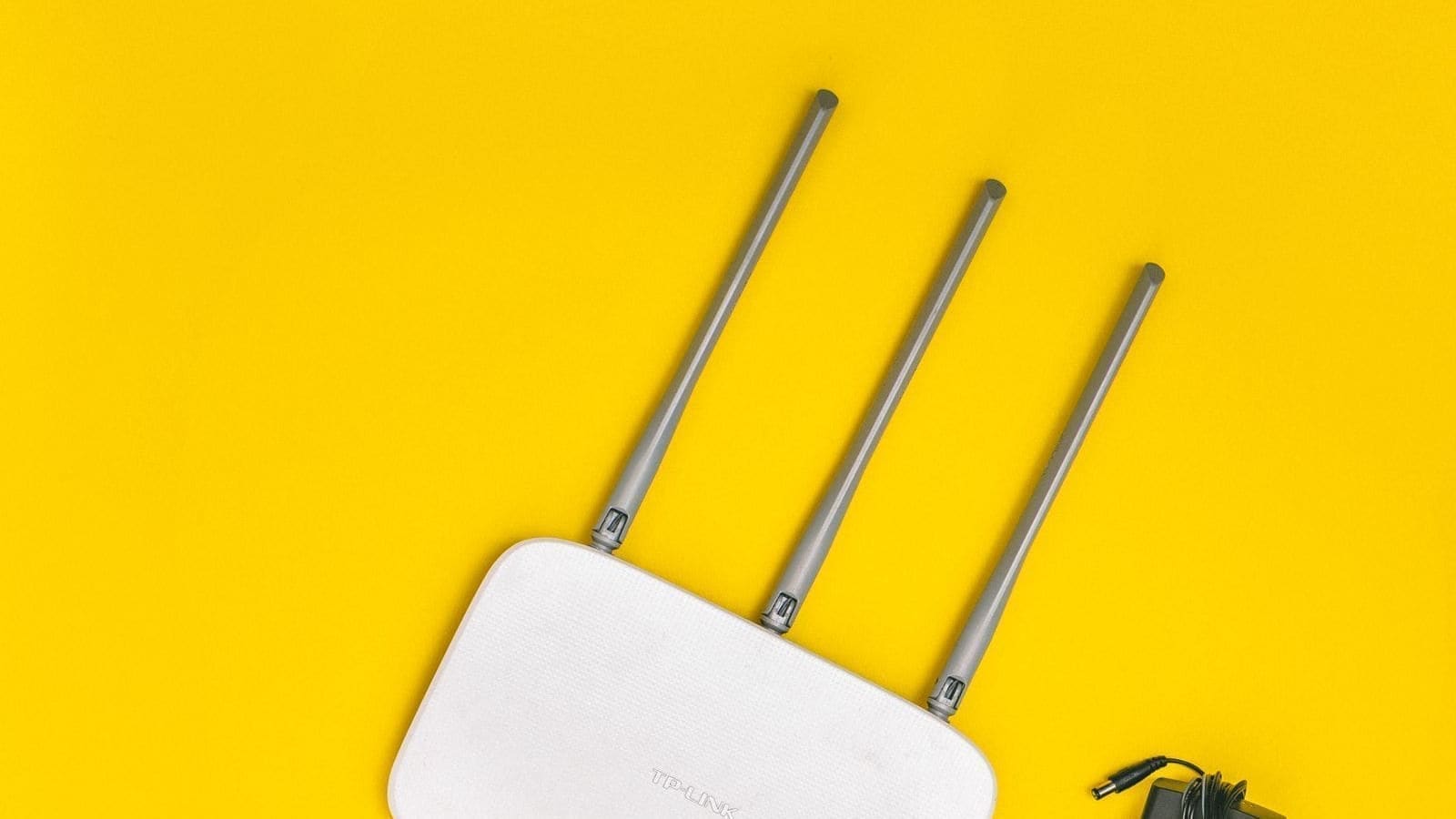
1. TP-Link Archer AX55 — Best Value Wi-Fi 6 Router for Smart Homes
Who it's for: Most UK smart home owners who want reliable Wi-Fi 6 without spending more than £80.
The Archer AX55 is an AX3000 dual-band Wi-Fi 6 router that punches above its price bracket for smart home use. It supports OFDMA and MU-MIMO on both bands, meaning your Zigbee bridge, smart bulbs, and phones all get simultaneous attention rather than queuing for access. The built-in TP-Link HomeShield security layer scans IoT traffic for known malware signatures — a useful safeguard given how rarely smart device firmware gets updated.
The router supports EasyMesh, so you can pair it with a TP-Link Deco node later if coverage becomes an issue. It also works with Alexa for basic voice control of network functions. For UK fibre connections (both FTTC and FTTP), setup is straightforward via the Tether app.
Prices vary by retailer; check Amazon UK and Currys for the current best deal. The AX55 is available across major UK retailers and is well suited to flats and medium-sized homes.
2. TP-Link Deco X50 (2-Pack) — Best Mesh Option for Smart Homes
Who it's for: Owners of larger UK homes or Victorian terraces where signal drop-off is a problem.
If your smart home spans multiple floors or thick brick walls (common in older UK housing stock), a single router will leave dead zones. The Deco X50 2-pack delivers whole-home mesh Wi-Fi 6 coverage — for a full breakdown of every Deco model, see our TP-Link Deco review UK. Each node supports AX3000 speeds and the same OFDMA and TWT benefits as the AX55, but the mesh backhaul keeps IoT devices connected even as you move between rooms.
The Deco app makes it straightforward to set up a separate IoT network — a dedicated SSID for smart devices only, isolated from your main devices. This is the single most effective step you can take to protect smart home security. The X50 2-pack is priced competitively; prices vary by retailer across Amazon UK, Currys, and John Lewis.
Users running mesh Wi-Fi systems should note that the Deco range integrates smoothly with TP-Link's broader ecosystem, including their Tapo smart plug and camera lines.
3. ASUS RT-AX86U — Best Performance Router for Power Users
Who it's for: Enthusiasts running Home Assistant on a local server who need full control over network segmentation.
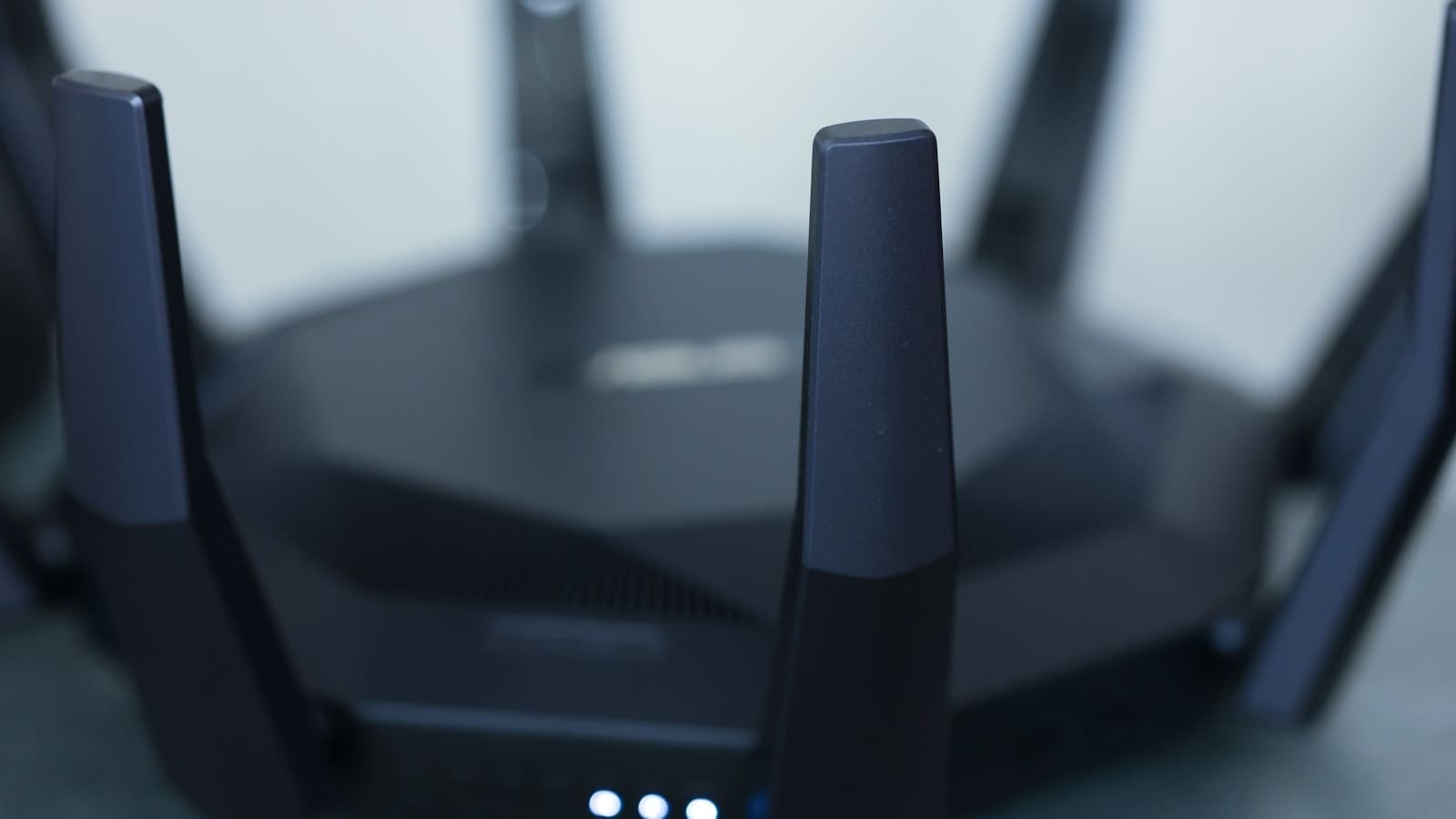
The RT-AX86U is an AX5700 dual-band Wi-Fi 6 router with a 2.5 Gbps WAN port — future-proof for the multi-gigabit broadband connections now rolling out across UK cities via Virgin Media and Openreach's full-fibre network. For smart home power users, its real strength is the ASUS Router app and ASUSWRT firmware, which expose full VLAN configuration, a dedicated IoT guest network, and granular QoS rules.
ASUSWRT also supports AiMesh, letting you pair additional ASUS routers as nodes for seamless whole-home coverage without needing a separate mesh system purchase. The RT-AX86U is available at Currys and Amazon UK; prices vary and it sits at the premium end of the standalone router market.
If you're running Home Assistant with local integrations and need guaranteed low latency for MQTT communication between devices and your server, the RT-AX86U's processing power (1.8 GHz dual-core CPU, 512 MB RAM) keeps the local network snappy even with 50+ connected devices.
4. Netgear Nighthawk AX5400 (RAX50) — Best for Virgin Media and Cable Connections
Who it's for: Virgin Media subscribers who need a capable third-party router to replace or sit behind their Hub 5.
Virgin Media's Hub 5 is competent in modem-only mode (IP passthrough), and pairing it with the Nighthawk RAX50 gives you far more control. The RAX50 is an AX5400 dual-band Wi-Fi 6 router with Netgear's Armour security powered by Bitdefender, which automatically scans connected IoT devices and alerts you to unusual traffic patterns. For a smart home with security cameras and always-on sensors, this kind of behavioural monitoring is a meaningful extra layer of protection.
Prices vary by retailer; the RAX50 is sold across Amazon UK, Currys, and John Lewis. It's a sensible mid-tier choice if you want reliable Wi-Fi 6 without the configuration depth of the ASUS.
Key Features to Look For
IoT Network Isolation (Guest or VLAN)
Any router you buy for a UK smart home should support a separate network for IoT devices. This isolates a compromised smart plug or camera from your banking apps and personal data. Look for a router that lets you create a named SSID for smart devices with client isolation enabled. For a full walkthrough on doing this properly with Home Assistant, see our guide to setting up an IoT VLAN with Home Assistant.
Dual-Band vs Tri-Band
For homes with fewer than 30 smart devices, dual-band Wi-Fi 6 is sufficient. The 2.4 GHz band handles all your IoT sensors, plugs, and bridges; the 5 GHz band covers laptops, phones, and streaming. Tri-band routers add a second 5 GHz radio, which helps in dense device environments or when using a mesh node that needs a dedicated backhaul channel.
2.4 GHz Radio Quality
Check that the router lists OFDMA support on its 2.4 GHz band, not just 5 GHz. Many budget Wi-Fi 6 routers only implement OFDMA on the faster 5 GHz radio, leaving your IoT devices on a legacy-style 2.4 GHz connection. All four routers on this list support OFDMA on both bands.
UK Fibre Compatibility
All four routers on this list work with UK FTTC and FTTP broadband. For FTTC (fibre-to-the-cabinet, the most common type in the UK), you connect the router to your existing telephone-line modem or use a router with a built-in VDSL modem. For full-fibre FTTP connections, you connect directly via Ethernet from the Optical Network Terminal (ONT) on your wall. Confirm with your ISP whether a PPPoE username and password are required — most UK ISPs (BT, Sky, TalkTalk) need this configured in the WAN settings. Not sure which broadband speed tier your smart home actually needs? See our guide to choosing broadband for a smart home for download and upload recommendations.
Tips for Setting Up Your Smart Home Router
- Use a separate SSID for IoT devices — name it something memorable like SmartHome-2.4 so you always know which network to connect new devices to.
- Reserve IP addresses for your most critical devices (Home Assistant server, Zigbee gateway, NAS) so their local IP never changes.
- Disable UPnP unless you have a specific need for it — smart home devices rarely require UPnP and it is a common attack vector.
- Keep firmware updated — router manufacturers push security patches regularly. Enable automatic firmware updates if your router supports it.
- Place the router centrally — in UK terrace houses, the router often ends up in a hallway or near the front door where the master socket is. Consider a powerline adapter or mesh node to extend coverage to the back of the house where smart home hubs often live.
If budget is tight and you only need to fix one weak-signal room rather than upgrade your whole network, a Wi-Fi extender can be a more affordable first step before committing to a full router replacement.