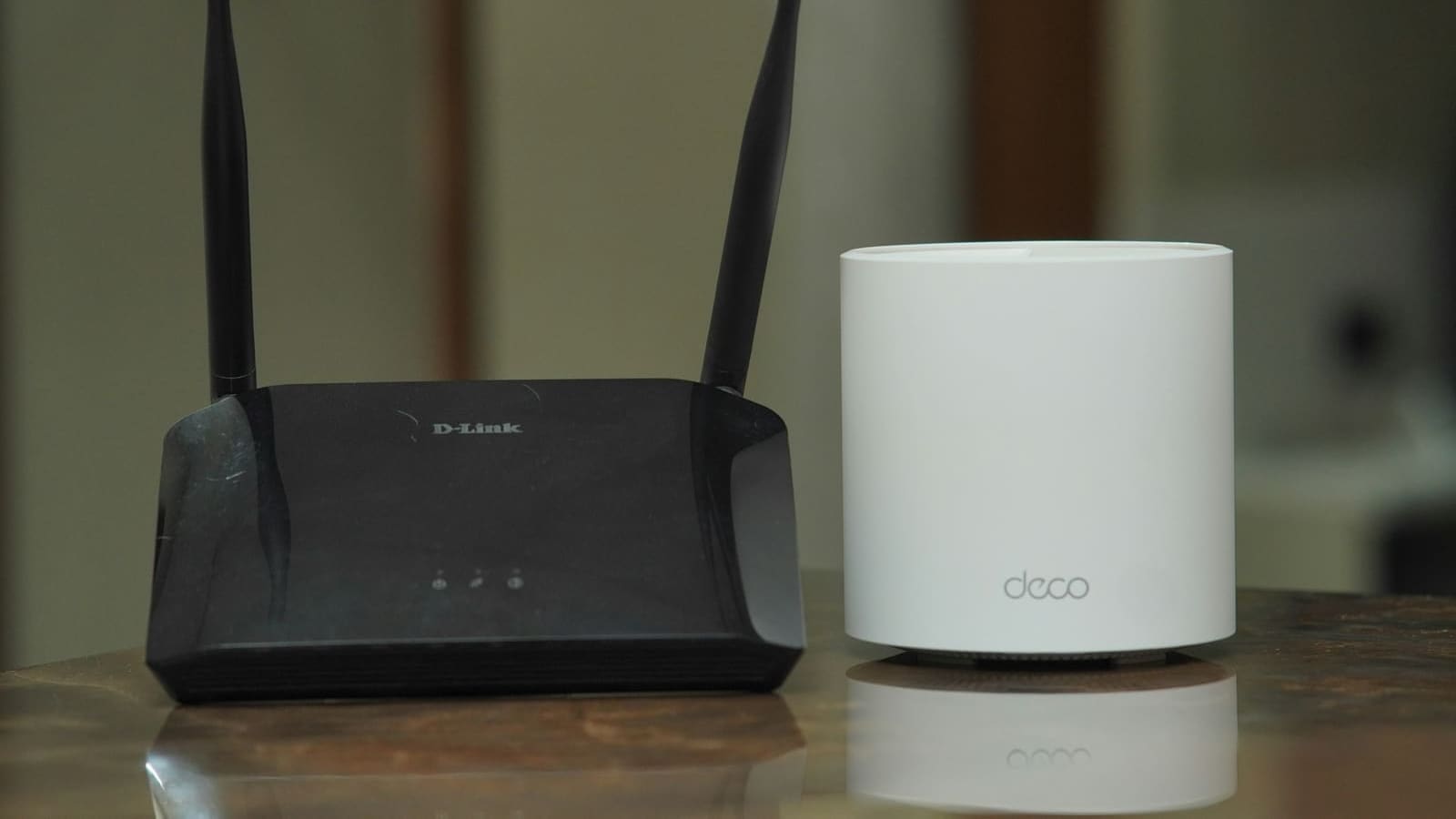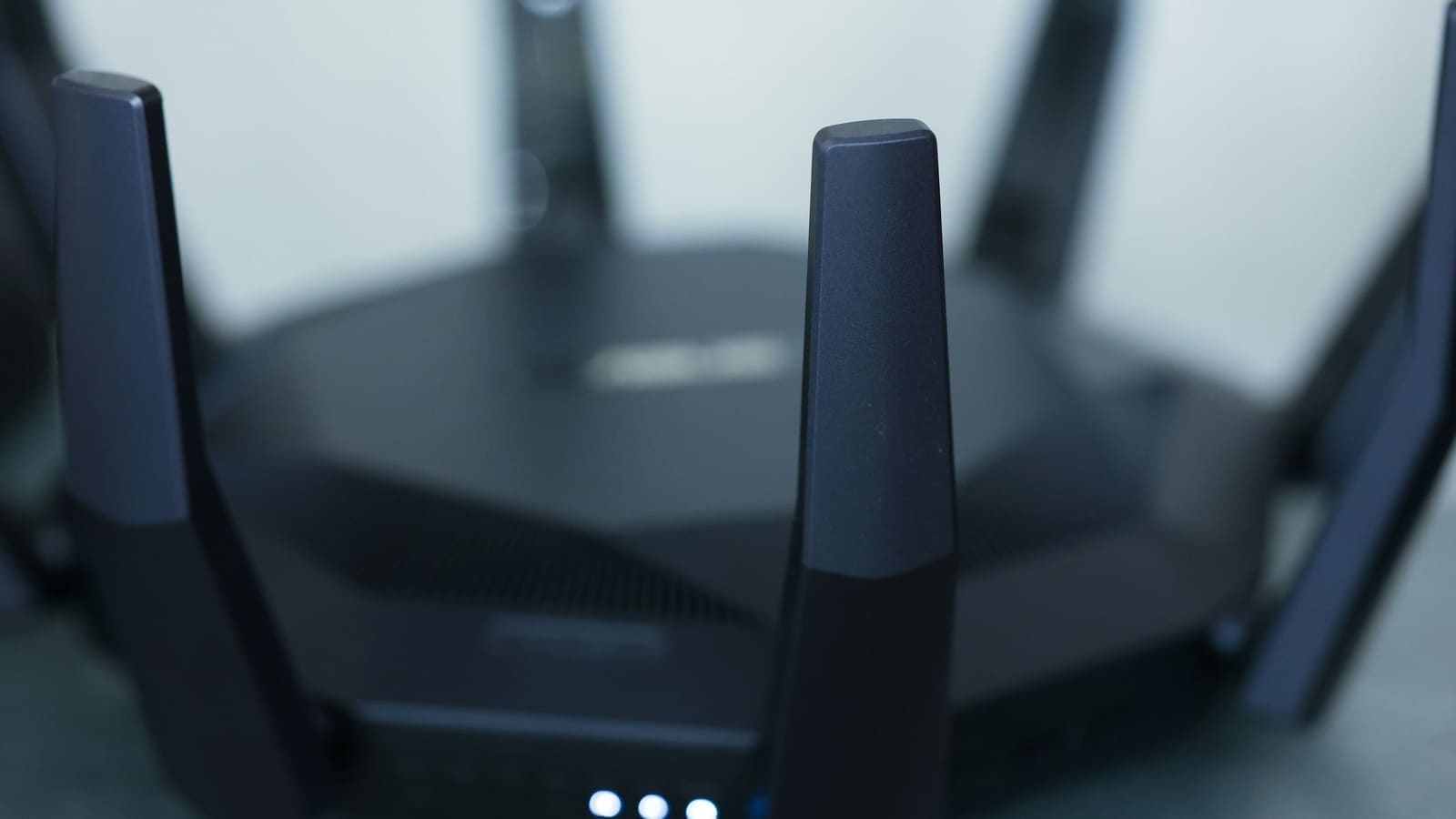
What actually is the difference between WiFi 6 and WiFi 6E?
Both standards use the same underlying 802.11ax radio technology and share the same theoretical maximum throughput of up to 9.6Gbps. The difference is entirely about spectrum: WiFi 6 operates on 2.4GHz and 5GHz, the two bands every WiFi generation has used since the early 2000s. WiFi 6E adds a third band at 6GHz that only 6E-certified (and newer WiFi 7) devices can see or use. Because that band has never carried consumer WiFi traffic before, there's no interference from years of accumulated older routers, baby monitors, and neighbours' 2.4GHz networks — every device on it is running the efficient 802.11ax protocol. TP-Link's own comparison of the two standards confirms both max out at the same 160MHz channel width and 9.6Gbps ceiling, with 6E's real-world speed advantage coming from that cleaner spectrum rather than any change to the standard itself.
Is WiFi 6E actually legal to use in the UK?
Yes — the lower part of the 6GHz band (5925–6425MHz) has been open for licence-exempt indoor and outdoor WiFi use in the UK since 2020, which is the range WiFi 6E and WiFi 7 routers have been using ever since. Ofcom went further in July 2026, confirming shared access to the upper 6GHz band (6425–7125MHz) between WiFi and mobile networks. Under that decision, WiFi gets priority use of the lower 160MHz of the upper band (6425–6585MHz) on a licence-exempt basis, while mobile operators get priority over the remaining 540MHz — though Ofcom says mobile networks won't actually start using that spectrum until after 2030. For everyday purposes, this means the 6GHz band available to WiFi 6E routers in UK homes is only going to get wider over the next few years, not narrower.
Which UK phones and laptops support WiFi 6E?
Support has become mainstream on flagship hardware from the last two to three years. On the Apple side, iPhone 15 Pro, iPhone 15 Pro Max and all iPhone 16 models support WiFi 6E, as do recent MacBook Air and iPad Pro models. On Android, Samsung's Galaxy S22 Ultra was the first Samsung flagship with 6E support, and the entire Galaxy S23 line onwards ships with it as standard, alongside recent Google Pixel flagships. Budget and mid-range phones, and older devices from before 2022, generally still only support WiFi 6 or WiFi 5 — check your specific phone or laptop's spec sheet before assuming 6E support, since it's still not universal outside flagship tiers.
WiFi 6 vs WiFi 6E: full comparison
| Feature | WiFi 6 (802.11ax) | WiFi 6E (802.11ax) |
|---|---|---|
| Bands used | 2.4GHz, 5GHz | 2.4GHz, 5GHz, 6GHz |
| Max channel width | 160MHz | 160MHz |
| Theoretical max speed | Up to 9.6Gbps | Up to 9.6Gbps |
| Interference from older devices | Yes, on 2.4GHz/5GHz | No, on the 6GHz band |
| UK legal status | Fully licence-exempt since WiFi 5 era | Lower 6GHz licence-exempt since 2020; upper 6GHz WiFi-priority since July 2026 (Ofcom) |
| Typical UK router price (2026) | From around £60 | Typically £50–£150 more than an equivalent WiFi 6 model, prices vary by retailer |
| Device support | Broad — most phones/laptops since ~2019 | Flagship phones/laptops since ~2022 onwards |
Do I need WiFi 6E for a smart home?
Not for the smart home devices themselves. The vast majority of Zigbee, Z-Wave, Thread and Bluetooth smart home kit — plugs, sensors, bulbs, locks — either don't use WiFi at all or run on 2.4GHz WiFi at low bandwidth, so they see no benefit from a 6GHz radio. Where WiFi 6E genuinely helps is the rest of the household network: 4K/8K streaming boxes, video calls, cloud-connected security cameras uploading footage continuously, and phones/laptops competing for bandwidth in a busy flat or a house full of neighbouring WiFi networks. If you're building a mesh system anyway and your budget stretches to it, buying WiFi 6E hardware future-proofs the network for the growing number of 6E and WiFi 7 client devices arriving each year — see our WiFi 6E router picks for the UK for models tested against this exact use case. If you're on a tighter budget or don't have any 6E-capable devices yet, a good WiFi 6 router or mesh WiFi system will comfortably run a smart home without the premium.
How do I check if my router or devices already support WiFi 6E?
Check the router's product page or box for "WiFi 6E" or "AXE" branding (as opposed to plain "WiFi 6" or "AX") — UK ISP-supplied routers rarely include it as standard — the BT Smart Hub 3, for example, is WiFi 6 only — so most 6E adopters buy their own router or mesh kit rather than using the one their broadband provider sent. On a phone or laptop, the WiFi network settings will usually show a 6GHz network as a separate SSID if both the device and router support it; if you only ever see 2.4GHz and 5GHz networks from a 6E router, your client device doesn't support the band. Our guide to routers for smart homes covers how to pick between standard WiFi 6 and 6E models based on your household's actual device mix.
Is it worth upgrading from WiFi 6 to WiFi 6E in 2026?
For most UK households, upgrading is worth it if you already own two or more 6E-capable devices (recent flagship phones, laptops or a games console) and live somewhere with heavy WiFi congestion — flats, terraces, or dense urban streets with dozens of visible neighbouring networks. If your household's phones and laptops are older than about three years, or you're mainly running smart home sensors and a single streaming box, the jump from WiFi 6 to 6E will be hard to notice day-to-day, and the extra £50–150 is better spent on a stronger mesh system or additional access points. Ofcom's 2026 decision to widen the usable 6GHz band means 6E hardware bought now will only get more useful as more devices adopt it, so it's a reasonable long-term buy even if the benefit isn't dramatic on day one.