Step 1: Choose Your Ecosystem First
The single biggest mistake beginners make is buying devices before picking an ecosystem. Smart home ecosystems are the platforms — Amazon Alexa, Google Home, or Apple HomeKit — that tie all your devices together under one roof.
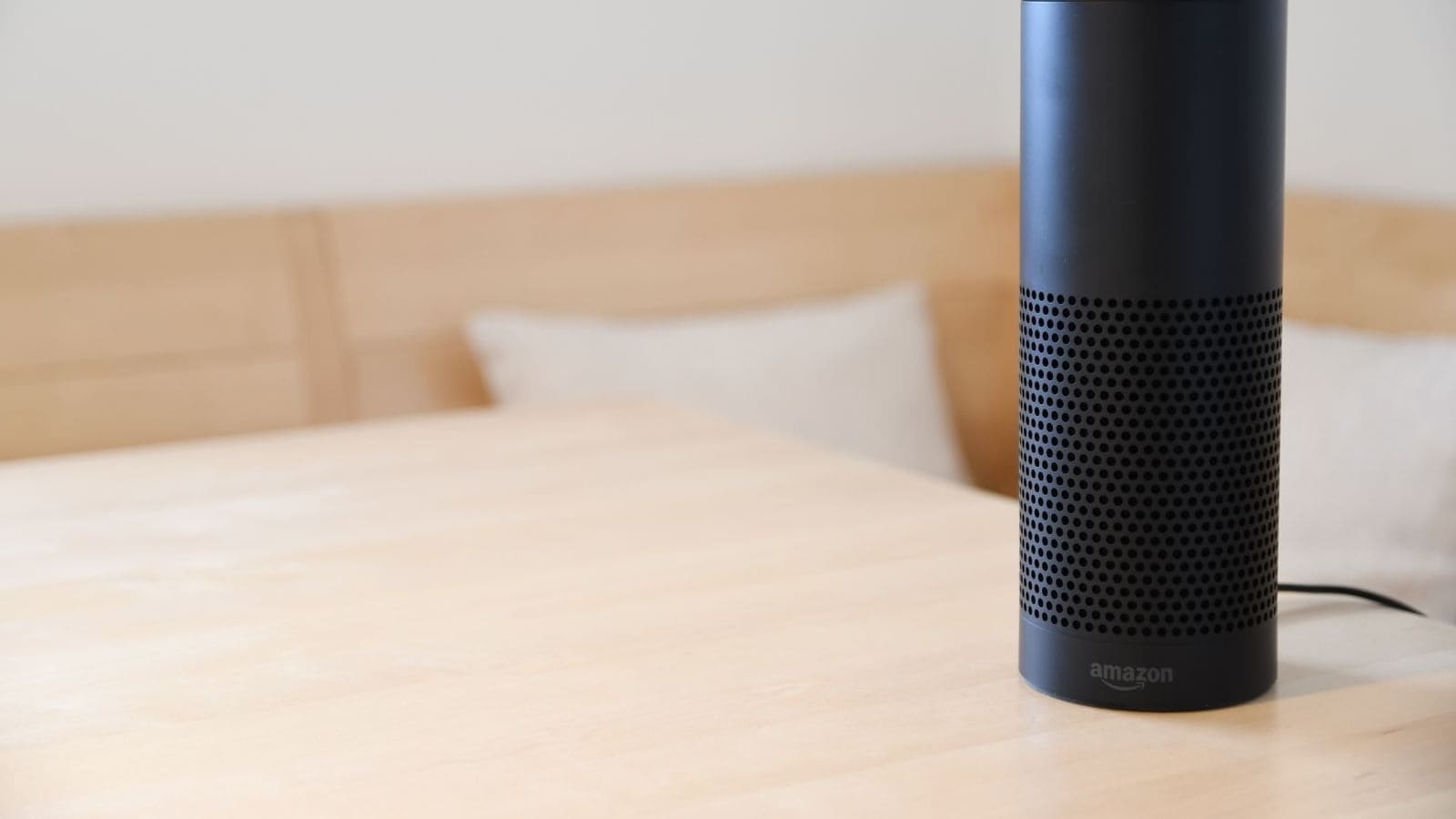
Amazon Alexa is the most popular choice for UK households. Amazon Echo smart speakers start at around £30, Alexa supports over 100,000 compatible devices, and the bundle pricing through Amazon UK is consistently competitive. It is the lowest-friction starting point for most people.
Google Home is the natural fit if you are already embedded in the Google ecosystem — Android phone, Gmail, Google Calendar. The Google Nest Mini and Nest Hub integrate tightly with Google services, and setup is guided and straightforward.
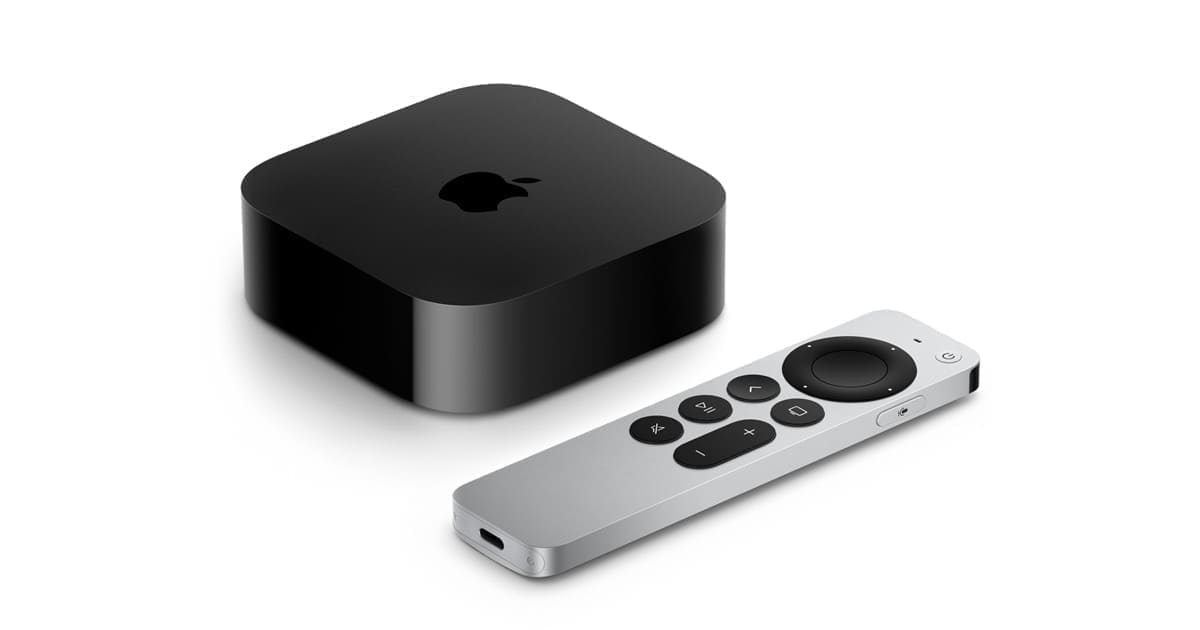
Apple HomeKit offers the most polished experience with the tightest privacy controls, but entry costs are higher. You will need an Apple TV 4K or HomePod Mini as a home hub, and HomeKit-certified devices command a price premium.
A fourth option, increasingly relevant in 2026, is Matter — the universal interoperability standard backed by Apple, Google, Amazon, and Samsung. Matter 1.5, released in late 2025, extended the standard to cameras and energy management devices. If a device carries the Matter badge, it works across all the ecosystems above simultaneously, giving you flexibility to switch platforms later without replacing hardware.
Our recommendation for UK beginners: Start with Alexa or Google Home for the lowest cost of entry. Buy Matter-certified devices wherever possible so you are never locked in.
Step 2: Sort Your Wi-Fi
No smart home works without solid Wi-Fi, and British homes present a specific challenge. Victorian and Edwardian masonry walls, solid concrete floors, and dense brick party walls all attenuate wireless signals far more aggressively than modern timber-frame construction. The free router provided by BT, Sky, or Virgin Media is often adequate for streaming in the lounge, but it will struggle to reach a smart plug in the kitchen or a sensor in the loft.
A mesh Wi-Fi system places two or three nodes around the home to blanket every room in consistent coverage. Systems from TP-Link Deco, Eero, and Google Nest are all available from UK retailers including Amazon, John Lewis, and Currys, with prices varying by model and retailer. If you are planning a larger smart home installation, upgrading your network infrastructure first will save significant troubleshooting time later.
Most smart home devices use the 2.4 GHz Wi-Fi band (not 5 GHz) because it has better range and wall penetration. Make sure your router broadcasts a separate 2.4 GHz network — or that your mesh system handles band steering sensibly — before you start adding devices.
Step 3: Your First Five Devices
Once you have an ecosystem and solid Wi-Fi, here is a sensible order in which to add devices:
1. Smart Speaker or Display
A smart speaker is the control centre of your setup. It handles voice commands, plays music, reads out news and weather, and lets you control every other device hands-free. An Amazon Echo, Google Nest Mini, or Apple HomePod Mini all do this job well. Prices vary by retailer but the entry-level Echo Dot and Nest Mini are typically the most affordable starting points.
2. Smart Plugs
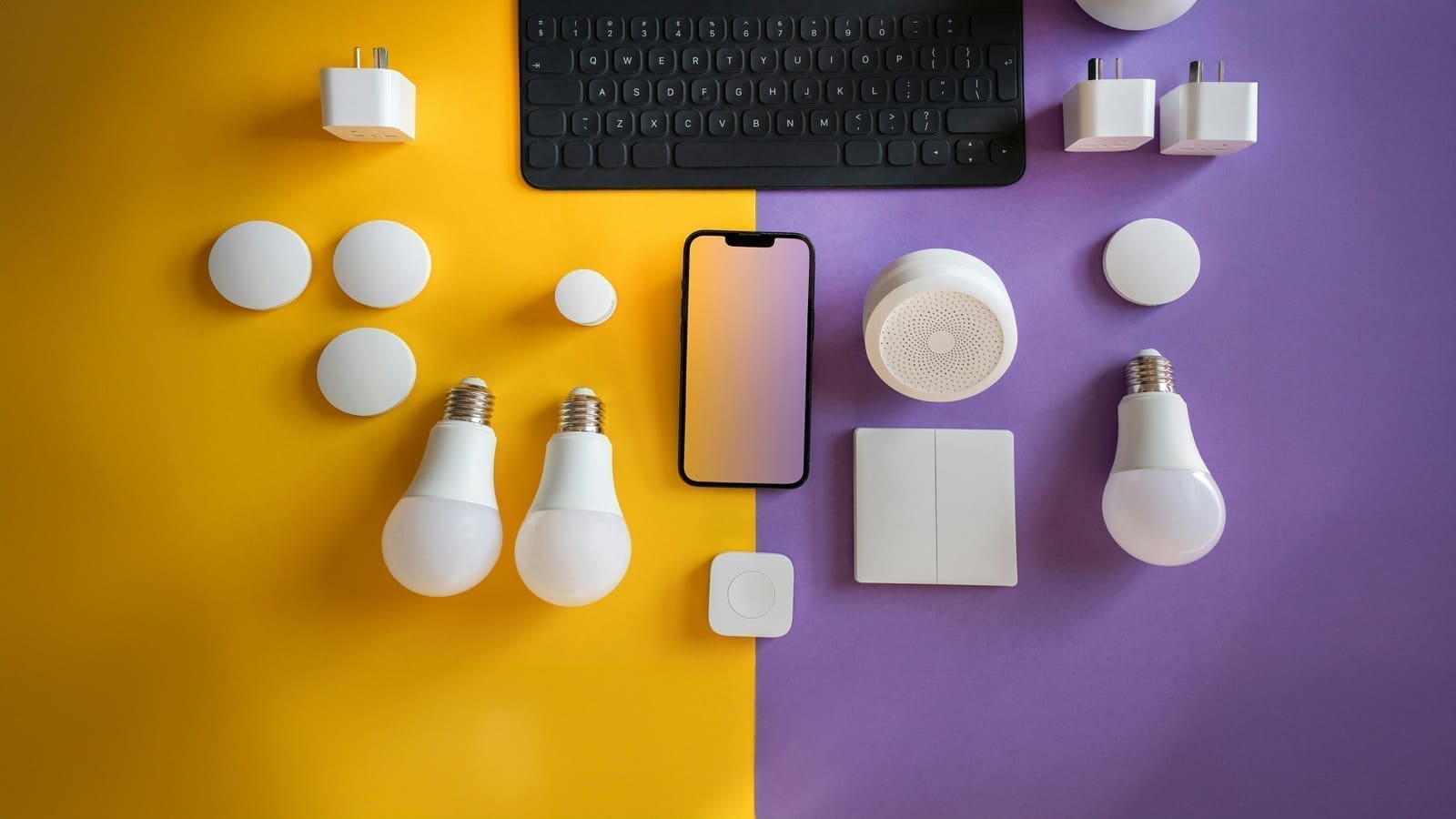
Smart plugs are the most versatile and lowest-risk first purchase. They plug into any standard UK BS 1363 three-pin socket, and you plug a lamp or appliance into them. You can then schedule that device, control it remotely, and — if you choose a model with energy monitoring — track exactly how much electricity it is consuming. According to research from Ofgem's Smart Energy initiative, UK households using real-time energy monitoring cut their consumption by an average of 5.9% in the first year. Models from TP-Link Tapo and Amazon Smart Plug Mini are widely available. See our full breakdown in Best Smart Plugs UK for tested picks and compatibility notes.
3. Smart Bulbs
Smart bulbs let you control lighting by voice, schedule sunrise and sunset routines, and — with colour models — adjust the warmth and colour of the light to suit the time of day. Philips Hue is the market leader: the Hue White and Colour Ambiance starter kit includes two E27 bulbs and a Hue Bridge, with E27 (bayonet B22 variants also available) fitting UK standard lamp holders. IKEA TRADFRI offers a significantly cheaper entry point; a three-bulb colour starter kit with the DIRIGERA hub undercuts Hue considerably. Both use Zigbee radio, which means they do not burden your Wi-Fi network.
4. Smart Thermostat
A smart thermostat is one of the highest-return smart home investments for UK households. With the Ofgem price cap set at £1,758 per year for a typical household in early 2026, heating optimisation matters. tado, Hive, and Nest are the most popular UK options; all three are compatible with UK combi boilers and work with both Alexa and Google Home. Combined with smart thermostatic radiator valves (TRVs), you can heat only the rooms that are occupied, which meaningfully reduces bills for larger homes.
5. Smart Doorbell
A video doorbell lets you see and speak to visitors from your phone, whether you are in the kitchen or on the other side of the country. Ring and Eufy are both sold widely in the UK; both use standard UK wired doorbell wiring or battery power, and both include UK-voltage-compliant adaptors. Ring integrates natively with Alexa; Eufy works well with both Alexa and Google Home.
Step 4: Think About a Hub
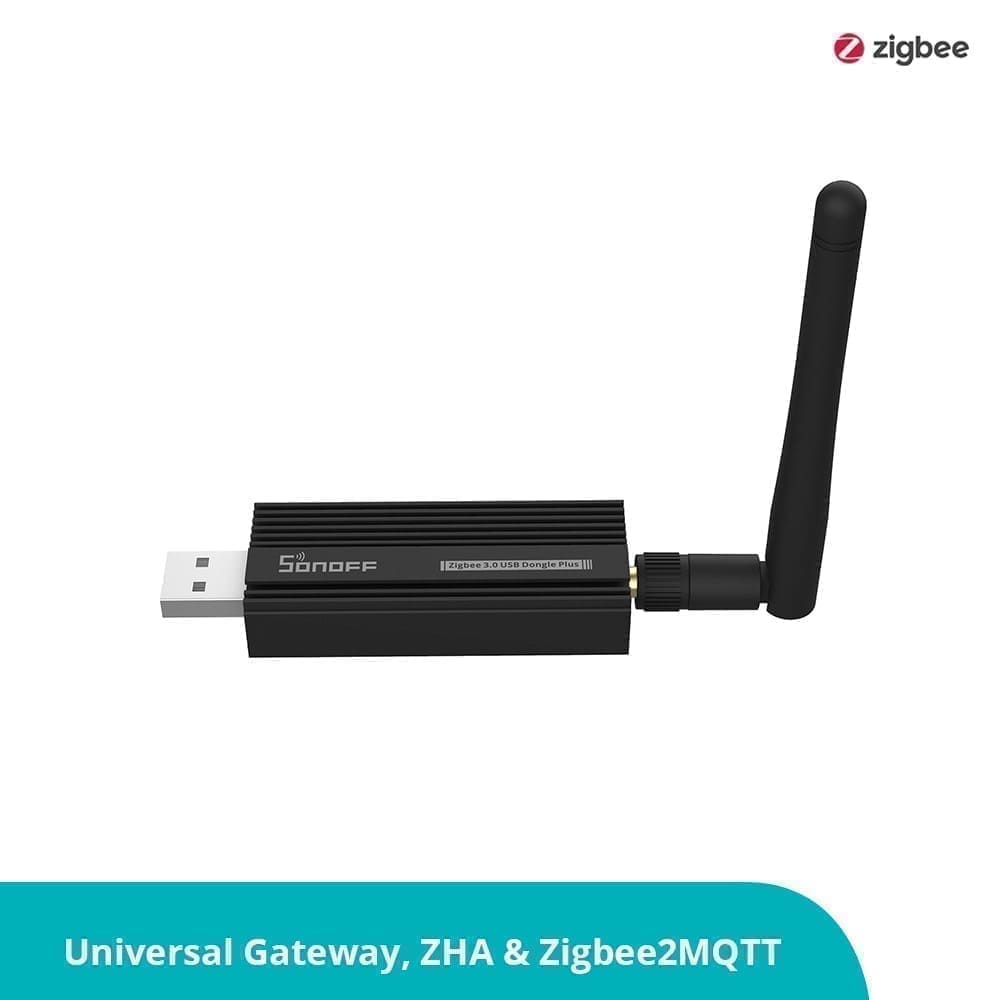
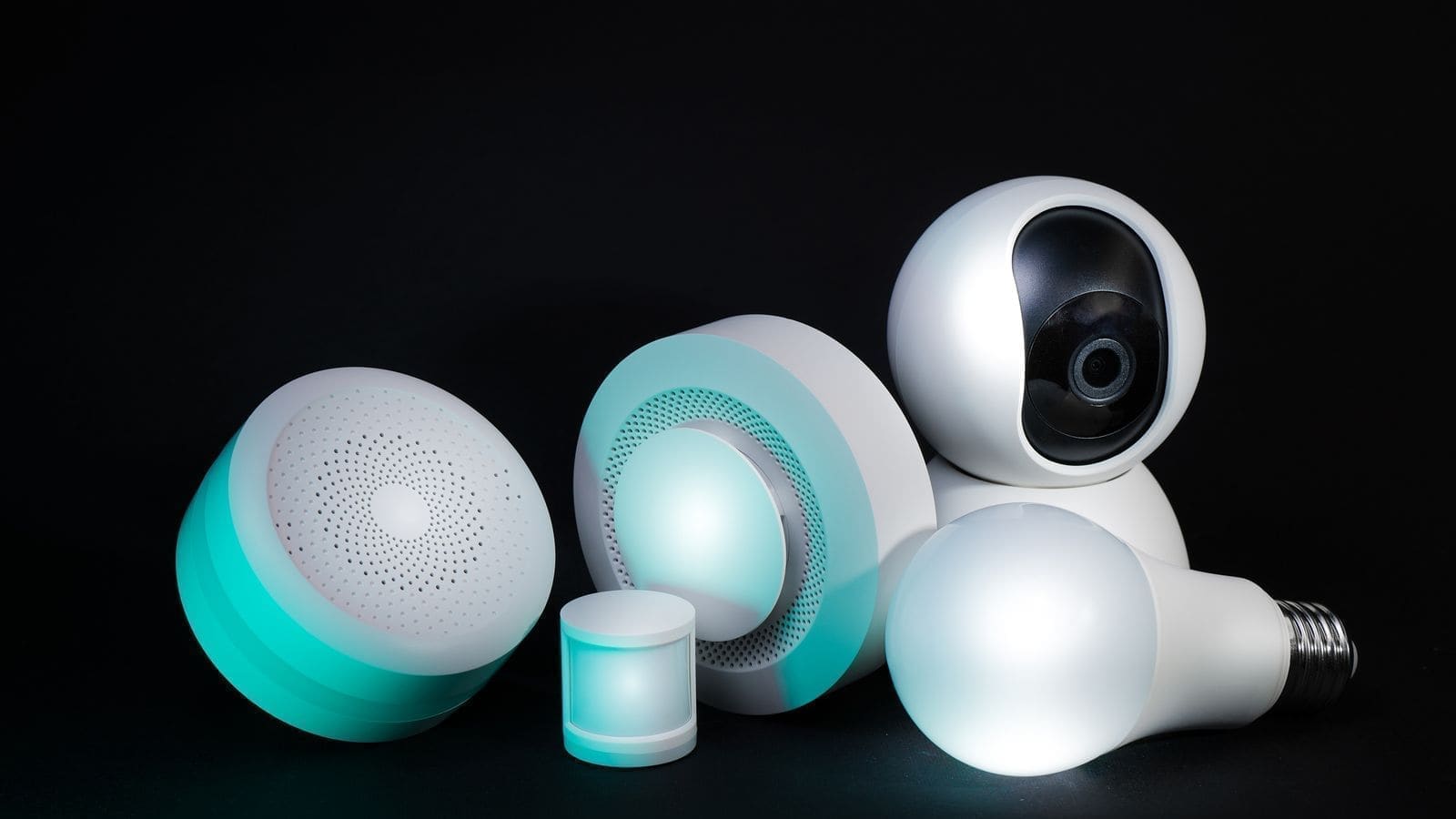
For a small setup of five to ten devices, your chosen ecosystem's app is enough. But as you add more devices — especially Zigbee or Z-Wave devices that do not connect directly to Wi-Fi — you may want a dedicated smart home hub. A hub like the Aqara Hub M3 or a Home Assistant installation (running on a Raspberry Pi 5 or a dedicated Mini PC) can unify devices from different manufacturers under a single interface, run automations locally without relying on cloud connectivity, and keep your data on-premises.
Home Assistant in particular is popular with UK enthusiasts because it integrates with the Octopus Energy API, allowing automations that shift energy-intensive tasks — washing machines, dishwashers, EV charging — to off-peak tariff windows. Our dedicated guide to Best Smart Home Hubs UK covers the full range of options from simple plug-and-play hubs to more capable self-hosted solutions.
Step 5: Build Automations Gradually
Automations — rules that make devices act without any manual input — are where a smart home starts to feel genuinely smart rather than just remotely controlled. Start simple:
- Motion-triggered lights: A hall or landing light that turns on at night when a sensor detects movement, then turns off after two minutes.
- Presence-based heating: The thermostat lowers when your phone leaves the house and warms up again on your return.
- Scheduled socket power-off: A smart plug cuts power to the TV setup at 11 pm to eliminate standby draw overnight.
- Sunrise and sunset routines: Warm lighting comes on at dusk, switches to cool white in the morning to support your natural wake cycle.
Each of these automations takes a few minutes to set up in the Alexa, Google Home, or Apple Home app. Once running, they require no interaction at all — the home just does what you would have done manually.
UK-Specific Considerations
Plug standards: All UK smart plugs use the BS 1363 standard three-pin format. Do not buy US or EU smart plugs; they are incompatible with UK sockets and potentially unsafe. Confirm any device you purchase is sold by the manufacturer or an authorised UK retailer and carries a UKCA or CE mark.
Wiring: Smart light switches in the UK often require a neutral wire, which older UK installations may not have at the switch back-box. Check before buying; some brands (Lutron Caseta, for example) work without a neutral wire, while others require one.
Broadband and smart meters: UK smart meters (SMETS2) can be read by compatible smart home platforms — Home Assistant has an integration for this — giving you live half-hourly consumption data without any additional hardware.
Budget Planning
A practical UK smart home starter kit covering a smart speaker, two smart plugs, a four-bulb lighting kit, and a smart thermostat can be assembled for somewhere in the £150–£250 range, depending on brand choices and whether you catch retailer sales. Currys, Amazon UK, and John Lewis all run regular smart home promotions; prices vary by retailer and by season. The payback period on a smart thermostat alone — typically measured in months rather than years for UK gas heating users — makes heating automation the highest-priority investment.
Start with one room, build routines that work reliably, and expand from there. A smart home built room by room over six months will be far more satisfying than one assembled all at once and then troubleshot for weeks.