The Renter's Golden Rule: Only Touch the Bulb
Most UK rental agreements follow a simple principle — you can make changes that are easily reversible without damaging the property. Changing a bulb is always reversible. Fitting a smart switch that requires opening the back box is not, unless your landlord agrees in writing.
That means the safest upgrade path for renters is:
- Smart bulbs in existing fittings — the most reversible change possible.
- Plug-in LED strips — stuck with removable adhesive; no screws needed.
- Smart plugs — turn any standard lamp into a schedulable, app-controlled light.
- Wireless battery-powered switches — clip to a wall with a Command strip or sit on a desk.
- Rechargeable wall lights — fix with adhesive pads or a small bracket instead of hardwiring; see our guide to which rechargeable wall lights are actually app-controlled before assuming one is "smart."
Smart wall switches are a grey area. Replacing the existing switch requires removing the faceplate and touching the wiring, which is notifiable electrical work under Part P of the Building Regulations in England and Wales. If you want smart switches in a rented property, the safest approach is to fit an in-line smart module behind the existing switch (which keeps the original faceplate) or to use a no-wiring wireless switch that sticks over the top of the existing one. See the switch section below.
Choosing Smart Bulbs: Wi-Fi vs Zigbee
Smart bulbs split into two main types: Wi-Fi bulbs that connect directly to your router, and Zigbee bulbs that talk to a small hub. For renters, Wi-Fi bulbs are the simpler starting point because there is nothing extra to buy. Zigbee systems cost more upfront but offer better reliability, lower latency, and the ability to run locally without a cloud subscription.
Wi-Fi bulbs — best for beginners
TP-Link Tapo L530E is the strongest budget option in the UK market. It delivers full RGBW colour, works with Alexa and Google Home without a hub, and supports Matter — meaning it will work with future smart home standards. Prices typically range from £8 to £12 per bulb, and it is widely available from Currys, Amazon, and B&Q, though prices vary by retailer.
LIFX bulbs sit at the premium end of the Wi-Fi category, with colour accuracy and brightness that rivals Philips Hue. They require no hub and connect directly to 2.4 GHz Wi-Fi. Expect to pay from £35 to £50 per colour bulb — a significant step up from budget options, but worth it if you want the best colour rendering without a hub.
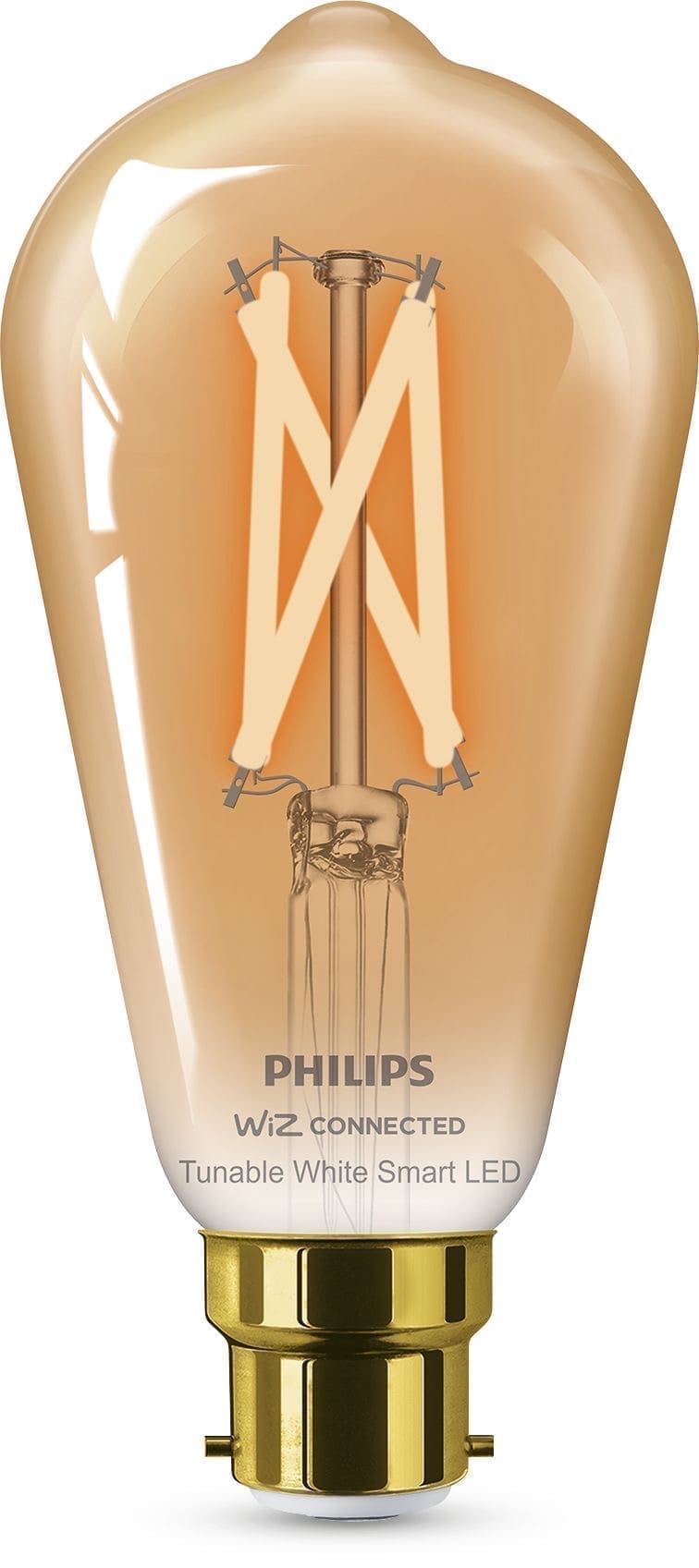
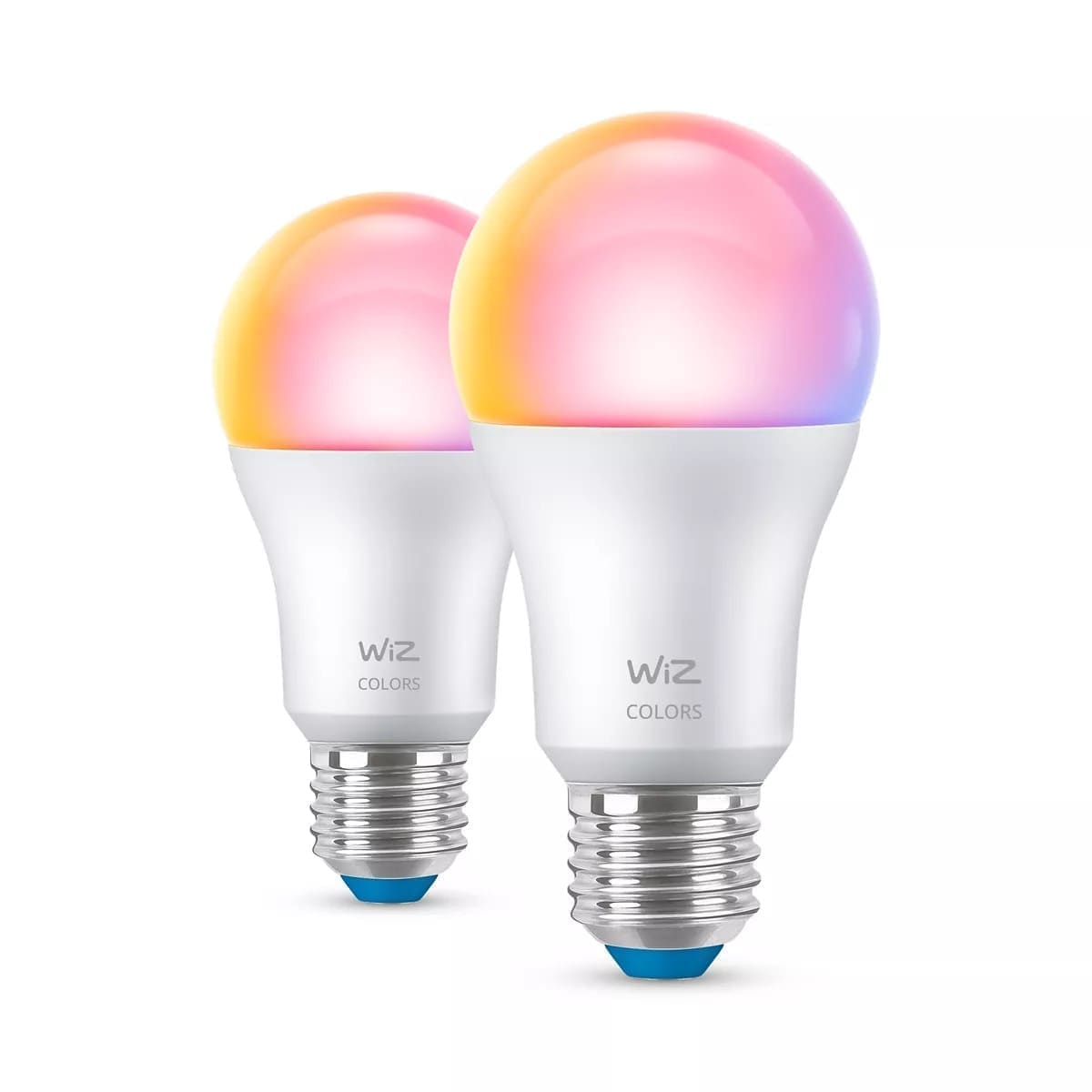
WiZ (owned by Signify, the same parent company as Philips Hue) offers a middle ground. WiZ bulbs connect via Wi-Fi, support colour and white spectrum, and integrate with Google Home, Alexa, and SmartThings. Prices typically run from £12 to £20 per bulb.
Zigbee bulbs — best for a larger setup
If you plan to have more than five or six smart bulbs, a Zigbee system usually works out better. Zigbee creates a mesh network between bulbs, so adding more lights improves reliability rather than loading up your router. The trade-off is the hub cost.
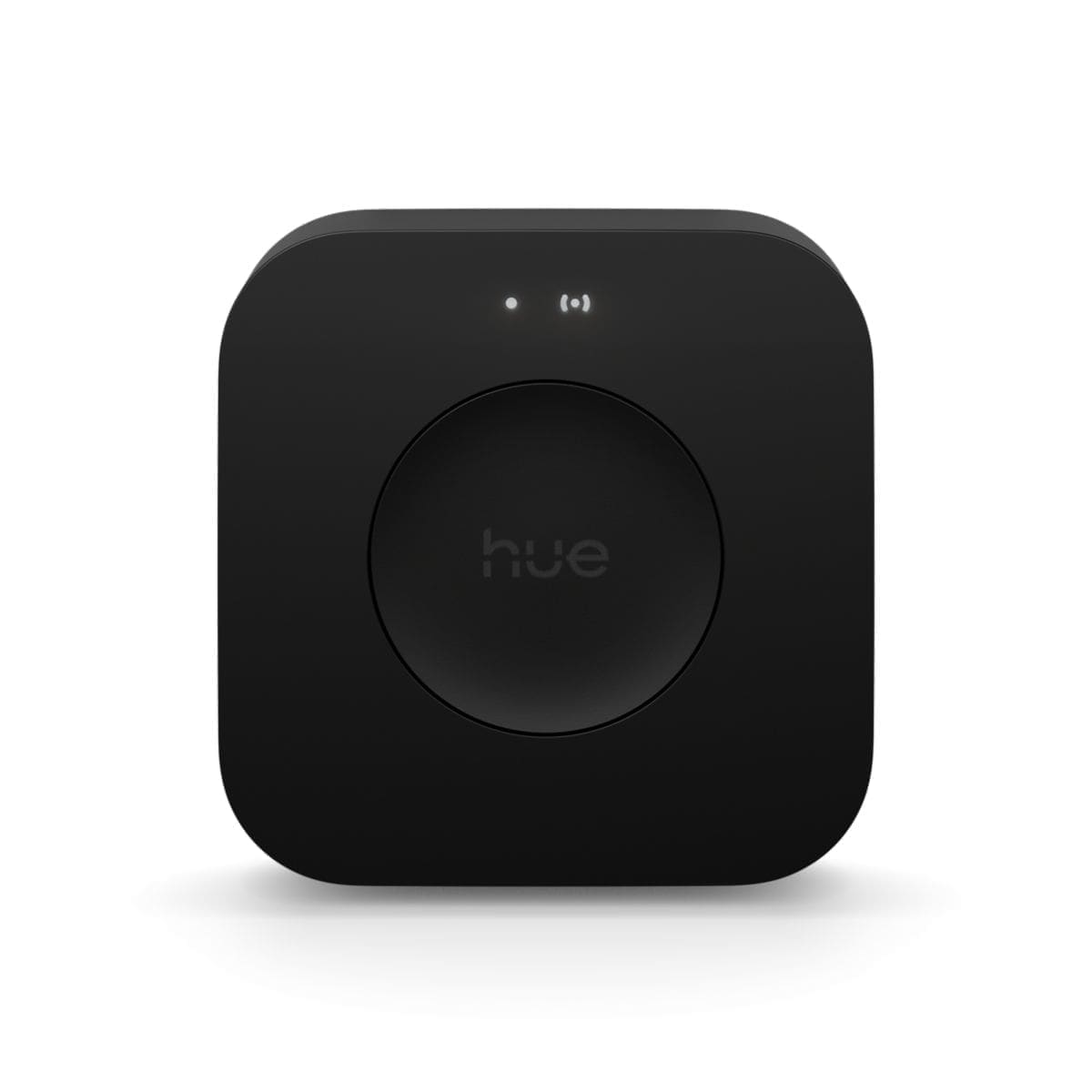
Philips Hue remains the benchmark. The Hue Bridge costs around £49 and unlocks remote access, entertainment sync, and a wide accessory ecosystem. Starter kits (bridge plus two colour bulbs) typically range from £86 to £100, with individual White & Colour Ambiance E27 bulbs priced from around £45 each. Hue bulbs are portable — take the bridge and all the bulbs with you when you move.
IKEA TRÅDFRI and DIRIGERA offer the best value for a Zigbee system. IKEA's Matter-compatible bulbs cover E14, E27, GU10, and B22 fittings. Individual bulbs range from around £8 for warm-white dimmable to £12 for colour versions, with prices varying by retailer. The DIRIGERA hub costs around £34. Three colour bulbs plus the hub comes to roughly £70 — considerably less than a comparable Hue starter kit. Read our full IKEA Trådfri review for a detailed breakdown.
For renters who already run Home Assistant, Zigbee bulbs integrate directly via Zigbee-to-MQTT or ZHA, removing any dependency on a manufacturer's cloud. This is the most resilient setup long-term: your automations keep working even if the brand discontinues its app.
LED Strips: Ambient Light Without Drilling
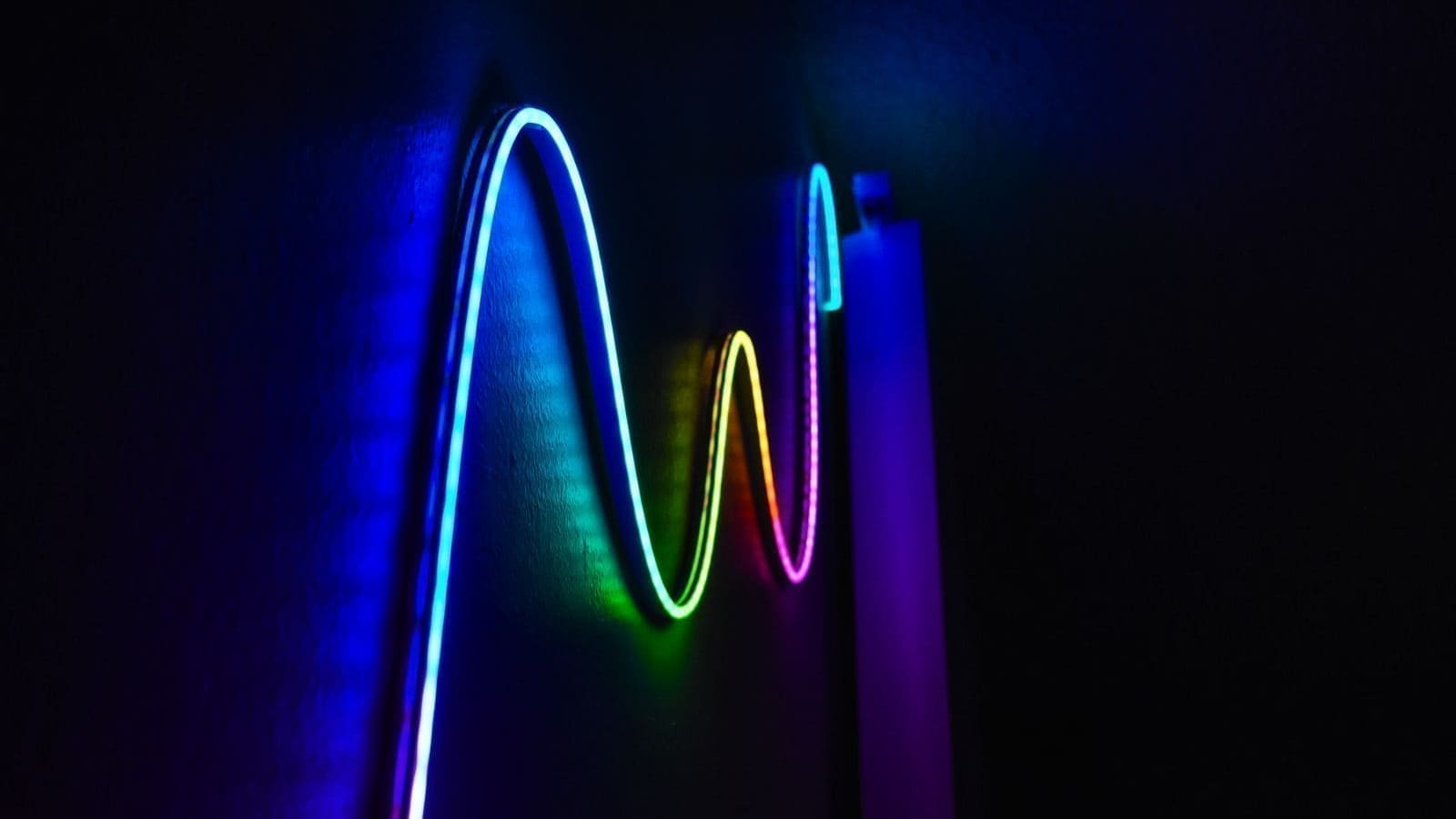
Plug-in LED strips add bias lighting behind a TV, under kitchen cabinets, or along a bookshelf with no drilling and no electrician. They attach with 3M adhesive tape and run from a standard UK plug socket.
Govee is the most popular brand for renter-friendly strips in the UK. The Govee H6159 and H6160 series connect via Wi-Fi and Bluetooth, support colour-changing scenes, and integrate with Alexa and Google Home. Prices typically range from £20 to £45 for a 5-metre reel, varying by retailer and whether the strip includes a controller with a camera for room-synced lighting. The adhesive backing is strong enough to stay put but releases cleanly from most surfaces.
Philips Hue Lightstrip Plus is the premium alternative, priced from around £55 for a 2-metre base kit with extensions available separately. It integrates with the Hue Bridge ecosystem and supports Entertainment areas for gaming and film sync.
When fitting any LED strip, clean the surface thoroughly before applying. On painted walls, press the strip against the back of skirting boards or along the underside of shelving rather than directly on the painted surface, so removal leaves no marks.
Handling Switches Without Touching the Wiring
Wall switches are where most renters hit a problem. Smart switches that replace the existing faceplate require opening the back box — notifiable electrical work under Part P in England and Wales. There are cleaner alternatives.
Wireless stick-on switches
The Philips Hue Smart Button and the IKEA STYRBAR remote can be stuck to any surface with a Command strip or placed on a shelf. Press them to trigger scenes, dim bulbs, or cycle colours. Battery life is measured in years. These work only with their own ecosystems (Hue or IKEA), but if you run Home Assistant you can pair third-party Zigbee remotes and programme any action.
The Aqara D1 Wireless Mini Switch (Zigbee) gives three actions per button (single tap, double tap, hold) and pairs with Home Assistant, Alexa (via Echo hub), or Apple HomeKit. Prices typically range from £12 to £18 each, varying by retailer.
Smart plugs for lamps
A smart plug converts any floor lamp or table lamp into a scheduled, voice-controlled light at a fraction of the cost of replacing the bulb with a smart one. The TP-Link Tapo P100 is consistently around £8 to £12 per plug, supports Alexa and Google Home, and fits behind most furniture. Set it to turn on at sunset and off at bedtime — no app fiddling required once it is configured.
Building a Renter-Friendly Smart Lighting System
A practical approach for a one- or two-bedroom rental:
- Living room: Two or three colour smart bulbs in the main ceiling fitting or floor lamps; one LED strip behind the TV for bias lighting.
- Bedroom: One dimmable white-spectrum bulb (E27 or B22); a battery-powered switch on the bedside table.
- Kitchen: GU10 smart bulbs in the downlights if accessible; a plug-in LED strip under wall cabinets if power is nearby.
- Hallway: A smart plug on any existing lamp, or a motion-triggered Zigbee bulb that comes on at low brightness when you arrive home.
The total cost for this setup using IKEA TRÅDFRI colour bulbs plus the DIRIGERA hub typically comes to between £100 and £160 depending on how many bulbs you need, with prices varying by retailer. Using TP-Link Tapo Wi-Fi bulbs throughout drops the cost to around £50 to £90 for the bulbs alone, with no hub required.
What to Check Before You Buy
Bulb fitting type. UK homes predominantly use B22 bayonet (the twist-and-push type) and E27 screw fittings for lamps, and GU10 for spotlights. Measure or check the existing bulb before ordering. Smart bulbs in E14 (small screw candle) are available but the colour range is more limited.
Dimmable vs non-dimmable circuits. Smart bulbs dim using their own internal electronics, so they do not need a dimmer switch — in fact, fitting a smart bulb on a circuit with a traditional dimmer switch can cause flickering or damage the bulb. If you have a dimmer switch in a rental, set it to maximum and leave it there, or ask the landlord to replace it with a standard switch.
2.4 GHz Wi-Fi. Most smart bulbs (including TP-Link Tapo, LIFX, and WiZ) require a 2.4 GHz Wi-Fi band. If your router only broadcasts a single combined 2.4/5 GHz network, bulbs usually connect automatically. If you have a separate 5 GHz band, connect your phone to the 2.4 GHz network during setup.
Local vs cloud control. Wi-Fi bulbs from most brands require a working internet connection for remote access and sometimes for local control too. If your broadband goes down, some bulbs stop responding to the app. Zigbee systems running through Home Assistant work entirely locally and keep operating even without internet. This matters more as your setup grows — for a couple of bedroom lamps it is rarely an issue.
The same no-drill, no-landlord-permission logic applies beyond lighting: the Ring Peephole Cam 2K clips over an existing door peephole instead of requiring a bracket or wiring, making it one of the few video doorbell alternatives that works in a typical rented flat.
Moving Out: The Reversibility Checklist
When you leave a rental, the process is straightforward:
- Swap all smart bulbs back to the original bulbs (keep the originals in a box labelled with which fitting they came from).
- Peel LED strips carefully — use a hairdryer on low heat to soften the adhesive if needed.
- Remove any Command strips or Velcro used for wireless switches.
- Unplug smart plugs and take them with you.
- Pack the hub (Hue Bridge, DIRIGERA) — it moves with you.
A Zigbee or Matter system travels particularly well: bulbs pair to your hub, not to the flat. Set them up in your new place in minutes without re-configuring the ecosystem from scratch.