Aqara
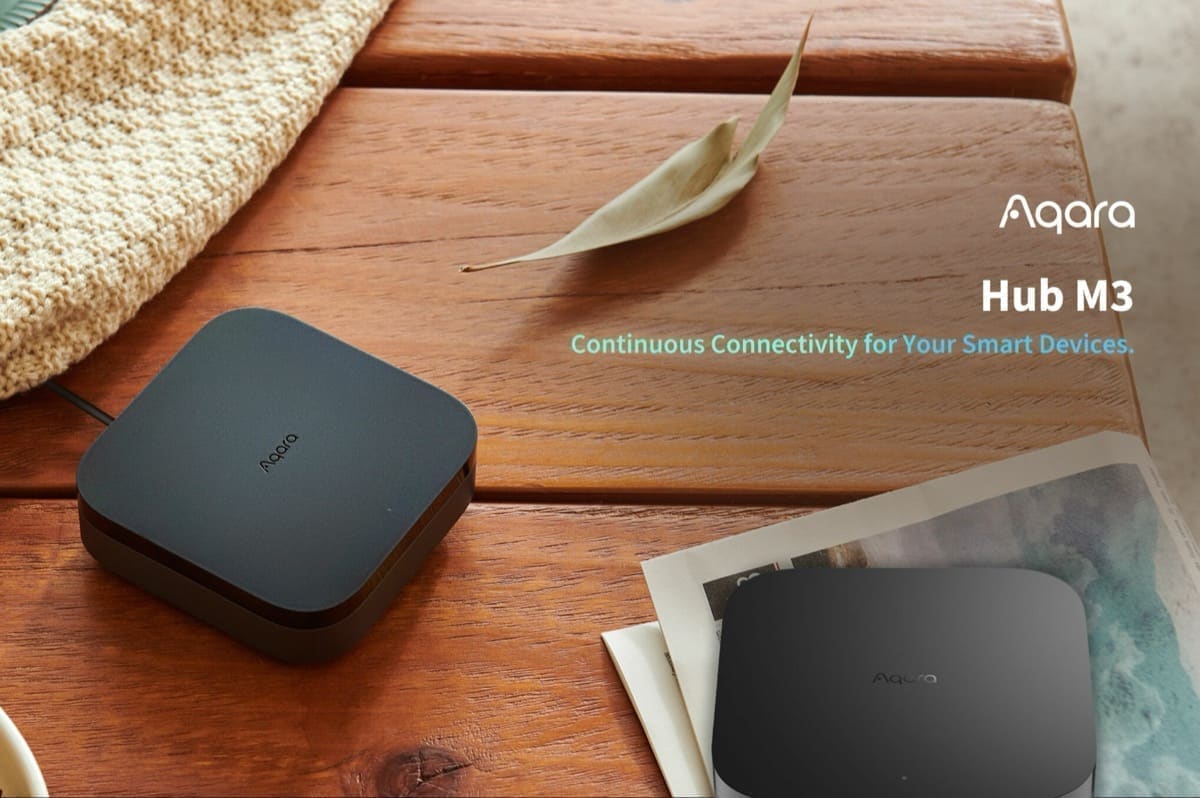
Aqara Hub M3
- Native integration
- Local control
- Zigbee
- Wi-Fi
- Thread
- Matter
- Bluetooth
Prices verified September 2026
See more hubs & dongles picks on our Amazon storefront →Our verdict
The pick for anyone with a drawer full of Aqara sensors: the M3 bridges them locally over Matter, or HomeKit via homekit_controller, and doubles as a Thread border router for other Matter kit. It is not a general-purpose Zigbee coordinator for ZHA or Zigbee2MQTT — it only talks to its own Aqara devices. Setup still needs an Aqara account and app, even though day-to-day bridging then runs locally. That's the real trade-off against Home Assistant's own Connect ZBT-2, a bare 802.15.4 radio with zero cloud dependency, or Home Assistant Green. At 105x105x36.5mm and £109.99, the M3 only earns its keep if you're already committed to Aqara's ecosystem.
What can Home Assistant control on the Aqara Hub M3?
| Control | Type | What it does |
|---|---|---|
| Bridged Aqara sensors | Sensor / binary sensor (per device) | Each paired Aqara Zigbee sensor shows up as its own native entity once exported through the M3's Matter bridge. |
| IR blaster | Unsupported | Not exposed as a remote entity through Matter or HomeKit — the hub itself only surfaces an identify function. |
| IR/scene switch | Switch | A scene built in the Aqara app (e.g. an IR command) and shared to the Home Assistant profile appears in HA as a toggleable switch that fires the underlying action. |
| Alarm system | Alarm control panel | The hub's built-in arm/disarm state, reported reliably through the Matter bridge independent of the sensor-export gaps affecting some device models. |
Bridging holds up well at scale in practice — user reports describe dozens of Aqara Zigbee sensors staying responsive through the M3's Matter fabric with sub-second state updates and no perceptible lag as the count grows. The catch is coverage, not performance: a handful of older Aqara models still don't support Matter export at all, so those stay reachable only via homekit_controller or the Aqara app itself, not the M3's Matter path. The IR blaster gets no native HA entity through either bridging route; the working pattern is to build an IR-triggering scene inside the Aqara app, share it to the Home Assistant third-party-ecosystem profile, and it lands in HA as a plain switch you can call from automations — the trick that makes IR + sensor automations possible at all, e.g. wiring a bridged presence sensor to fire an AC-on IR scene switch when a room becomes occupied.
Specs
| power | USB-C, 5V/2A mains only (no battery); PoE input 48V/0.27A also supported |
|---|---|
| radio | Shared Zigbee/Thread IEEE 802.15.4 radio, plus Wi-Fi 802.11a/b/g/n/ac (2.4/5GHz) and Bluetooth 5.1 — exact silicon model not published by Aqara |
| extras | Ethernet + PoE, IR blaster |
| storage | 8GB eMMC local storage |
| capacity | Up to 127 Thread/Zigbee devices |
| dimensions | 105 x 105 x 36.5mm |
| account requirement | Aqara account and Aqara app required for initial setup and firmware; Matter/HomeKit bridging to Home Assistant runs locally afterward |
How does the Aqara Hub M3 compare?
| Product | From | Protocol | Local control | Integration |
|---|---|---|---|---|
| Aqara Hub M3 (this product) | £109.99 | Zigbee, Thread, Matter, Wi-Fi, Bluetooth | Yes | Native |
| Aeotec Z-Stick 7 | £46.43 | Z-Wave | Yes | Native |
| Apple TV 4K (Wi-Fi + Ethernet, 128GB) | £249 | Thread, Matter, Wi-Fi, Bluetooth | Yes | Native |
| Beelink ME mini N150 | £299 | Wi-Fi, Bluetooth | Yes | Native |
Frequently asked questions
- Does the Aqara Hub M3 work with Home Assistant locally?
- Yes. The Aqara Hub M3 is controlled locally in Home Assistant through a built-in Home Assistant core integration (matter), so it keeps working if your internet connection or the Aqara cloud goes down. Control and state updates stay on your own network.
- Which protocol does the Aqara Hub M3 use, and do I need a hub?
- The Aqara Hub M3 uses Zigbee and Thread and Matter and Wi-Fi and Bluetooth. To pair it with Home Assistant you need a Zigbee coordinator (for example a SkyConnect/ZBT-1 or Sonoff dongle) attached to your Home Assistant host; or a Thread border router (Home Assistant Connect ZBT-1, Apple TV 4K or a HomePod mini all work); or a Thread border router if it is Matter-over-Thread, or just your Wi-Fi network if it is Matter-over-Wi-Fi; or no hub — it joins your Wi-Fi network directly; or a Bluetooth adapter on your Home Assistant host or an ESPHome Bluetooth proxy. Aqara's own hub is not required when you integrate through a built-in Home Assistant core integration (matter).
- How much does the Aqara Hub M3 cost in the UK?
- The lowest price we have listed for the Aqara Hub M3 is £109.99 at Amazon UK, with other UK retailers at up to £150. Prices were last checked in September 2026 and change often, so confirm on the retailer's page before buying.