Smart Home Assistant

HA Companion App Ends iOS 15 and watchOS 8 Support

SepehrBy Sepehr· 11 August 2026· Updated 11 August 2026
✓ Independent — no paid placements✓ UK-tested in real homes✓ Cited sources on every guide
HA Companion App Ends iOS 15 and watchOS 8 Support
On this page[tap to expand]
Buy the picks in this guide

Recommended for Home Automation

See all devices →

The Home Assistant Companion app for Apple devices has dropped support for iOS 15, watchOS 8 and macOS 11, effective with version 2026.8.0. The last app build that runs on those older systems is 2026.7.1, which stays downloadable from the App Store but won't receive further updates. The new minimum requirements are iOS 16.4, watchOS 9 and macOS 12 — anyone on an older release needs to update their device's operating system to keep getting Companion app updates, or fall back to controlling Home Assistant through a web browser instead, which remains fully supported and gets monthly updates regardless of app version. Home Assistant's developers say fewer than 1% of users are on the affected platforms, and the change unblocks new features such as Apple Watch complications and richer widgets that the old OS versions couldn't support.

Why is Home Assistant dropping iOS 15 and watchOS 8 support?

The short answer is Apple's own tooling forced the issue. From September 2026, Xcode 27 requires watchOS 9 as the minimum build target for the embedded Watch app, and a failing Watch app build blocks the entire iOS Companion app release — bulbs, thermostats and everything else included. Home Assistant's team has said the older OS versions were also limiting their ability to ship UX, stability and performance improvements more broadly, not just Watch-specific ones. Rather than maintain a parallel legacy build, they set a clean cutoff at version 2026.8.0, matching the wider 2026.8 platform release that shipped in early August.

What are the new minimum OS versions?

From 2026.8.0 onward, the Companion app requires iOS 16.4 or later on iPhone and iPad, watchOS 9 or later on Apple Watch, and macOS 12 (Monterey) or later on Mac. iOS 16.4 shipped back in March 2023, watchOS 9 in September 2022, and macOS 12 in October 2021, so any device that has been kept reasonably current with Apple's own free software updates will already clear the bar — this mostly affects hardware old enough that Apple itself no longer offers OS updates for it, such as an Apple Watch Series 3 or an iPhone 6s.

Does my old iPhone or Apple Watch stop working with Home Assistant?

No — the device itself keeps working, but the native Companion app on it stops getting updates. If your iPhone is stuck on iOS 15 and can't be upgraded, install 2026.7.1 (the last compatible build) from the App Store and it will keep functioning, just without any future fixes or features. Alternatively, open your Home Assistant instance's URL directly in Safari or another browser and add it to your home screen — the web frontend is unaffected by this change and is updated every month alongside the core platform, so it's a genuinely usable fallback rather than a workaround. Push notifications, background location tracking and Watch complications, however, are only available through the native app.

What should UK Home Assistant users do now?

Check your device's OS version in Settings before you next update the Companion app. If you're already on iOS 16.4+, watchOS 9+ or macOS 12+, nothing changes for you. If not, and your hardware supports the upgrade, install it through Apple's own Software Update — it's free. If your hardware is too old to take the upgrade (pre-2018 Apple Watch models and iPhone 6s-era handsets are the main risk group), decide now whether to stay on 2026.7.1 indefinitely or switch to browser-based control, since there won't be a further grace period once 2026.8.0 is the shipping version. For anyone running a self-hosted instance, this is also a reasonable moment to review remote access via WireGuard so the browser fallback works reliably away from home, not just on the local network.


Frequently asked questions

What is the last Home Assistant Companion app version that supports iOS 15?
Version 2026.7.1 is the last Companion app build that supports iOS 15, watchOS 8 and macOS 11. It remains available to download and reinstall from the App Store even after 2026.8.0 ships, but it will not receive any further bug fixes, security patches or new features. Home Assistant's developers have not committed to a future point where 2026.7.1 will be pulled from the store entirely, but treat it as a dead end rather than a long-term plan. If your device can take the OS upgrade to iOS 16.4 or later, that's the more sustainable route; if it can't, the web-based frontend at your instance's URL is the fully supported alternative and continues to receive monthly updates independent of the native app's requirements.
Can I still use Home Assistant on an old iPhone or Apple Watch after this update?
Yes, but only through the web frontend rather than the native Companion app if your device can't reach the new minimums of iOS 16.4, watchOS 9 or macOS 12. Open your Home Assistant instance's address in a mobile browser and add it to your home screen for an app-like shortcut — dashboards, controls and automations all work normally this way. What you lose without the native app are push notifications, background location-based automations (geofencing), and Apple Watch complications, since those rely on native OS integrations the browser can't replicate. For most day-to-day dashboard use and manual control, the web fallback is a genuinely workable long-term option, not just a stopgap.

Sources

Sources verified 2026-08-11

  1. Home Assistant — Companion app: Changing support for Apple platforms
  2. Home Assistant Community — Companion app: Changing support for Apple platforms (discussion thread)
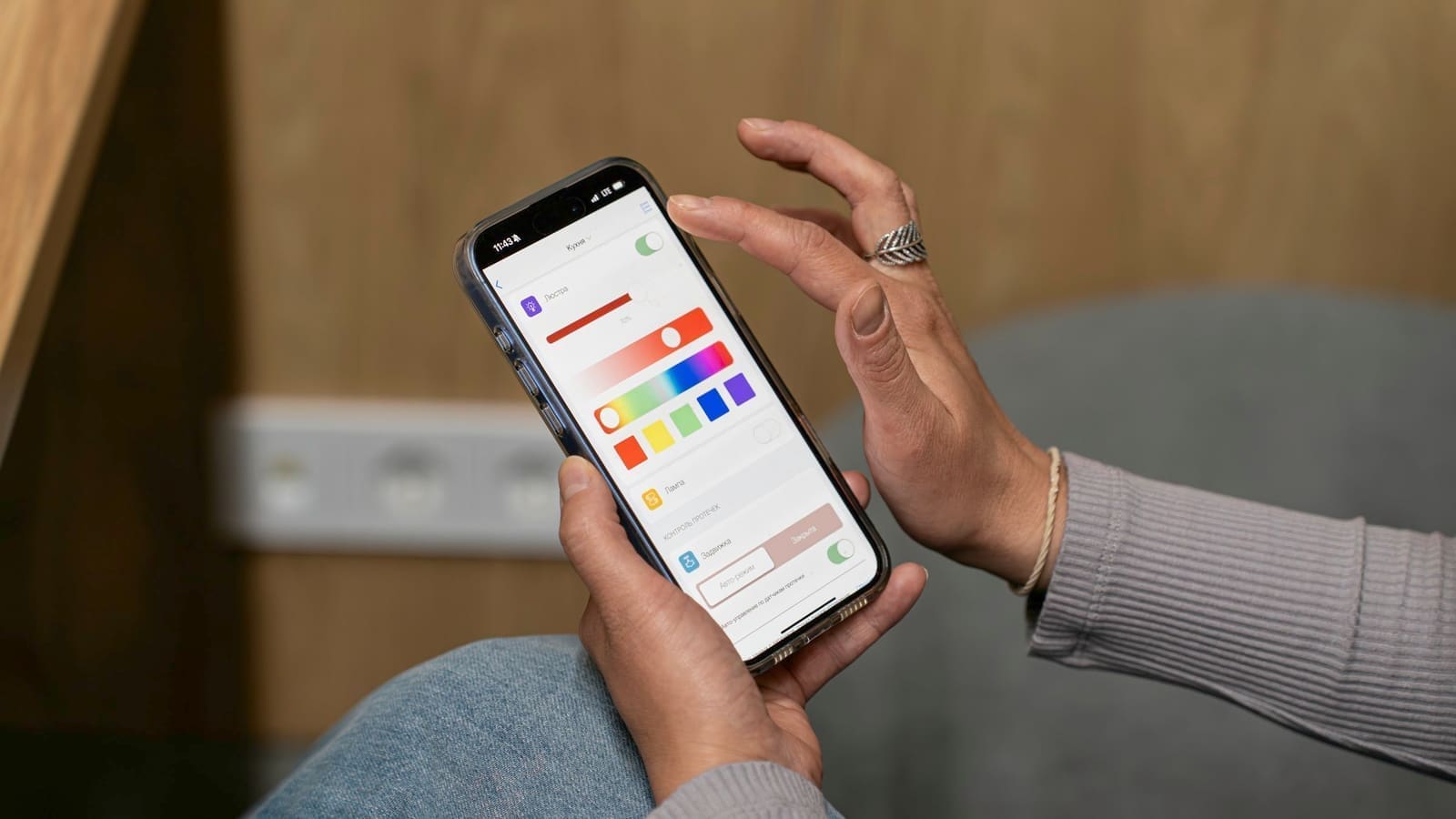
  3. Unsplash — Adjusting smart home lighting settings on a mobile phone, photo by Aleksandr Lyaptsev
How we researched this

Claims in this article are checked against primary sources — manufacturer specifications, official documentation, Which? research, Ofgem guidance, or gov.uk — rather than forum threads or video reviews. Where the author has direct hands-on experience with a product (most Home Assistant, Zigbee, and home-networking gear is running in his own homelab), that is stated explicitly in the text.

For categories outside that personal setup — such as boilers, heat pumps, and other areas that are traditionally a heating engineer's domain — verdicts are built from cross-referenced manufacturer data, published lab results, and vetted expert and owner reviews rather than a claim of personal hands-on testing. See the editorial policy for the full methodology.

Sepehr

Written by

Sepehr

10+ years hands-on with Home Assistant & networking · Research-backed elsewhere · No brand deals

Smart home specialist with 10+ years running a self-hosted Home Assistant setup — Zigbee2MQTT, Frigate NVR, and local-first automations. Independent coverage for UK homes, no brand deals.

LinkedIn →

Related reading