What is a NAS and do you need one?
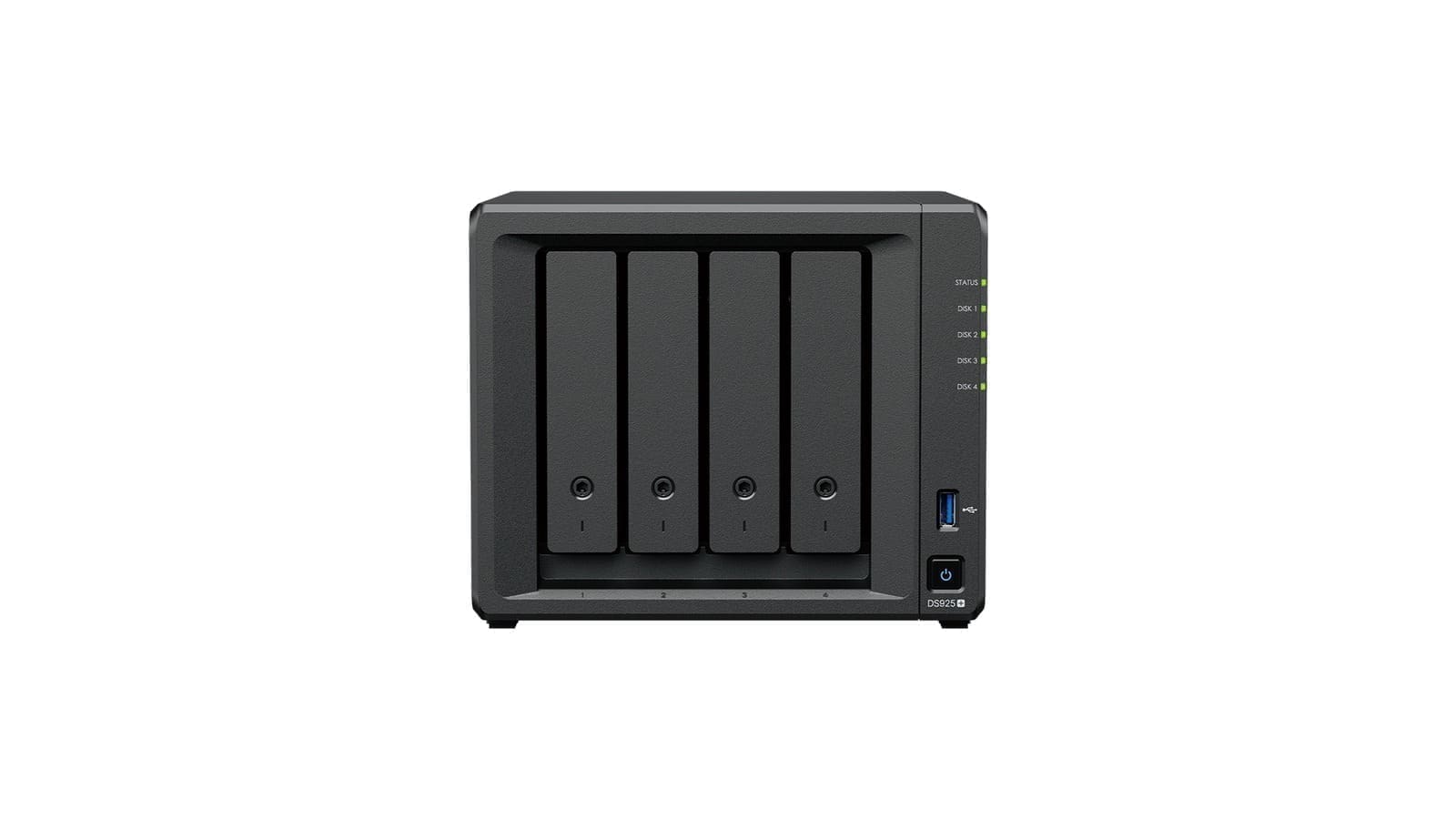
A NAS is essentially a small server that lives on your home network. Unlike an external USB drive, it is always on and accessible from every device — phone, laptop, smart TV, or Home Assistant. Use cases include:
- Media streaming — run Plex or Jellyfin to serve 4K video to any screen at home or away.
- Automatic backup — macOS Time Machine, Windows Backup, and phone camera roll sync all work natively.
- Home Assistant backup — store your HA snapshots off-device so a failed SD card or SSD does not wipe your automations.
- File server — shared family documents, downloads, and project archives without using cloud storage.
2-bay vs 4-bay: which do you need?
For most households, a 2-bay NAS is the right starting point. Two drive bays let you run RAID 1 (mirroring), which means if one drive fails your data survives on the second. For context, two 4 TB drives give you 4 TB of usable RAID 1 storage — enough for a photo and video archive, a Plex library, and device backups combined.
A 4-bay unit makes sense if you need more than 12 TB of usable space, plan to run Plex transcoding for multiple streams simultaneously, or want to expand storage without buying a whole new enclosure. The jump in price is significant — roughly £350 more for the enclosure alone — so be honest about your needs before stepping up.
RAID options explained
The two RAID types most home users encounter are RAID 1 and Synology Hybrid RAID (SHR). RAID 1 mirrors data across two identical drives — simple and reliable, but you lose half your raw capacity. SHR is Synology's flexible alternative: it pools drives of different sizes and still protects against a single drive failure, making it easier to expand storage one drive at a time. Neither RAID type is a substitute for a proper backup — they protect against drive failure, not accidental deletion or ransomware.
Synology DSM: the gold standard OS
DiskStation Manager (DSM) is the operating system that ships on every Synology NAS. It runs in a browser, needs no command-line knowledge, and comes with a full app ecosystem: Moments (photo management), Surveillance Station, Video Station, and the Hyper Backup utility for offsite cloud backup. If you want Home Assistant to push snapshots to your NAS automatically, Synology's SMB share or the dedicated Synology NAS integration handle that with no fuss. QNAP's rival OS, QTS, is similarly capable but has a steeper learning curve.
UK prices (2026)
Prices below are for the diskless enclosure only — you need to add hard drives separately. Expect to pay roughly £80–£130 per 4 TB NAS-grade drive (e.g. Western Digital Red or Seagate IronWolf) from UK retailers such as Amazon UK. Budget an extra £160–£260 for a pair of 4 TB drives to complement a 2-bay unit.
The 5 best NAS drives for home UK (2026)
1. Synology DS223 — best overall 2-bay
The DS223 is powered by a 1.7 GHz Realtek RTD1619B processor with 2 GB of DDR4 RAM and supports drives up to 18 TB per bay, giving a raw capacity ceiling of 36 TB. Power draw sits at just 17.3 W during operation and 14.6 dB(A) under load — quiet enough for a living room shelf. It ships with DSM 7.2, Synology's polished web interface, and qualifies for full Hyper Backup support. For a family wanting simple photo backup, Time Machine, and occasional Plex streaming of 1080p content, it is the easiest recommendation in the market.
2. Synology DS923+ — best 4-bay for power users
Step up to the DS923+ and you get an AMD Ryzen R1600 dual-core processor capable of burst speeds up to 3.1 GHz, 4 GB of ECC-capable DDR4 RAM (expandable to 32 GB), and four drive bays plus two M.2 NVMe slots for SSD caching. Sequential read speeds reach 625 MB/s, making 4K Plex transcoding for several simultaneous streams entirely viable. Two Gigabit Ethernet ports support link aggregation for households that genuinely saturate the network. The DS923+ also accepts the DX517 expansion unit, growing to nine drives without replacing the enclosure.
3. QNAP TS-233 — best budget 2-bay
QNAP's TS-233 pairs an ARM Cortex-A55 quad-core processor running at 2.0 GHz with 2 GB of DDR4 RAM and a built-in neural processing unit (NPU) that handles local AI tasks like face recognition without cloud dependency. At roughly £215 it undercuts the DS223, making it attractive for budget-conscious buyers. The trade-off is that the 2 GB RAM is non-expandable, which can become a bottleneck if you run several QTS applications simultaneously. For straightforward file sharing and basic backup it performs well; for Plex transcoding or Home Assistant integration, the Synology remains the smoother experience.
4. Western Digital My Cloud Home — best plug-and-play option
Unlike the other units here, the WD My Cloud Home ships with drives pre-installed and focuses squarely on non-technical users. Setup is a matter of plugging it into your router and installing the My Cloud app — no operating system to configure, no drive slots to fill. It supports automatic photo backup from iOS and Android, and the 4 TB model provides plenty of headroom for a household photo and video archive. The simplicity comes at a cost: there is no RAID option on the single-drive model, and advanced features like Plex Server or Time Machine are either absent or limited compared to Synology and QNAP. Treat it as personal cloud storage rather than a full NAS.
5. TerraMaster F2-423 — best performance per pound
The F2-423 packs an Intel Celeron N5095 quad-core processor, 4 GB of DDR4 RAM expandable to 32 GB, and — notably for a 2-bay unit — dual 2.5 GbE ports that can be bonded for speeds up to 5 Gbps. Two M.2 NVMe PCIe 3.0 slots allow SSD caching without losing any HDD bays. Raw performance rivals enclosures costing significantly more, which is why NAS Compares and XDA Developers both praised it as premium hardware at a budget-friendly price point. The caveat is TerraMaster's TOS operating system, which is functional but less polished than Synology DSM and has a smaller community and app ecosystem.
Use cases: Plex, Time Machine, and Home Assistant backup
Plex and Jellyfin both install as packages on Synology and QNAP NAS devices. For 1080p direct play to a single client, even the entry-level DS223 has enough headroom. For 4K transcoding to multiple devices simultaneously, aim for the DS923+ or the TerraMaster F2-423's Intel hardware transcoding capability.
Time Machine backup works out of the box on any Synology or QNAP NAS — just create a shared folder, enable Time Machine support in the SMB settings, and point your Mac at the network drive. A 2 TB Time Machine quota per Mac is usually sufficient.
Home Assistant backup integrates natively with Synology via the Synology DSM integration. Once authenticated, you can configure automatic daily snapshots to a NAS share, giving you a full off-device backup without any cloud subscription. This is an important safeguard if you run HA on a Raspberry Pi or a compact SSD — for more on network-level HA hardening, see our guide on the best router for a smart home UK and our in-depth look at setting up Ubiquiti UniFi at home in the UK.
Verdict
For most UK households the Synology DS223 is the sweet spot: proven hardware, the best NAS OS on the market, a quiet footprint, and a realistic total cost of around £450–£500 once you add a pair of 4 TB drives. Power users who need 4-bay capacity and faster transcoding should budget for the DS923+. Those on a tighter budget will find the QNAP TS-233 capable for basic storage, while the TerraMaster F2-423 offers outstanding raw performance if you are willing to live with a less mature software ecosystem. The WD My Cloud Home suits non-technical family members who simply want an always-on photo backup appliance without any configuration.