Why a smart-home household would want a Synology NAS
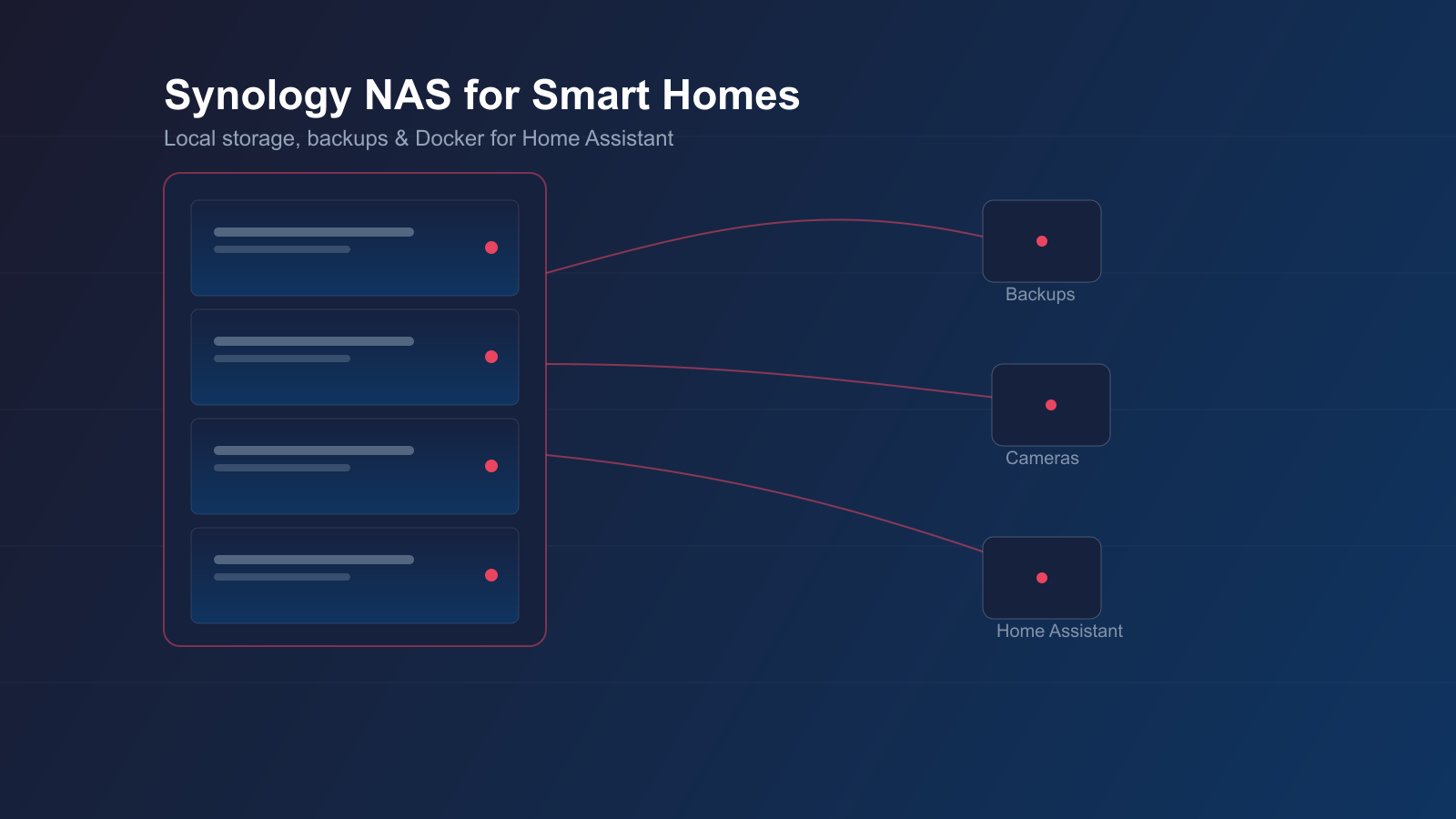
Home Assistant itself does not need much storage to run, but the things around it add up quickly. Local backups of your Home Assistant snapshots mean a failed SD card or SSD on your HA host does not wipe months of automations. A NAS also gives you somewhere to store the growing recorder and history database if you move it off the HA host itself, a dedicated Frigate NVR footage archive if you are running local camera detection, and a family photo and video library via Synology Photos instead of paying for iCloud or Google One storage every month.
The other reason Synology specifically comes up in smart-home circles is DSM, Synology's own operating system. It runs entirely in a browser, needs no command-line knowledge for day-to-day use, and includes a Container Manager package for running Docker containers — which is how many home-lab users run Frigate, a Home Assistant instance, or other self-hosted tools alongside their file storage on the same box.
DS225+, DS425+ and DS925+: three price tiers compared
Synology's current DiskStation line-up spans well beyond these three, but these models represent a sensible budget-to-prosumer spread for a home smart-home setup.
DS225+ (entry, 2-bay): two drive bays, an Intel Celeron J4125 quad-core CPU, and 2GB of non-ECC DDR4 RAM as standard, expandable to 6GB via a single additional SODIMM module. It is the cheapest sensible entry point into DSM and suits backups, file sharing and a modest photo library, though its CPU and RAM ceiling limit how much you can ask of it beyond that.
DS425+ (mid-range, 4-bay): four drive bays plus two M.2 2280 NVMe slots for SSD caching, the same Celeron J4125 CPU as the DS225+, and 2GB of RAM expandable to 6GB. The extra bays give more raw capacity and room for RAID redundancy across four drives rather than two, at a moderate step up in price.
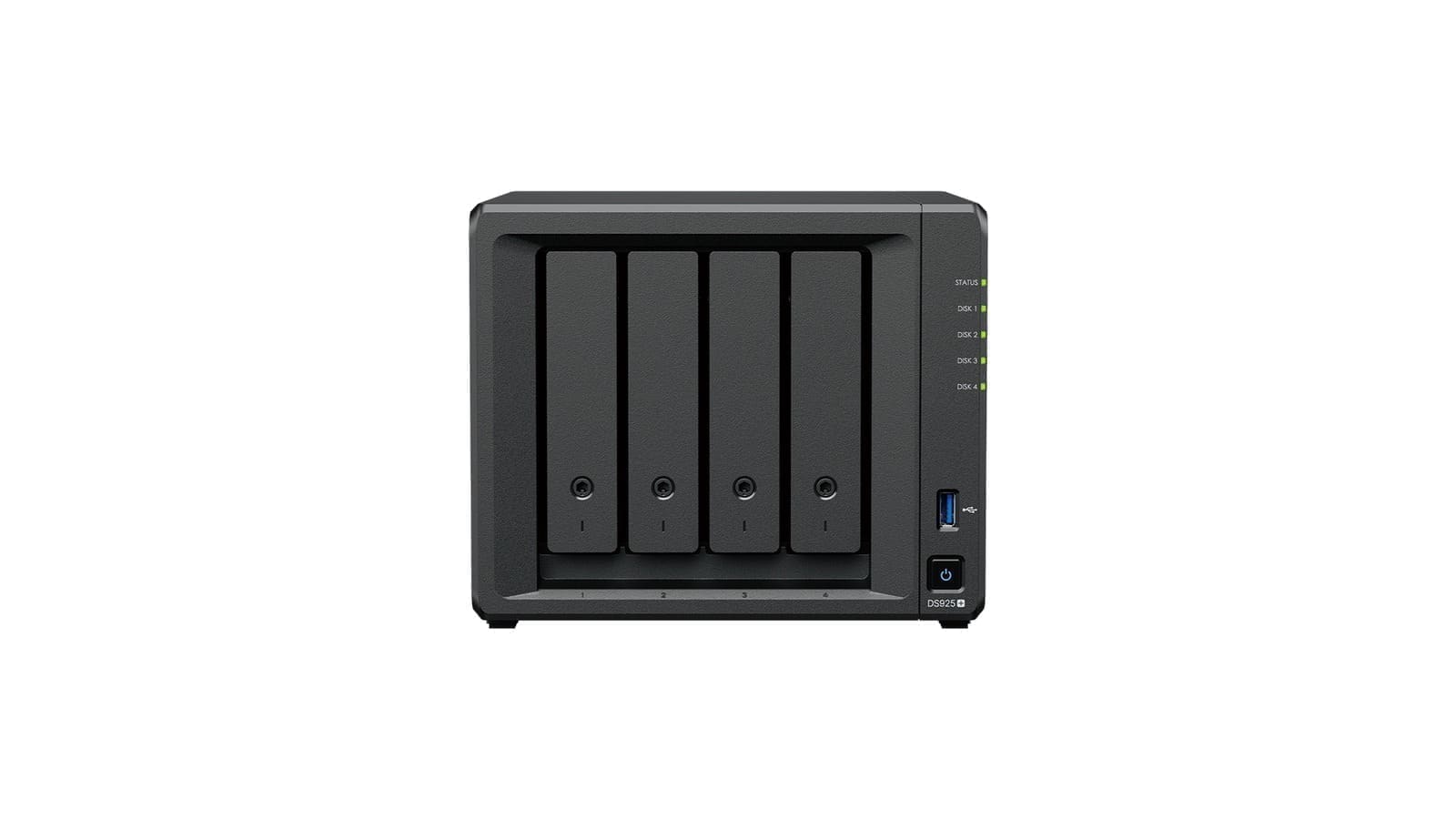
DS925+ (prosumer, 4-bay): four drive bays, an AMD Ryzen V1500B quad-core CPU, and 4GB of DDR4 ECC SODIMM RAM as standard — expandable to 32GB across two slots. It is the most capable of the three for running Container Manager workloads such as Frigate or a self-hosted Home Assistant alongside file storage, and its ECC memory is a meaningful reliability upgrade for a box that is meant to run unattended for years. It replaces the previous-generation DS923+, which used a similar Ryzen platform but with 1GbE ports and a PCIe 10GbE upgrade slot the DS925+ drops in favour of built-in 2.5GbE.
UK street prices for these three sit roughly in the £350, £550–£600 and £650 ranges respectively for the diskless enclosure — prices vary by retailer and do not include drives, which typically add another £150–£400 depending on capacity and whether you choose NAS-rated drives such as Seagate IronWolf or WD Red.
DSM software: what you actually get for the premium
Synology Photos replaces the older Moments app and handles automatic backup and facial/object recognition for phone photos and videos, functioning as a private alternative to Google Photos or iCloud. Hyper Backup lets you schedule versioned backups of the NAS itself to an external drive, another Synology unit, or a cloud target, which matters if you are storing anything irreplaceable such as Home Assistant configuration history or a camera footage archive. Container Manager (Synology's rebrand of its Docker package) is the piece that turns a Synology box from “just storage” into a small home-lab server capable of running Frigate NVR, a secondary Home Assistant instance, or other self-hosted containers alongside your files — though CPU and RAM headroom on the entry-level Celeron models will limit how much you can comfortably run at once.
Synology vs a DIY Raspberry Pi NAS
A dedicated Synology box is not the only route to home NAS storage. Our Raspberry Pi NAS UK guide covers building an OpenMediaVault-based NAS on a Raspberry Pi 5 for roughly £150–160 all-in, excluding drives — meaningfully cheaper than any of the three Synology models here, and a genuinely capable option if file sharing and basic backups are all you need. What you give up versus Synology is DSM's polish: Synology Photos, Hyper Backup, and Container Manager are considerably more turnkey than assembling the equivalent stack yourself on a Pi, and Synology's RAID/SHR tooling and drive-failure alerting are more mature than OpenMediaVault's. If budget is tight and you are comfortable with some light Linux administration, the Pi route is worth serious consideration first.
For a broader comparison across brands and budgets, our best NAS for home UK roundup covers Synology alongside QNAP and other options at each price point. If QNAP specifically is on your shortlist, our QNAP NAS review UK covers the TS-233, TS-464 and TS-873A in the same format as this review.
Verdict
For a UK smart-home household that wants local Home Assistant backups, a private photo library, and the option to run Frigate or other containers alongside file storage, Synology's DSM ecosystem is still the most polished option on the market. The DS225+ is a sensible low-cost entry point if you mainly need backup and file sharing; the DS425+ adds bays and NVMe caching for a modest price step; the DS925+ is the one to pick if you intend to run Container Manager workloads seriously, thanks to its Ryzen CPU and ECC RAM headroom. Whichever tier you choose, budget separately for NAS-rated drives, and treat Hyper Backup as essential rather than optional if the NAS is your only copy of anything important.