Sonos Beam Gen 2 at a Glance (2026)
| Spec | Sonos Beam Gen 2 |
|---|---|
| UK RRP | £449 |
| Typical street price | £335–£420 (frequent Black Friday/Prime Day drops) |
| Drivers | 5 (1 tweeter, 3 mid-woofers, 1 centre tweeter) |
| Dolby Atmos | Object-based/virtual — no height-firing drivers |
| HDMI | ARC only (no eARC — lossy Dolby Digital Plus Atmos) |
| Bluetooth | No — Wi-Fi only |
| Voice assistants | Amazon Alexa, Google Assistant, Sonos Voice Control |
| Width | 651 mm |
Design and Build
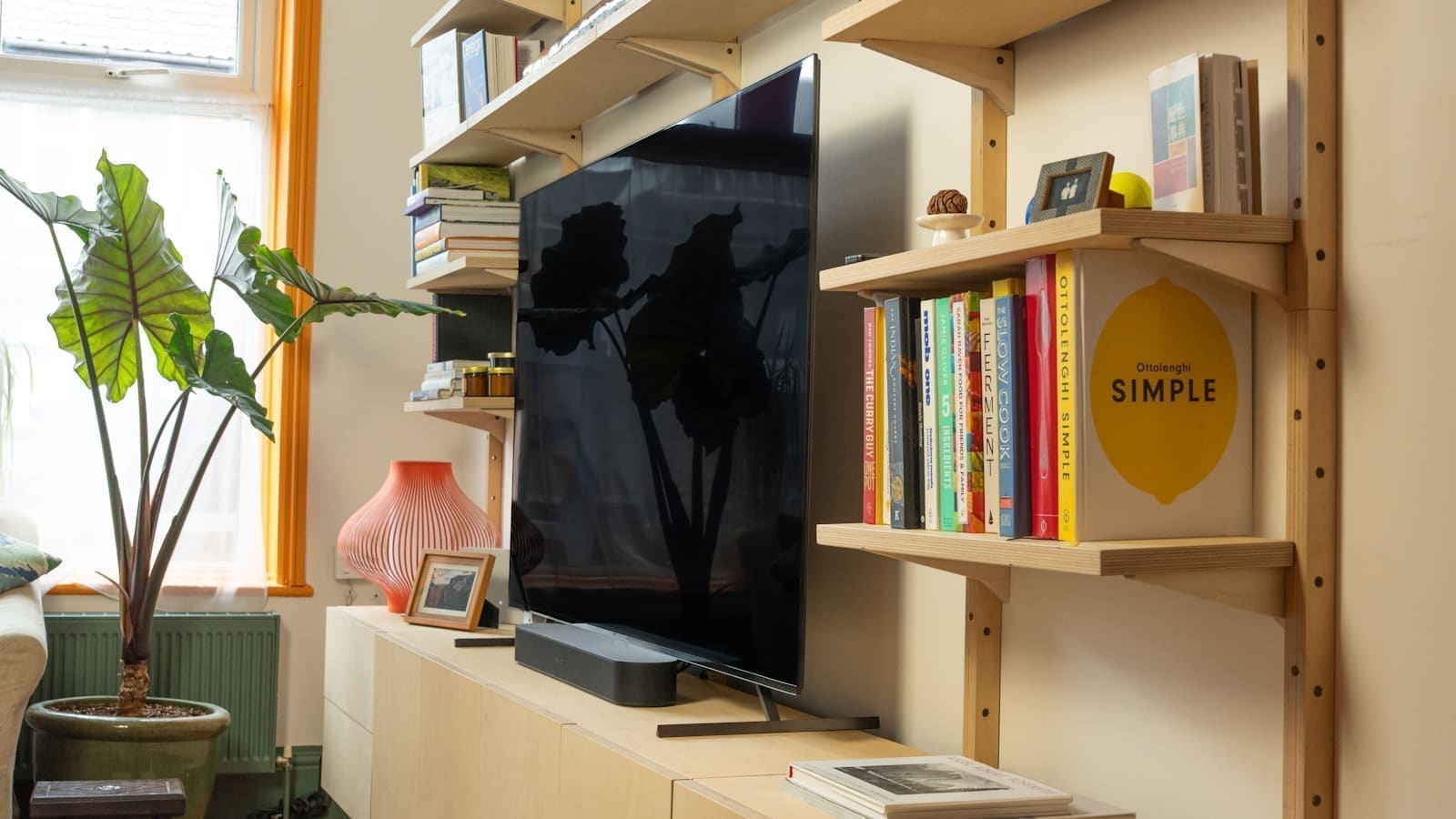
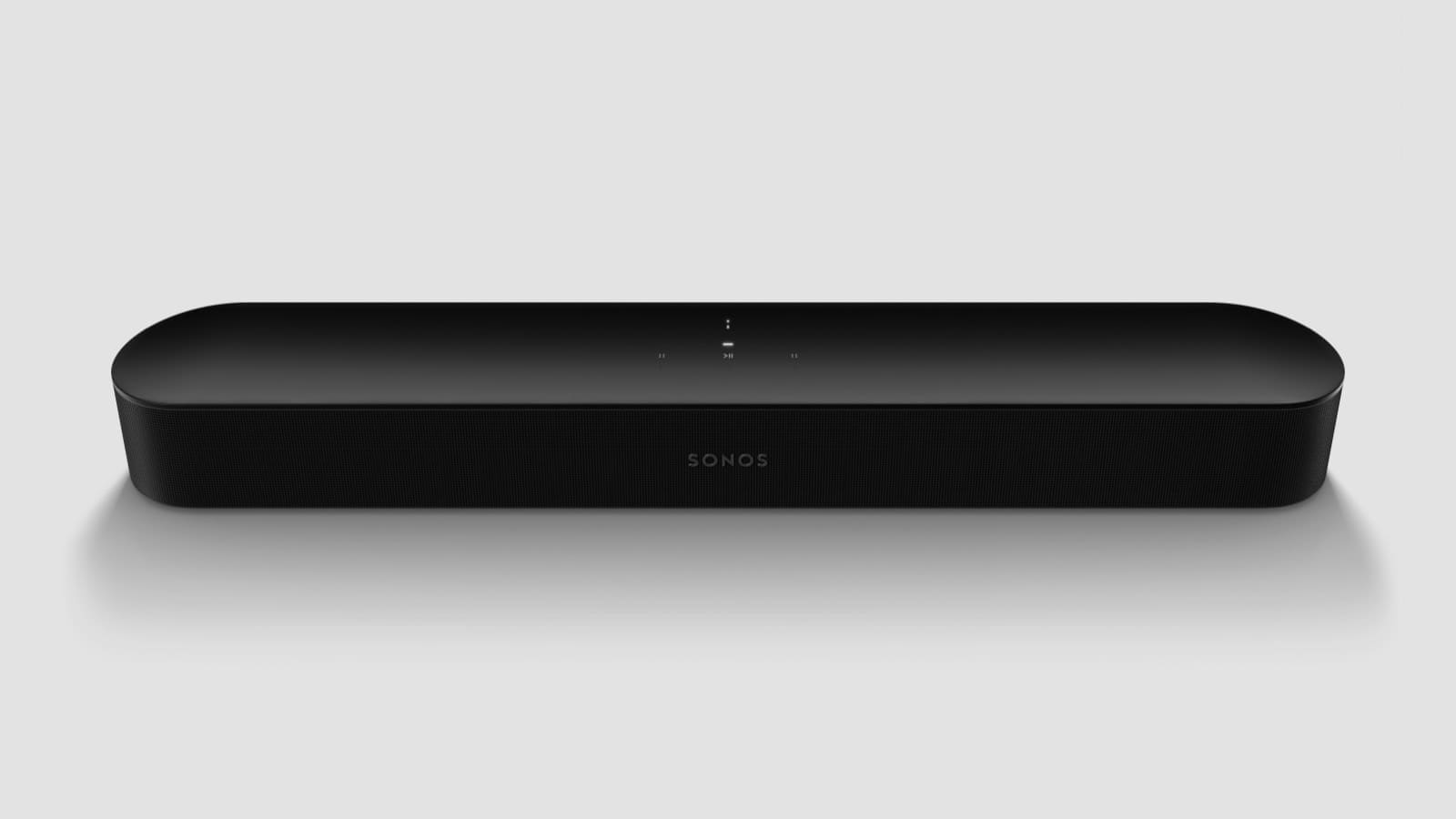
Sonos has not dramatically changed the Beam's footprint from the original. It is the same sleek, rounded-rectangle bar that slots neatly under TVs up to around 55 inches — ideal for UK flat sizes where space is at a premium. Available in matte black or white, the fabric grille and solid plastic chassis look premium without shouting about it. At 651 mm wide and just 69 mm tall, it fits most TV console setups without blocking the IR sensor on your screen.
Build quality is excellent: there is real heft here, and nothing flexes or rattles. The touch controls on top (play/pause, volume, microphone mute) respond immediately. Sonos has always been consistent in this area, and the Gen 2 is no exception.
Drivers and Sound Performance
Inside the Beam Gen 2 are five drivers: one tweeter, three mid-woofers, and one centre tweeter. That may sound modest, but Sonos has refined the crossovers and processing considerably. Dialogue intelligibility — often the key reason people buy a soundbar — is excellent. Voices lock to the centre of the screen with real precision, even at lower listening volumes that are typical in UK homes late at night.
Dolby Atmos is the headline addition for Gen 2. It is object-based virtual Atmos rather than height-channel Atmos (there are no upward-firing drivers), so do not expect dramatic overhead audio. What you do get is noticeably wider soundstaging and better object separation in compatible content on Netflix, Disney+, and Apple TV+. For music via Spotify Connect or Apple AirPlay 2, the Beam is punchy and detailed, though it lacks the low-end weight of a full system — you may want to add a best multiroom speakers setup or a Sonos Sub later.
Connectivity: HDMI ARC and WiFi
The Gen 2 connects to your TV via HDMI ARC. Note that it does not support eARC, which means it cannot pass lossless Dolby TrueHD or DTS:X — you will get Dolby Atmos only via the lossy Dolby Digital Plus codec. For the vast majority of streaming content, this is fine. Where it matters is if you are playing Blu-ray discs with a lossless soundtrack — in that case, the Beam will decode the compressed version rather than the full-fat one.
WiFi connectivity is dual-band, and the Beam joins your Sonos household for seamless multiroom audio. There is no Bluetooth and no optical input, so if your TV lacks ARC you will need an adapter. Ethernet is also absent from the Beam itself, though you can connect it via a Sonos Boost or a wired Sonos product elsewhere on the network.
Smart Features and Voice Control
The Sonos Beam Gen 2 has three voice assistant options built in: Amazon Alexa, Google Assistant, and Sonos Voice Control. You pick one to activate at setup — they cannot all run simultaneously. Alexa and Google work as you would expect, handling playback, smart home control, timers, and general queries. Sonos Voice Control is music-focused and privacy-oriented (processing happens on-device), but it cannot control third-party smart home devices.
For users already running a Home Assistant setup, the Alexa route is worth considering — see our guide on Home Assistant Alexa integration for how to bridge the two ecosystems. The Sonos integration in Home Assistant also works natively via the media player entity, giving you direct playback control from automations and dashboards without needing a voice assistant at all.
The Sonos app (iOS and Android) handles setup and EQ. TruePlay room calibration is available — currently iOS only — and it makes a genuine audible difference in most rooms. Point your iPhone microphone at the soundbar while it plays test tones, and the app profiles the acoustic signature of your space and adjusts the EQ accordingly. In practice, this tightens bass and improves clarity in rooms with hard floors or sparse furnishings.
2026 Alternatives to Consider
The Beam Gen 2 faces stiff competition at £449. The Samsung HW-Q600C undercuts it significantly and offers real Dolby Atmos via discrete upward-firing drivers. The Bose Smart Soundbar 600 is similarly priced and arguably better for music. Where the Beam wins is in the Sonos ecosystem: if you already own a Sonos Era 100 or a Sonos One, the Beam slots in as a TV hub that plays perfectly in sync with your other Sonos speakers, with no latency issues and a single app for everything.
Budget-conscious Sonos households should also weigh the Sonos Ray, which drops HDMI entirely (optical only) but costs roughly half the Beam's price. Buyers who want genuine height-channel Atmos and can stretch the budget should look at the Sonos Arc instead — see our Sonos soundbar UK price guide for the full range side by side.
| Model | RRP | Best for |
|---|---|---|
| Sonos Beam Gen 2 | £449 | Sonos households wanting a compact, ecosystem-native bar |
| Sonos Ray | £279 | Tightest budget within the Sonos ecosystem (optical only) |
| Sonos Arc | £899 | Genuine height-channel Atmos, larger rooms |
| Samsung HW-Q600C | £379 | Cheaper real Atmos drivers outside the Sonos ecosystem |
| Bose Smart Soundbar 600 | £449 | Stronger music tuning, weaker multiroom support |
It also wins on software longevity. Sonos products tend to receive updates for many years, and the Gen 2 remains on the current firmware track. If you are buying for a long-term setup rather than the cheapest option today, that matters.
For a wider look at the category, see our roundup of the best smart soundbars available in the UK right now.
Who Should Buy the Sonos Beam Gen 2?
The Beam Gen 2 suits you if:
- You have a TV up to 55 inches and limited space for a wider bar
- You are already in the Sonos ecosystem or plan to expand into multiroom audio
- Dialogue clarity and music playback quality matter as much as cinematic surround
- You use an iPhone and will benefit from TruePlay calibration
It is less ideal if you want true height-channel Atmos, need optical input, or are working to a tighter budget where the Samsung or LG alternatives make more sense.
Where to Buy
The Sonos Beam Gen 2 is available at major UK retailers including John Lewis, Richer Sounds, and Amazon. You can check the latest price on Amazon UK — prices occasionally drop below RRP, particularly around Black Friday and January sales.
Verdict
The Sonos Beam Gen 2 is a very good compact smart soundbar. The dialogue clarity is class-leading, the Sonos app and multiroom ecosystem are still best in class, and TruePlay makes a real difference. The £449 price is hard to justify purely on audio hardware when rivals offer physical Atmos drivers for less — but if you are building or extending a Sonos home, it is the obvious choice for TV audio. We give it a strong recommend for Sonos households; a considered buy for everyone else.
Related: Sonos Arc premium soundbar review, Sonos Sub Mini review, and our Sonos soundbar UK price guide.