Seeed
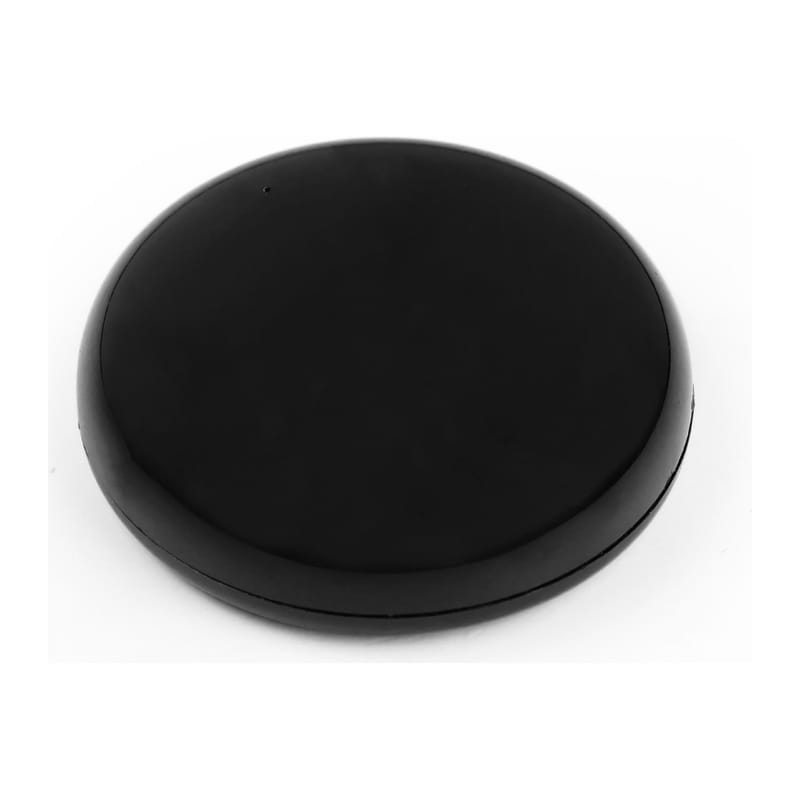
Seeed XIAO Smart IR Mate
- Native integration
- Local control
- Wi-Fi
Prices verified November 2026
See more hubs & dongles picks on our Amazon storefront →Our verdict
A tiny USB-C-powered ESP32-C3 IR blaster that ships with ESPHome firmware, so it shows up in Home Assistant through the built-in ESPHome integration with no cloud account. Three IR LEDs, one receiver, learns up to 10 commands from your own remotes in the factory firmware. Two honest limits: 10 slots is not a drawer of remotes, and the factory setup needs a 2.4 GHz network via its own hotspot. If you want it to act as a proper air-conditioner climate entity you must flash custom ESPHome YAML, and Seeed's own Gree example notes the platform does not sync state when the original remote is used. Stock at the UK retailer I checked was on backorder.
What can Home Assistant control on the Seeed XIAO Smart IR Mate?
| Control | Type | What it does |
|---|---|---|
| Signal | Select | Chooses one of 10 learned-signal slots. |
| Learn | Button | Puts the device into learning mode for the selected slot. |
| Send | Button | Transmits the learned signal in the selected slot. |
| Is learned signal | Binary sensor | Shows whether the selected slot holds a learned signal. |
Discovered automatically by Home Assistant's built-in ESPHome integration (Settings > Devices & Services; or add manually by hostname xiao-ir-mate or IP). The factory firmware's documented interface is a 'Signal' dropdown with 10 slots, Learn and Send buttons and an 'Is Learned Signal' indicator, not a full remote entity; learning can fail with weak remote batteries, strong light or IR interference. Home Assistant's newer Infrared building block (2026.4) can use an ESPHome device as an emitter/receiver, but Seeed's wiki does not say the factory image does so, which is a custom-firmware job. A factory reset (long press over 5 s) erases Wi-Fi credentials and all learned signals, and restoring factory firmware needs Seeed's original .bin or YAML.
Specs
| other | touch sensor, vibration motor, status LED, reset button |
|---|---|
| power | 5 V via USB-C |
| learning | up to 10 IR commands in factory firmware |
| controller | XIAO ESP32-C3, Wi-Fi (2.4 GHz network required for setup) |
| ir receiver | 1 receiver |
| not published | IR range, power draw, dimensions |
| ir transmitters | 3 high-power IR LEDs, 360 degree coverage |
How does the Seeed XIAO Smart IR Mate compare?
| Product | From | Protocol | Local control | Integration |
|---|---|---|---|---|
| Seeed XIAO Smart IR Mate (this product) | £10.48 | Wi-Fi | Yes | Native |
| Aeotec Z-Stick 7 | £46.43 | Z-Wave | Yes | Native |
| Apple TV 4K (Wi-Fi + Ethernet, 128GB) | £249 | Thread, Matter, Wi-Fi, Bluetooth | Yes | Native |
| Aqara Hub M3 | £109.99 | Zigbee, Thread, Matter, Wi-Fi, Bluetooth | Yes | Native |
Frequently asked questions
- Does the Seeed XIAO Smart IR Mate work with Home Assistant locally?
- Yes. The Seeed XIAO Smart IR Mate is controlled locally in Home Assistant through a built-in Home Assistant core integration (esphome), so it keeps working if your internet connection or the Seeed cloud goes down. Control and state updates stay on your own network.
- Which protocol does the Seeed XIAO Smart IR Mate use, and do I need a hub?
- The Seeed XIAO Smart IR Mate uses Wi-Fi. To pair it with Home Assistant you need no hub — it joins your Wi-Fi network directly. Seeed's own hub is not required when you integrate through a built-in Home Assistant core integration (esphome).
- How much does the Seeed XIAO Smart IR Mate cost in the UK?
- The lowest price we have listed for the Seeed XIAO Smart IR Mate is £10.48 at RobotShop UK. Prices were last checked in November 2026 and change often, so confirm on the retailer's page before buying.