What exactly is Google Home?
Google Home is both an app and a platform: the app is the free iOS/Android control centre, and the platform is the underlying system that lets third-party devices talk to Google's voice assistant and automation engine. It replaced the older, separate "Google Home" and "Nest" apps a few years ago, folding camera, doorbell and thermostat control into one place alongside lights, plugs and speakers. Every device you add sits inside a "Home" — a virtual representation of your house, divided into rooms — and every person you invite to that Home gets shared control, so a partner or housemate can turn lights on from their own phone without needing your login.
How do I set up Google Home for the first time?
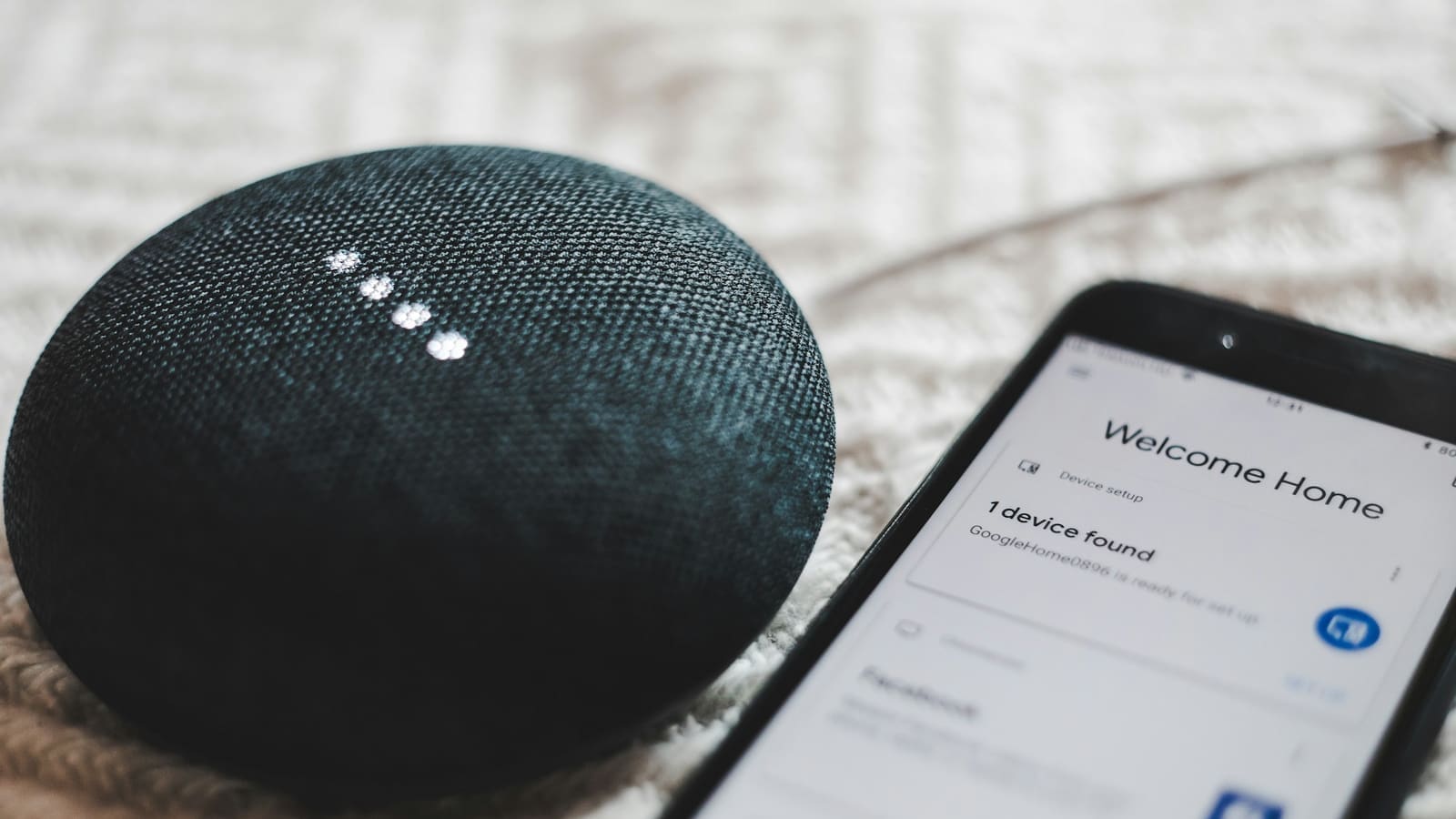
Setup starts with downloading the Google Home app from the Play Store or App Store and signing in with the Google Account you want as the primary account, since that account keeps full administrative control over the Home and everyone else in it. From there:
- Tap the "+" icon and choose "Set up device" to add your first speaker, display or Nest product, or "Works with Google" to link a third-party brand's own app (Philips Hue, TP-Link, Aqara, and similar all use this route).
- Create or join a Home, then assign each device to a room — this matters more than it sounds, since room names are what you'll actually say out loud ("turn off the kitchen lights").
- Invite other household members from Settings → Household so they get shared, not guest-level, control.
- If you're adding a Matter device, the app will usually prompt a QR-code scan the moment your phone detects it nearby — no manual pairing needed on Android with a recent Google Home app version.
Google's own setup documentation is the most reliable reference if a specific device gets stuck mid-pairing, since exact menu wording shifts between app versions.
Which devices actually work with Google Home?
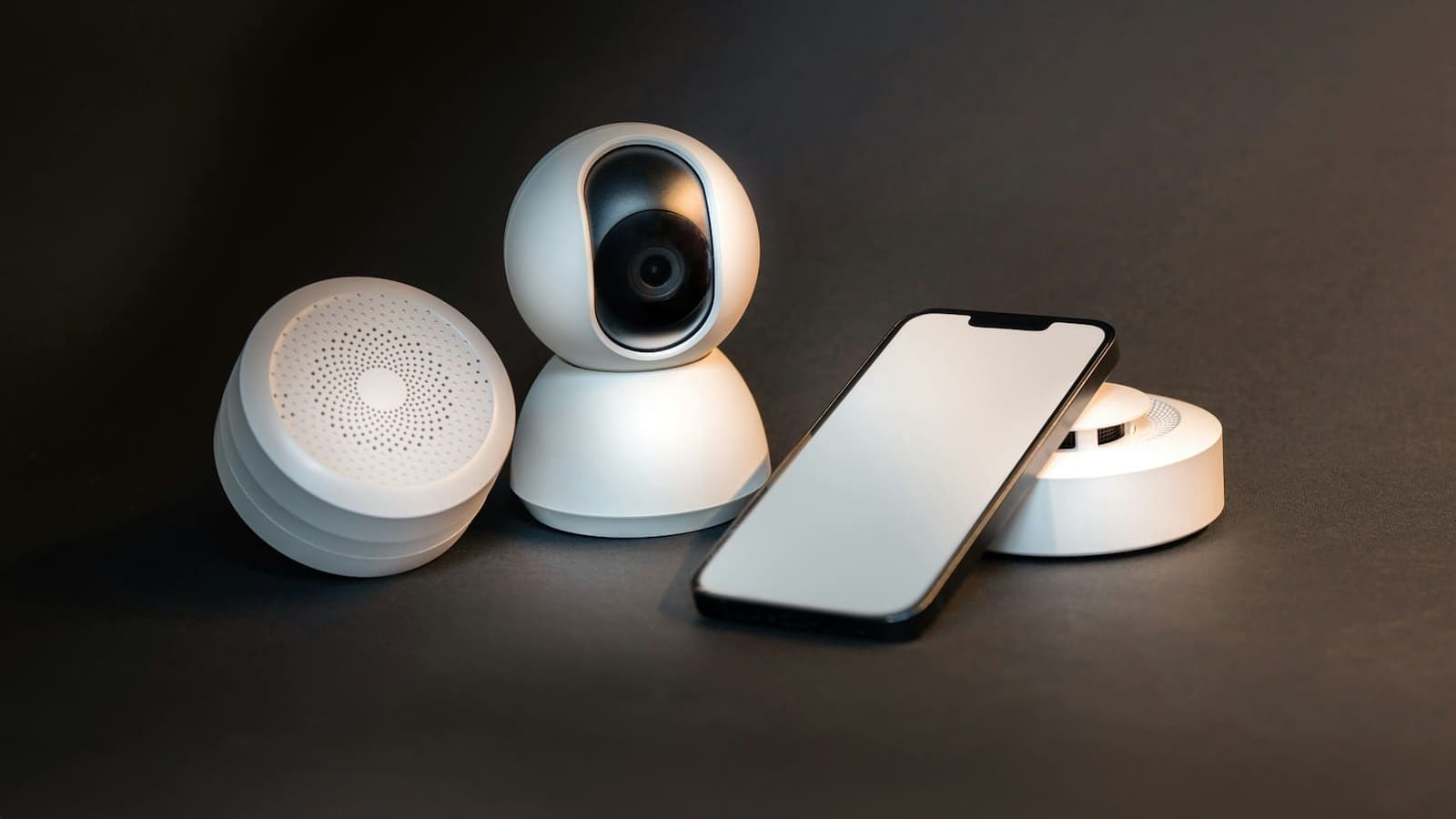
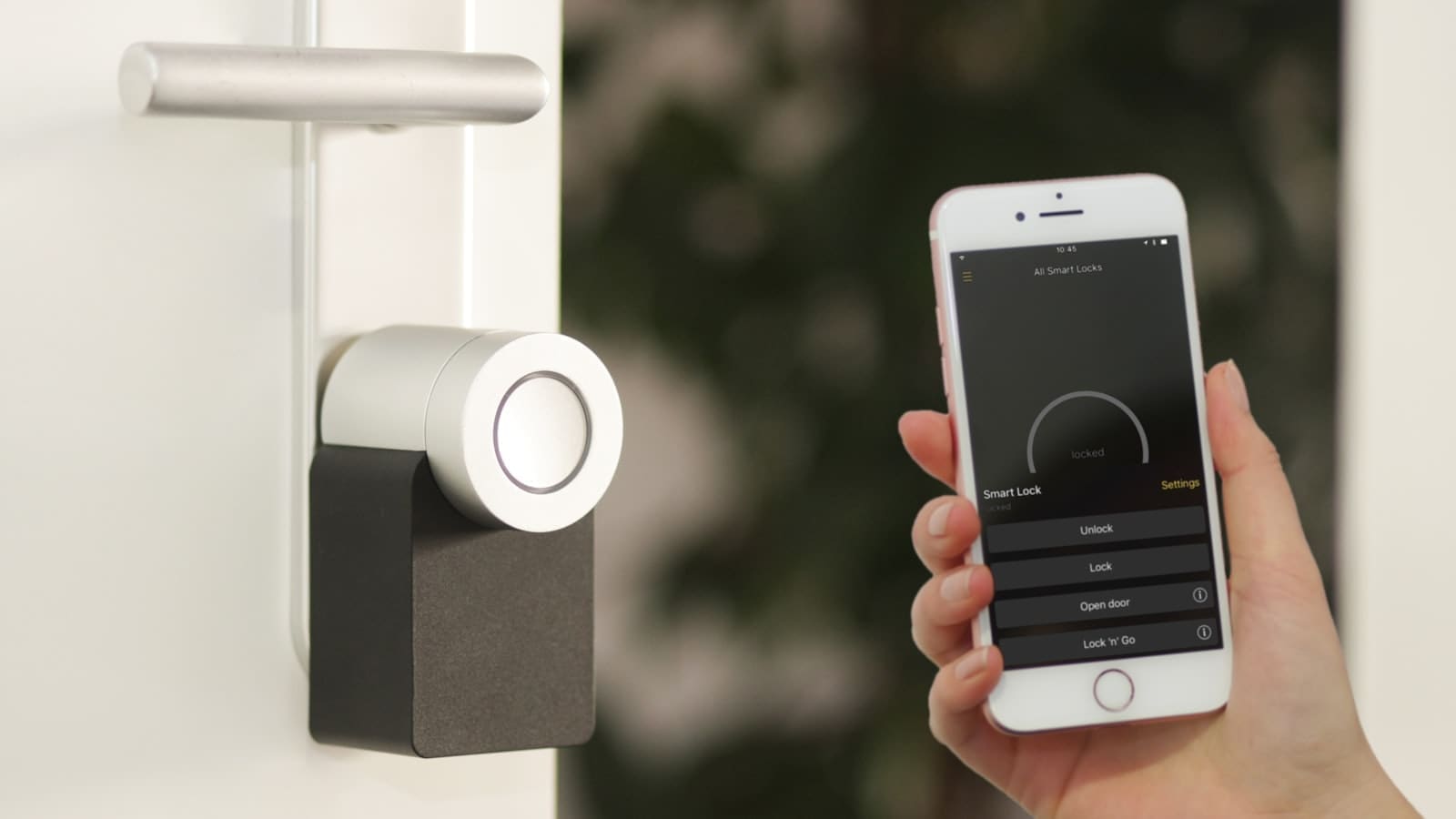
Three tiers of compatibility exist in practice. First-party Nest and Google hardware — Nest speakers, Nest Hub displays, Nest thermostats, Nest cameras and doorbells — integrates natively with no extra step. Second, a long list of third-party brands publish an official "Works with Google Home" integration through their own app, which is how Philips Hue, LIFX, TP-Link Kasa, Ring, Aqara and Sonos speakers typically get added. Third, any device certified for Matter — the cross-manufacturer smart home standard backed by Google, Amazon, Apple and the Connectivity Standards Alliance — can be added directly through the Google Home app without needing that brand's own app installed at all, provided you're on a hub that supports Matter locally.
Not every device category is covered by Matter yet. The original 1.0 spec covers lights, plugs, switches, locks, sensors and thermostats; security cameras, more complex robot vacuums, and some HVAC systems still lean on brand-specific integrations rather than pure Matter. Google publishes a compatible-devices list that's worth checking before buying anything new, since a device advertised as "smart" isn't automatically a Google Home device.
| Compatibility route | Examples | Setup effort | Works without the brand's own app? |
|---|---|---|---|
| Native (first-party) | Nest speakers, Nest Hub, Nest thermostats, Nest cameras | Lowest — built into Google Home | Yes |
| "Works with Google Home" integration | Philips Hue, TP-Link Kasa, Ring, Sonos, Aqara | Low — link account once | No, needs brand app to onboard first |
| Matter | Most new bulbs, plugs, locks, sensors launched since 2023 | Low — QR scan via Google Home app | Yes, for supported device types |
What is Gemini for Home and do I need it?
Gemini for Home is Google's 2026 replacement for the classic Google Assistant on smart speakers and displays, adding a more conversational voice assistant plus "Ask Home" — a chat-style way to query and control your devices in plain language ("is the back door locked?") rather than fixed commands. The core voice assistant and Ask Home are free once your household has an eligible device; premium tiers add automatic automation suggestions ("Help me create") and, on the Advanced plan, AI-written camera activity summaries and smarter notifications for Nest cameras. The UK is on Google's early-access rollout list for both the free voice assistant and Ask Home, so availability should already be live or close to it on eligible devices rather than a future promise.
Does Google Home support Matter and Thread?
Yes — Google Home has supported Matter since the standard launched, and Nest Hub (2nd gen), Nest Hub Max, Nest Wifi Pro and the Google TV Streamer can all act as Matter/Thread border routers, meaning they bridge low-power Thread devices onto your home network. If you're adding a Thread-based sensor or lock rather than a Wi-Fi one, you need at least one of these border-router-capable devices already set up in your Home before pairing will succeed. Google's own guidance recommends checking your network is ready — router firmware up to date, 2.4 GHz band enabled — before starting Matter setup, since a surprising number of failed pairings trace back to router settings rather than the smart device itself.
Google Home vs Alexa vs Apple Home vs Home Assistant
Google Home suits households already invested in Android phones, Gmail, or an existing Nest device, and it now handles Matter devices as smoothly as its two big rivals. Amazon Alexa still has the largest device library and cheaper hardware; Apple Home offers the tightest privacy story and deepest iPhone integration but a smaller device catalogue. None of the three give you full local control if your internet goes down or Google's servers have an outage — for that, self-hosted Home Assistant remains the only option that runs entirely on your own network, though it demands more setup effort than any of the cloud ecosystems. We've compared Google Home against Apple's ecosystem and against Home Assistant in dedicated head-to-head guides if you're still deciding between platforms.
Is Google Home worth setting up in 2026?
For most UK households already carrying an Android phone or owning a Nest speaker, yes — Google Home is free, Matter support means you're no longer locked into buying Nest-branded hardware, and Gemini for Home has closed much of the gap with Alexa's voice-command range, and a 2 September 2026 update fixed several early-access bugs around alarms, lists and combined commands, though some Assistant-era features still haven't made the jump. The trade-off is the same one every cloud ecosystem shares: your automations and voice control depend on Google's servers being up, and camera AI features beyond the basics sit behind a Google Home Premium subscription. If that trade-off bothers you, it's worth reading our Home Assistant vs Google Home comparison before committing a house full of devices to one ecosystem.
Many of the newer Gemini features sit behind a subscription: see our guide to Google Home Premium in the UK for plan prices and what the free tier still covers.