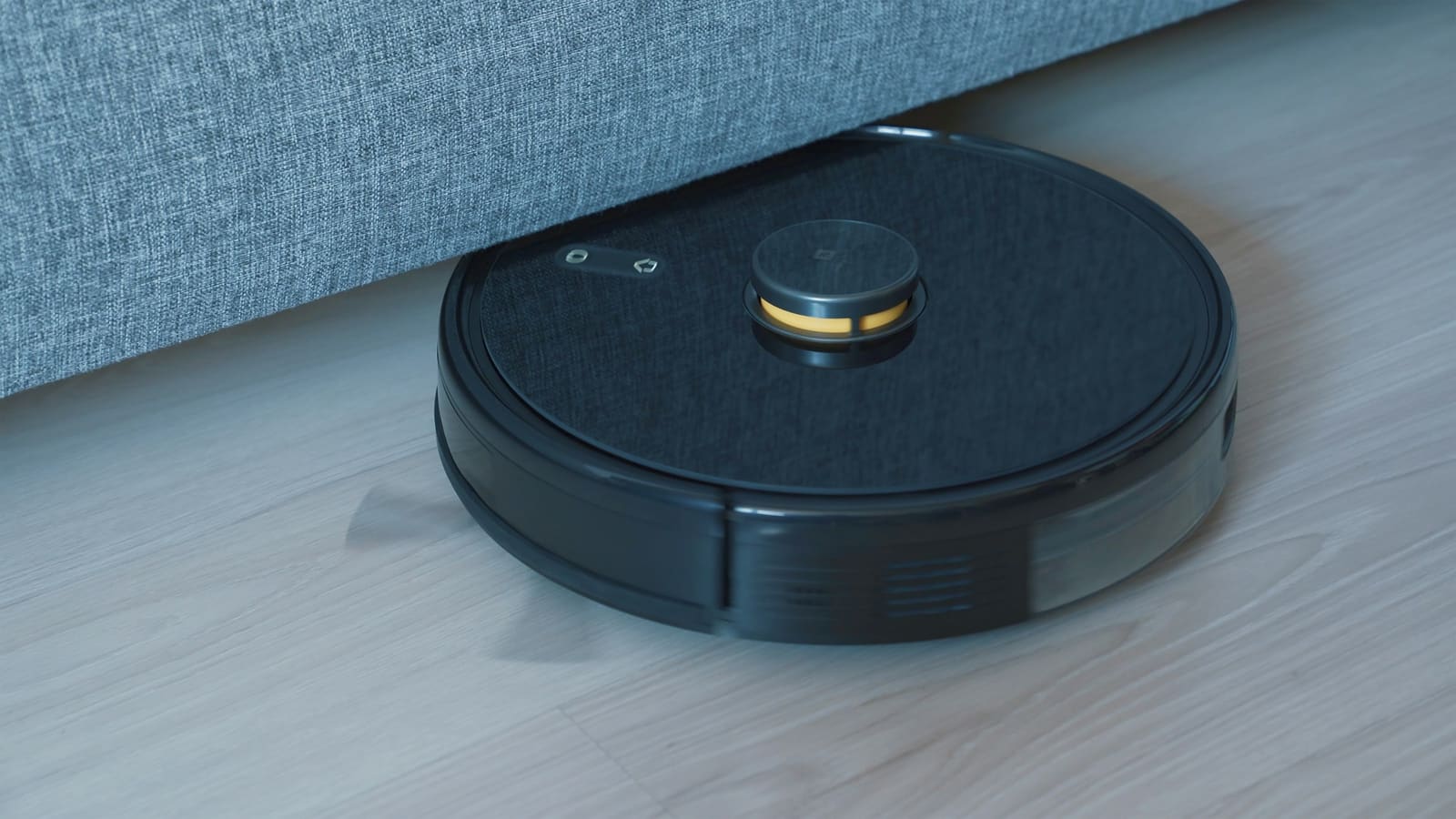
Why did battery_level disappear from vacuum entities?
- It was deprecated a year in advance: the
battery_levelandbattery_iconproperties onStateVacuumEntitywere marked deprecated back in Home Assistant Core 2025.8, with a stated one-year deprecation window before removal. - Core integrations were migrated ahead of the cut-off: by Home Assistant 2026.8, built-in integrations such as Roborock, Xiaomi Miio and Ecovacs had already stopped setting the property and started exposing battery level through a dedicated sensor entity instead.
- 2026.9 removed the property from the base class entirely: the September release deleted
battery_levelfrom the coreStateVacuumEntitydefinition, so any custom or community integration still relying on it now reports nothing for battery state. - The reasoning is architectural, not cosmetic: Home Assistant's own developer documentation recommends a standalone sensor with the
batterydevice class (plus an optionalchargingbinary sensor) because a dedicated entity plugs into battery-tracking dashboards, history graphs and the Battery Notes-style tooling built around thesensordomain — none of which worked with an attribute buried on the vacuum entity itself.
How do you find what's still referencing the old property?
Search your configuration for the literal string battery_level across every place templates and dashboards can hide it: run grep -ri battery_level against your configuration.yaml, any files under automations.yaml/scripts.yaml, and your Lovelace dashboard YAML if you edit it in YAML mode. Pay particular attention to three spots: Jinja2 templates using state_attr('vacuum.xxx', 'battery_level') or {{ state_attr('vacuum.xxx', 'battery_level') }}, template sensors built around the vacuum entity's attributes, and custom Lovelace cards (entity cards, glance cards, custom vacuum cards) configured to show a battery_level attribute rather than a separate entity. If you edit dashboards through the UI only, open each vacuum card's settings and check whether it references an attribute instead of an entity — that's the giveaway.
How do you find the new battery sensor entity for your vacuum?
Every core vacuum integration migrated in 2026.8 now creates a matching sensor entity with the battery device class, typically named sensor.<vacuum_name>_battery — for example a Roborock S7 named "Roborock S7" gets sensor.roborock_s7_battery. Go to Settings > Devices & services > Entities, search for your vacuum's name followed by "battery", and confirm the entity exists and reports a percentage. It's filed under the Diagnostic category by default, so if it isn't showing on your dashboard already, that's why — diagnostic entities are hidden from the default view unless you go looking for them.
How do you update templates and automations to the new entity?
Replace state_attr('vacuum.living_room', 'battery_level') with states('sensor.living_room_vacuum_battery') in every template, and swap any automation trigger or condition that watched the vacuum entity's battery_level attribute for a numeric state trigger/condition on the new sensor entity instead — for example a "battery below 20%" automation should trigger on sensor.roborock_s7_battery going below 20, not on an attribute of vacuum.roborock_s7. If you also want a low-battery indicator, add a binary sensor with the charging device class where the integration provides one, which several vacuum integrations now expose alongside the battery sensor. You'll know it worked when the template or automation runs without an "unknown" or "unavailable" state and the reported percentage matches what the vacuum's own app shows.
How do you rebuild dashboard cards around the new entity?
For built-in vacuum cards, Home Assistant should already show battery correctly if the card is entity-based rather than attribute-based — but any custom card (glance, entities, or a third-party vacuum card) explicitly configured to display battery_level as an attribute needs its YAML updated to reference the new sensor.*_battery entity directly. In an entities card this means adding a second row for the sensor entity; in a glance card it means swapping the entity list to include the sensor alongside the vacuum. Confirm the fix by checking the card renders a live percentage rather than a blank or "unknown" battery icon after a full browser refresh.
What if your vacuum doesn't have a custom integration?
If you use a community-maintained vacuum integration installed through HACS rather than a core integration, check its GitHub repository or release notes specifically — not every custom integration had migrated to the sensor-based approach by the time 2026.9 shipped, and some users only discovered the gap when their battery reading silently went blank. If the integration you rely on hasn't added a battery sensor yet, that's a bug report for the integration's maintainer rather than something fixable from the Home Assistant side; in the meantime a template sensor built from whatever raw attribute the integration still exposes (check its entity's attributes in Developer Tools) can bridge the gap until it's patched.
How do you stop this kind of breakage catching you out again?
Read the breaking changes section of each monthly release before updating rather than after — Home Assistant lists every removed or renamed entity, service and property at the top of its release post, and 2026.9 also removed the VLC integration outright and renamed several LLM tool names, so vacuum battery tracking wasn't the only thing worth checking that month. Take a full backup from Settings > System > Backups before every update so a broken automation costs you a rollback rather than a rebuild. We cover the rest of what changed in 2026.9, including the new Matter network map and security dashboard alerts, in our full Home Assistant 2026.9 breakdown, and if you're still deciding which robot vacuum plays nicest with Home Assistant in the first place, our Dreame vs Roborock comparison covers integration quality alongside cleaning performance.
Choosing a new vacuum? Our best robot vacuum for Home Assistant UK roundup compares which integrations ship in core and which rely on community components.