Smart Home Assistant

UniFi Dream Machine Review UK: Is It Worth the Jump From a Standard Router?

SepehrBy Sepehr· 13 August 2026· Updated 13 August 2026
✓ Independent — no paid placements✓ UK-tested in real homes✓ Cited sources on every guide
UniFi Dream Machine Review UK: Is It Worth the Jump From a Standard Router?
On this page[tap to expand]

The UniFi Dream Machine (UDM) is Ubiquiti's all-in-one router: a security gateway, four-port Gigabit switch, and a built-in WiFi 5 access point rated for up to 1.7 Gbps, packaged in a compact desktop unit and controlled through the same UniFi Network app used by Ubiquiti's rack-mount gear. At £239 it costs more than a typical consumer mesh router, but it replaces three separate boxes and gives a smart-home household VLANs, real traffic insight, and IDS/IPS threat detection that budget routers simply don't offer. It's overkill if you just want WiFi that works — for that, a mesh WiFi system is simpler. But for anyone running Home Assistant, a growing pile of IoT devices, or CCTV that needs isolating from the rest of the network, the UDM's controller-grade features are the actual draw, not the WiFi radio.

What does the UniFi Dream Machine actually include?

The base UDM bundles four roles into one unit: a security gateway with stateful firewall and threat detection, a 4-port Gigabit LAN switch, a dual-band 802.11ac (WiFi 5) access point rated up to 1.7 Gbps combined, and Ubiquiti's UniFi Network controller software running locally on the device — no separate Cloud Key or hosted controller needed. It's powered by a 1.7 GHz quad-core ARM Cortex-A57 CPU with 2 GB of RAM and draws a maximum of 26 W. Setup goes through the UniFi mobile app or web UI, and once it's running, the same interface manages any additional UniFi access points, switches or cameras added later — which is the main reason people buy into the ecosystem rather than staying with a single mesh router.

How much does the UniFi Dream Machine cost in the UK?

Ubiquiti sells four tiers of Dream Machine through its official UK store, and the price gap between them is significant enough that picking the right one matters. The standard UDM suits a flat or terraced house where you don't need rack mounting. The Pro and SE step up to rack-mount 1U chassis with 10G SFP+ WAN, aimed at households running local NVR storage for security cameras or multiple UniFi switches and access points.

ModelUK priceForm factorWANIDS/IPS throughputNotable extra
UDM (standard)£239Desktop, built-in WiFi 5 AP1x GigabitNot rated (consumer-class)All-in-one, no rack needed
UDM Pro£3001U rack-mount10G SFP+ / GbE RJ453.5 Gbps3.5" NVR HDD bay for Protect
UDM SE£3951U rack-mount10G SFP+ / 2.5GbE3.5 GbpsBuilt-in PoE switch ports
UDM Pro Max£4751U rack-mount10G SFP+ / 2.5GbE5 Gbps2x 3.5" NVR bays, 8 GB RAM

None of these prices include an internet-facing WiFi mesh — the Pro, SE and Pro Max are gateway-only and need separate UniFi access points if you want wireless coverage beyond one room, which adds £100–£200 per AP on top. That's worth factoring in before comparing the sticker price against a mesh kit that already includes multiple wireless nodes.

Is the UniFi Dream Machine worth it for a smart home over a mesh router?

It depends on what you're actually trying to solve. If poor WiFi coverage is the problem, a mesh system from Eero, TP-Link Deco or Google is cheaper, easier to set up, and covers a house with multiple nodes out of the box — the standard UDM has only one AP's worth of radio. Where the Dream Machine earns its price is network segmentation and visibility: full VLAN support to isolate IoT and camera traffic from your main devices, per-client bandwidth and threat monitoring in the UniFi app, and a controller that scales cleanly if you add UniFi switches or PoE cameras later. Anyone following a home network VLAN setup for Home Assistant, or running enough smart plugs and cameras that router-level visibility actually matters, gets more from the UDM than from a mesh system's simpler app. For most households without that need, it's genuinely more router than they'll use.

Does the UniFi Dream Machine work well with Home Assistant?

Yes — the UDM sits comfortably alongside a Home Assistant setup because VLAN tagging lets you keep smart-home devices on an isolated network segment while still allowing controlled access from your main LAN, which is the standard approach covered in our home network VLAN guide. mDNS and multicast traffic (used by many local-first integrations like HomeKit and Google Cast) need explicit reflection rules between VLANs, which UniFi supports but does require manual configuration — it isn't automatic the way it is on a flat consumer router network. If you're running Home Assistant on separate hardware such as a Raspberry Pi or a small server, our home server setup guide covers the pairing in more detail, and PoE-powered access points or cameras plug straight into a UDM Pro, SE or Pro Max without a separate injector.

UDM vs UDM Pro vs UDM SE: which one should you buy?

Buy the standard UDM if you live somewhere small enough that one access point covers the property and you don't plan to add UniFi cameras or switches — it's the only model in the range with built-in WiFi. Step up to the UDM Pro if you want to add UniFi Protect cameras with local NVR storage and don't mind buying separate access points. Choose the UDM SE if you're also deploying PoE-powered access points or cameras and want the switch ports built in rather than buying a separate PoE switch. The Pro Max is aimed at larger households or small offices running multiple cameras with RAID-protected storage — most smart-home users won't need its extra headroom. Whichever tier you pick, note that none of the rack-mount models include WiFi, so budget for at least one UniFi access point (from around £100) alongside the gateway itself.
Frequently asked questions

How much does the UniFi Dream Machine cost in the UK?
The standard UniFi Dream Machine (UDM) costs £239 direct from Ubiquiti's UK store, and includes a built-in WiFi 5 access point, 4-port Gigabit switch and security gateway in one desktop unit. The rack-mount models cost more but don't include WiFi: the UDM Pro is £300, the UDM SE is £395, and the UDM Pro Max is £475 — all three need separate UniFi access points added for wireless coverage, typically another £100–£200 per AP. Compared with a consumer mesh WiFi kit at a similar price, the standard UDM trades multi-node wireless coverage for VLAN support, threat detection and a proper network controller, which suits a smart-home-heavy household more than a straightforward WiFi upgrade. For most homes wanting simple whole-house WiFi, a mesh system remains the simpler and often cheaper option.
Is the UniFi Dream Machine good for Home Assistant?
It works well for Home Assistant setups that need network segmentation — VLAN tagging lets you keep IoT devices and cameras isolated from your main network while still reaching Home Assistant, which is the standard configuration in our home network VLAN guide. The catch is that local-discovery protocols such as mDNS (used by HomeKit and Google Cast integrations) don't cross VLANs automatically; UniFi supports mDNS reflection but it needs manual setup, unlike a flat consumer router network where everything sees everything by default. For households already running a segmented network or planning to add UniFi PoE cameras and access points, the UDM's controller-level visibility is a genuine upgrade over a standard router. For a simple single-VLAN Home Assistant install, the extra complexity isn't necessary.
What's the difference between the UDM and UDM Pro?
The standard UDM (£239) is a desktop unit with a built-in WiFi 5 access point, so it's the only model in the Dream Machine range that provides wireless coverage out of the box. The UDM Pro (£300) drops the built-in WiFi in favour of a 1U rack-mount chassis with a 10G SFP+ WAN port, 3.5 Gbps IDS/IPS threat-detection throughput, and a 3.5-inch HDD bay for local UniFi Protect camera recording — features aimed at households running or planning a camera system. If you just want an all-in-one router with WiFi and don't need rack-mount camera storage, the standard UDM is the simpler and cheaper choice; if cameras or future UniFi switches and access points are on the roadmap, the Pro's rack-mount design and controller headroom make more sense.

Sources

Sources verified 2026-08-13

  1. Ubiquiti UK Store — UniFi Dream Machine (UDM)
  2. Ubiquiti UK Store — UniFi Dream Machine Pro (UDM-Pro)
  3. Ubiquiti UK Store — UniFi Dream Machine Special Edition (UDM-SE)
  4. Ubiquiti UK Store — UniFi Dream Machine Pro Max (UDM-Pro-Max)
  5. Ubiquiti Tech Specs — UniFi Dream Machine Pro Technical Specifications
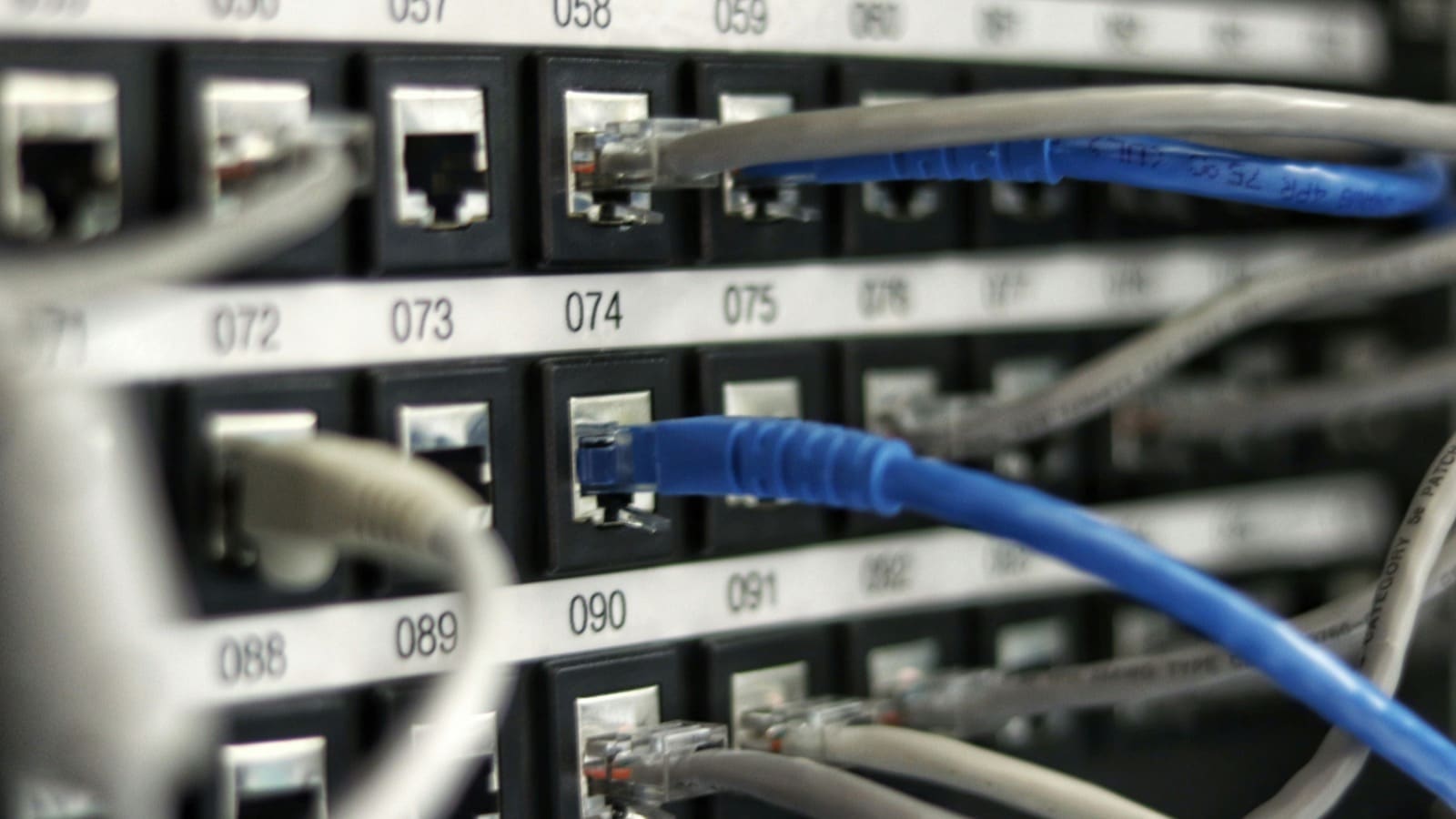
  6. Unsplash — Network patch panel with ethernet cables, photo by Jordan Harrison
How we researched this

Claims in this article are checked against primary sources — manufacturer specifications, official documentation, Which? research, Ofgem guidance, or gov.uk — rather than forum threads or video reviews. Where the author has direct hands-on experience with a product (most Home Assistant, Zigbee, and home-networking gear is running in his own homelab), that is stated explicitly in the text.

For categories outside that personal setup — such as boilers, heat pumps, and other areas that are traditionally a heating engineer's domain — verdicts are built from cross-referenced manufacturer data, published lab results, and vetted expert and owner reviews rather than a claim of personal hands-on testing. See the editorial policy for the full methodology.

Sepehr

Written by

Sepehr

10+ years hands-on with Home Assistant & networking · Research-backed elsewhere · No brand deals

Smart home specialist with 10+ years running a self-hosted Home Assistant setup — Zigbee2MQTT, Frigate NVR, and local-first automations. Independent coverage for UK homes, no brand deals.

LinkedIn →

Related reading