What has changed with the HomePod mini 2?
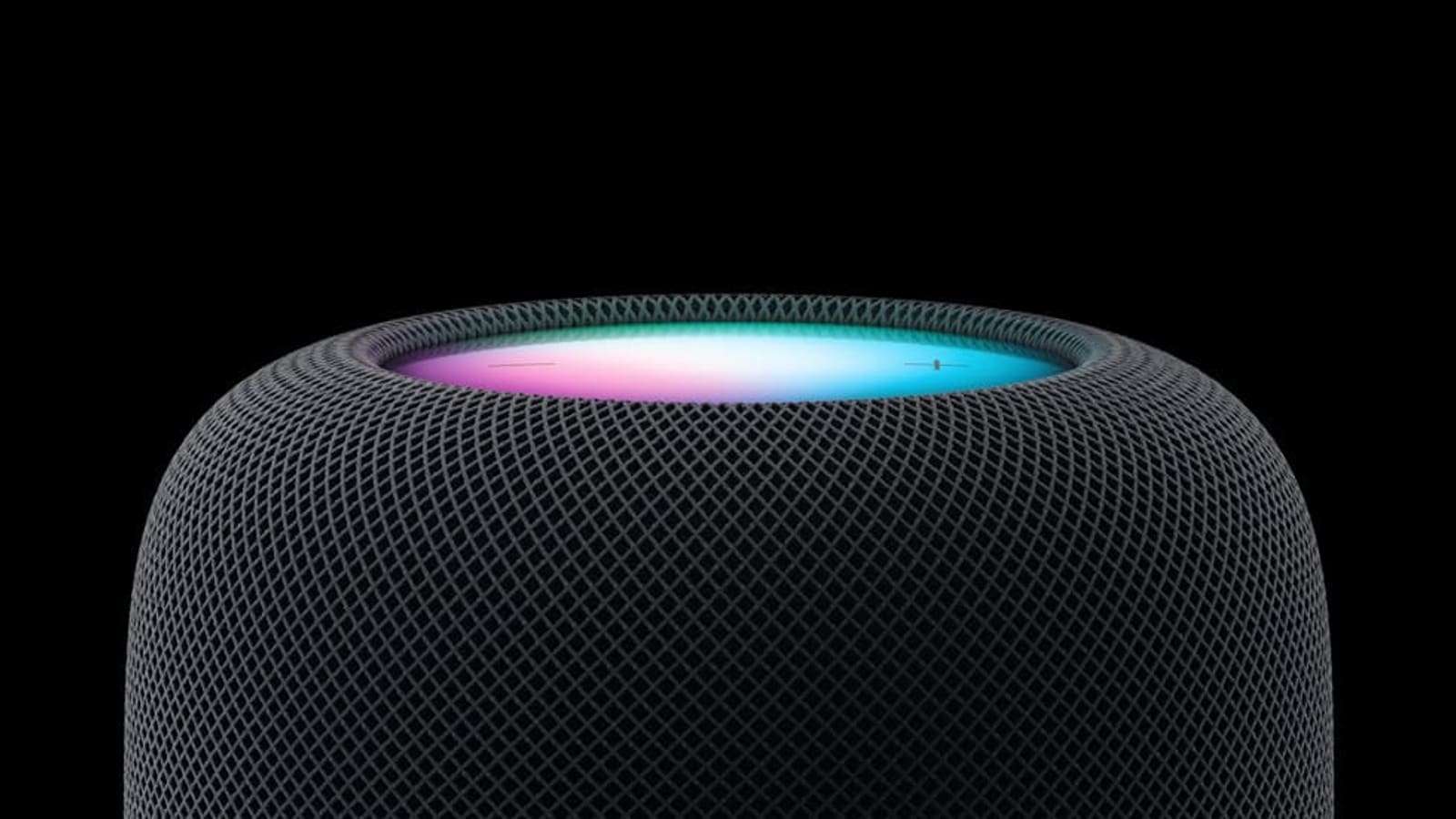
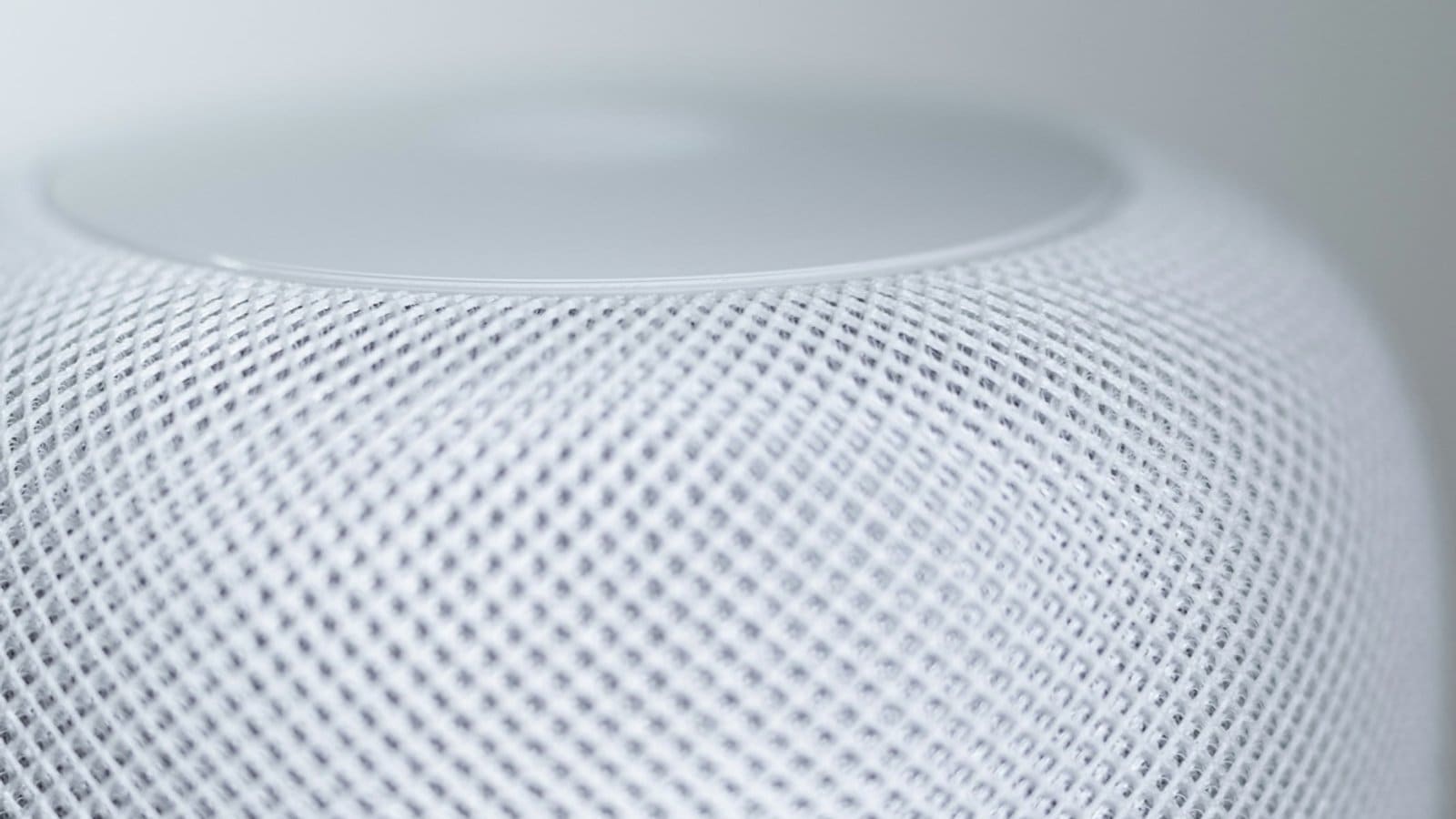
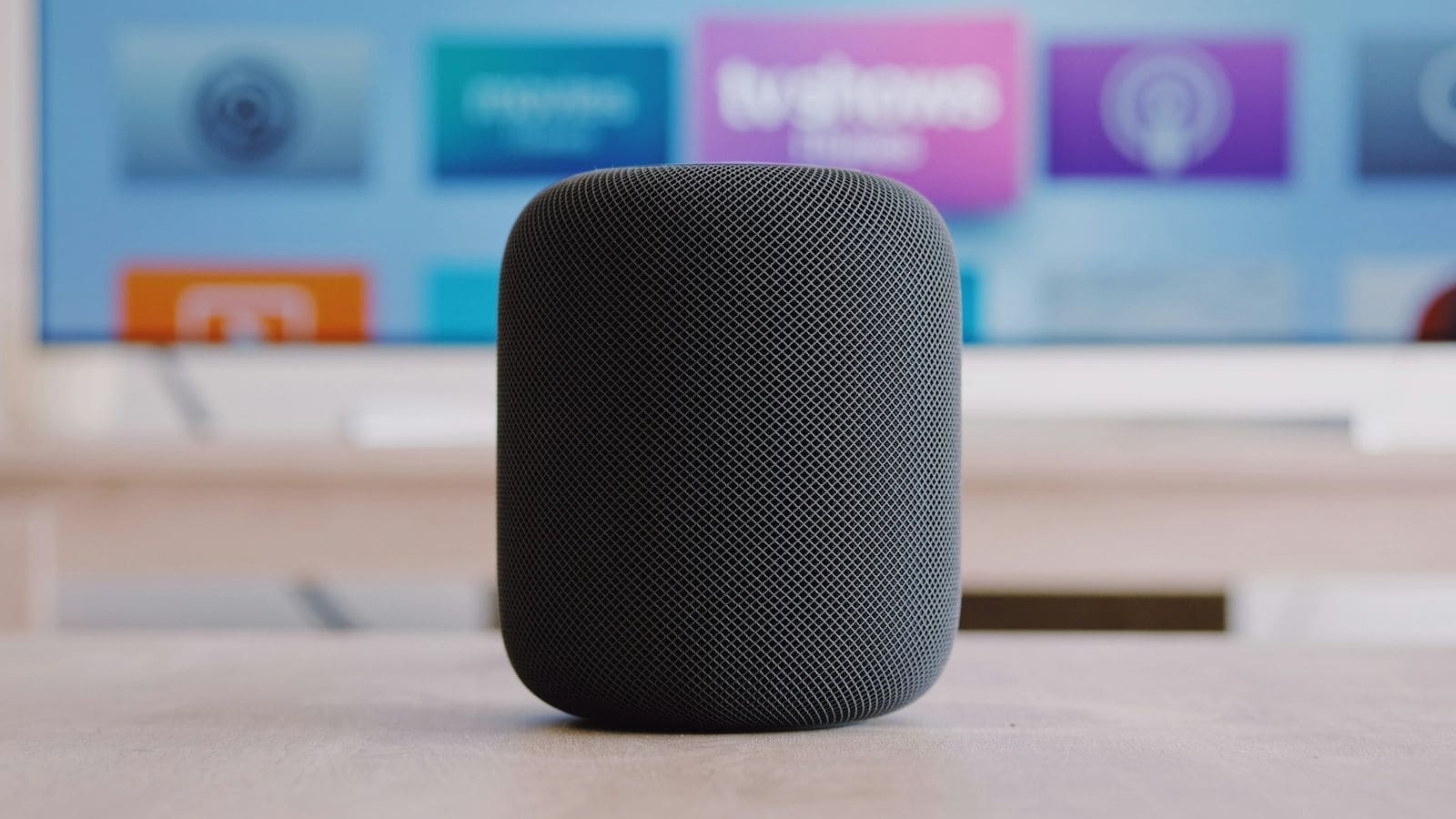
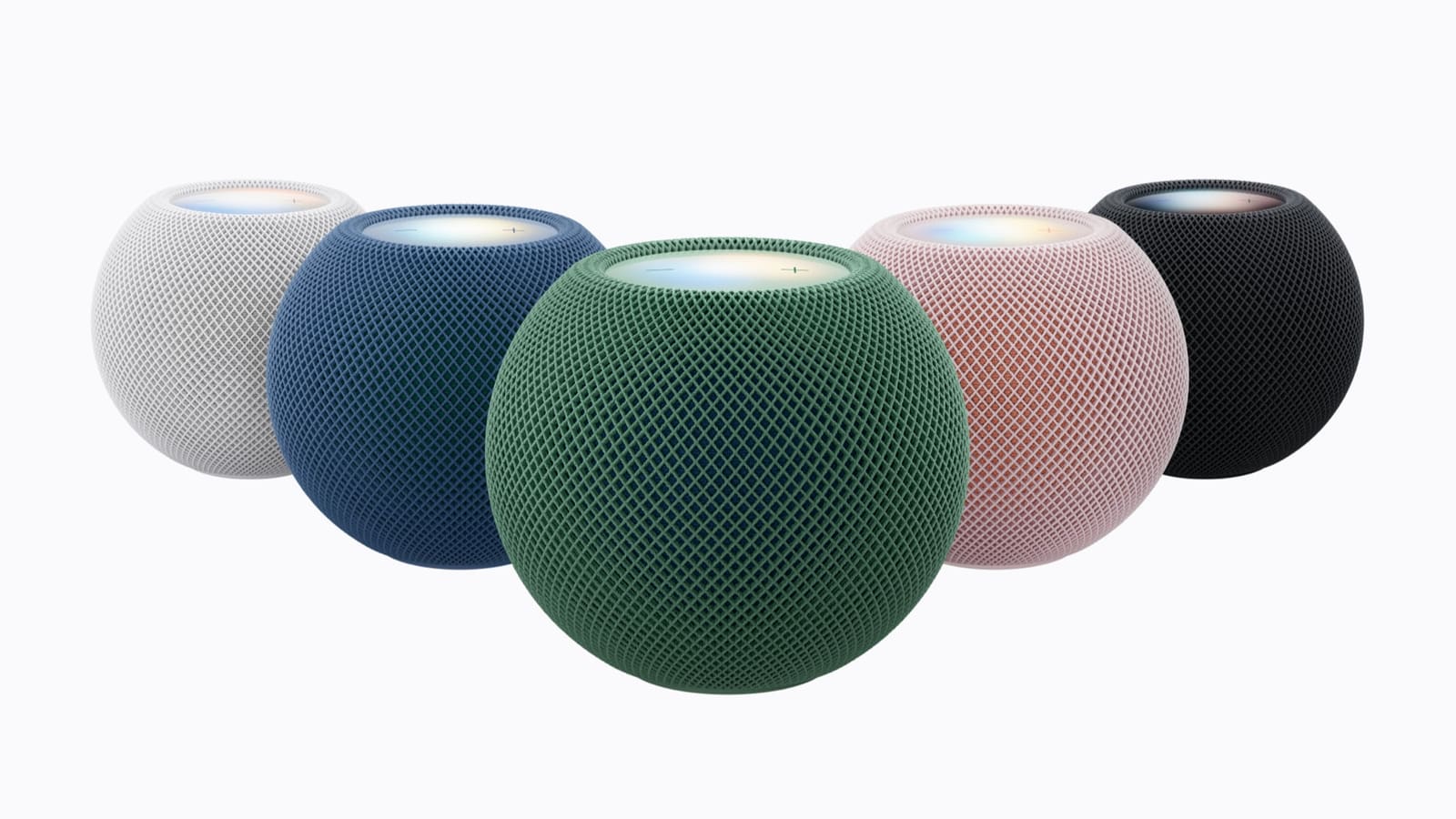
Apple announced the HomePod mini 2 alongside HomeView and the Apple Home Collection. Pre-orders opened on 13 October 2026 and shops stock it from Friday 30 October. It comes in pink, green, blue, white and midnight, and Apple's own newsroom lists the S10 chip with computational audio, a 360-degree sound field and a lit "Sound Glow" top surface that pulses with music.
The headline change is Siri AI, built on Apple Foundation Models. It is not available at launch: Apple says it arrives in a future software update, in English only, in the UK and seven other countries. Some features, such as personal context (finding a song a friend texted you about), need an Apple Intelligence-capable iPhone or iPad. The speaker can also recognise up to six household members by voice, announce who is at a door when paired with a HomeKit Secure Video doorbell, and send alerts when it hears a smoke or carbon monoxide alarm.
| Spec | HomePod mini 2 |
|---|---|
| UK price | £149 |
| Pre-order / in stores | 13 October / 30 October 2026 |
| Chip | Apple S10 (per Apple newsroom) |
| Wireless | Wi-Fi 6E, Bluetooth 6, Thread, Ultra Wideband |
| Sensors | Temperature and humidity (about 15–30°C, 30–70% RH) |
| Size and weight | 84.3 × 97.9 mm, 335 g |
| Colours | Pink, green, blue, white, midnight |
Why does the HomePod mini 2 matter for Home Assistant users?
For Home Assistant users it matters mainly as a Thread border router and a HomeKit hub, not as something Home Assistant controls directly. Apple's spec sheet lists Thread networking, and Home Assistant's Thread documentation already names the original HomePod mini and the HomePod (2nd generation) as supported border routers, so expect the new model to slot into the same role (Home Assistant's page predates this launch, so that part is an inference).
The catch is the one the Thread docs warn about: several border routers from different vendors can end up forming separate Thread networks with different credentials, and devices cannot roam between them. If you already run a Home Assistant Connect ZBT-2 or an OpenThread border router, adding a HomePod mini 2 may create a second network rather than extending the first. Check which network your sensors joined before you plug it in, and see our HomePod mini review for how the current model behaves.
On the audio side, Home Assistant's Apple TV integration documents Apple TV, not HomePods, as a supported device; the only HomePod mention is that volume control works when an Apple TV outputs to a HomePod or stereo pair. The more reliable route is the HomeKit Bridge integration, which exposes your Home Assistant entities to the Apple Home app, where a HomePod acts as the hub for remote access and automations. Our Apple HomeView and Home Assistant piece covers that bridge in more detail.
Matter and the Home app: what changes?
Apple's UK product page says the speaker lets you control HomeKit- and Matter-enabled accessories remotely, and that it is added to the Home app automatically during setup. Its spec page describes the Thread radio as working only with HomeKit- or Matter-enabled Thread accessories. The Apple Home Collection range of LG and Schneider Electric accessories launching in December leans on the same hub arrangement, which we detail in our Apple Home Collection UK guide.
What we don't know yet
Apple has not said how well Siri AI will run on the speaker alone, when the software update lands, or whether the mini 2 can join the same Thread network as the new HomeView hub without a manual merge. Independent measurements of sound quality and the humidity sensor's accuracy will also have to wait for reviews after 30 October. We will update this article when those arrive.
Should you buy the HomePod mini 2 now or wait?
If you want a cheap HomeKit hub or Thread border router today, the first-generation HomePod mini, which Home Assistant already lists as a Thread border router, may be the cheaper option while stock lasts. If you want Siri AI, there is no reason to buy before the update ships, since the feature is not enabled at launch. Wait for the first reviews unless you are replacing a failed hub. If you are weighing speakers more broadly, our best multiroom speakers guide has the alternatives.