The Kasa Smart Bulb Range
Three products dominate the UK Kasa lighting line-up:
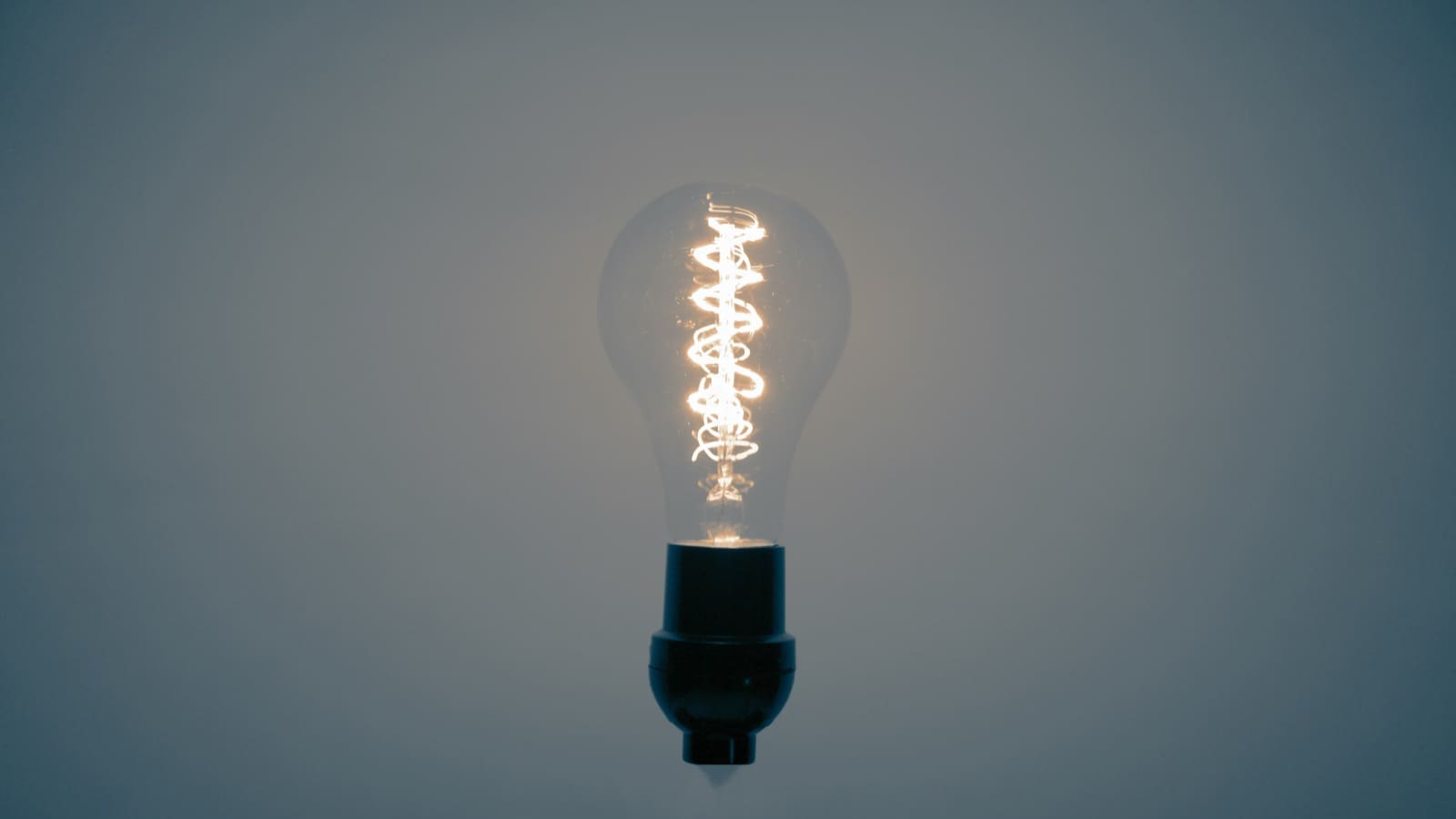
- KL125 — E27, 9 W, 800 lm, tunable white (2,500–6,500 K), full RGBW colour. The most popular Kasa bulb and typically the cheapest entry point, available from around £10–12 each on Amazon UK.
- KL135 — E27, 11 W, 1,000 lm, RGBW colour with a higher CRI (88+). Brighter and slightly better colour rendition; prices typically sit around £14–18 per bulb on Amazon UK.
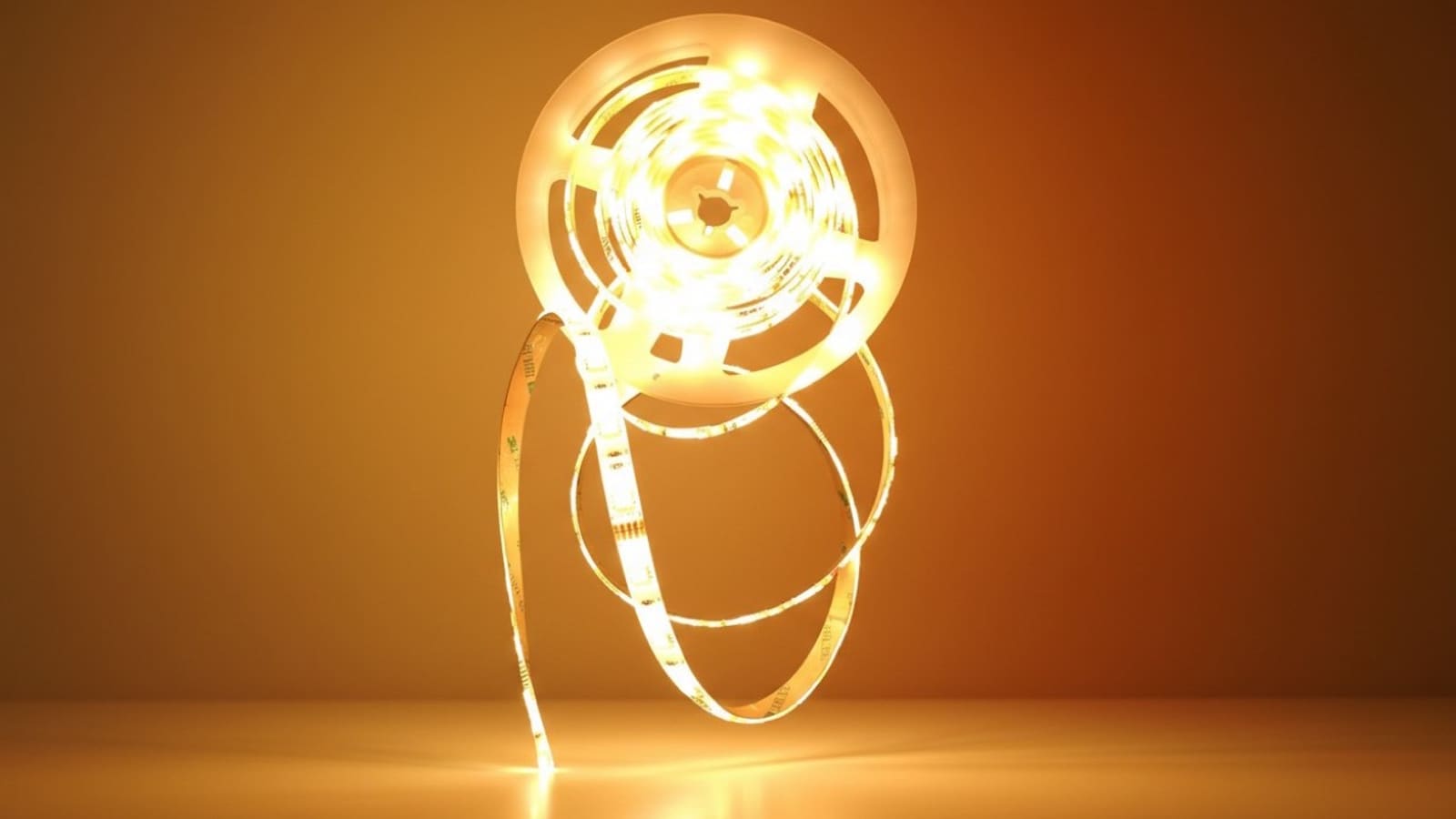
- KL430 — a 2 m RGBIC LED strip, 17 W, capable of displaying multiple colours simultaneously across 16 independently addressable zones. Available from Currys, Scan, and Amazon UK, typically priced around £30–40 for the 2 m starter kit.
All three use 2.4 GHz Wi-Fi only — there is no Zigbee or Matter variant in the current UK Kasa line-up. That matters if you want local-only control without any cloud dependency, though Home Assistant largely resolves that concern (see below).
Setting Up the KL125
Screw the bulb in, open the Kasa Smart app (iOS or Android), tap the plus icon, and follow the on-screen steps. The app discovers the bulb within around 30 seconds on most home networks. You will need a 2.4 GHz network — if your router broadcasts a combined 2.4/5 GHz SSID, temporarily connect your phone to the 2.4 GHz band during setup.
The KL125 spec sheet from TP-Link confirms the E27 fitting, 9 W consumption, 800 lm output, and a colour temperature range of 2,500–6,500 K. That range covers everything from candlelight-warm evenings to crisp daylight for task lighting.
One genuine strength: Kasa bulbs retain their last state after a power cut rather than defaulting to full white, which is a common frustration with cheaper Wi-Fi bulbs.
The Kasa Smart App
The Kasa app is clean and responsive. You get per-bulb and group controls, schedules, scenes, and a sunrise/sunset automation mode that uses your location. The colour picker is smooth, and the white-temperature slider is well-calibrated.
Cloud account required: like most Wi-Fi bulbs, Kasa needs a TP-Link account for remote access and app setup. Local-network control does work without internet once the bulb is paired — useful to know for Home Assistant users.
Alexa, Google Home, and HomeKit
Kasa has official Alexa and Google Home skills; linking your account takes under a minute and all bulbs appear automatically. Voice commands for on/off, dimming, and colour changes all work reliably. HomeKit is not supported — if you are in an Apple household, Philips Hue or a HomeKit-compatible alternative would be a better fit.
Kasa bulbs also work with Samsung SmartThings and IFTTT for more complex cross-device routines.
Home Assistant Integration
The native TP-Link integration in Home Assistant supports Kasa bulbs with auto-discovery. Once your bulbs are on the network, Home Assistant detects them automatically — no YAML, no manual IP entry needed in most cases. The integration exposes on/off, brightness, colour temperature, and RGB controls as standard light entities.
Crucially, the integration communicates over the local network. Your automations continue to fire even if TP-Link's cloud is unavailable, which is a meaningful advantage over some cheaper Wi-Fi bulb ecosystems. Light effects are not currently exposed via the HA integration, but basic and colour controls are fully functional.
For a deeper look at pairing smart bulbs with HA, see our guide to the best smart bulbs in the UK, which covers protocol trade-offs in more detail.
Zigbee vs Wi-Fi: What You Give Up
Kasa bulbs are Wi-Fi only. Compared with Zigbee options — such as those covered in our Govee smart lights review — that means each bulb uses a slot on your router's device table and adds a small amount of load to your home network. For most households with fewer than 20 smart bulbs, this is not a practical problem.
The trade-off is setup simplicity: no Zigbee coordinator, no pairing mode, no coordinator placement concerns. For renters or anyone who wants a quick, hassle-free installation, Wi-Fi wins on convenience.
Price Comparison and Value
Kasa consistently undercuts the premium tier. A single Philips Hue White & Colour Ambiance E27 bulb retails for around £40–50; a Kasa KL135 offering similar colour functionality costs roughly £14–18. The hardware quality is noticeably lower — the Hue bulb has a better diffuser and truer colour reproduction — but for most rooms the Kasa output is more than acceptable.
The KL430 strip competes directly with the Govee and Philips Hue Gradient ranges at a lower price point, though it lacks the per-pixel addressability of the Hue Gradient Lightstrip.
Prices vary by retailer and pack size; buying multi-packs reduces the per-bulb cost significantly.
Verdict
Kasa smart bulbs are the sensible budget choice for UK buyers who want reliable Wi-Fi smart lighting without spending Philips Hue money. The KL125 hits the sweet spot for most rooms; the KL135 is worth the small premium if colour accuracy matters. Home Assistant support is solid and genuinely local. The main caveats are no HomeKit support and no Zigbee option for those who prefer that protocol.
Buy the KL125 on Amazon UK (view on Amazon) or the KL135 on Amazon UK (view on Amazon) — prices vary and multi-packs offer better value per bulb.
Related: TP-Link Kasa vs Philips Hue, best smart bulbs UK buying guide, and best smart plugs UK.