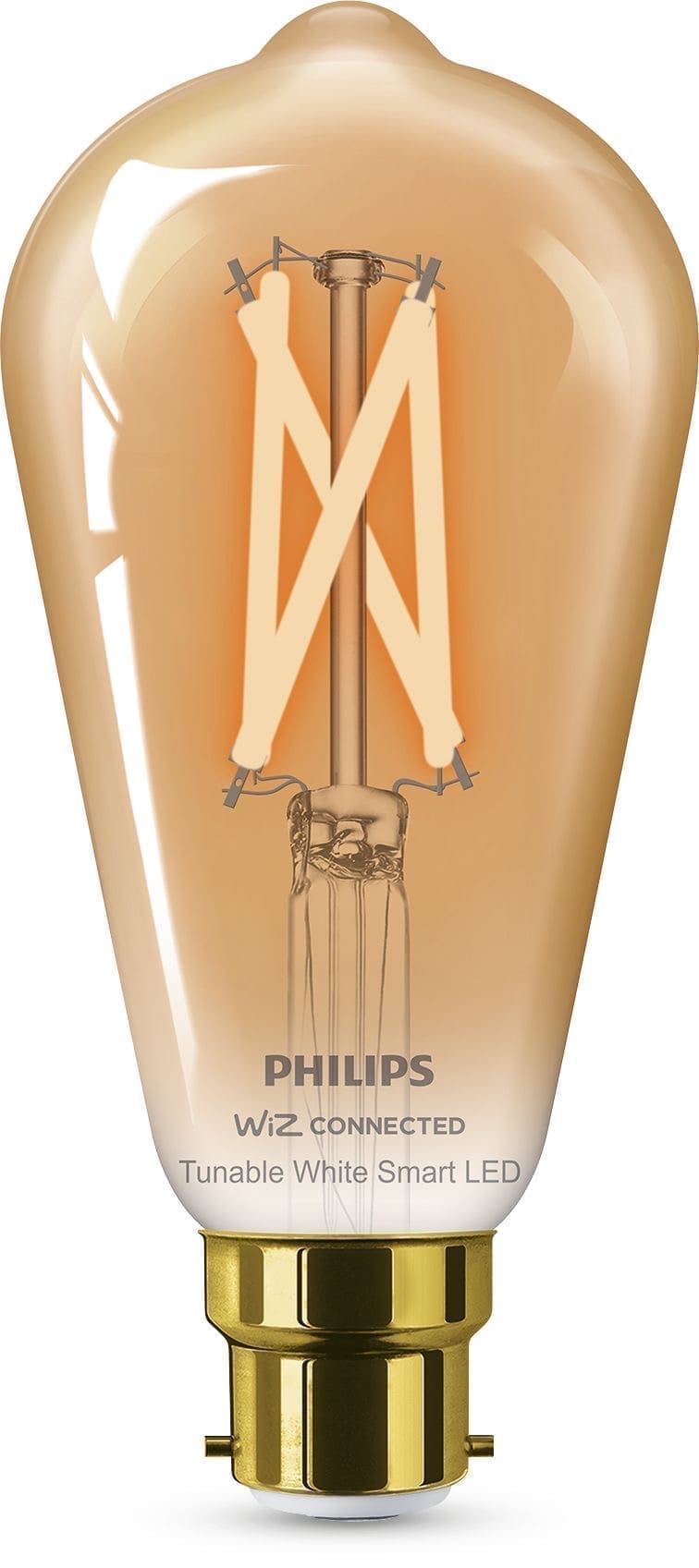
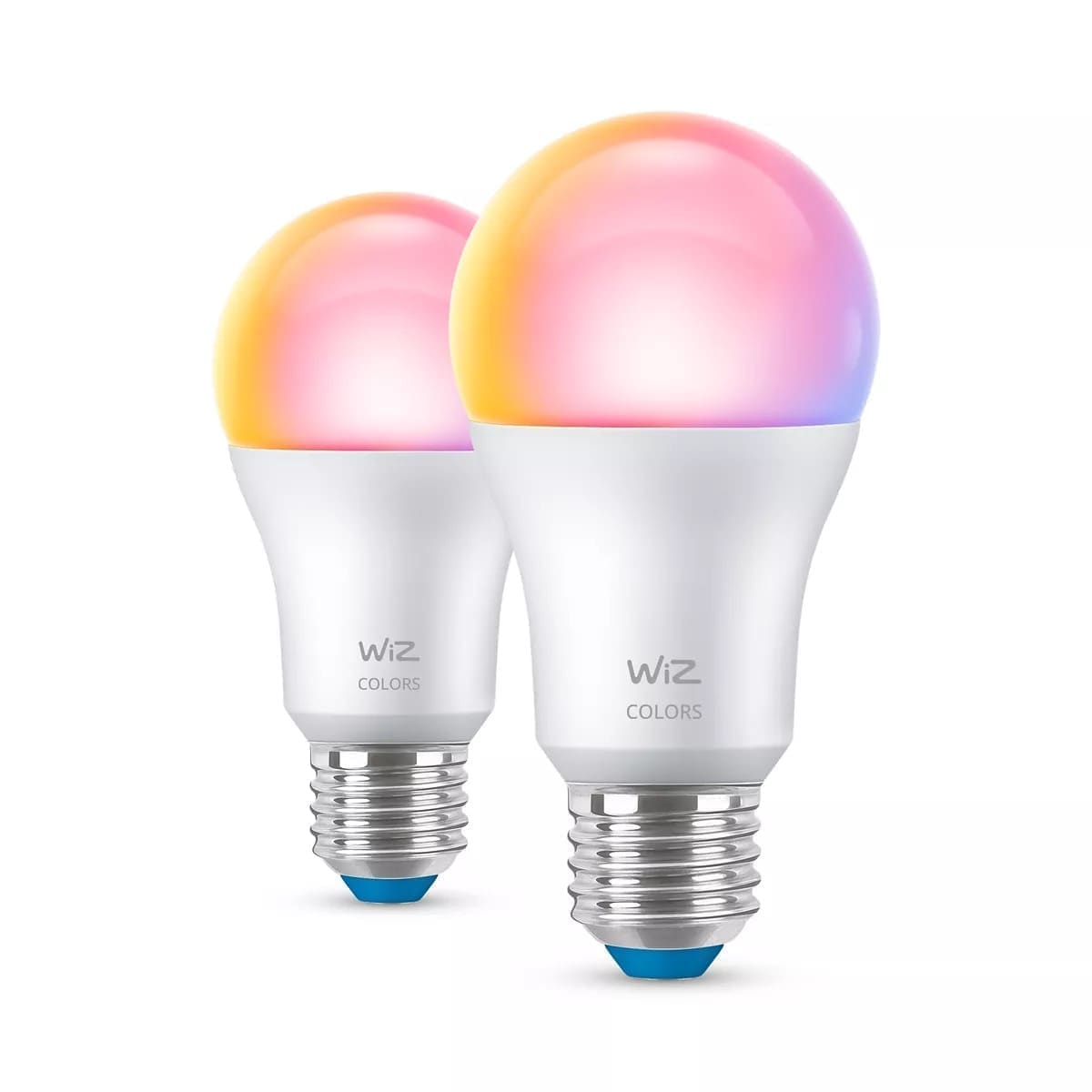
At a Glance: Kasa KL125 vs Philips Hue White & Colour A60
The table below compares the TP-Link Kasa KL125 (the UK-available full-colour bulb) against the Philips Hue White and Colour Ambiance A60 E27. Prices are approximate at time of writing and vary by retailer.
| Feature | Kasa KL125 (E27) | Philips Hue White & Colour A60 (E27) |
|---|---|---|
| Approx. price per bulb | ~£10–15 | ~£40–50 |
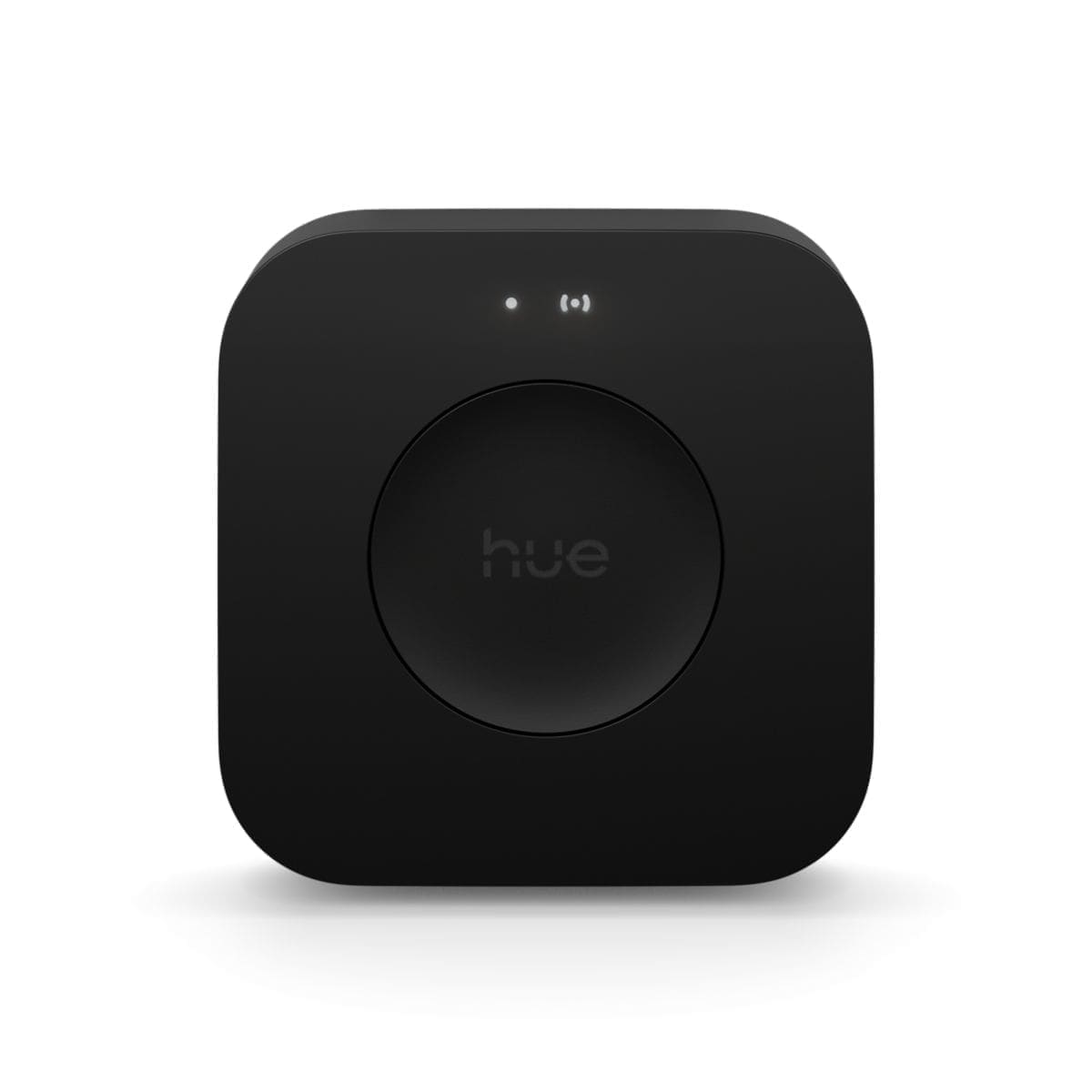
| Hub required | No | Yes — Hue Bridge (~£50) |
| Protocol | Wi-Fi 2.4 GHz | Zigbee |
| Max brightness | ~800 lm | ~800–810 lm |
| Colour temperature range | 2,500 K – 6,500 K | 2,000 K – 6,500 K |
| Full RGB colour | Yes (16 million colours) | Yes (16 million colours) |
| Alexa / Google Home | Yes | Yes |
| Matter support | No (as of 2026) | Via Bridge v2 (firmware update) |
| Home Assistant | Local polling | Local push (Bridge v2) |
TP-Link Kasa: Pros and Cons
No hub, no hassle. The biggest selling point of the Kasa range is that each bulb connects directly to your 2.4 GHz Wi-Fi network. There is nothing extra to buy, nothing extra to power, and setup takes about three minutes in the Kasa app. For a bedroom or two — one to five bulbs — this is genuinely hard to beat.
Price per bulb is dramatically lower. At around £10–15 per bulb, a four-bulb Kasa setup costs roughly £50–60 compared to over £200 for the equivalent in Hue bulbs plus a Bridge. That gap matters when you are starting out.
The downsides become apparent at scale. Each Kasa bulb is an independent Wi-Fi client. Installing ten or more bulbs can start to strain a budget router, introduce lag, or create reliability issues — particularly in homes where 2.4 GHz is congested. The Kasa app is functional but lacks the polish and scene depth of the Hue app, and Kasa bulbs do not support Matter, so they will not benefit from the emerging cross-platform standard.
See our full Kasa smart bulbs UK review for detailed setup notes and app walkthroughs.
Kasa at a glance
- Pros: No hub, low per-bulb cost, easy setup, works with Alexa/Google/HA
- Cons: Wi-Fi only (can strain router at scale), no Matter, limited scene ecosystem
- Best for: 1–5 bulbs, renters, budget buyers, anyone starting out
Philips Hue: Pros and Cons
Zigbee mesh reliability. Hue bulbs communicate via Zigbee, a low-power mesh protocol where every bulb acts as a repeater. The more Hue bulbs you have, the stronger and more resilient the network becomes. This is a significant advantage in larger homes where Wi-Fi signals may be patchy, or in properties where you want 20+ bulbs to behave as one seamless system.
The richest smart-lighting ecosystem available. Hue's app is best-in-class for scene creation, dynamic lighting effects, and third-party integrations — including Sync with compatible TVs, gaming monitors, and music. The accessory range (dimmers, motion sensors, outdoor lights) is unmatched in breadth.
The Bridge is non-negotiable for full functionality, adding around £50 to the upfront cost. The newer Bridge v2 (square) also enables Matter and Thread support, which means Hue is well-positioned for future cross-platform compatibility. Individual bulbs are expensive — budget roughly £40–50 each for White and Colour Ambiance, making a ten-bulb living room a four-figure investment. A Philips Hue starter kit typically includes the Bridge plus two bulbs for around £70–80, which is the most cost-effective entry point.
Hue at a glance
- Pros: Zigbee mesh reliability, rich ecosystem, Matter/Thread ready, best-in-class app
- Cons: High upfront cost (Bridge + bulbs), bulbs expensive per unit
- Best for: 6+ bulbs, owner-occupiers, power users, Home Assistant enthusiasts
App Experience
Kasa app is clean and reliable for everyday use: on/off, dimming, colour wheel, schedules, and a basic scene library. It lacks the storytelling depth of Hue and does not offer anything equivalent to Hue's Sync or dynamic entertainment modes. If you want to set a bulb to a specific colour temperature and leave it there, Kasa is perfectly adequate.
Philips Hue app is the most capable smart-lighting app available to UK consumers. Scene creation is intuitive, the gradient lighting feature (on supported hardware) is genuinely impressive, and the routine/automation builder is more powerful than most platform-native equivalents. The trade-off is that the app has grown complex over years of feature additions.
Home Assistant, Alexa & Google Home Integration
Home Assistant. Both systems are well-supported. The TP-Link integration covers the KL125 and other Kasa bulbs via local polling — no cloud dependency, states update every 5 seconds. The Philips Hue integration connects directly to the Bridge on your local network: Bridge v2 delivers instant push updates via a local event stream, making it noticeably more responsive in HA automations. Neither integration requires an active internet connection once configured.
Alexa & Google Home. Both systems have official Alexa and Google Home skills that work reliably for voice control and routines. Hue's skill is generally considered more mature and supports a wider range of Hue-specific features (scenes, entertainment areas) than the Kasa skill, but for simple on/off and dimming commands both perform equally well.
Which Should You Buy?
Choose Kasa if you are fitting one to five bulbs, you want to spend as little as possible upfront, you do not need Matter compatibility today, and you are happy managing individual bulbs rather than a whole-home system. It is a particularly good fit for renters or anyone trying smart lighting for the first time. Buy on Amazon UK (Kasa KL125).
Choose Philips Hue if you are planning six or more bulbs, you want the most reliable and feature-rich lighting system available, you care about future-proofing via Matter, or you want to go deep with Home Assistant automations and local push updates. The per-bulb cost is painful, but the ecosystem advantage compounds over time. Buy on Amazon UK (Hue White & Colour A60 E27).
For a broader look at what is available across all brands, see our round-up of the best smart bulbs in the UK.
Related: best smart bulbs UK guide, Kasa smart bulbs review, and Philips Hue vs LIFX comparison.