What Is the Lutron Aurora?
The Aurora (model Z3-1BRL) is a wire-free, battery-powered smart dimmer that mounts directly over your existing wall switch. A plastic base clamps around the toggle, physically locking it in the on position so no one can cut the power accidentally. A rotary knob on top lets you dim or brighten your bulbs by turning it, or turn them on and off with a tap. The whole thing runs on a single CR2032 coin cell, which Lutron says should last around two to three years.
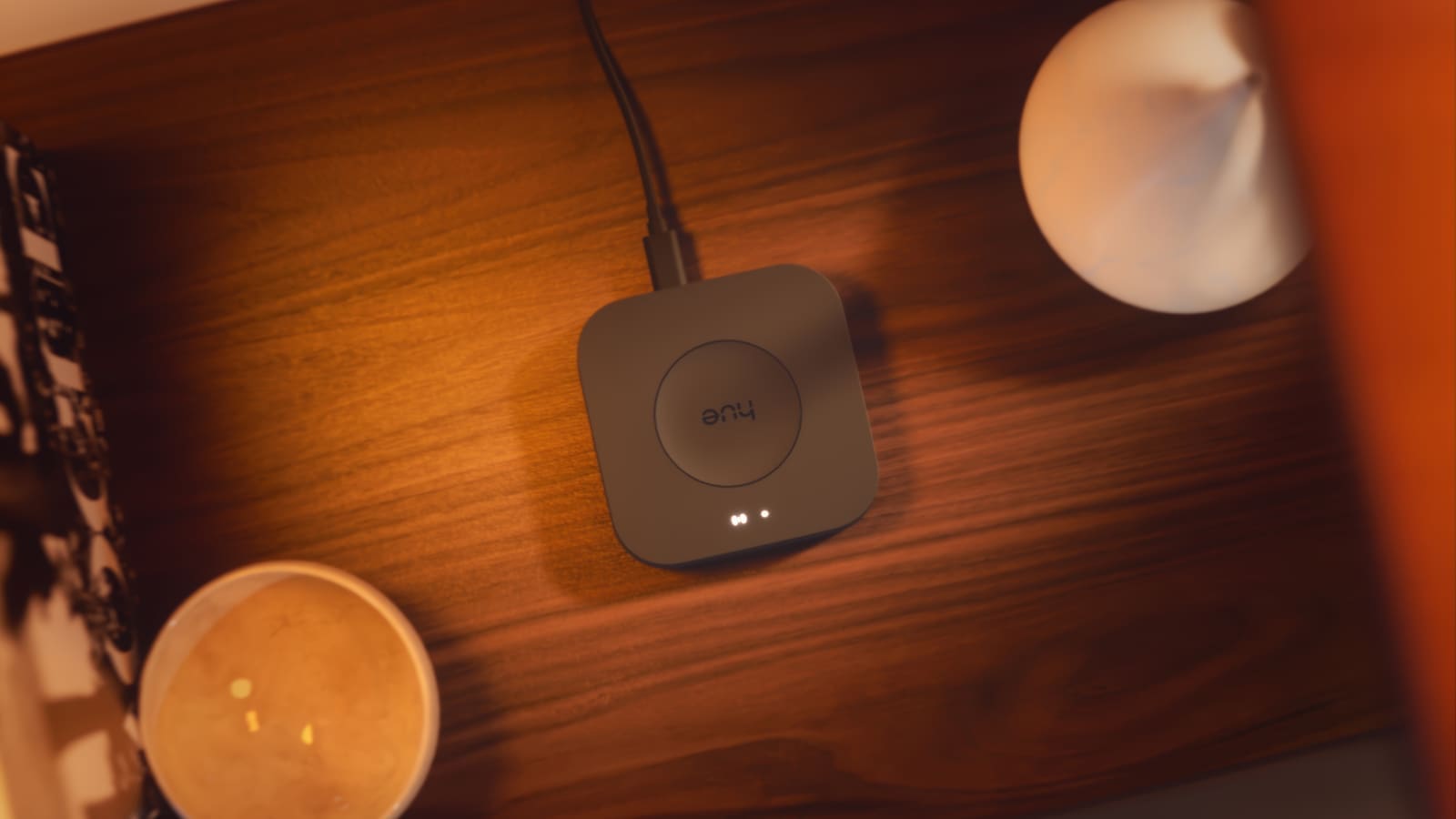
Connectivity is handled via Zigbee 3.0, operating on the 2.4 GHz band. The Aurora is a certified member of Philips Hue's Friends of Hue programme, meaning it pairs directly to a Hue Bridge (v2 or later, firmware 1931069120 or higher) and appears as a dedicated accessory inside the Hue app. Without a Bridge it can still control up to 12 compatible Zigbee bulbs directly; paired to a Bridge that ceiling rises to 50 bulbs per switch.
UK Compatibility: The Switch-Type Question
This is the single most important thing UK buyers need to know: the standard Aurora toggle-switch version does not fit British rocker switches. The original Z3-1BRL was designed for the upright toggle switches common in North American homes. UK electrical regulations mean the overwhelming majority of British homes use flat rocker or plate switches — and the original Aurora simply cannot clip over them.
Lutron has since released a paddle-switch variant (Z3-1BRL-PKGD-WH) that works by replacing the rocker faceplate entirely. Installation requires removing the existing faceplate and securing the Aurora bracket in the back box — still no live-wire work is needed — before attaching the rotary knob. Both variants are available on Amazon.co.uk, though you should confirm availability and compare prices across retailers, as these vary. Prices for the toggle version have been seen around £30, with the paddle variant typically a few pounds more; prices vary by retailer and stock levels.
If you are unsure what switch type you have, check whether the switch clicks up and down on a pivot (rocker/plate) or flips between two states on a thin lever (toggle). Almost all modern UK switches are rockers, so the paddle variant is likely the right choice for most British homes.
Setup and Day-to-Day Use
Installation of the paddle variant takes around five minutes. You remove the existing faceplate, cap or hold back the live wires in the back box (or simply leave the original switch wired in — the Aurora bracket seats in front of it), then screw the bracket into the UK single-gang back box and snap on the knob. No electrician is required.
Pairing happens entirely within the Philips Hue app: navigate to Settings → Accessory Setup → Friends of Hue, tap the Aurora button, and follow the prompts. Once paired, you assign it to a room and choose which scene activates on startup. From that point, tapping the knob toggles the room on or off, and rotating dims or brightens it smoothly. There is no perceptible lag — the Zigbee connection responds near-instantly.
Because the Aurora pairs through the Hue Bridge, it inherits full compatibility with Alexa, Google Home, and Apple HomeKit via the Hue ecosystem. You cannot add it directly to those platforms as a standalone device, but any scene you set on the Aurora is visible and editable inside the Hue app, and your voice assistants will reflect those changes automatically. For a deeper look at pairing Hue with a broader smart home setup, see our guide on the best smart bulbs in the UK.
Home Assistant Integration
Running Zigbee2MQTT or ZHA on Home Assistant, the Aurora pairs as a standard Zigbee device and fires action events when the knob is rotated or pressed. The community blueprint for Zigbee2MQTT maps these events to light controls natively. ZHA can also pair the Aurora, though the community notes it provides less granular event data than Zigbee2MQTT. Either way, the Aurora becomes a physical knob that can trigger any Home Assistant automation — not just Hue scenes — which significantly expands its usefulness for those running a mixed smart home.
What We Like
- Solves a genuine problem. Accidental switch-offs are one of the most-cited frustrations with smart bulbs, and the Aurora fixes it cleanly.
- No wiring required. The paddle variant replaces only the faceplate — nothing behind the back box needs to be touched.
- Long battery life. A single CR2032 rated for two to three years means minimal maintenance.
- Responsive dimming. The rotary control is smooth and immediate, with no noticeable lag over Zigbee.
- Deep Hue integration. Scenes, rooms, and schedules all sync through the Hue Bridge as expected.
Limitations to Know
- Philips Hue only (officially). Lutron certifies the Aurora with Hue bulbs via the Friends of Hue programme. Other Zigbee 3.0 bulbs may pair but are not officially supported.
- Switch type matters. UK buyers must choose the paddle variant (Z3-1BRL-PKGD-WH) for rocker switches — the toggle original will not fit.
- White only. There is currently no brushed chrome, anthracite, or black colourway, which may look out of place on premium faceplates.
- One switch, one circuit. Multi-way circuits (e.g. a hallway light with switches at top and bottom of stairs) require a separate Aurora at each switch position.
- No direct HomeKit pairing. The Aurora works through HomeKit only via the Hue Bridge — not as a standalone HomeKit accessory.
Verdict
The Lutron Aurora is a well-engineered solution to a specific, common problem. If you have Philips Hue bulbs and keep finding them switched off at the wall, it is hard to argue with the end result: a familiar physical control that works reliably, requires no wiring, and disappears into the wall once fitted. UK buyers should order the paddle variant for rocker switches and confirm their Hue Bridge firmware is up to date before pairing. At around £30–£35 (prices vary by retailer), it is not cheap for what is essentially a knob over a wall switch — but it is considerably less disruptive than replacing every switch with a smart version. For that deeper smart-switch upgrade path, see our round-up of smart light switches in the UK.