What Is the Nanoleaf Canvas?
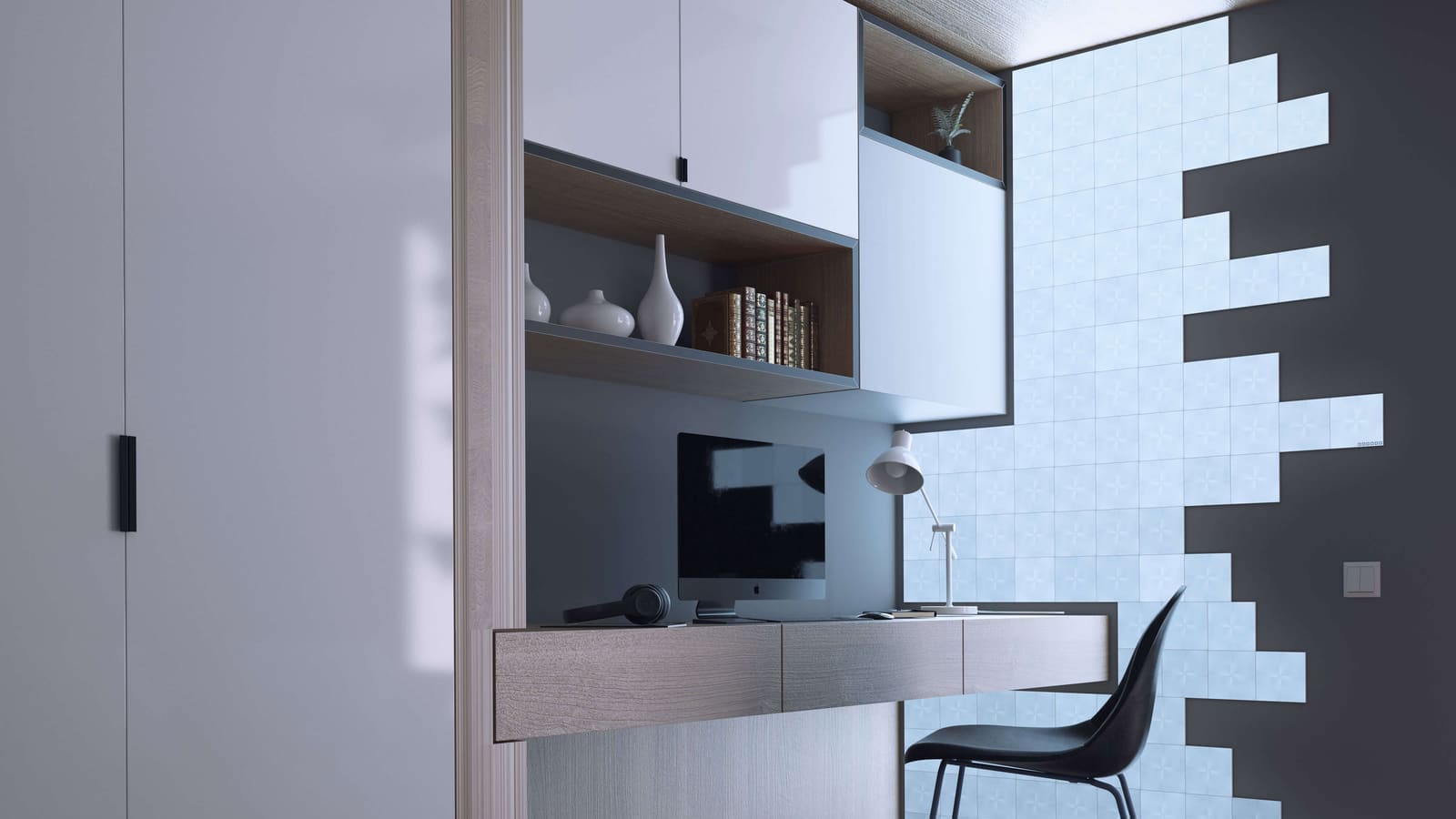
Canvas is Nanoleaf's square panel range, sitting alongside the hexagonal Shapes and the linear Lines. The starter kit ships with nine 149 mm × 149 mm squares — eight standard panels and one control square that houses the Wi-Fi radio and physical touch buttons. Panels link together via small clip connectors on the rear and draw power from a single 24W supply unit, which can run up to 25 panels per supply. Additional power bricks are needed for larger installations.
Key specifications: Each panel outputs around 44 lumens and covers the RGBW colour spectrum from a warm 1,200 K candle tone through to a crisp 6,500 K daylight white. Colour rendering sits at CRI 80 — adequate for accent lighting. Rated lifespan is 25,000 hours. The panels communicate over 2.4 GHz Wi-Fi (b/g/n only — 5 GHz is not supported); there is no Thread or Matter support on Canvas.
Setup and Installation
Getting panels on the wall is straightforward. Nanoleaf's companion app includes a layout planner that lets you design your arrangement on screen before committing any adhesive to the wall — a genuinely useful feature that saves the frustration of misaligned panels. Mounting uses 3M Command-style adhesive strips, so drilling is not required. The downside is that rearranging your layout later means replacing the adhesive, which can be fiddly.
Pairing with the app takes a few minutes. The Canvas control square can be auto-discovered by the Nanoleaf app on Android or iOS. Once paired, effects and colours can be pushed to the panels in seconds. Physical touch controls on the control square let you cycle scenes, adjust brightness, and toggle the system on and off without reaching for a phone.
Lighting Quality and Effects
The Canvas produces genuinely striking results. With 16 million colours available and access to Nanoleaf's online Scene Library — populated by the community — there is no shortage of visual variety. Animated effects like Aurora, Flames, and Nemo are pre-loaded; custom effects can be built inside the app or downloaded from the community gallery.
The built-in Rhythm module (included in the Smarter Kit) listens via microphone and synchronises panel animations to music. Results are impressive in a well-lit room at moderate volume but become inconsistent when the source is further away or ambient noise is high. The lag between audio peaks and panel response is small but perceptible. Screen Mirror mode — which replicates on-screen colours from a laptop or monitor placed near the panels — works well for gaming setups.
One visual caveat: the grid lines between panels are visible at close range, especially in a dark room. This is less pronounced when viewing from a normal seating distance, but it does reduce the seamless "canvas" effect the product name implies. Nanoleaf's Shapes Hexagons suffer the same issue to a lesser degree because their interlocking edges are less uniform.
Smart Home Integration
Canvas is well-supported across all major platforms. Apple HomeKit, Amazon Alexa, and Google Home are all natively supported. Samsung SmartThings and IFTTT are also compatible. For Home Assistant users, the official Nanoleaf integration supports Canvas via local push communication — meaning it does not rely on Nanoleaf's cloud servers once configured. Entities for brightness, colour, and scenes are automatically created. Canvas can also be auto-discovered by Home Assistant on the local network.
Canvas does not support Thread or Matter. If you are building a Matter-based smart home, Canvas sits outside that ecosystem — though Nanoleaf's Essentials bulb and strip range does offer Matter over Thread. For a deeper look at all-round smart lighting options, see our best smart bulbs UK guide.
One known compatibility note: following a Home Assistant Core update in early 2025, some Canvas users reported panels dropping from the integration. The issue was tracked in the Home Assistant GitHub repository and relates to API handshake changes. Keeping both Home Assistant and Canvas firmware up to date resolves this in most cases.
UK Pricing and Value
Canvas is not cheap, and the cost scales steeply with ambition. The 9-panel Smarter Kit retails at around £179.99 at UK specialist retailers; prices vary by retailer and availability. A 4-panel expansion pack adds approximately £69.99. To build a 25-panel installation you are looking at over £450 — before any additional power supplies. The product is available from Amazon UK, Currys, and Nanoleaf's own UK shop, though stock of the Canvas line has become patchier as Nanoleaf focuses on newer ranges.
Against the competition, Canvas compares reasonably well on a per-panel basis with the LIFX Tile, which ships only five tiles in its base kit at a similar price. However, LIFX uses Matter and offers a native local API that some users prefer. For pure mood lighting at lower cost, Govee's LED panel strips offer a fraction of the interactivity but a much lower entry price — see our Govee smart lights UK review for comparison.
Verdict
The Nanoleaf Canvas is a premium piece of interactive wall art that happens to function as smart lighting. The touch controls, music sync, and scene variety genuinely delight, and the local-push Home Assistant integration is a strong point for automation enthusiasts. The caveats are real: visible panel seams, imperfect rhythm sync, no Thread or Matter support, and a price that compounds quickly with each expansion pack. If you want a statement lighting centrepiece and Home Assistant compatibility, Canvas remains one of the best options. If you are primarily focused on energy-efficient, standards-based smart lighting, the Nanoleaf Essentials or Philips Hue range are more future-proof choices.