What Is Matter and Why Does It Matter for UK Homes?
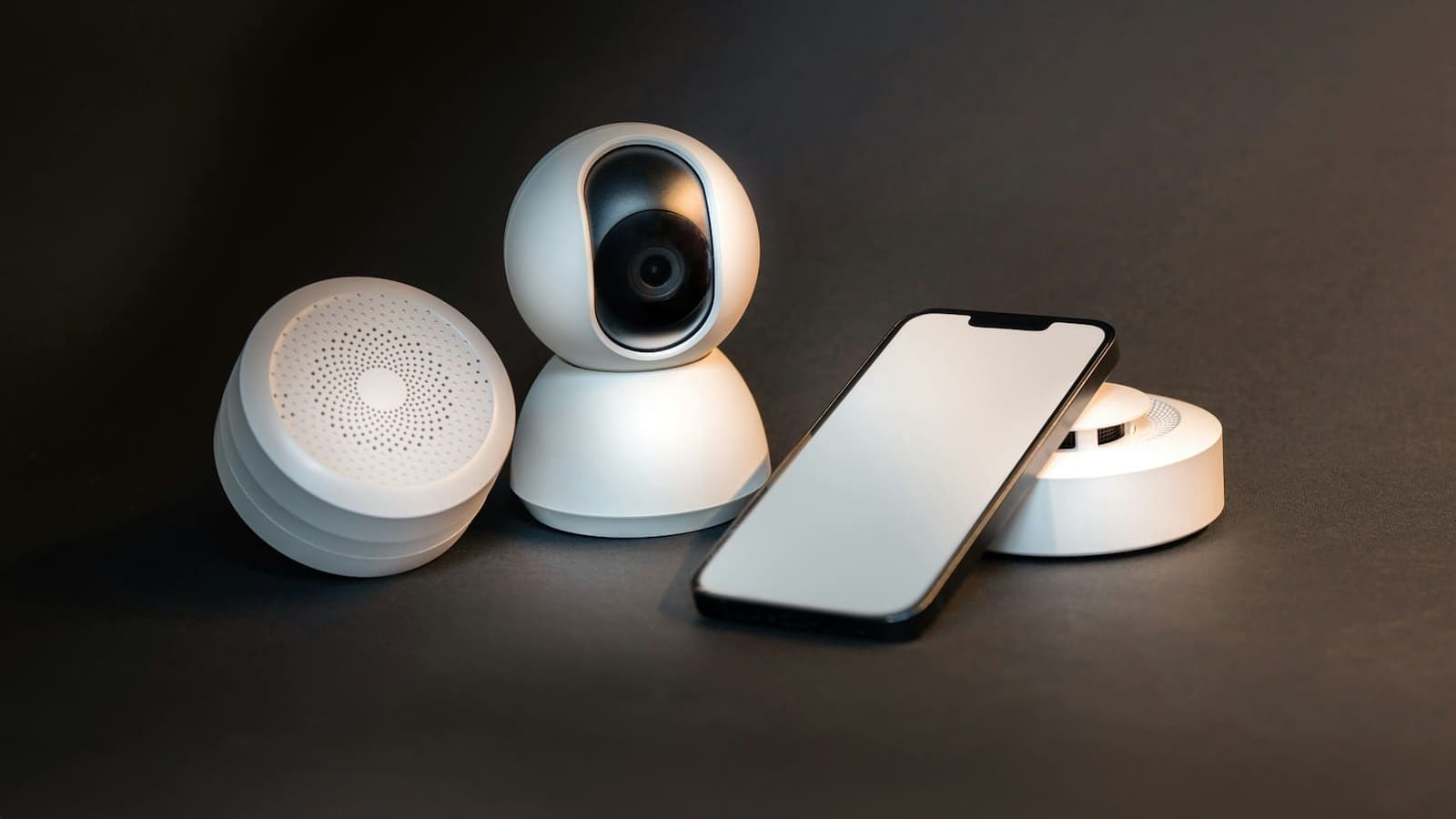
Matter 1.0 launched in late 2022, and by mid-2026 there are over 750 Matter-certified products from hundreds of manufacturers. Matter 1.5 (November 2025) added cameras, energy management devices, and soil sensors to the certified device list. For UK buyers this is significant: you can now buy a single smart plug, bulb, or sensor and know it will work with Home Assistant, Apple HomeKit, Google Home, and Amazon Alexa simultaneously — no proprietary hub required.
Matter devices communicate over two transports:
- Wi-Fi — straightforward; the device connects directly to your 2.4 GHz or 5 GHz network.
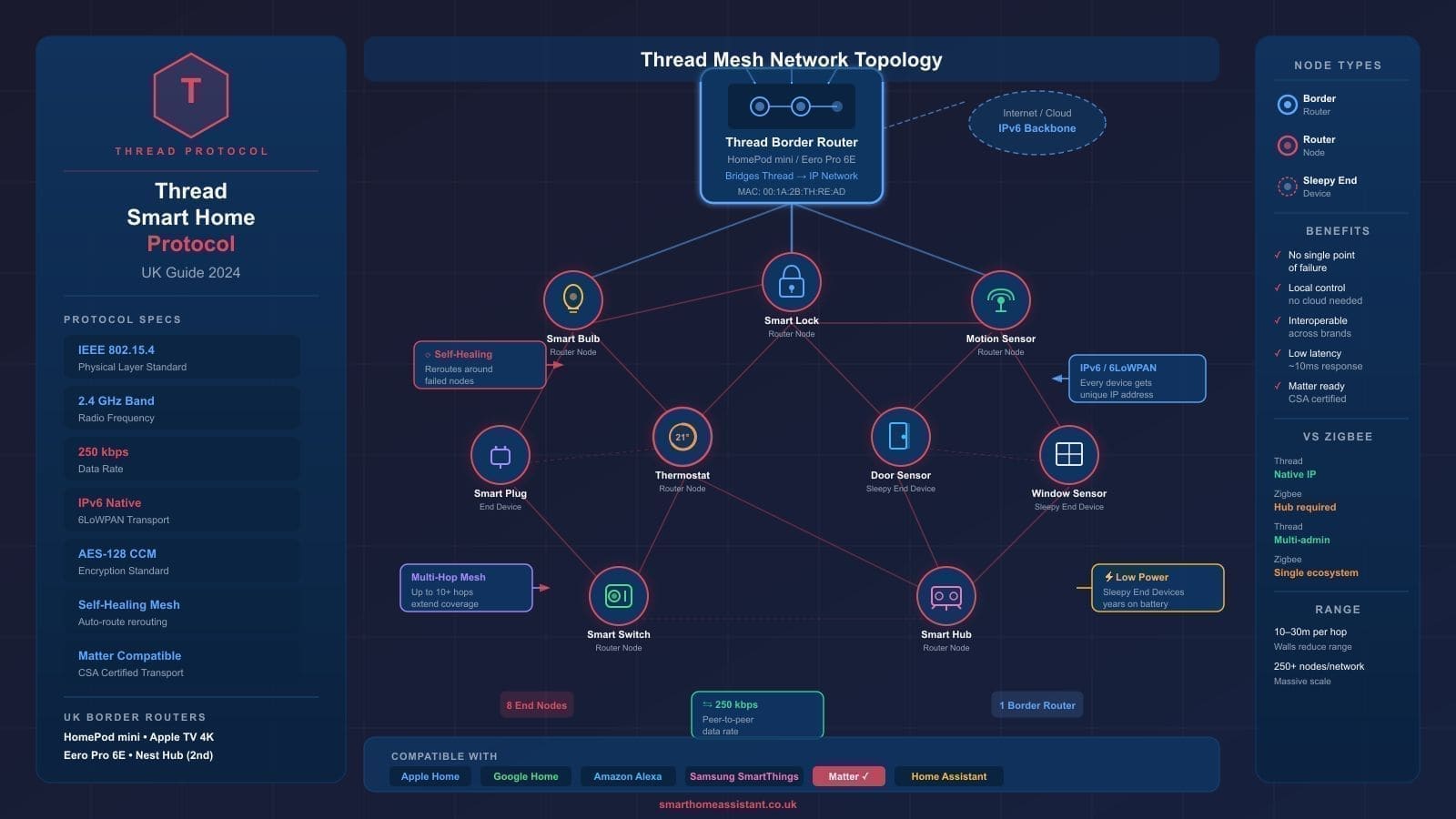
- Thread — a low-power mesh protocol that needs a Thread Border Router to bridge it to your main network. Thread devices tend to be faster and more battery-efficient than their Wi-Fi equivalents.
Hardware Requirements
Before enabling the Matter integration you need three things in place:
1. A Supported Home Assistant Installation
Matter is only fully supported on Home Assistant OS (HAOS) or Home Assistant Supervised. If you run Home Assistant Container or Core you will need to run the Python Matter Server separately. The easiest starting point is a Raspberry Pi 4 or 5 running HAOS — see our guide on how to set up Home Assistant in the UK for the full installation walkthrough.
2. IPv6 on Your Network
Matter requires IPv6 for device discovery. You do not need an IPv6 address from your ISP — link-local addresses are sufficient when all devices share the same Layer 2 segment. Go to Settings > System > Network in Home Assistant and set IPv6 to Automatic. If your smart home devices live on a separate IoT VLAN, ensure ULA (Unique Local Address) IPv6 routing is enabled across segments.
3. A Thread Border Router (for Thread devices)
If you plan to use Thread-based Matter devices — such as Eve plugs, Nanoleaf panels, or many Aqara sensors — you need a Thread Border Router on your network. The best options for UK users are:
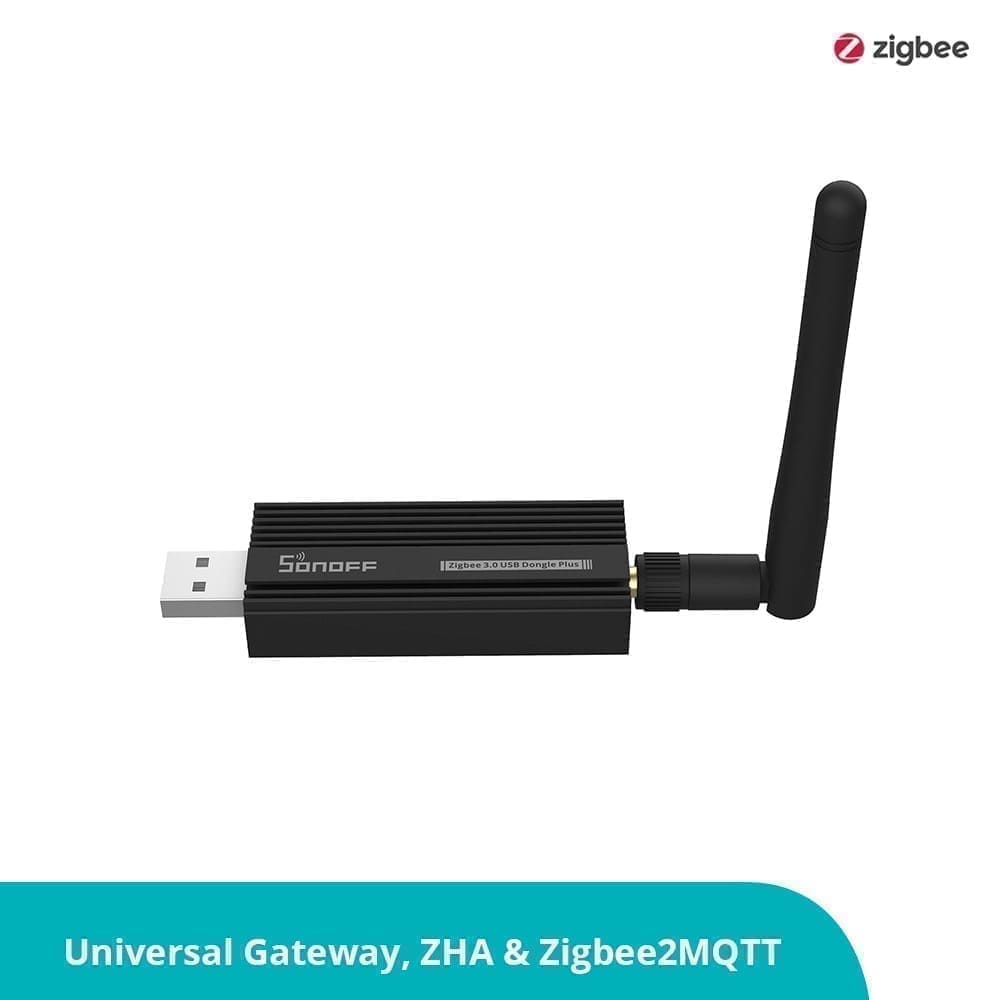
- Home Assistant Connect ZBT-2 — the official USB dongle from Nabu Casa, available on Amazon UK and Smart Home Shop UK (prices vary by retailer). It handles both Zigbee and Thread from one stick, making it the most cost-effective choice if you also run Zigbee devices. It replaces the discontinued ZBT-1/SkyConnect.
- Home Assistant Yellow — the official compact hub with an integrated EFR32FG23 radio that acts as a Thread Border Router out of the box.
- Apple HomePod mini or HomePod (2nd gen) — if you already own one, it functions as a Thread Border Router that Home Assistant can discover automatically.
- Google Nest Hub (2nd gen) or Amazon Echo (4th gen) — both include Thread Border Router hardware; Home Assistant can piggyback on them.
Step 1: Enable the Matter Integration
Once your hardware is ready, enabling Matter in Home Assistant takes under five minutes:
- Open Home Assistant and go to Settings > Devices & Services.
- Click + Add Integration and search for Matter.
- Select Matter (BETA) — Home Assistant will offer to install the official Matter Server add-on automatically. Click Submit.
- The Matter Server add-on downloads and starts. This typically takes one to two minutes.
- Once running, the integration shows as active and you will see a Commission Device button appear.
If you are running Thread devices via the ZBT-2 dongle, Home Assistant will also prompt you to install the Open Thread Border Router (OTBR) add-on at this stage. Accept the prompt — it configures automatically.
Step 2: Commission Your First Matter Device
Commissioning is Matter's term for pairing. Each Matter device ships with a QR code on the box and on a card inside — do not throw this away.
- Put your device into pairing mode (usually a long press on the reset button — check the manufacturer's instructions).
- In Home Assistant, go to Settings > Devices & Services > + Add Integration > Matter > Commission Device.
- The Home Assistant companion app on your phone will open a camera scanner — point it at the QR code on the device.
- Home Assistant commissions the device directly over your local network. The process takes 30–90 seconds.
- Once paired, the device appears in your devices list with all supported entities (on/off, brightness, energy monitoring, etc.).
Step 3: Share a Device Already in Another Ecosystem
Matter's multi-admin feature lets a single device belong to several controllers simultaneously. If your Eve plug is already in Apple Home, you can add it to Home Assistant without removing it from HomeKit:
- Open the Home Assistant companion app, go to Settings > Matter, tap Add Device.
- Select Yes, it's already in use, then choose the ecosystem it is currently paired to (e.g. Apple Home).
- Follow the on-screen prompts — Home Assistant generates a pairing code request that you approve in the other app.
Matter Device Recommendations for UK Buyers
The following brands have reliable UK availability and strong Matter support in 2026:
- IKEA DIRIGERA hub + IKEA Matter devices — IKEA offers 21+ Matter products in the UK, many priced under £10, making them the most affordable entry point. The DIRIGERA hub (around £55 at IKEA UK) bridges older TRADFRI devices via Matter.
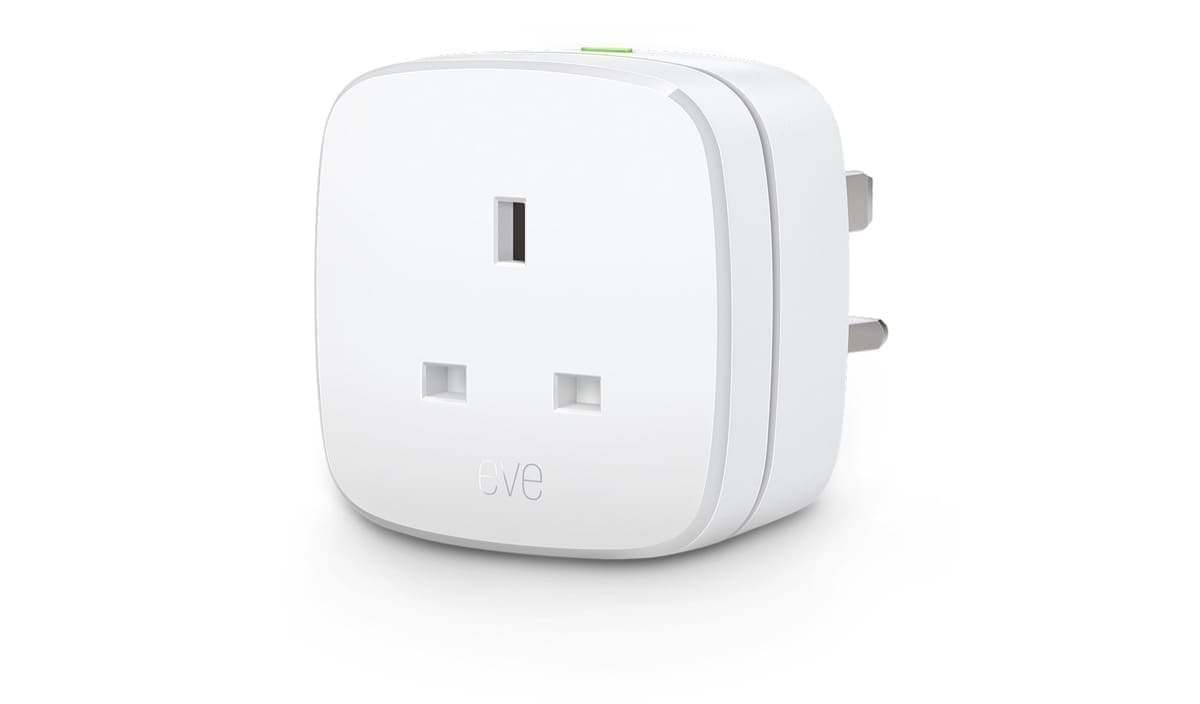
- Eve Energy (UK plug) — a Thread-based smart plug with built-in energy monitoring, available from Amazon UK and the Eve website. Prices vary by retailer.
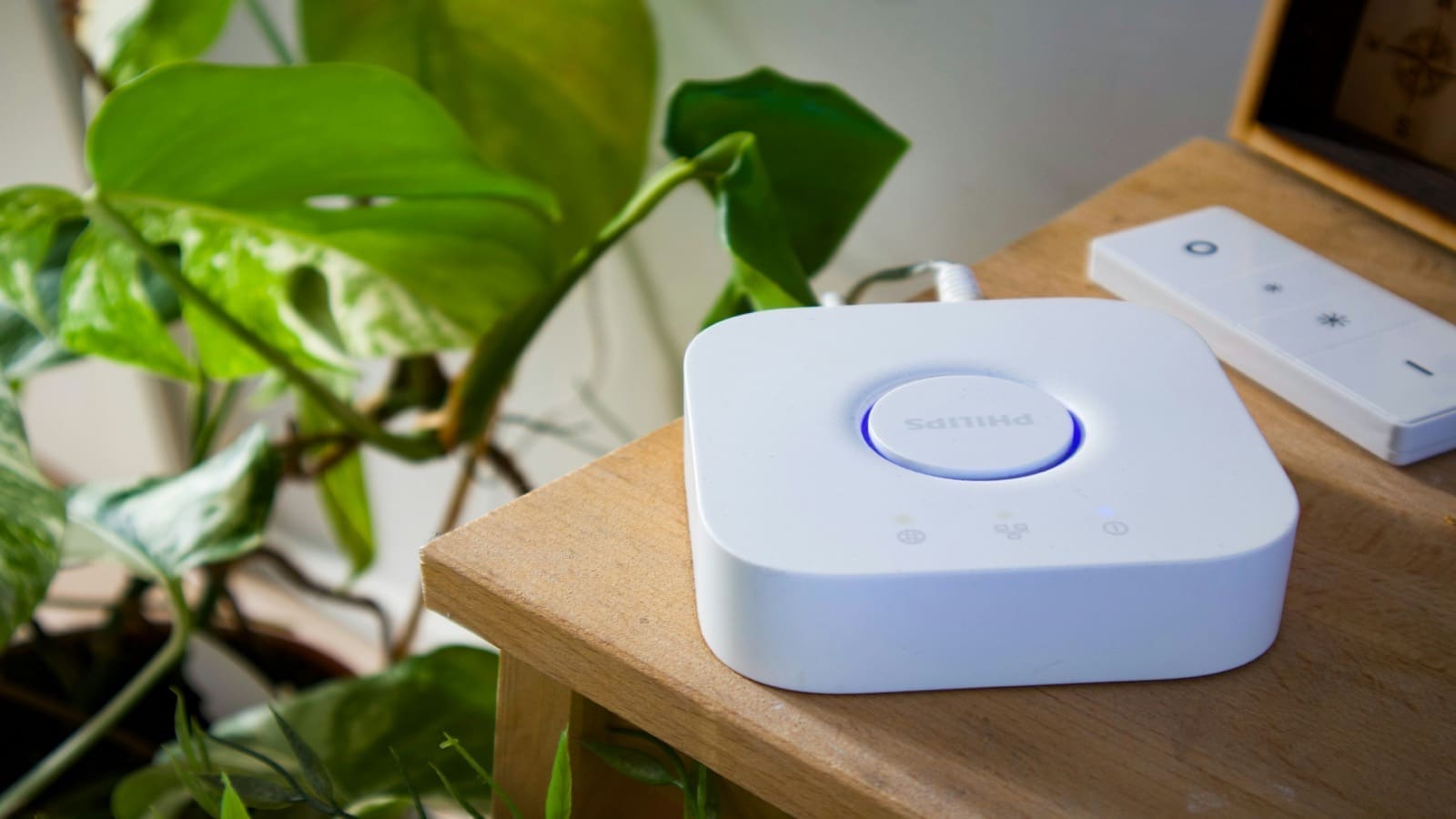
- Philips Hue — full range supports Matter over Ethernet via the Hue Bridge v2. No Thread radio needed for bulbs.
- Aqara — wide range of sensors, switches, and hubs with Matter bridging, available from Amazon UK. Aqara hubs expose existing Zigbee devices as Matter devices to Home Assistant.
- Meross — budget-friendly smart plugs with UK Type G sockets and native Matter support, widely available on Amazon UK.
For more detailed Zigbee device recommendations that pair well with a Thread/Matter setup, see our guide to the best Zigbee sticks for Home Assistant UK.
Common Troubleshooting Issues
Device Fails to Commission / Times Out
Check IPv6. Go to Settings > System > Network and confirm IPv6 is set to Automatic. Restart Home Assistant OS (not just the add-on) after changing network settings, as the mDNS service reads addresses at startup. If you use VLANs, ensure ULA IPv6 and UDP multicast traffic flow freely between the IoT and main network segments.
Thread Device Shows as Unavailable
Make sure your Thread Border Router is powered and reachable. If you use the ZBT-2 dongle, check that the OTBR add-on is running under Settings > Add-ons. Rebooting the OTBR add-on (not the full HA instance) often resolves transient unavailability.
Multiple Thread Border Routers Causing Conflict
Having several Thread Border Routers on the same network (e.g. a ZBT-2 dongle plus an Apple HomePod) is fine and actually increases Thread mesh resilience. Home Assistant automatically discovers all available border routers and selects the best route.
Keeping Matter Up to Date
Home Assistant releases Matter Server add-on updates regularly — enable automatic add-on updates under Settings > Add-ons > Matter Server > Configuration. Device firmware is typically updated OTA by the manufacturer's app; Home Assistant does not push firmware to Matter devices directly.
Matter is still evolving rapidly. Matter 1.5 brought energy management and camera support; Matter 2.0 is expected to add robotics and more sensor types. Running Home Assistant as your Matter controller keeps you at the cutting edge without being locked into any single manufacturer's ecosystem. If you are still deciding which physical hub to run Home Assistant on, see our guide to the best smart home hubs for UK homes for a full comparison of Home Assistant Green, Amazon Echo Hub, and other Matter-certified options. Matter doorbells specifically got a boost in Home Assistant 2026.8, which added event entities so a doorbell press can now trigger automations directly. Home Assistant 2026.9 goes further, adding a network topology map that shows exactly which Matter devices are on Thread versus Wi-Fi.