What is Thread?
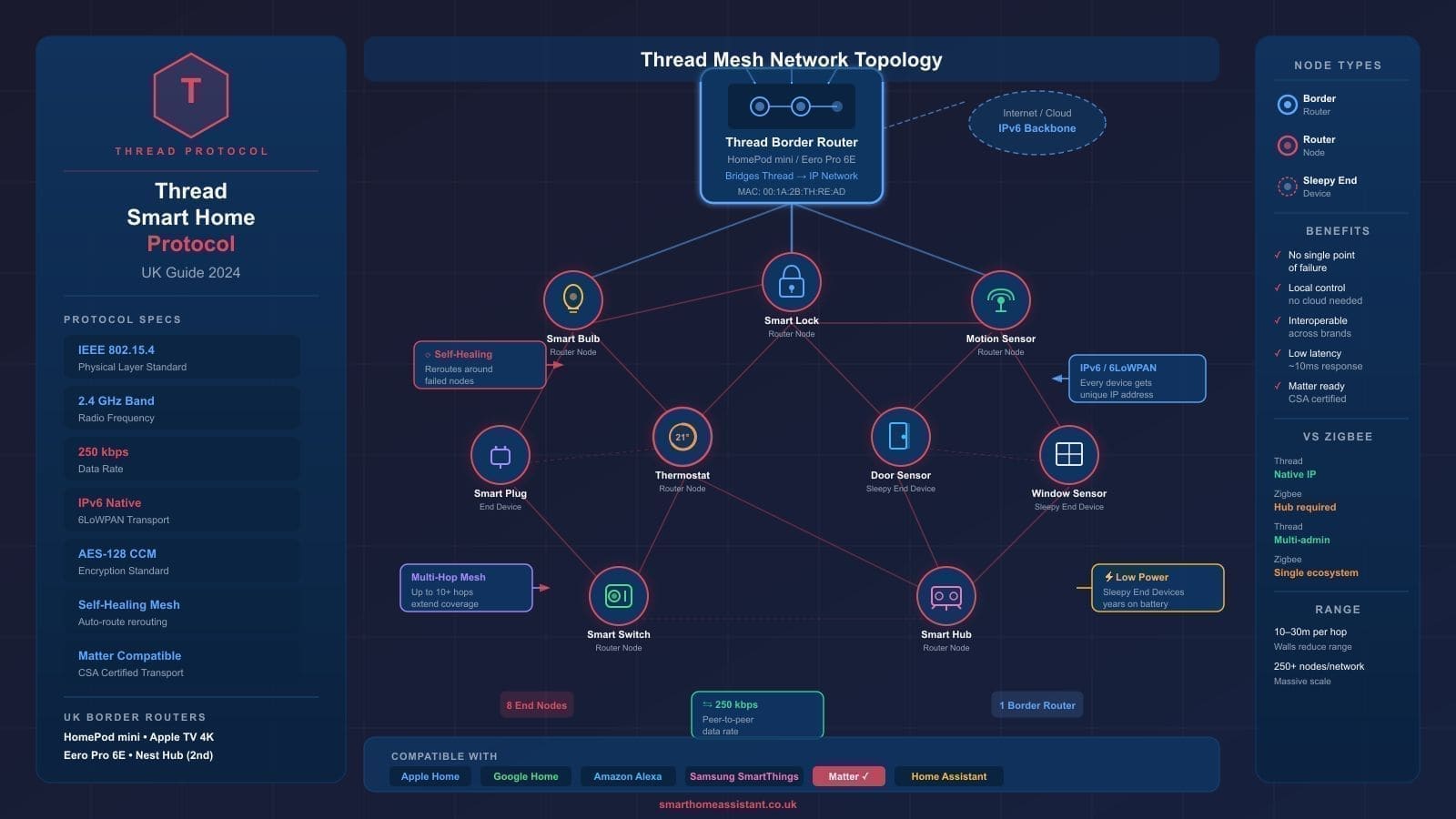
Thread is a low-power, IPv6-based mesh networking protocol designed specifically for smart home devices. It was created by the Thread Group — a consortium that includes Apple, Google, Amazon, Samsung and others — and is built on the IEEE 802.15.4 radio standard, which operates in the 2.4 GHz band.
Unlike earlier smart home radio standards, Thread is a full IP networking protocol. Every device on a Thread network gets its own IPv6 address, meaning devices can communicate directly with each other and with the wider internet without any proprietary translation layer in the middle.
Three design principles define Thread:
- Self-healing mesh: Every mains-powered Thread device acts as a router. If one device goes offline, traffic automatically reroutes through other nodes. The network becomes more robust as you add devices, not less.
- Low power: Battery-powered Thread devices can sleep between communications, achieving multi-year battery life. A Thread door sensor, for example, can run for over a year on a single CR2032 coin cell.
- Security: Thread uses AES-128 encryption by default, with device-level authentication built into the specification rather than bolted on afterwards.
How Thread Differs from Wi-Fi and Zigbee
Smart home buyers in the UK often compare Thread against the two other dominant wireless standards: Wi-Fi and Zigbee. Here is how they stack up:
Thread vs Wi-Fi
Wi-Fi smart home devices are convenient to set up but come with meaningful trade-offs. Each Wi-Fi bulb or plug maintains a persistent connection to your router, consuming more power than necessary and adding to network congestion. In a home with 30 or 40 smart devices, that congestion becomes noticeable. Thread devices, by contrast, use a fraction of the bandwidth, sleep between messages, and do not depend on your router for mesh routing — they form their own separate mesh.
Thread vs Zigbee
Zigbee is the closest comparison to Thread. Both run on IEEE 802.15.4 radio and both create mesh networks. The key difference is that Zigbee is not IP-native: Zigbee devices cannot be addressed directly from the internet without a proprietary gateway translating between Zigbee packets and IP. Thread eliminates this translation layer entirely. If you are already running a Zigbee network under Home Assistant, Thread does not replace it — the two can coexist on different channels.
For a broader view of how Thread fits into the UK smart home landscape, see our UK smart home starter guide.
Thread Border Routers: What They Are and Which You Need
Thread devices cannot connect to your Wi-Fi router directly — they communicate over the 2.4 GHz 802.15.4 radio, which your router does not understand. A Thread border router bridges the gap: it speaks Thread on one side and Ethernet or Wi-Fi on the other, connecting the Thread mesh to the rest of your home network and the internet.
The good news for UK buyers is that several devices you may already own include a Thread border router:
- Apple HomePod mini — Every HomePod mini sold in the UK includes a Thread border router built in. It requires no configuration; simply plug it in and it automatically joins or creates a Thread network. Check the current price on Amazon UK.
- Apple HomePod (2nd gen) — Like the mini, the full-size 2nd-generation HomePod includes a Thread border router.
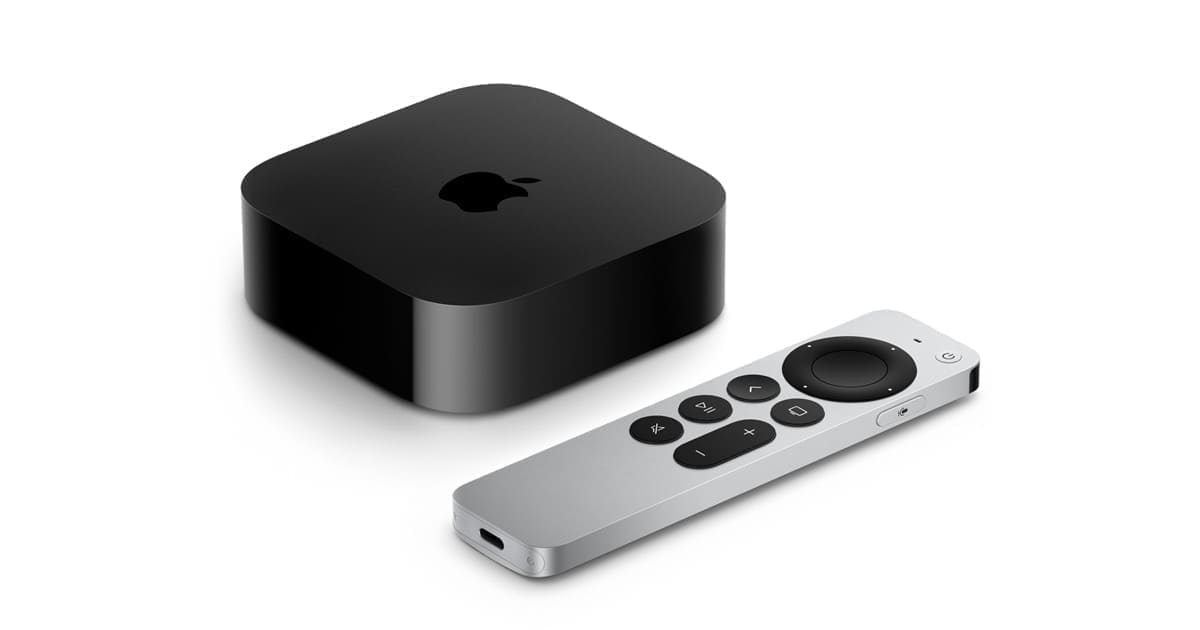
- Apple TV 4K (2nd and 3rd gen) — Both generations of Apple TV 4K contain Thread border routers, making them a cost-effective option if you already own one.
- Google Nest Hub (2nd gen) — Google's 7-inch smart display doubles as a Thread border router. Note that the original Nest Hub (1st gen) does not include Thread support.
- Amazon eero Pro 6E — Amazon's mesh Wi-Fi router includes a Thread border router, combining your mesh Wi-Fi and Thread gateway into a single device.
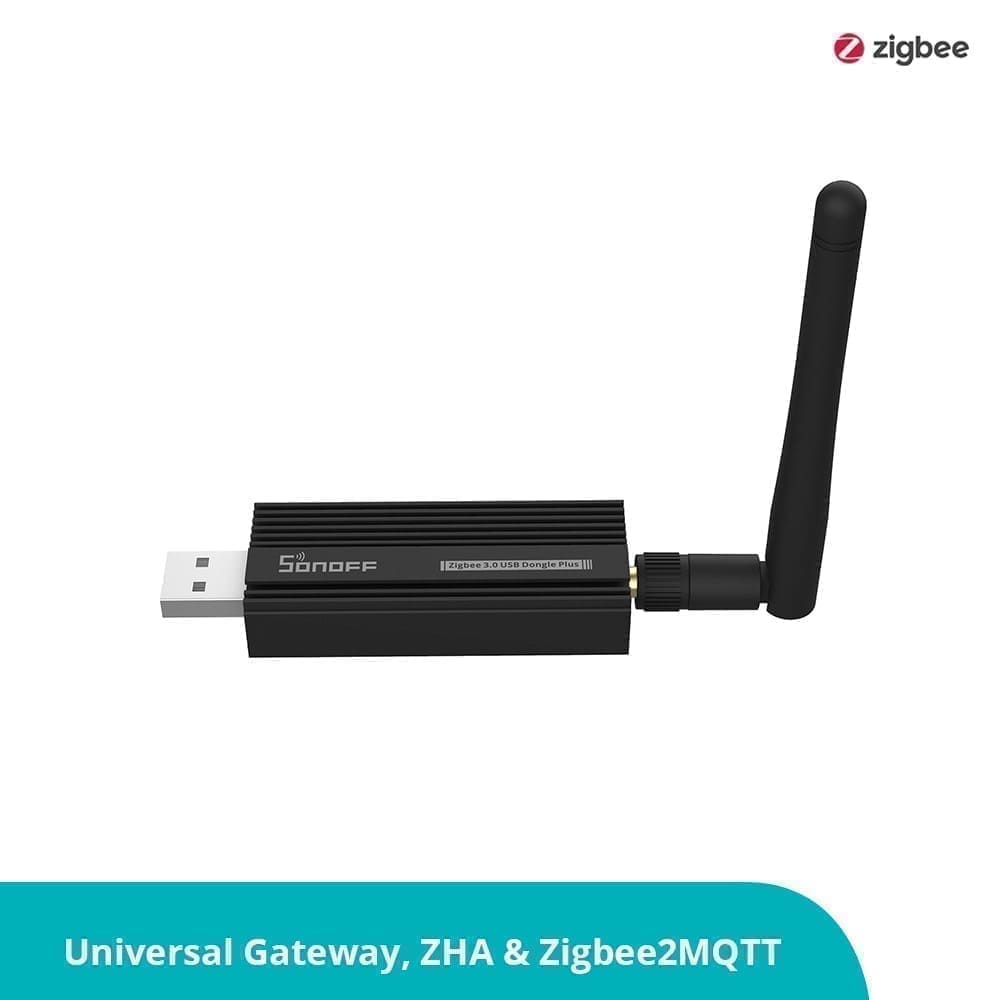
- Home Assistant Yellow / Connect ZBT-1 / Connect ZBT-2 — If you run Home Assistant, you can turn your own hardware into a Thread border router using the OpenThread Border Router add-on. This gives you complete local control with no dependency on any third-party ecosystem.
You only need one border router to get started, but having two or more on different power circuits improves resilience — if one loses power, the other keeps the Thread mesh connected to your home network.
Matter over Thread: The Transport Layer for the Modern Smart Home
Thread and Matter are frequently mentioned together, and for good reason — but they are distinct technologies with different roles.
Matter is an application-layer protocol: it defines how smart home devices expose their capabilities, how controllers discover them, and how commands are structured. Matter works over multiple transport layers, including Wi-Fi and Ethernet.
Thread is a transport-layer protocol: it handles the actual radio communication and mesh routing, but it does not define what commands mean or how devices are discovered.
When a device is described as a Matter over Thread device, it means Matter is handling the application logic while Thread handles the wireless transport. This combination is particularly valuable for battery-powered devices — Thread's low-power radio gives sensors and locks years of battery life, while Matter's standardised protocol means the device works with Apple Home, Google Home, Amazon Alexa, and Home Assistant simultaneously without proprietary bridges.
UK-Available Thread Devices Worth Buying
The Thread device ecosystem in the UK grew considerably in 2024 and 2025 as Matter certification rolled out across major brands. Here are the most notable options available from UK retailers:
Nanoleaf Essentials (Matter/Thread)
Nanoleaf's Essentials range — covering E27 bulbs, GU10 spotlights, and light strips — was among the first Matter over Thread products available in the UK. They work without any hub, connecting directly to your Thread border router, and are controllable from any Matter-compatible platform. Browse Nanoleaf Essentials on Amazon UK.
Eve Systems
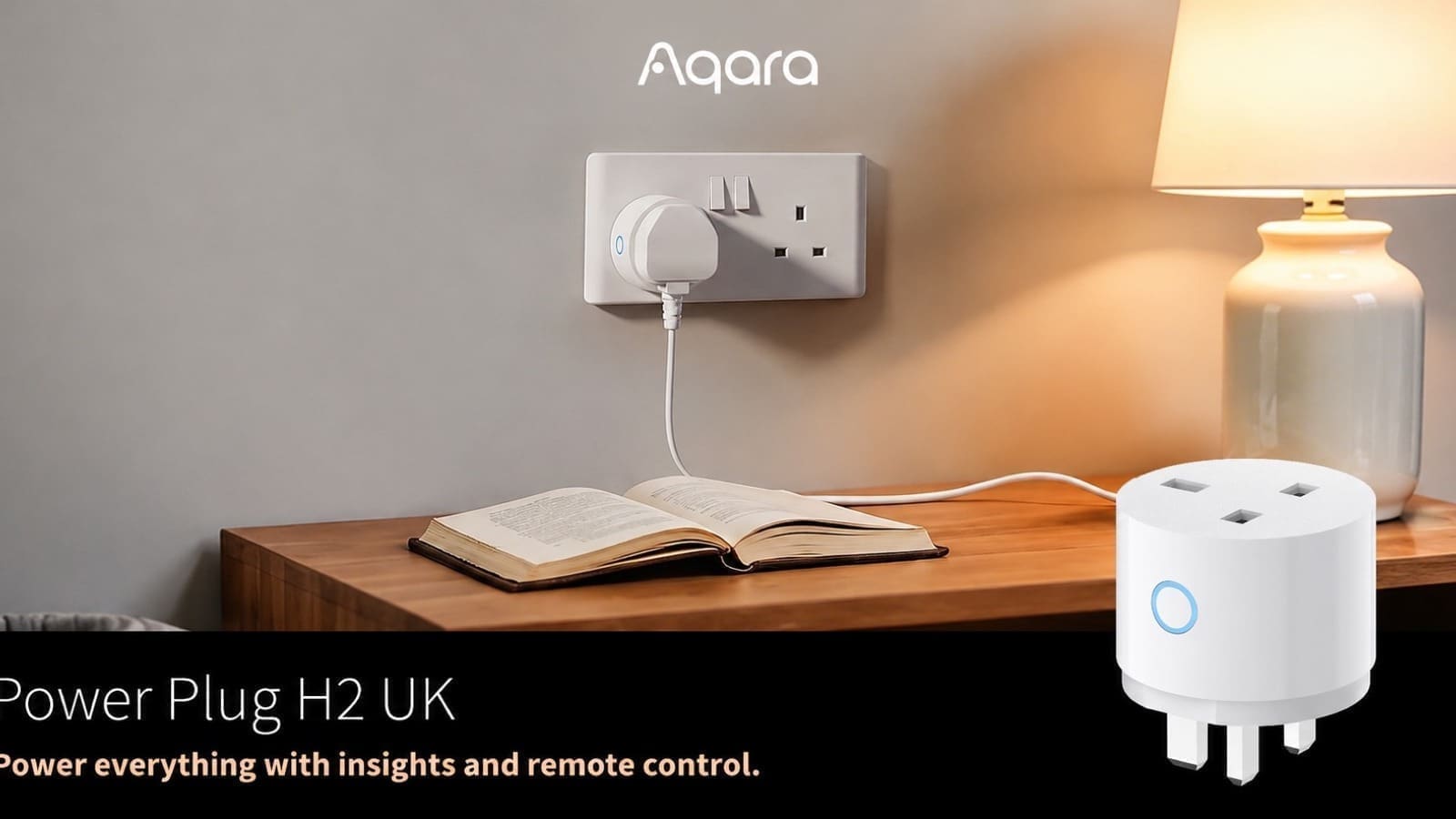
Eve has been one of the most committed Thread adopters in the European market. Eve Energy (smart plug with energy monitoring), Eve Door & Window (contact sensor), Eve Motion (presence sensor), and Eve Thermo (TRV) are all available in the UK and support Thread, with Matter certification added via firmware updates on newer hardware.
Philips Hue (Select Models)
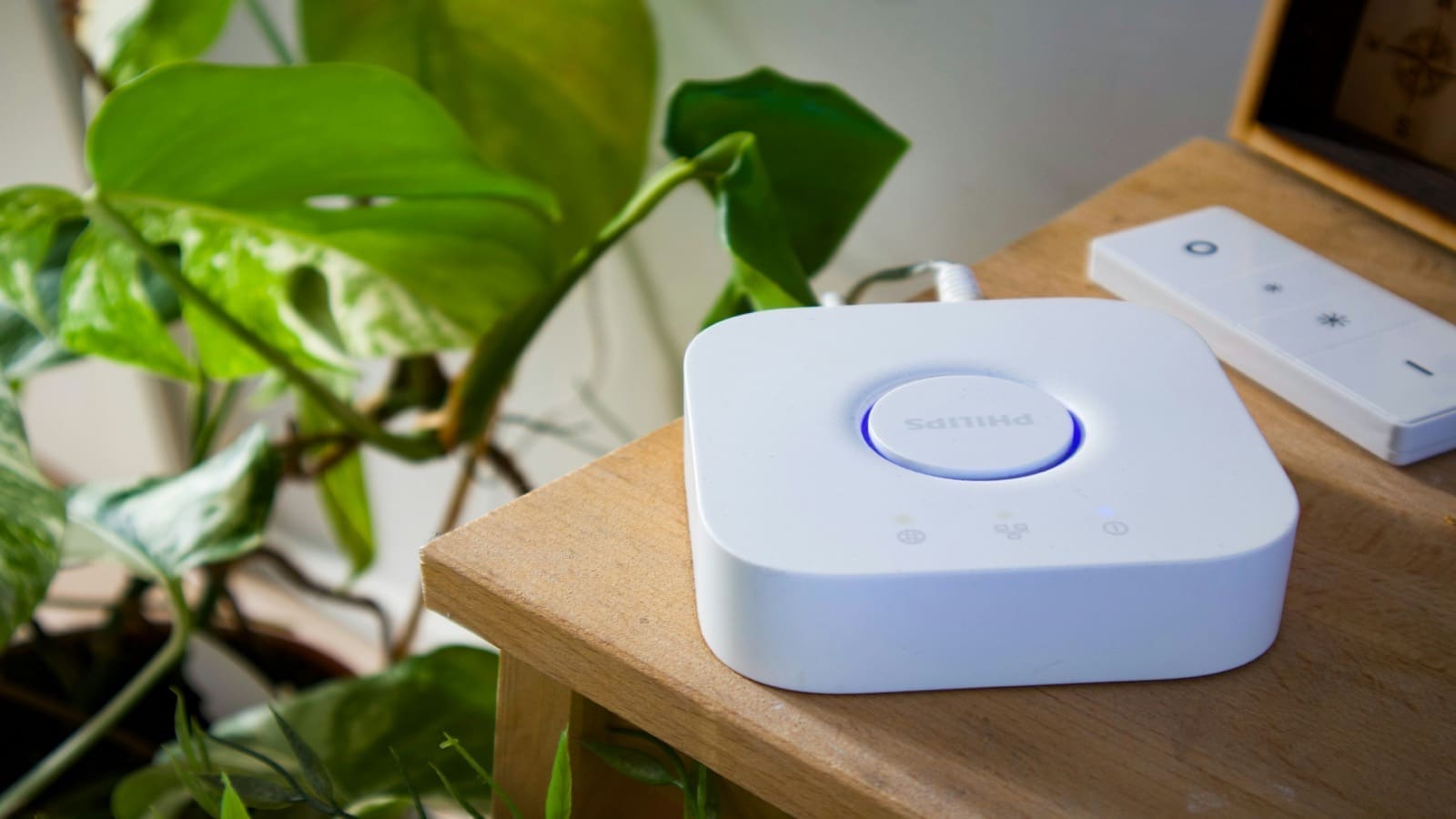
Philips Hue's newer smart plugs and some bulbs in the range now include Thread radio alongside their classic Zigbee radio. The Thread radio activates when a Matter controller is in use, allowing Hue devices to join a broader Thread mesh without the Hue Bridge.
IKEA Dirigera Hub
IKEA's Dirigera hub supports Matter and acts as a Thread border router, bringing Thread-capable IKEA devices — including newer TRÅDFRI bulbs and the VINDSTYRKA air quality monitor — into a broader Thread network. At under £40, the Dirigera is one of the most affordable ways to get a Thread border router into a UK home.
Getting Started with Thread in Home Assistant
Home Assistant offers first-class Thread support, and if you own a Home Assistant Yellow, SkyConnect, Connect ZBT-1, or Connect ZBT-2, you already have the hardware needed to run your own Thread border router.
Here is a condensed setup path:
- Install the OpenThread Border Router add-on from the Home Assistant add-on store. This turns your HA hardware into a fully functional Thread border router.
- Enable IPv6 on your router if it is not already active — Thread relies on IPv6 for device addressing, and without it the Thread integration will not function correctly.
- Open the Thread integration panel (Settings > Devices & Services > Thread) to view your Thread network topology, connected devices, and which border routers are active.
- Add Thread devices via Matter — Thread devices appear in Home Assistant through the Matter integration. Use the Home Assistant Companion app to scan the Matter QR code on your Thread device and it will be discovered automatically.
- Set a preferred network — If you have multiple border routers (for example, an Apple HomePod mini and a Home Assistant Connect ZBT-1), you can designate a preferred Thread network for adding new devices.
For a full walkthrough of adding your first Matter device, including Thread-based ones, see our Home Assistant Matter setup guide.
Brands are starting to open that migration path for existing hardware, too: LIFX has begun a public beta letting owners of its Matter-enabled bulbs switch from Wi-Fi to Thread without buying new devices, which is worth knowing before deciding whether to keep new lighting purchases on Wi-Fi.
New Thread hardware keeps arriving, too — ThirdReality used IFA Berlin 2026 to announce four new Matter-over-Thread devices, including a smart plug, smart bulb and smart button, due in the second half of 2026.
Thread is not a protocol you configure once and forget — it is infrastructure. As you add more mains-powered Thread devices, the mesh grows stronger and the range improves without any manual intervention. For UK smart home builders investing in a setup that will last the next decade, Thread and Matter together represent the most sensible foundation available today.