Dropbox: back up straight to cloud storage
Home Assistant can now write its automatic backups directly to a Dropbox account, alongside the existing Google Drive, OneDrive and Home Assistant Cloud options. Once you authorise the integration under Settings → Devices & Services → Add Integration → Dropbox, it appears as a location you can pick when setting up a backup schedule. If you haven't set up automatic backups yet, our Home Assistant backup and restore guide covers full vs partial backups, retention and the 3-2-1 rule in detail — Dropbox slots into that same workflow as just another destination.
Heating, solar and EV: the energy integrations
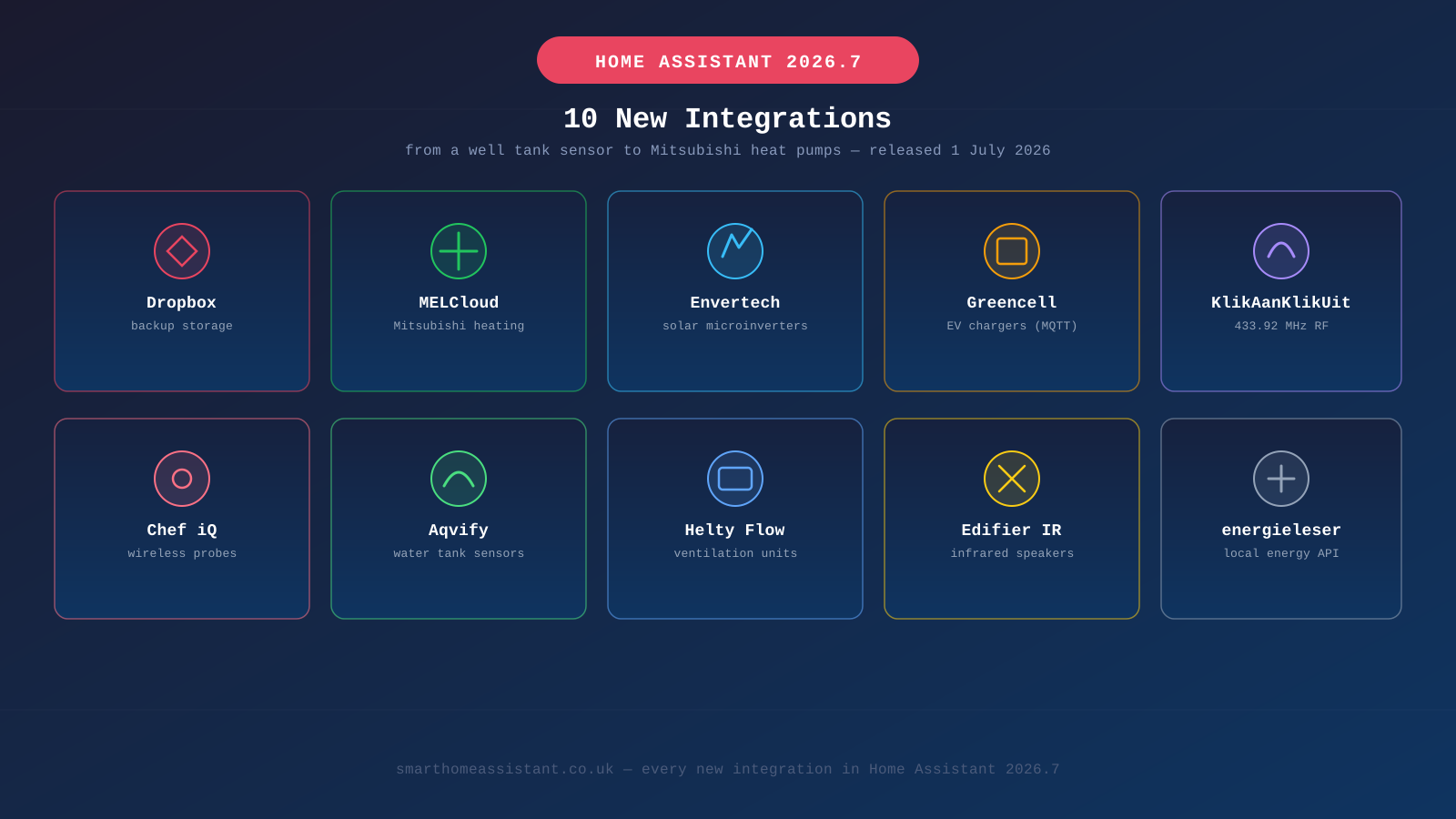
MELCloud Home brings Mitsubishi Electric air conditioning units and air-source heat pumps into Home Assistant, exposing setpoint, mode and operating-status controls through Mitsubishi's cloud API — useful if you're already using an MELCloud-connected heat pump and want it in the same dashboard as the rest of your heating.
Envertech EVT800 adds monitoring for Envertech's solar microinverter systems, pulling per-panel generation data into Home Assistant rather than relying solely on the manufacturer's own app. It's a natural companion to our Home Assistant solar monitoring guide if you're building out a full generation-and-consumption dashboard.
Greencell connects EV charging devices to Home Assistant over MQTT, letting you read charger status and control charging sessions from automations. Because it's MQTT-based rather than a dedicated cloud integration, it's worth reading our Home Assistant MQTT setup guide first if you haven't already got a broker configured.
energieleser is a smaller addition: it reads real-time energy data from a local HTTP API rather than the cloud, which suits anyone whose meter or energy monitor already exposes readings on the local network.
RF, infrared and niche hardware
KlikAanKlikUit adds support for 433.92 MHz RF devices — a popular budget home-automation protocol in parts of Europe, using simple radio plugs, switches and PIR sensors. If you already have an RF or IR bridge set up, our RF/IR proxy guide explains how Home Assistant's proxy panels (also new in this release) group these devices together in Settings.
Edifier Infrared does the same job for a specific brand: it lets Home Assistant send infrared commands to Edifier speakers via a transmitter, so volume, power and input switching can be scripted into automations rather than requiring the physical remote.
Aqvify is aimed at anyone monitoring a private water supply — it connects Aqvify's well and tank level sensors, useful for rural properties on a borehole or private tank rather than mains water.
Chef iQ reads live temperature data from Chef iQ's wireless cooking probes over Bluetooth, so a roast or a smoked brisket's internal temperature can trigger a Home Assistant notification when it hits target.
Helty Flow integrates decentralised heat-recovery ventilation units, giving control over fan speed and mode for balanced ventilation systems that recover heat from outgoing air — a more specialist addition aimed at newer, well-insulated UK builds.
A handful of virtual integrations too
Alongside the ten integrations above, 2026.7 also added four "virtual" integrations — Avosdim, BWT, Gitter and Nexen — which don't correspond to physical devices you set up directly, but exist so that other integrations and services can reference them consistently (for example, as a recognised brand or manufacturer entry rather than a generic device). You won't add these yourself from the integrations page.
How to check for and add a new integration
If you want to see whether your hardware is one of the new additions, or add any of the integrations above:
- Confirm you're running Home Assistant 2026.7 or later — check under Settings → System → Updates, and use the new Update all button on that page if several updates are pending.
- Go to Settings → Devices & Services and select Add Integration.
- Search for the integration by name — most of the additions above will appear as soon as you type the first few letters.
- Follow the setup flow, which for cloud services like Dropbox or MELCloud means signing in and authorising access, and for local/MQTT integrations means entering connection details for your device or broker.
None of these integrations require any config changes to existing setups — they're purely additive, so updating to 2026.7 won't affect devices you already had configured through other integrations. As with any Home Assistant update, take a backup first; the pre-update prompt handles this automatically, and now that Dropbox is an available destination, there's one less excuse to skip it.
Why so many small, single-brand integrations?
Home Assistant's integration count grows almost entirely through community contributions rather than a small in-house team — anyone can submit an integration for a device they own, and the Home Assistant core team reviews and merges it if it meets the project's code-quality bar. That's why a release like 2026.7 mixes a mainstream name like Dropbox with much narrower additions like Aqvify's well sensors or Helty's ventilation units: each one exists because a specific contributor needed it and built it well enough to be accepted, not because it fits a broader product roadmap. It also means coverage tends to expand fastest for products with an active, technical user base — smart heating, solar and EV hardware, in particular, show up in nearly every release.
Is any of this worth updating for on its own?
Realistically, only if you own one of the specific products listed above. None of the ten integrations are broad enough to be a reason to update in isolation — but if you're already updating for the automation editor, Matter server or ZHA changes covered in our 2026.7 release breakdown, it's worth a quick scan of this list in case one of them applies to hardware you already own. The same pattern held in 2026.9, which added another 13 integrations — see our 2026.9 new integrations roundup for what landed most recently.