The three ranges at a glance
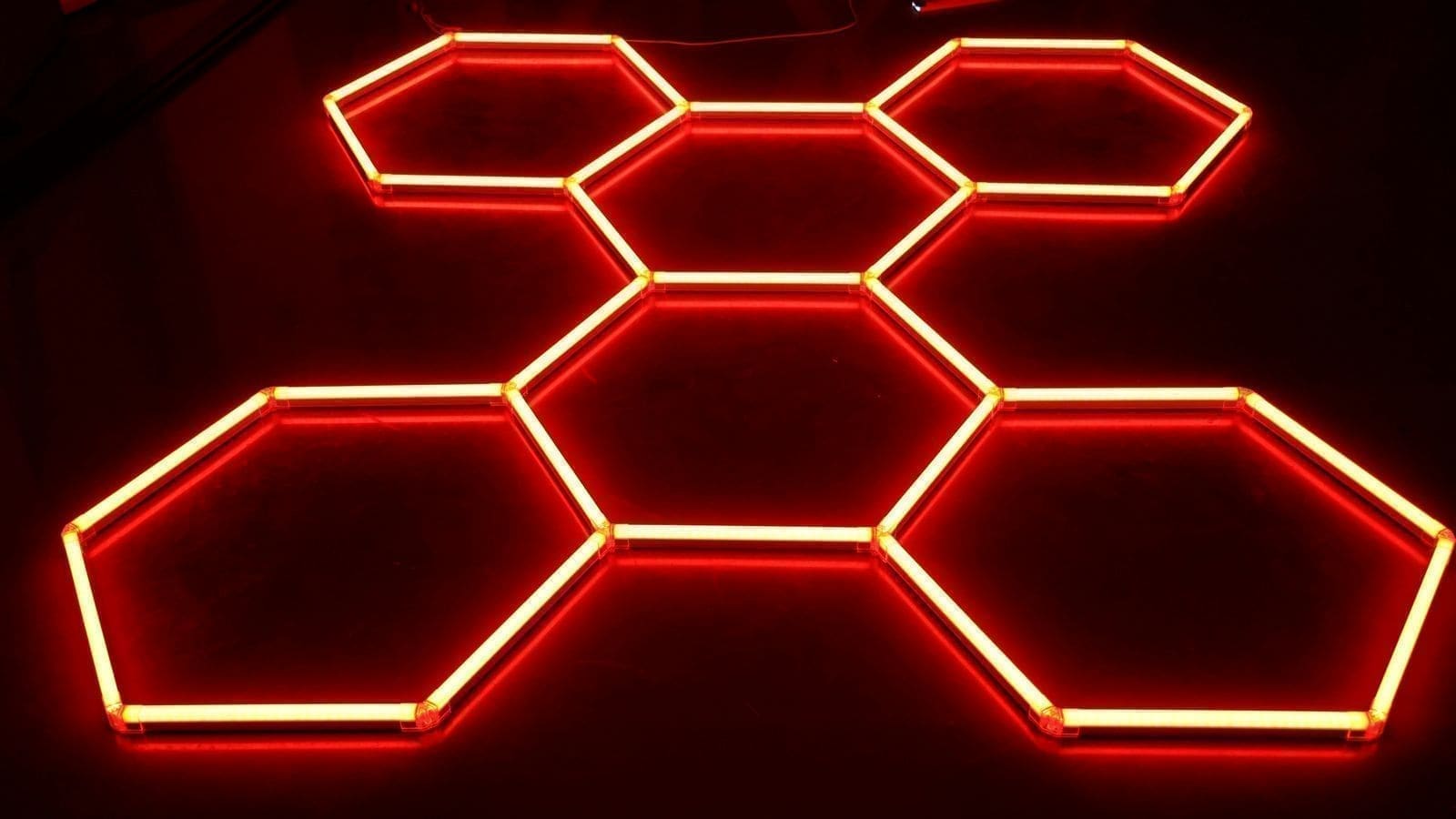
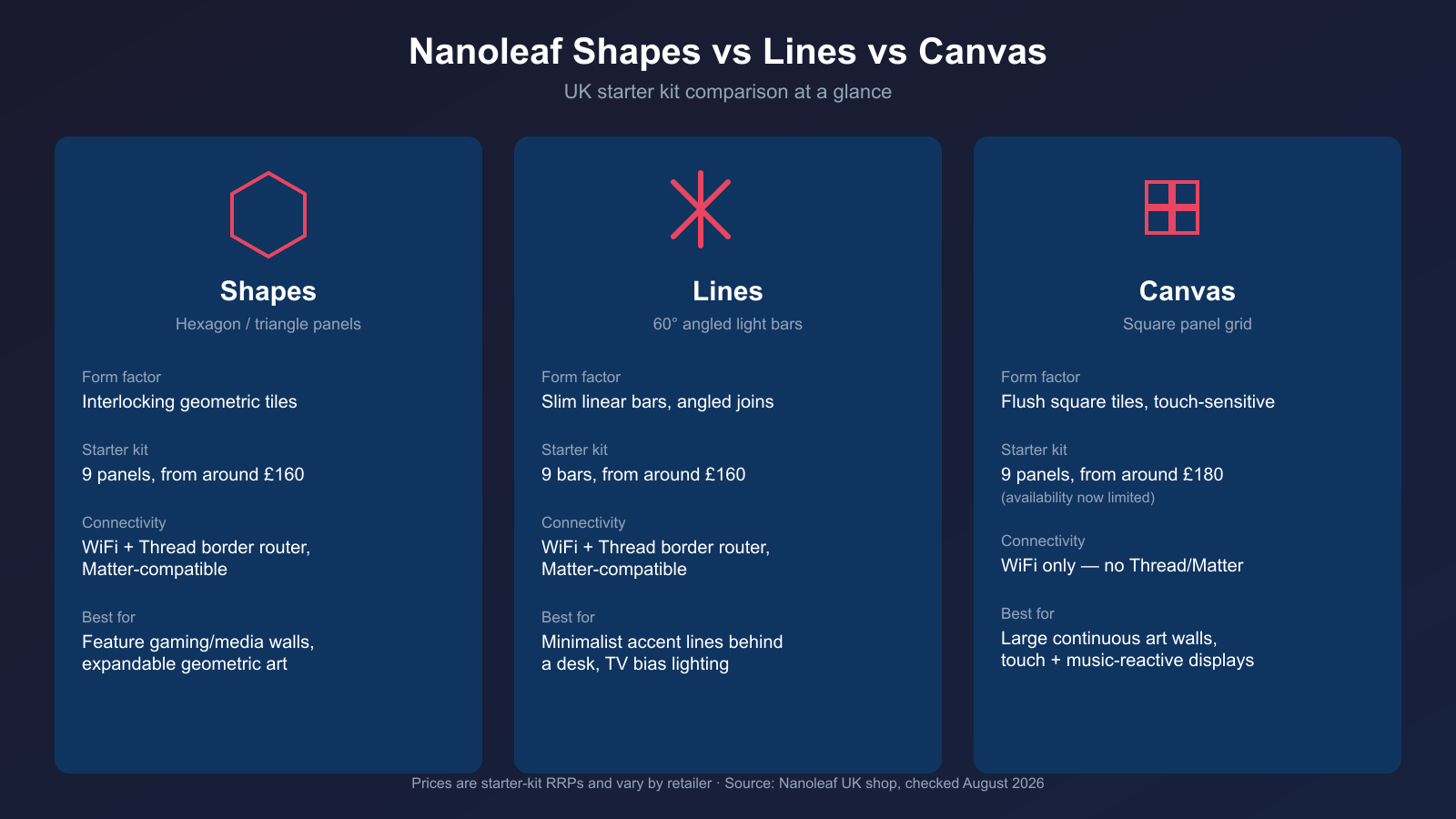
Shapes is Nanoleaf's hexagon and triangle panel system — interlocking geometric tiles that snap edge-to-edge and can be arranged into honeycomb-style clusters or scattered patterns. Lines swaps the tiles for slim backlit bars that join at 60-degree angles, giving a more minimal, linear look than a full panel wall. Canvas is the oldest of the three: a grid of flush square panels, each one touch-sensitive, designed to sit close together as a continuous illuminated surface rather than a scattered geometric pattern. As of checking the Nanoleaf UK shop in August 2026, Canvas starter kits are largely out of stock and difficult to find new — the range appears to be winding down in favour of Shapes and Lines, so factor that into a Canvas purchase if long-term expansion matters to you.
Form factor and how they mount
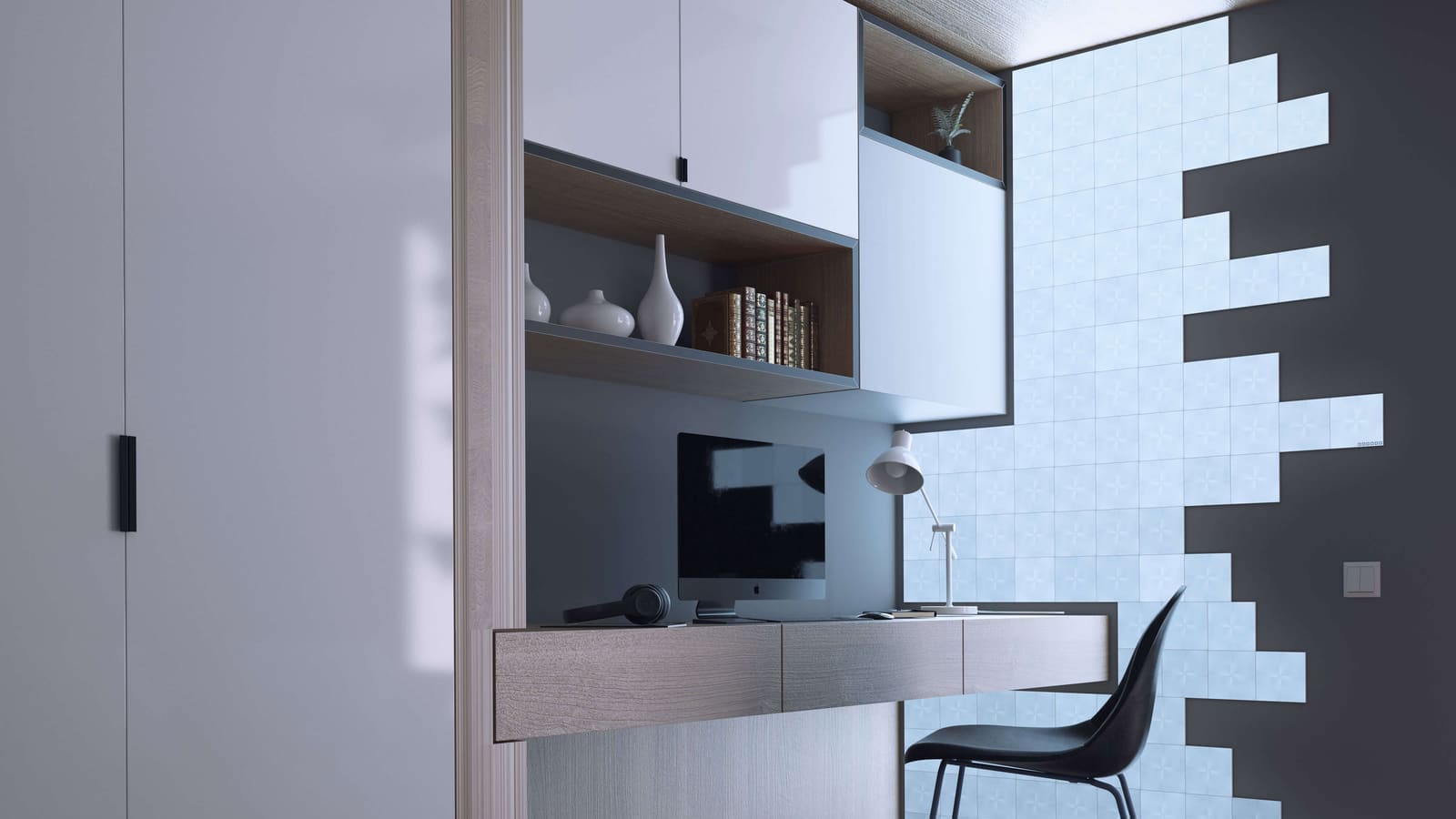
All three ranges use adhesive mounting rather than drilling, with Nanoleaf's app including a layout planner so you can preview an arrangement on screen before committing tape to the wall. Where they differ is the shape you're working with. Shapes' hexagons and triangles interlock at multiple edges, which makes irregular, asymmetric layouts easy — clusters that spread across a corner or wrap around a doorway look natural. Lines' bars join end-to-end at fixed 60-degree angles, which suits a tighter, more architectural look — a single sweeping diagonal line, or a compact zigzag behind a monitor, reads cleaner than a full panel cluster would in a small space. Canvas's square panels are designed to butt up flush against each other in a dense grid, which is what gives it the "continuous canvas" look the name promises, though the seams between panels remain visible at close range in a dark room.
UK starter kit pricing
Checking Nanoleaf's official UK shop directly: the Shapes Hexagons starter kit (9 panels) and the Lines 60° starter kit (9 bars) are both listed at £159.99. Canvas's 9-panel Smarter Kit has historically retailed at around £179.99 at UK specialist retailers, though as noted above, current UK stock is limited and the official shop lists mainly spare parts rather than full kits — treat that figure as a "when available" price rather than a current guaranteed one, and expect prices to vary by retailer. Expansion packs are available for all three ranges to grow a starter kit into a larger installation, and costs scale roughly linearly with panel count for each.
Connectivity: Shapes and Lines pull ahead
This is the clearest technical differentiator. Shapes and Lines both connect over 2.4GHz WiFi and can additionally act as a Thread border router on recent firmware, with Matter compatibility — useful if you're building out a wider Thread-based smart home and want another border router in the mix, not just a light. Canvas, by contrast, is WiFi-only with no Thread or Matter support at all. For Home Assistant users this doesn't block local control — the official Nanoleaf integration uses local push communication and supports all three ranges including Canvas — but if a standards-based, Matter-first smart home is the goal, Shapes and Lines are the more future-proof choice of the two active ranges.
Best use case for each
Shapes — feature walls, gaming and media rooms. The hexagon/triangle geometry, Rhythm music sync and Screen Mirror mode make Shapes the strongest fit for a gaming corner or a wall behind a TV where you want colour that reacts to on-screen content. The interlocking edges also make it the easiest range to expand awkwardly around furniture or alcoves.
Lines — minimalist accents and TV bias lighting. If a full panel cluster feels like too much for the room, Lines gives a lighter, more architectural accent — a single diagonal sweep above a desk, or a compact set behind a monitor for bias lighting, without covering as much wall area. It's the best pick for anyone who wants "some Nanoleaf" rather than a dominant feature wall.
Canvas — large continuous art walls. Where budget and current stock allow, Canvas's flush square grid, touch controls and dense expansion options make it best suited to a genuinely large installation meant to be looked at as a single illuminated surface — a stairwell wall or a home-cinema backdrop, for example — rather than a small accent. Its lack of Thread/Matter and patchier current availability are the trade-offs for that visual density.
If you're still deciding between Nanoleaf and a rival ecosystem before committing to any of the three, our Philips Hue vs WiZ vs LIFX comparison covers how a more conventional bulb-and-strip setup stacks up against panel lighting for cost and flexibility, and our best LED strip lights UK guide is worth a look if bias lighting is the main goal rather than a feature wall.
Expansion packs and running costs
None of the three ranges are a one-off purchase for most buyers — a 9-panel starter kit is a modest wall, and the appeal of modular lighting is usually in growing it over time. Shapes and Lines both sell smaller expansion packs that clip onto an existing starter kit using the same connectors, so a 9-panel Shapes wall can grow to 15, 20 or more panels without replacing anything already mounted. Canvas works the same way in principle, though the current stock situation makes sourcing matching expansion packs less predictable than for the two active ranges. Whichever range you choose, budget for a second power supply once an installation grows large enough — Nanoleaf's official specs cap the number of panels a single supply unit can run, and exceeding that without adding another supply can cause dimming or unreliable panels at the far end of a cluster.
Which one should you actually buy?
As a rule of thumb: pick Shapes if you want an expandable feature wall with strong gaming/media integration and future-proof Thread/Matter connectivity; pick Lines if you want a lighter architectural accent rather than a dominant panel wall, with the same connectivity advantages; and consider Canvas only if you specifically want the flush, continuous square-grid look and can find current stock at a price you're comfortable with, accepting WiFi-only connectivity and a range that Nanoleaf appears to be scaling back. All three integrate locally with Home Assistant, so the deciding factor for most UK buyers will come down to the shape of wall you're lighting and how large you want the installation to grow.