What the Hue Bridge Actually Does
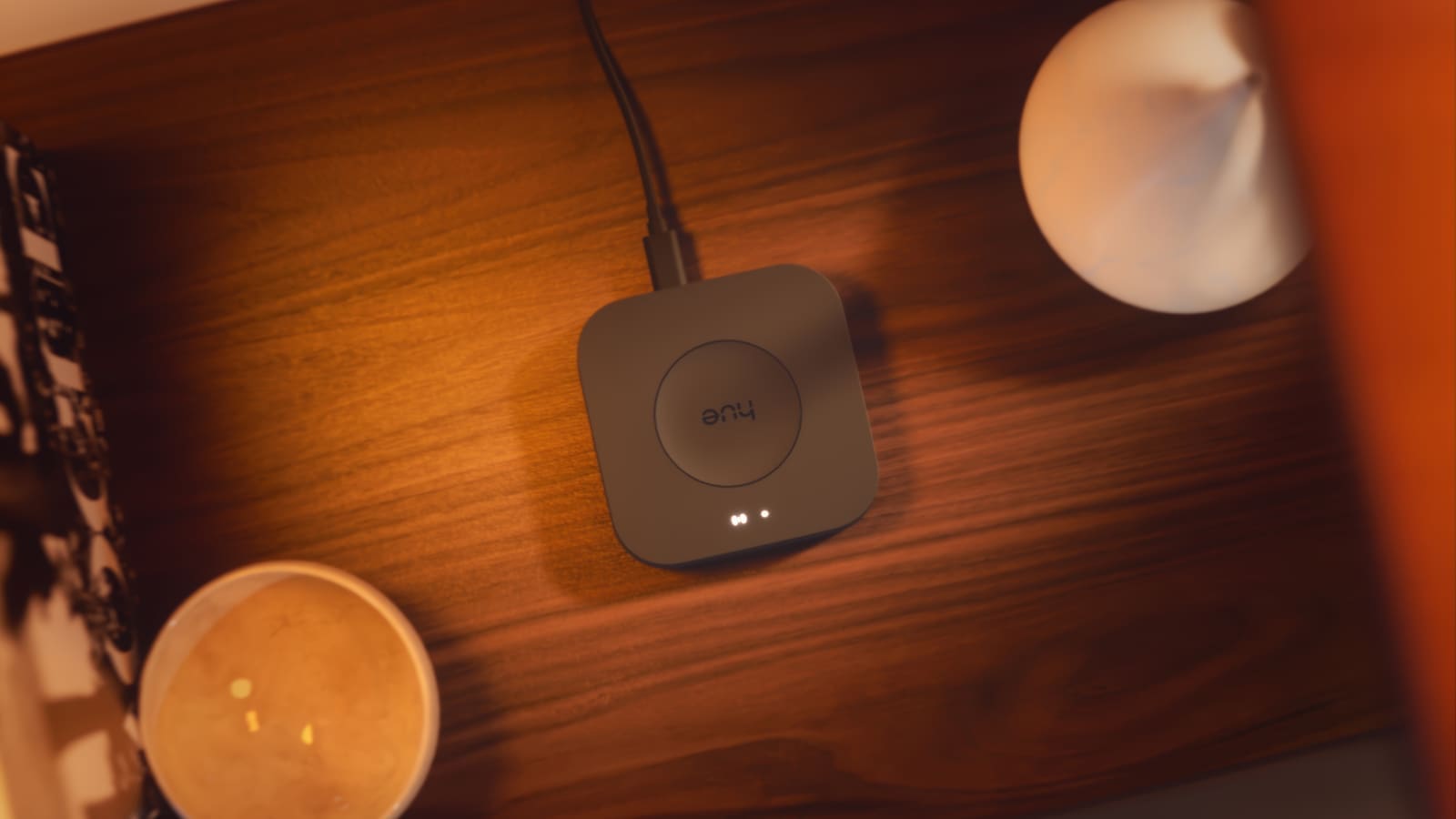
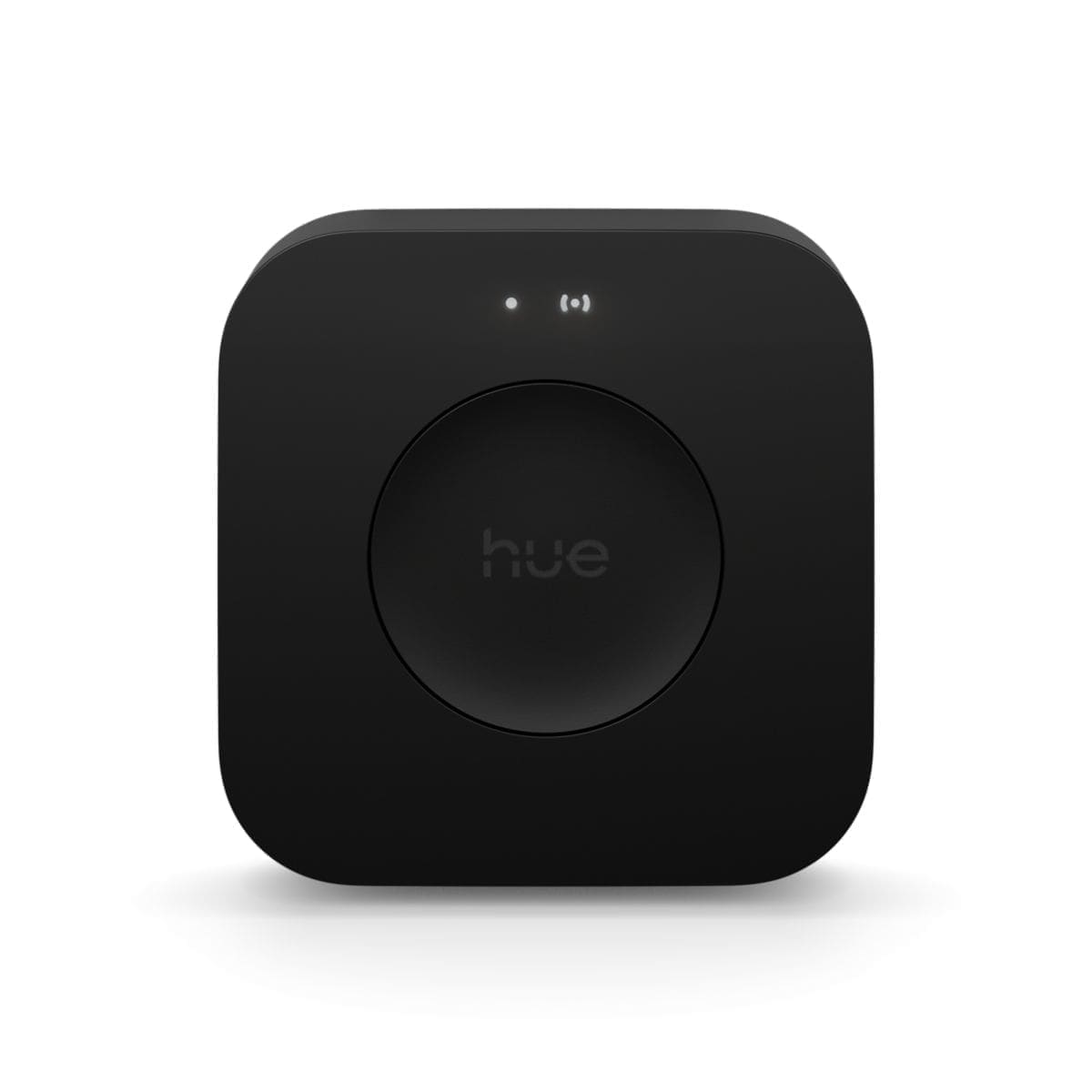
The Bridge is a Zigbee controller that sits between your router and your Hue lights, managing the mesh network that lets bulbs relay signals to one another. This matters because Zigbee mesh means your lights work even when your home Wi-Fi is under load — a problem that plagues directly-connected Wi-Fi bulbs.
Local control. The Bridge communicates locally over your LAN. Your lights respond within the home even if Philips Hue's cloud is down. Remote access and voice control do require an internet connection, but everyday automation and app control do not.
Matter bridge. Following a firmware update in September 2023, the Hue Bridge v2 received Matter support, meaning all connected Hue lights and accessories are exposed as Matter devices. This allows them to work natively with Apple Home, Amazon Alexa, Google Home, and Samsung SmartThings through a single Matter binding rather than proprietary integrations.
Hue-exclusive features. Entertainment areas for Sync surround lighting, Hue Secure integration, Hue scenes, dynamic lighting effects, and the full Hue app experience all require a Bridge. Bluetooth-only Hue control lacks these features entirely.
Key Specifications
The Bridge v2 (product code 8719514342583) has the following confirmed specifications from Philips Hue UK:
| Spec | Philips Hue Bridge v2 |
|---|---|
| Lights supported | Up to 50 lights and 12 accessories |
| Dimensions | 88mm x 88mm x 26mm |
| Weight | 280g |
| Connectivity | Ethernet (no built-in Wi-Fi); Zigbee 2400-2483.5MHz |
| Power | 100-240V AC in, 5V DC/600mA out; standby 0.1W, operating 3W |
| IP rating | IP20 (indoor use) |
| Warranty | 2 years; minimum 48 months defined software support |
| UK price | Around £49.99 RRP, varies by retailer |
UK Price and Where to Buy
The Bridge v2 has an RRP of £49.99 on the Philips Hue UK website. Prices vary by retailer — you can find it from around £40 to £55 at John Lewis, Currys, Amazon UK, and Argos depending on current promotions. It is often bundled into Philips Hue starter kits, which can offer better value if you are buying bulbs at the same time. For a deeper look at starter-kit value, see our Philips Hue starter kit review.
Home Assistant Integration
For Home Assistant users the Bridge v2 is the preferred way to bring Hue lights into your setup. The official Hue integration discovers the Bridge automatically via mDNS — go to Settings → Devices & Services → Add Integration → Philips Hue and Home Assistant will find it on your network in seconds.
What the integration exposes. Individual light entities, Hue scenes (imported automatically and available as scene entities), motion sensors with accompanying temperature and light-level sensors, and remotes and switches as automation triggers. Zones and rooms are created as additional light group entities, disabled by default but easy to enable.
Push vs polling. The v2 Bridge uses the Hue API v2 (CLIP v2), which supports server-sent events for near-instant state updates in Home Assistant. This is a significant advantage over the legacy v1 API used by the original round Bridge, which relied on polling every few seconds.
Matter alternative. From Home Assistant 2025.12 you can also add Hue lights via Matter directly, bypassing the Hue-specific integration. The Matter path works well for basic on/off and brightness control, but you lose Hue scenes, entertainment areas, and some Bridge-specific capabilities. For most Home Assistant setups, the native Hue integration is the better choice. If you are new to Home Assistant, our Home Assistant UK setup guide covers the full onboarding process.
The Limit Problem: 50 Lights
The v2 Bridge caps at 50 lights and 12 accessories. In a modest home that is ample — a typical three-bedroom house with full lighting coverage uses around 20–30 bulbs. However, enthusiasts adding LED strips, outdoor fixtures, and multiple rooms can approach the limit faster than expected: a kitchen alone might use seven bulbs and two controllers.
If you are near or over 50 devices, Signify's answer is the Hue Bridge Pro (launched September 2025, £89.99 RRP). The Pro supports 150-plus lights and 50-plus accessories, adds built-in Wi-Fi so it does not need to be near your router, and brings a processor that is around five times faster — enabling the new MotionAware™ feature that turns your existing lights into motion sensors. For most single-home setups the standard Bridge is sufficient; the Pro is worth the premium if you are building out a large ecosystem or want MotionAware without extra sensors.
Platform Compatibility
Via the Bridge, Hue lights integrate with:
- Apple Home: Full HomeKit support; Matter binding available from iOS 17 onwards
- Amazon Alexa: Skill-based or Matter; voice control of individual lights, groups, and scenes
- Google Home: Via Matter; scenes sync across
- Samsung SmartThings: Matter-connected
- Home Assistant: Native integration with CLIP v2 push updates
The Bridge effectively makes your Hue ecosystem protocol-agnostic — you can run Home Assistant and Apple Home simultaneously without conflict. For a broader comparison of smart bulb ecosystems, see our best smart bulbs UK guide.
Should You Buy the Hue Bridge v2 in 2026?
Buy the Bridge v2 if you have fewer than 40 lights, your router is in a central location (so Ethernet placement is easy), and you do not need MotionAware. At around £49.99 it is excellent value for the ecosystem it unlocks.
Consider the Bridge Pro if you have or plan to have more than 50 lights, want Wi-Fi placement flexibility, or are drawn to the MotionAware AI motion detection feature.
Skip the Bridge entirely if you only have a few Hue bulbs and basic on/off control is enough — Bluetooth-only Hue control (no Bridge required) covers simple single-room use cases without any extra hardware cost.
One accessory worth planning for once you have a Bridge is the Philips Hue Wall Switch Module, a battery-powered retrofit that turns an existing wall switch into a Zigbee controller for your Hue lights — it needs a Bridge to pair, so it only becomes an option once you have one installed.
Running one is cheap, too — see our Philips Hue running cost guide for what the Bridge and your bulbs actually add to the electricity bill.
Verdict
The Philips Hue Bridge v2 earns its place as the best smart lighting hub for most UK homes. Its combination of Zigbee mesh reliability, Matter certification, a mature and well-maintained Home Assistant integration, and comprehensive ecosystem compatibility is unmatched at the price. The 50-light cap is the only meaningful limitation, and the Bridge Pro exists for those who need more. For anyone starting a Hue system or upgrading from Bluetooth-only control, the v2 Bridge is the sensible buy.