What Is the Gradient Lightstrip?
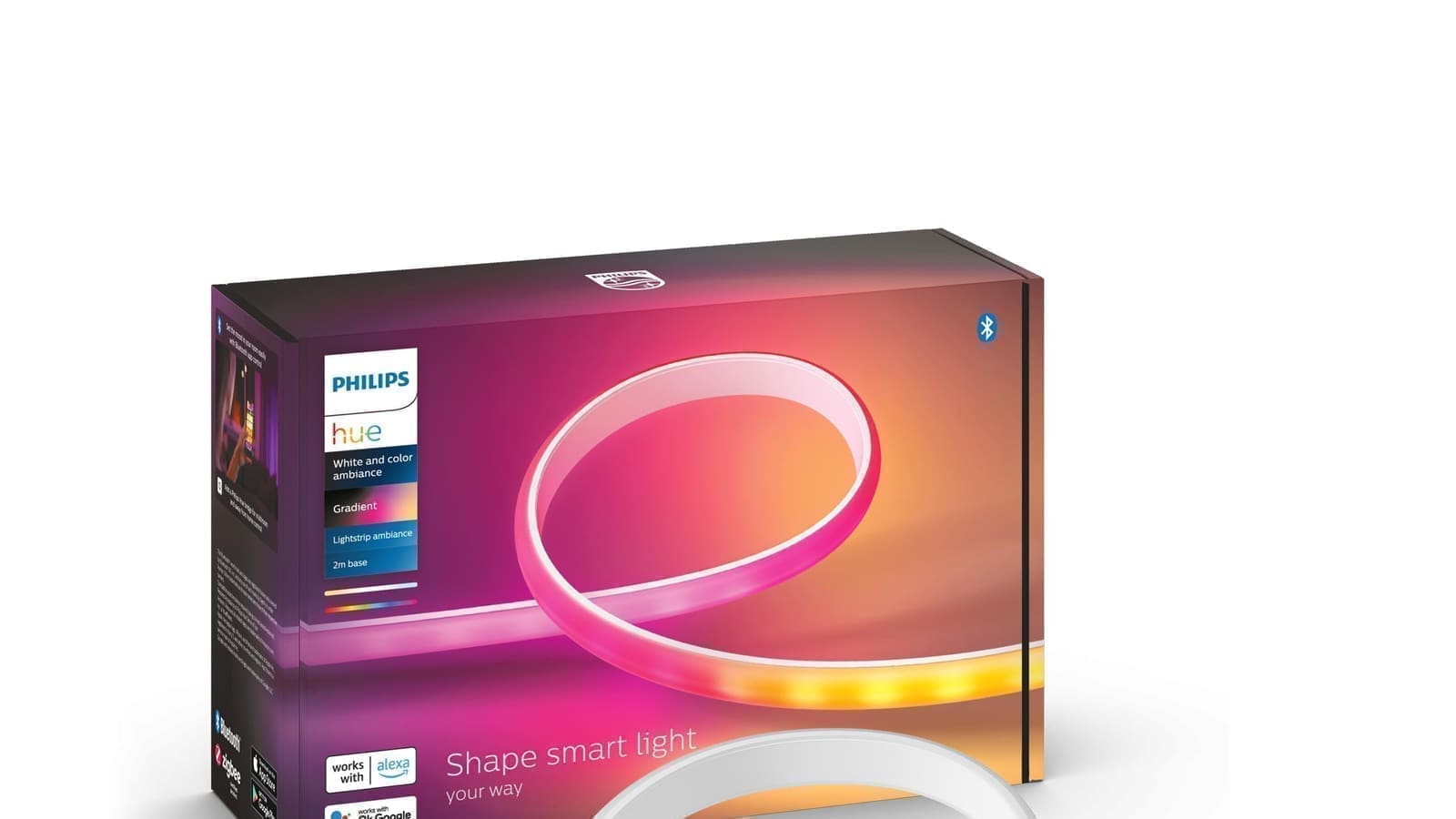
The headline feature is multi-colour gradient output. The strip packs approximately 100 colour LEDs per metre at roughly 2 cm spacing — far tighter than the 6 cm spacing on the older Lightstrip Plus — alongside warm and cool white LEDs. A milky silicone diffuser sits over the top, smoothing the output so you see continuous washes of colour rather than individual LED points. The result is considerably more polished than anything cheaper alternatives produce.
Key specifications (2 m base set):
- Maximum brightness: 1,800 lumens at 4,000 K
- Colour temperature range: 2,000–6,500 K
- Power consumption: 20 W operating, 0.5 W standby
- Protocol: Zigbee (requires Hue Bridge for full control) or Bluetooth
- IP rating: IP20 (indoor use only)
- Extendable: up to 10 m total with 1 m extension packs
- Lifespan: 25,000 hours
- Warranty: 2 years
The strip can be shortened at seven marked cut points spaced 25 cm apart, so you have some flexibility if your space is shorter than 2 m. Extensions cost separately and are sold in 1 m increments.
Setup and App Experience
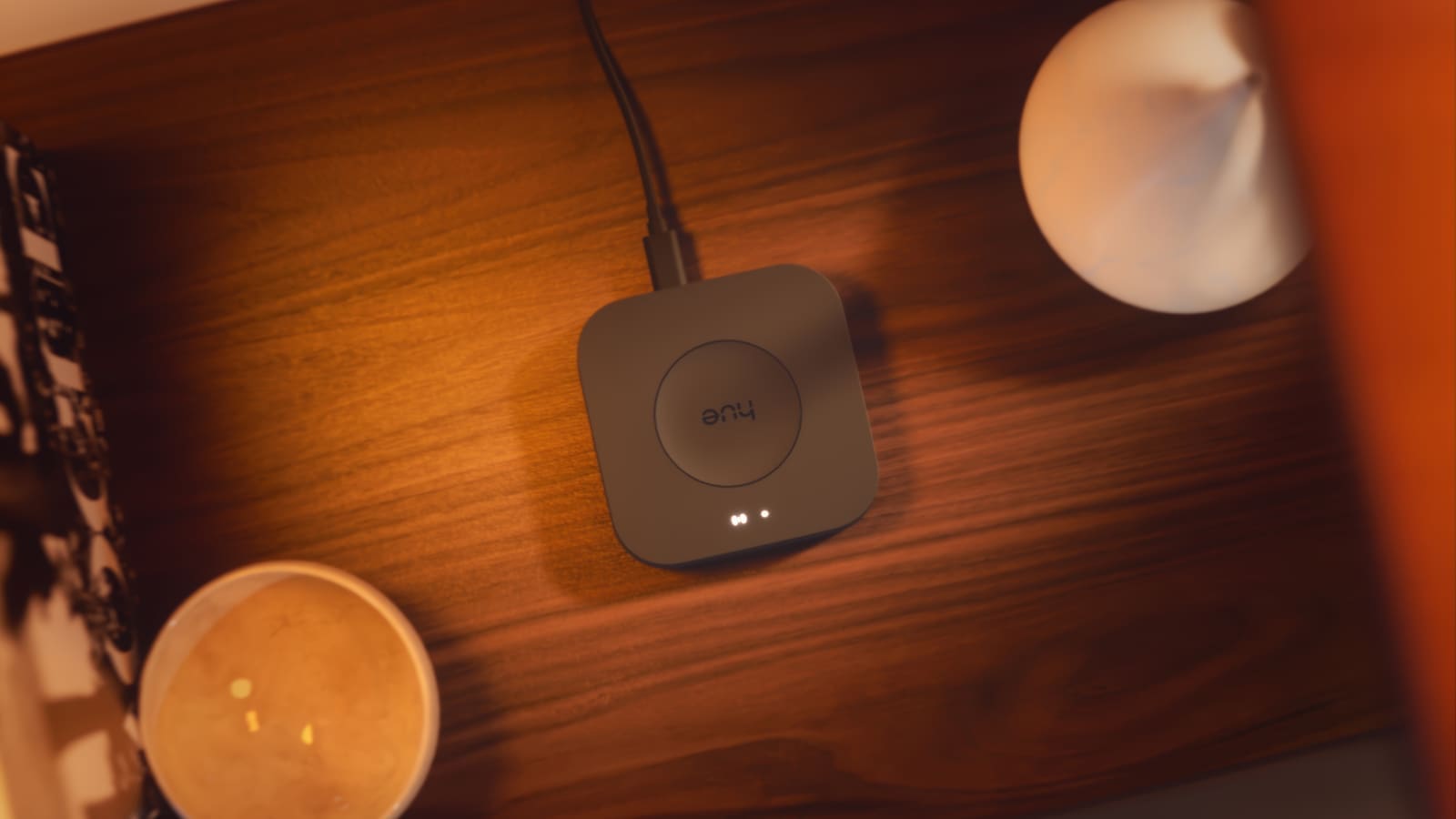
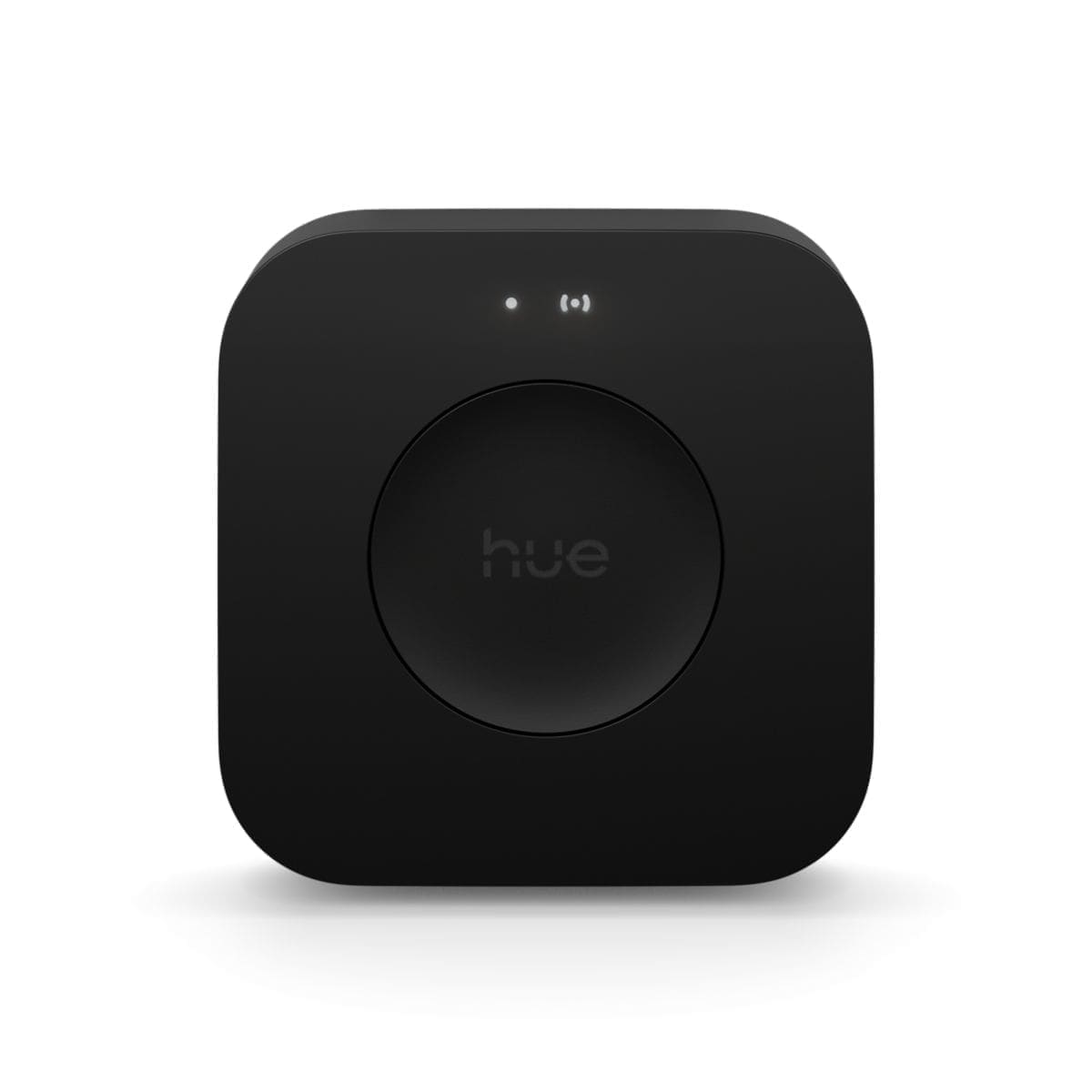
Setup is straightforward if you already own a Hue Bridge. Power the strip via the included power supply unit, add the device in the Philips Hue app, and you're done in a few minutes. Bluetooth pairing works without a Bridge for basic colour and brightness control, but you lose scenes, routines, away-from-home access, and the gradient zone editor — so the Bridge is effectively required for the product to make sense at this price point. A Hue Bridge v2 (sold separately) costs around £49.99 from major UK retailers.
The gradient editor in the Hue app is intuitive: you set individual colour zones (currently three controllable segments, with a software path to five) by dragging colour pickers along a strip diagram. Dynamic scenes — Savanna Sunset, Arctic Aurora, and so on — update all zones simultaneously and look genuinely striking in a living room or bedroom. If you're already part of the Hue ecosystem, the Gradient strip integrates seamlessly with your existing routines, switches, and scenes. Those new to Hue should budget for a Bridge as part of the total cost.
Brightness and Real-World Performance
At 1,800 lumens, the Gradient Lightstrip is bright enough to provide meaningful ambient illumination rather than just decorative accent lighting. Compared to the older Lightstrip Plus, the improvement in LED density is immediately apparent: no visible LED hotspots, just smooth blended colour. The opaque silicone diffuser plays a large role here, scattering light evenly across the full width of the strip.
Power consumption varies significantly by colour. White at full brightness draws close to the rated 20 W, but coloured gradients — particularly in the blue and purple range — draw considerably less due to how the LEDs are driven. Running at moderate brightness for four hours per evening would cost roughly £3–£4 per year at current UK electricity rates, making it negligible on your energy bill compared to the initial outlay.
For a broader look at how Hue strips compare across the range, see our Philips Hue starter kit review, which covers the platform ecosystem in more depth.
Smart Home Integration
The Gradient Lightstrip works with Alexa, Google Home, Apple HomeKit, Matter, and Samsung SmartThings. Voice control covers basic on/off, brightness, and colour — switching to a specific gradient scene by voice requires a named scene set up in advance in the Hue app, which is a sensible workflow once you have your preferred looks saved.
Home Assistant users: The native Hue integration in Home Assistant (via the Hue Bridge local API) recognises the Gradient Lightstrip as a light entity with colour and brightness controls. Full gradient effects and the multi-segment zone editor are only available through the Philips Hue app itself — Home Assistant can set a single colour across the strip or activate saved Hue scenes, but cannot independently address individual gradient zones. Community threads confirm that Zigbee2MQTT and ZHA users face similar constraints: basic colour control works, but gradient-specific effects are partly exposed and partly dependent on firmware updates. For users wanting tight local control, the Hue Bridge local API route via the official integration is currently the most reliable path.
If you're running Home Assistant and want to explore the broader Hue platform, our best smart bulbs UK guide covers how Hue fits alongside other ecosystems including Zigbee-native alternatives.
Variants: Gradient Lightstrip vs Play Gradient vs Omniglow
Philips Hue now sells several gradient strip products, and it is worth understanding the differences:
- Gradient Lightstrip (2 m, £139.99): The general-purpose ambient strip reviewed here. Suitable for shelving, under-cabinet lighting, ceilings, and architectural features.
- Play Gradient Lightstrip (for TVs): Pre-sized to fit specific TV screen sizes (55", 65", 75"). Designed to mount on the back of a television and sync content via the Hue HDMI Sync Box. Not the same product as this Gradient Lightstrip.
- Hue OmniGlow (launched late 2025, from £119.99 for 3 m): A newer COB-based gradient strip with even finer LED spacing for smoother output, and a slightly different connectivity model. Worth considering if you're buying new in 2026.
If you intend to use the strip for TV bias lighting, the Play Gradient is the correct product; the Gradient Lightstrip is designed for general architectural use.
Value for Money
At £139.99 for 2 m, the Gradient Lightstrip is expensive relative to the market. Budget LED strips with basic RGBIC effects (individual zone colour control) are available from brands such as Govee for well under £50. The meaningful price differences come down to three things: build quality and LED density (the Hue strip looks substantially better up close), ecosystem integration (no proprietary hub or cloud dependency if you use the Hue Bridge, and the depth of the Hue app far exceeds cheaper rivals), and longevity (a 25,000-hour rating and 2-year warranty from an established brand versus less certain support from budget manufacturers).
If you're not already in the Hue ecosystem and are comparing on pure value, the Gradient Lightstrip is harder to justify. But for those with a Hue Bridge, existing scenes, and routines already configured, the Gradient strip drops in seamlessly and delivers a genuinely premium experience that cheaper alternatives don't match in everyday use.
Verdict
The Philips Hue Gradient Lightstrip earns its position as one of the best ambient light strips available in the UK. The multi-colour gradient display is genuinely impressive, the LED density eliminates the hotspot problem that plagues cheaper strips, and the Hue ecosystem integration is as mature as smart lighting gets. The price is steep — particularly when you factor in a Hue Bridge if you don't already own one — and Home Assistant users should be aware that full gradient zone control currently requires the Philips Hue app. If those caveats don't apply to your setup, this is the light strip to buy.