
What Eufy camera models are available in the UK?
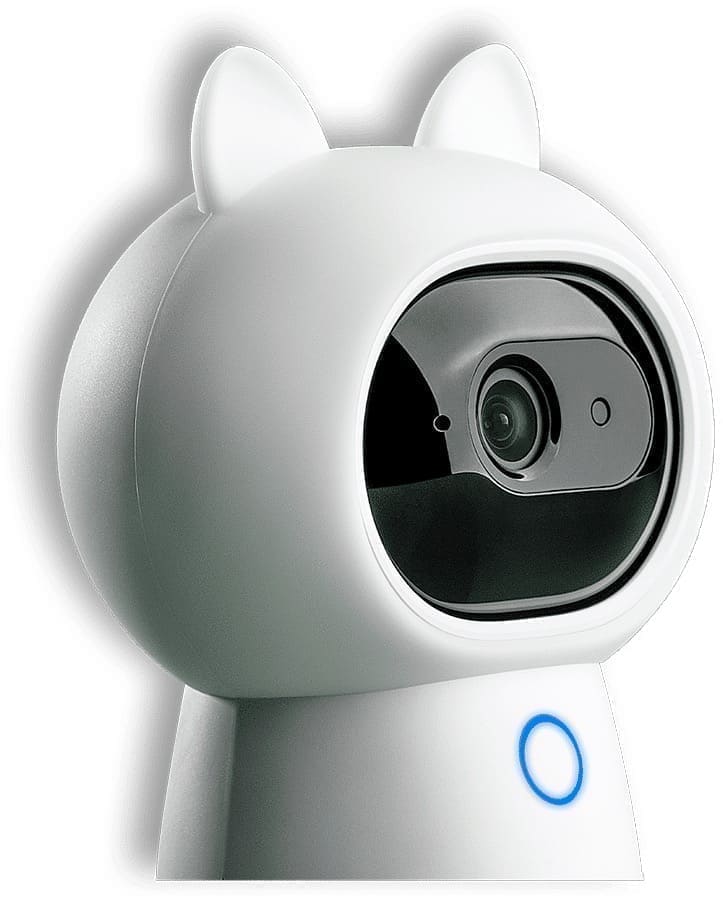
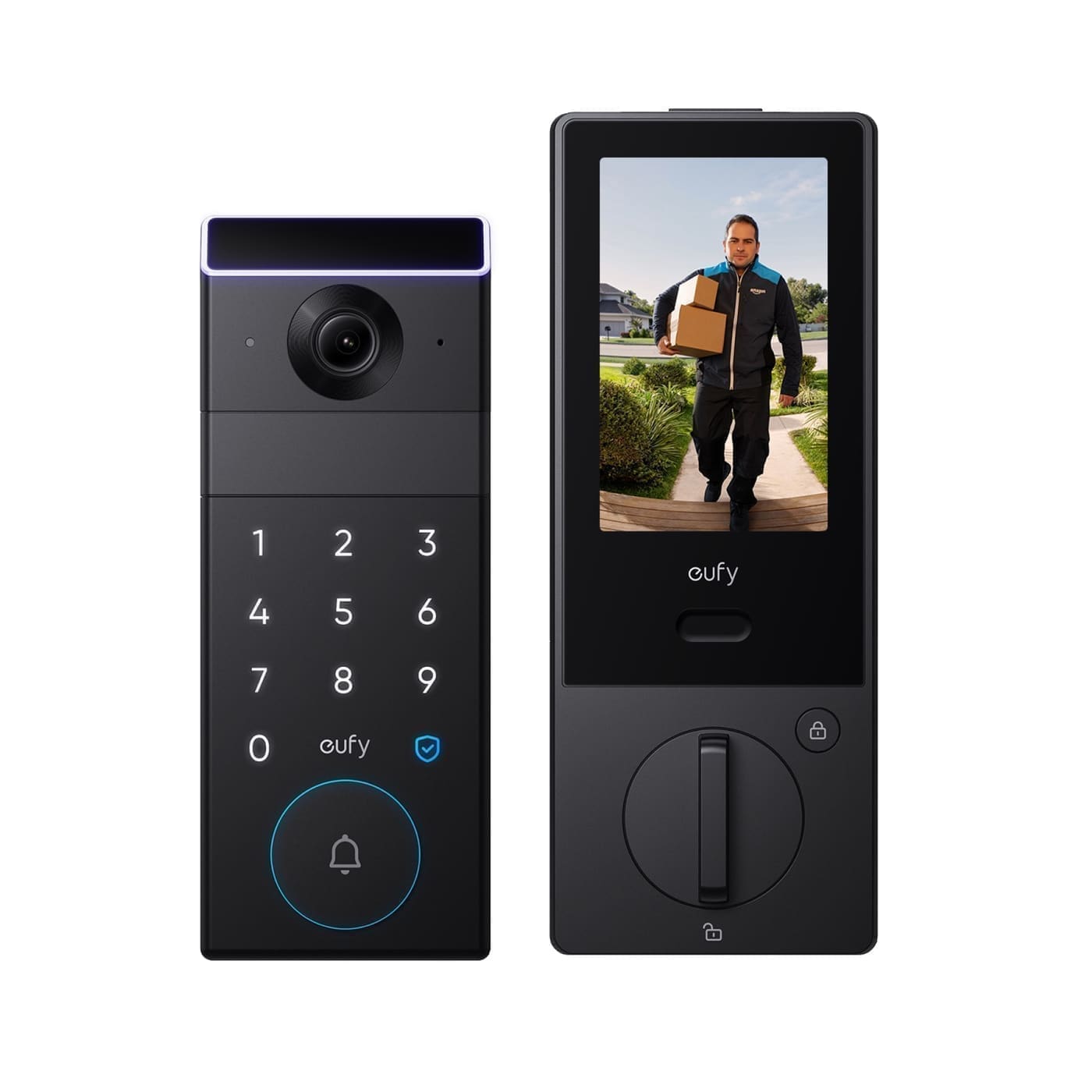
Eufy's range breaks down into four families, sold either as standalone units or bundled into multi-camera kits with a HomeBase hub. Indoor cameras (the C-series and Indoor Cam line) are plug-in, pan-and-tilt units designed for a single room and don't need a HomeBase at all. Outdoor cameras — the SoloCam and eufyCam ranges — are battery or solar-powered, wire-free, and rated for weather exposure; the higher-end eufyCam models require a HomeBase for full local storage and AI features. Eufy's doorbell line (currently headlined by the dual-lens Video Doorbell E340) adds a second, angled lens so the frame captures parcels left on the ground, not just faces. At the top of the range, Eufy's NVR kits pair PoE or wireless cameras with a HomeBase capable of multiple terabytes of onboard storage, aimed at buyers who want a proper multi-camera system rather than a single device.
For direct model recommendations rather than a category overview, see our best Eufy security cameras UK roundup, and our dedicated Eufy Video Doorbell review if a doorbell specifically is what you're after.
Does a Eufy camera need a subscription?
No — this is Eufy's defining feature. Every current Eufy camera records motion-triggered footage locally, either to an internal or expandable microSD card, or to a HomeBase hub acting as a local NVR, and that footage is fully accessible in the Eufy Security app with no recurring fee. Live view, two-way audio, and push notifications on motion are also included free. Eufy does sell an optional cloud plan (Eufy Secure) that adds 30-day encrypted cloud backup, cloud-powered AI person/vehicle/pet filtering, and custom activity zones, priced at roughly £2.99/month per device or around £9.99/month for up to 10 devices — but it's genuinely optional rather than a paywall in front of basic functionality.
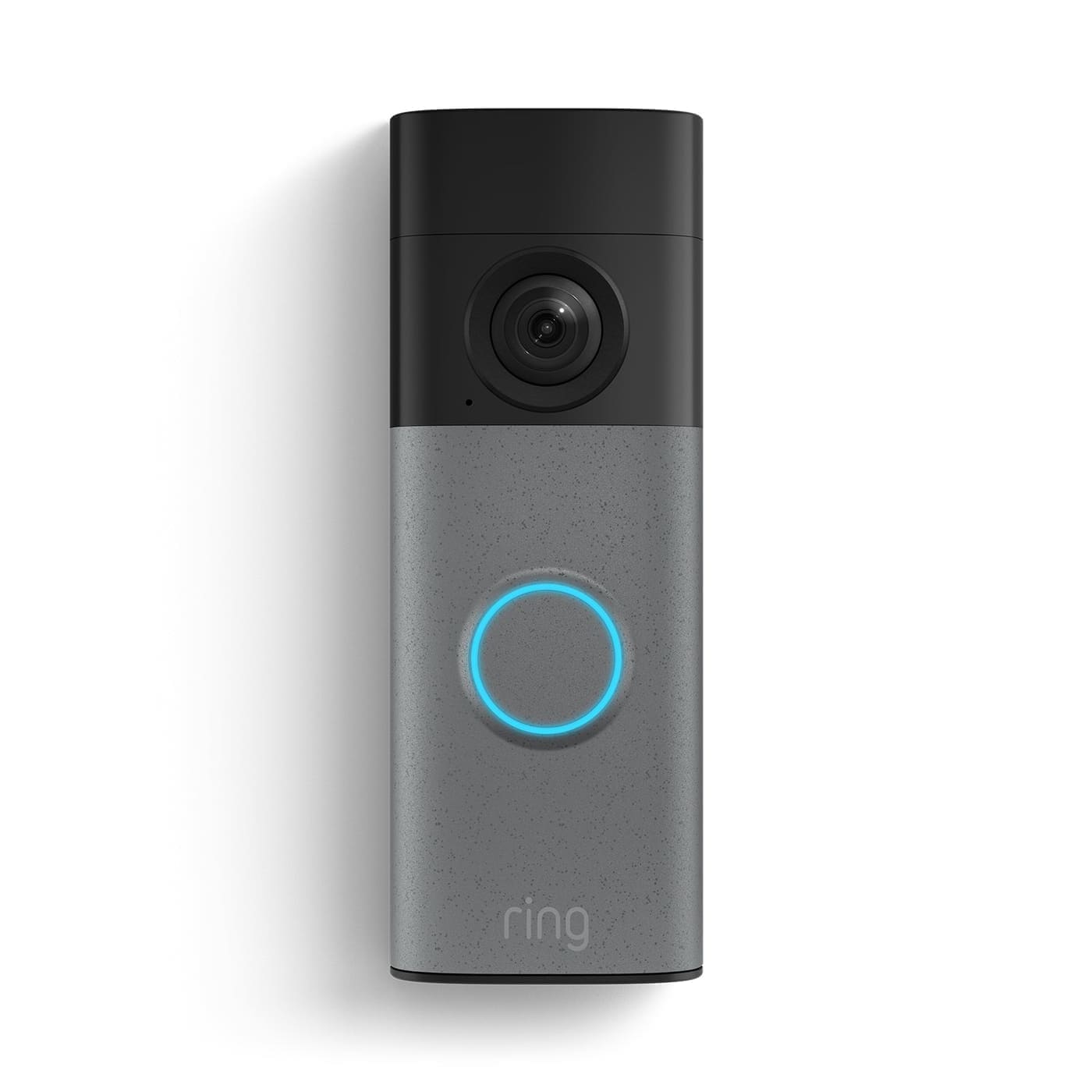
That's a meaningfully different model from Ring, where a Ring Protect subscription is effectively required to view any recorded clip at all, or Arlo, which relies entirely on cloud storage with no local-hub equivalent. Our Eufy doorbell subscription cost breakdown covers the exact pricing tiers and compares them against Ring and Arlo side by side.
What does the HomeBase actually do?
HomeBase is Eufy's local hub, and it's the piece that turns a scattered set of battery cameras into a coordinated system. It stores footage locally (capacity depends on the model — some ship with a fixed amount of onboard storage, others take an expansion hard drive), runs on-device AI processing for person and vehicle detection without sending video to the cloud, and lets you view every connected camera from one app screen instead of pairing each device separately. Plug-in indoor cameras and some standalone outdoor SoloCam models don't need a HomeBase — they store to their own microSD card — but the higher-end eufyCam range and multi-camera kits do require one for full functionality.
Do Eufy cameras work with Home Assistant?
Not natively, and this is the main thing to know before buying if your household already runs Home Assistant. The official "EufyHome" integration listed on Home Assistant's own integrations page only covers Eufy's older smart plugs and lights (the EufyHome product line) — it does not support Eufy Security cameras or doorbells at all. Camera and doorbell support instead comes from a community-maintained add-on and custom integration (installed via HACS), which connects through Eufy's undocumented cloud API and exposes cameras, motion sensors, and HomeBase controls as entities. It works well for many users but isn't official, can lag behind new Eufy firmware, and depends on push notifications being enabled in the Eufy app to trigger sensor updates.
The more reliable route for smart-home integration is via Apple HomeKit: a defined list of Eufy models — including the eufyCam 2/2C/2 Pro/2C Pro and 3-series, the 2K Indoor Cam Pan & Tilt, select SoloCam models, and select battery/wired doorbells — support HomeKit Secure Video once paired through a HomeBase or Wi-Fi bridge and a HomeKit hub (HomePod, Apple TV, or iPad). Once a camera is in Apple Home, Home Assistant's HomeKit Controller integration can in turn pick it up, which is a more stable bridge than the direct cloud-based add-on for most households. Check the specific model's HomeKit Secure Video support before buying if this matters to you, since not every Eufy camera qualifies.
How do Eufy camera families compare?
| Family | Typical use | HomeBase required? | Indicative UK price | Buy |
|---|---|---|---|---|
| Indoor Cam (C-series) | Single room, plug-in, pan & tilt | No — microSD/cloud only | From around £30 | Check price |
| SoloCam (outdoor) | Solar or battery outdoor camera, wire-free | No for most models | From around £100 | Check price |
| eufyCam (outdoor) | Multi-camera outdoor system, 4K options | Yes | Several hundred pounds for kits with HomeBase | — |
| Video Doorbell (E-series) | Dual-lens doorbell, parcel detection | Optional (HomeBase 2 for battery models) | From around £150 | Check price |
| NVR / PoE kits | Whole-property professional system | Yes — dedicated NVR HomeBase | Four figures for multi-camera kits | — |
Which Eufy camera should you buy?
For a single room or flat, a plug-in Indoor Cam is the cheapest and simplest entry point and doesn't need any additional hardware (check price on Amazon). For a front door or driveway, a solar SoloCam avoids running cables or swapping batteries (check price on Amazon), though a wired or HomeBase-backed eufyCam gives more reliable uptime in shaded spots where solar charging is inconsistent. If package theft is the main concern, the dual-lens Video Doorbell E340 is built specifically to capture parcels on the ground, not just faces at head height (check price on Amazon). Anyone planning more than two or three cameras should budget for a HomeBase from the outset — it's cheaper in the long run than buying standalone units and pays for itself in centralised storage and app management. Whichever family you land on, if Home Assistant automation is the goal rather than just viewing footage, treat that as a research step before purchase rather than an assumption, since coverage varies sharply model to model. For the newest hardware, see our roundup of Eufy's wider IFA 2026 lineup, covering the Video Doorbell S4, Window Camera E10, Robot Vacuum Omni E35 and Robot Lawn Mower S2 Max. If you've settled on a wired doorbell, our Eufy wired doorbell installation guide covers the transformer voltage and chime-bypass steps UK homes usually need. If pet monitoring is the main use case, our best pet camera UK roundup compares the Indoor Cam C120's on-device pet AI against dedicated treat-dispensing cameras like Furbo and Petcube.