
What do you need before you start?
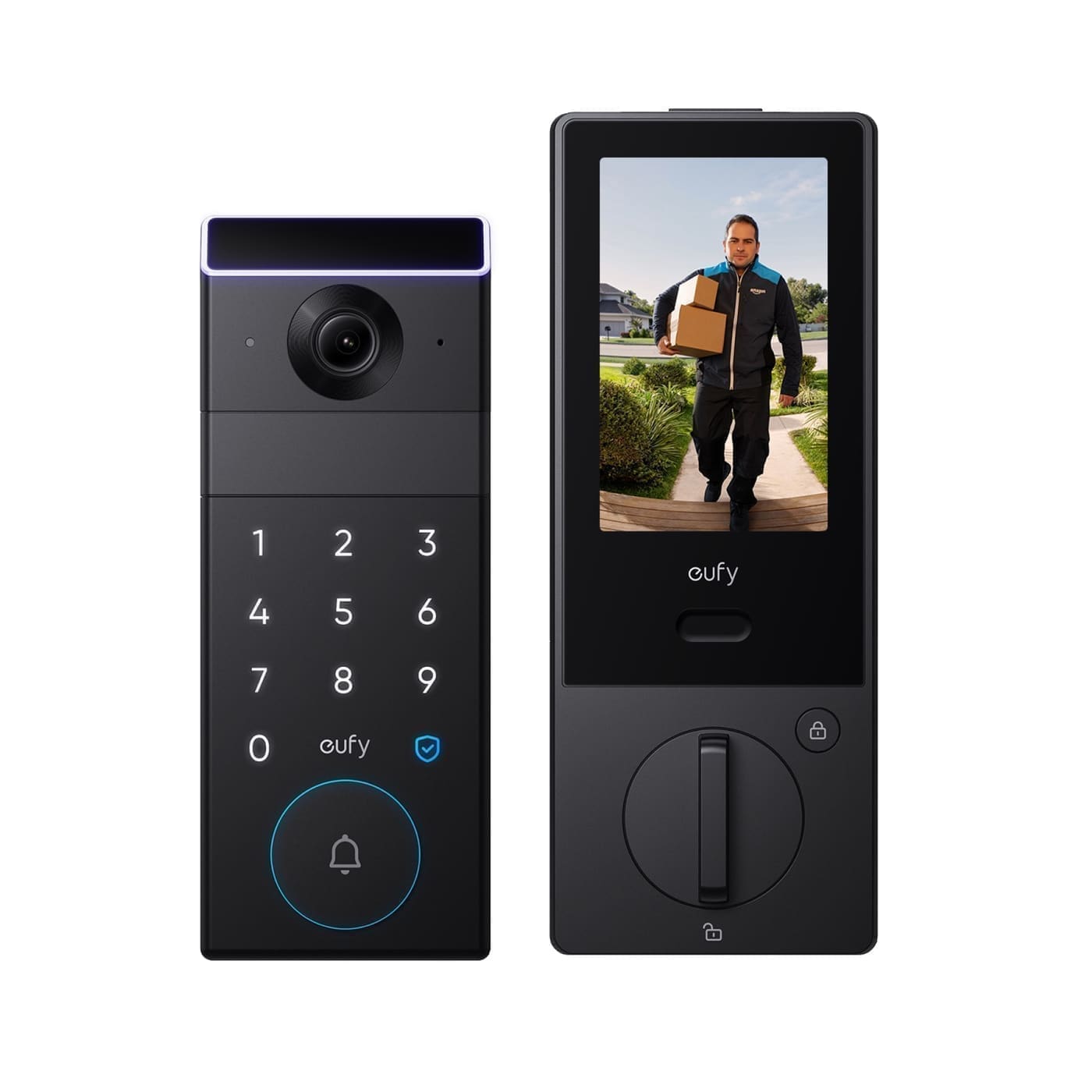
- Hardware: A wired-compatible Eufy doorbell (the current UK wired range includes the C31, S220 and S330, plus the E340 and S331 in their wired-power mode) and its mounting bracket/screws.
- Transformer: Confirm your existing doorbell transformer outputs 16-24V AC. Most Eufy wired models want 30VA minimum (some entry models such as the C31 will run on 10VA); if in doubt, buy a compatible replacement transformer rated for the specific model before starting.
- Tools: A small flathead or Phillips screwdriver, wire strippers, a voltage tester or multimeter, and a drill if you're mounting into brick or render rather than an existing bell-wire hole.
- App setup: The Eufy Security app installed and a Eufy account created — you'll pair the doorbell over Wi-Fi during setup, not before wiring.
- Access: The ability to turn off power at the consumer unit (fuse box) for the circuit feeding your existing transformer.
Which Eufy doorbells can be hardwired?
Eufy sells its doorbell range across three power types: battery-only, hybrid (wired or battery), and wired-only. The current UK lineup includes the C31 as a straightforward budget wired doorbell, the S220 as a mid-range wired model with an optional indoor chime bundle, and the S330 as a dual-camera wired option built for parcel detection. The E340 and newer dual-cam models are hybrid, meaning they run on battery by default but can also be hardwired for continuous power and to skip battery charging altogether — hardwiring a hybrid model uses the same transformer and wiring process covered below, the only difference being that the doorbell can fall back to its internal battery if the wired connection is ever interrupted. Check your specific model's product page before buying if hardwiring is the goal, since not every Eufy doorbell accepts a wired connection at all.
Does a Eufy wired doorbell work with your existing chime?
No — in almost every case it won't. Eufy's official guidance is to disconnect and bypass the original mechanical or digital chime completely rather than wire the doorbell in alongside it, because the doorbell's own circuitry isn't designed to trigger a legacy chime reliably and doing so can cause the doorbell to reboot or lose power intermittently. This is a genuine limitation compared with some rivals, so if you rely on an audible chime elsewhere in the house (a downstairs kitchen, for instance, where you might not hear a phone notification), you'll want to budget for a Eufy Chime accessory or a compatible smart speaker announcement instead of assuming your existing bell will keep working.
Step 1: Check your transformer's output voltage
Turn off the power to the doorbell circuit at the consumer unit, then locate your existing transformer — it's usually a small box near the consumer unit itself, in a loft, under stairs, or behind the existing chime unit. UK and EU transformers typically offer multiple tapped outputs, commonly 8V, 12V and 24V, unlike US transformers which are usually fixed at a single voltage. With the power still off, check the transformer's rating label or existing wiring to see which tap is currently connected. If it isn't already wired to the 24V tap, you'll need to move the connection there before wiring in the doorbell; if the transformer doesn't offer a 24V tap or its VA rating is too low for your chosen doorbell model, replace it with a compatible unit rated 16-24V AC and at least 30VA (10VA is sufficient for the C31 specifically) before continuing.
Step 2: Remove the old doorbell and disconnect the chime
With the power still off, unscrew and remove your existing doorbell button, noting which of the two bell wires is connected to which terminal (label them with tape if it isn't obvious). At the chime unit, disconnect the wire running from the transformer's 24V tap so the old chime is no longer part of the circuit — you're bypassing it, not just leaving it in place, since a live chime left in the loop can interfere with the doorbell's power draw. If your installation has no existing bell wiring at all, you'll need to run two-core, low-voltage bell wire from the transformer location to the door frame instead, which is the point at which a fixed EU/UK-style surface transformer becomes easier to work with than trying to fish wire through an existing loft-to-porch run.
Step 3: Wire the Eufy doorbell to the transformer
Strip roughly 10-12mm of insulation from each of the two bell wires at the door frame and connect them to the doorbell's two wiring terminals — polarity doesn't matter for a bell-wire connection at this voltage, so either wire can go to either terminal. Route the wires back through the mounting bracket before you screw the bracket to the wall, then reconnect the transformer's 24V output directly to the same two wires at the transformer end (rather than through the old chime terminals). Restore power at the consumer unit and check for a status LED on the doorbell body, which confirms it's receiving power before you fit the outer casing.
Step 4: Mount the doorbell and pair it in the app
Screw the mounting bracket to the door frame at roughly 1.2-1.4m from the ground (Eufy's recommended range for reliable motion detection and facial framing), clip the doorbell onto the bracket, and open the Eufy Security app to add a new device. The app walks through Wi-Fi pairing and a firmware check; once connected, test the live view and the physical button press together to confirm both the video feed and the (now app-based, not chime-based) notification are working before you close everything up and tidy the wiring at the transformer end.
Why does the doorbell keep rebooting or losing power?
This is almost always a transformer VA problem, not a Wi-Fi one. If the doorbell powers on briefly then drops out, restarts under load (for example, when the camera activates on motion), or shows a persistent low-power warning in the app, the transformer isn't supplying enough current even if the voltage reading looks correct at rest — fit a transformer rated at 30VA or above (40VA if you're running two wired doorbells from one transformer) and the fault typically clears.
Why is the doorbell chime not ringing anywhere in the house?
Because the wired doorbell isn't designed to ring your original chime at all — see the chime-compatibility section above. If you need an audible chime, add a Eufy Chime accessory (where sold as a compatible add-on for your specific model) or rely on the app's push notifications and a smart speaker announcement instead of troubleshooting the existing bell wiring further.
Why does the app show "no signal" after wiring is complete?
Check the LED status on the doorbell body first: a solid or slow-blinking light confirms power is present, in which case the issue is Wi-Fi range rather than wiring — move your router's 2.4GHz band closer or add a mesh node near the door. If there's no LED at all, recheck the transformer tap and VA rating from Step 1, since a wiring fault at this stage is almost always a power issue rather than a network one.
Why is the video feed laggy or low-resolution after wiring?
This is a bandwidth issue rather than a wiring fault — check the doorbell is on your router's 2.4GHz band rather than a weak 5GHz signal at the door, and move a mesh node or extender closer to the porch if the signal strength shown in the Eufy app is below roughly 50%. Wiring only supplies power; video quality over Wi-Fi is unaffected by whether the doorbell is hardwired or battery-powered.
What should you do after wiring is complete?
Once the doorbell is wired and paired, it's worth setting activity zones in the app to cut down on notifications from a footpath or road rather than just your own porch, and checking whether your specific model needs a HomeBase hub for local video storage — our Eufy camera guide breaks down which models need one and how Eufy's subscription-free local recording works. Test the doorbell's live view and recorded-clip playback over a few days before you tidy away the old transformer packaging, since a borderline Wi-Fi signal or an undersized transformer sometimes only shows up once the camera is triggering on real motion events rather than during a quick bench test. If you're still deciding between a wired Eufy doorbell and a battery or plug-in alternative such as Ring, our Ring doorbell installation cost guide covers the equivalent wiring and transformer requirements for comparison, and is a useful reference if your existing transformer turns out to be original 1990s-era hardware that needs replacing regardless of which brand you choose.