Before You Start: Choose Your Model
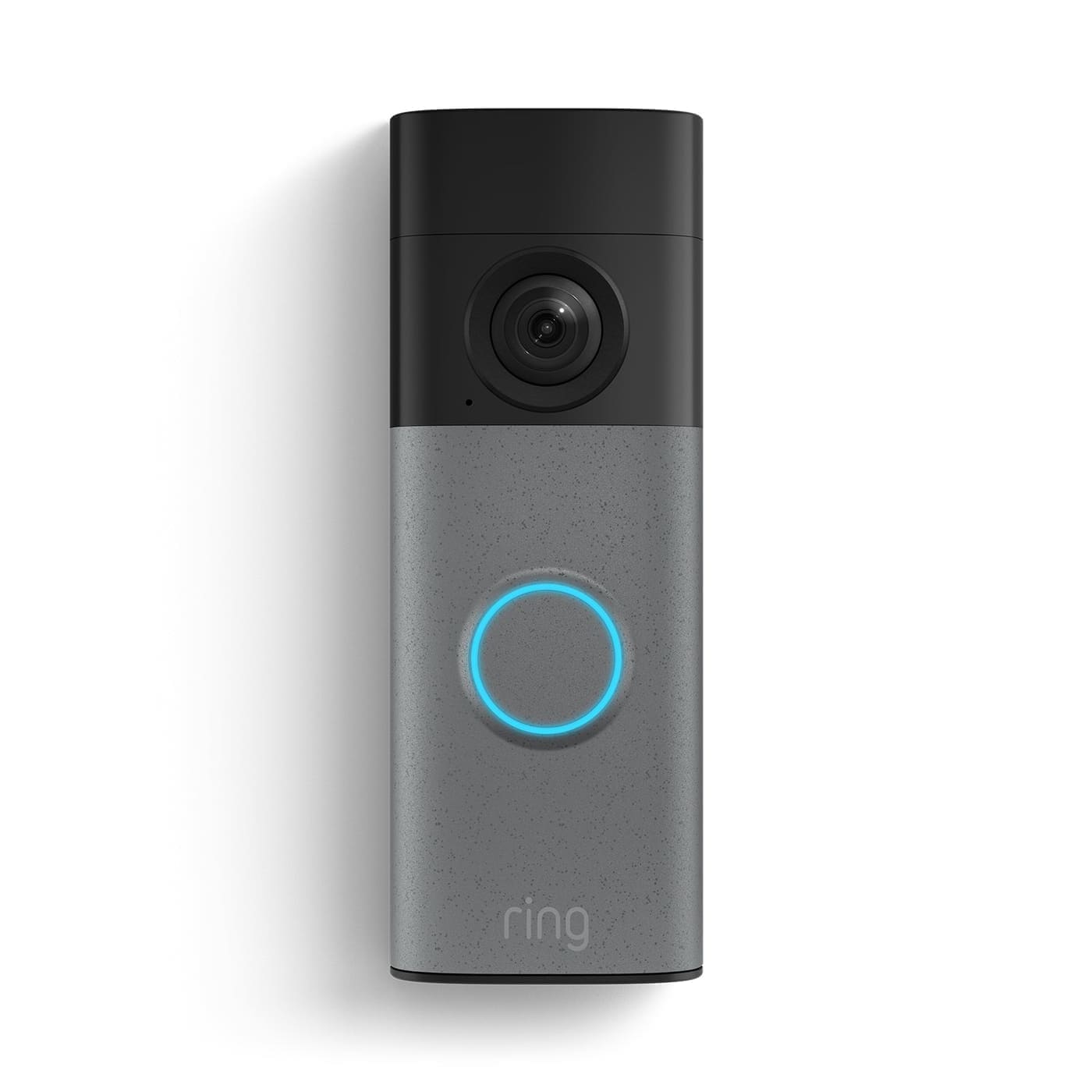
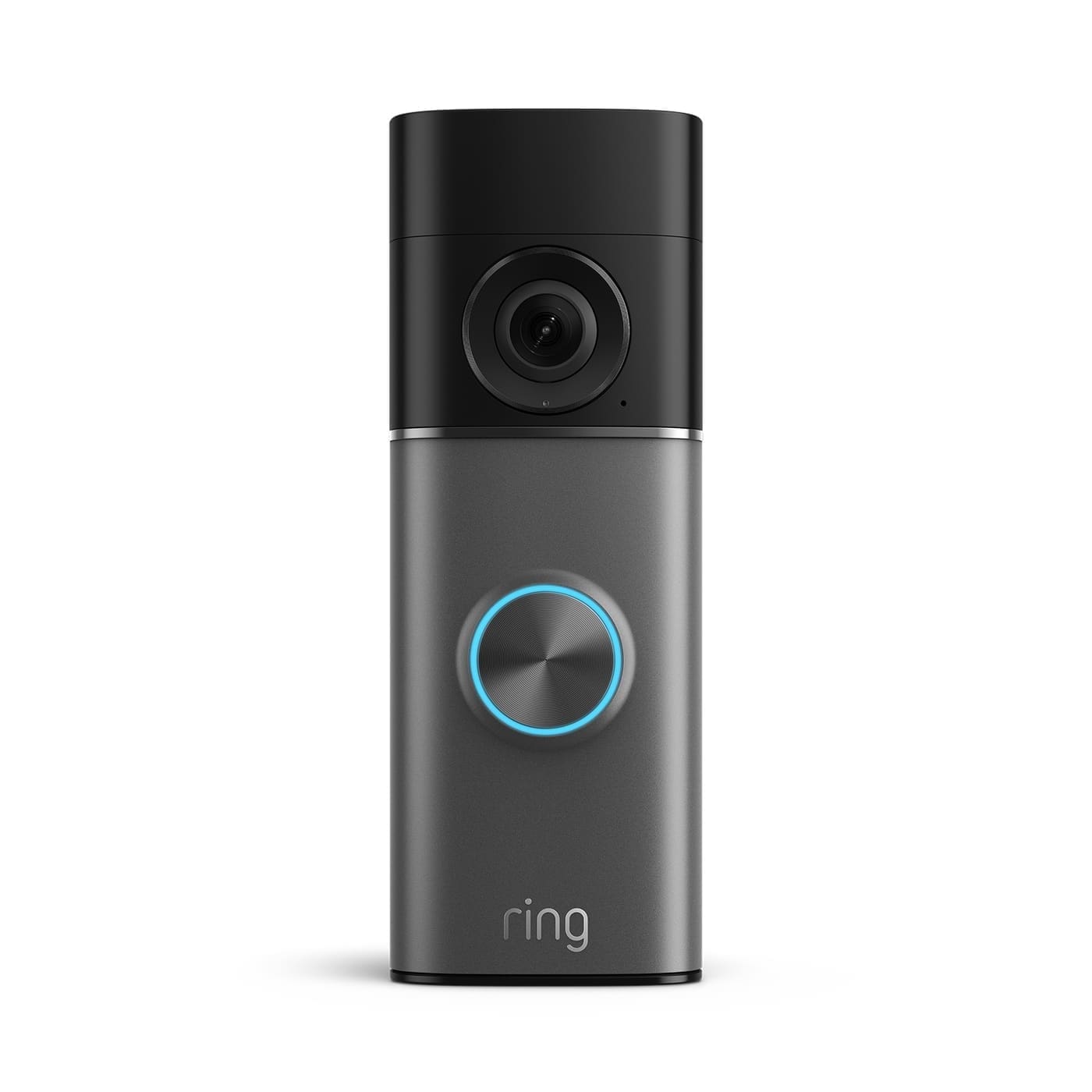
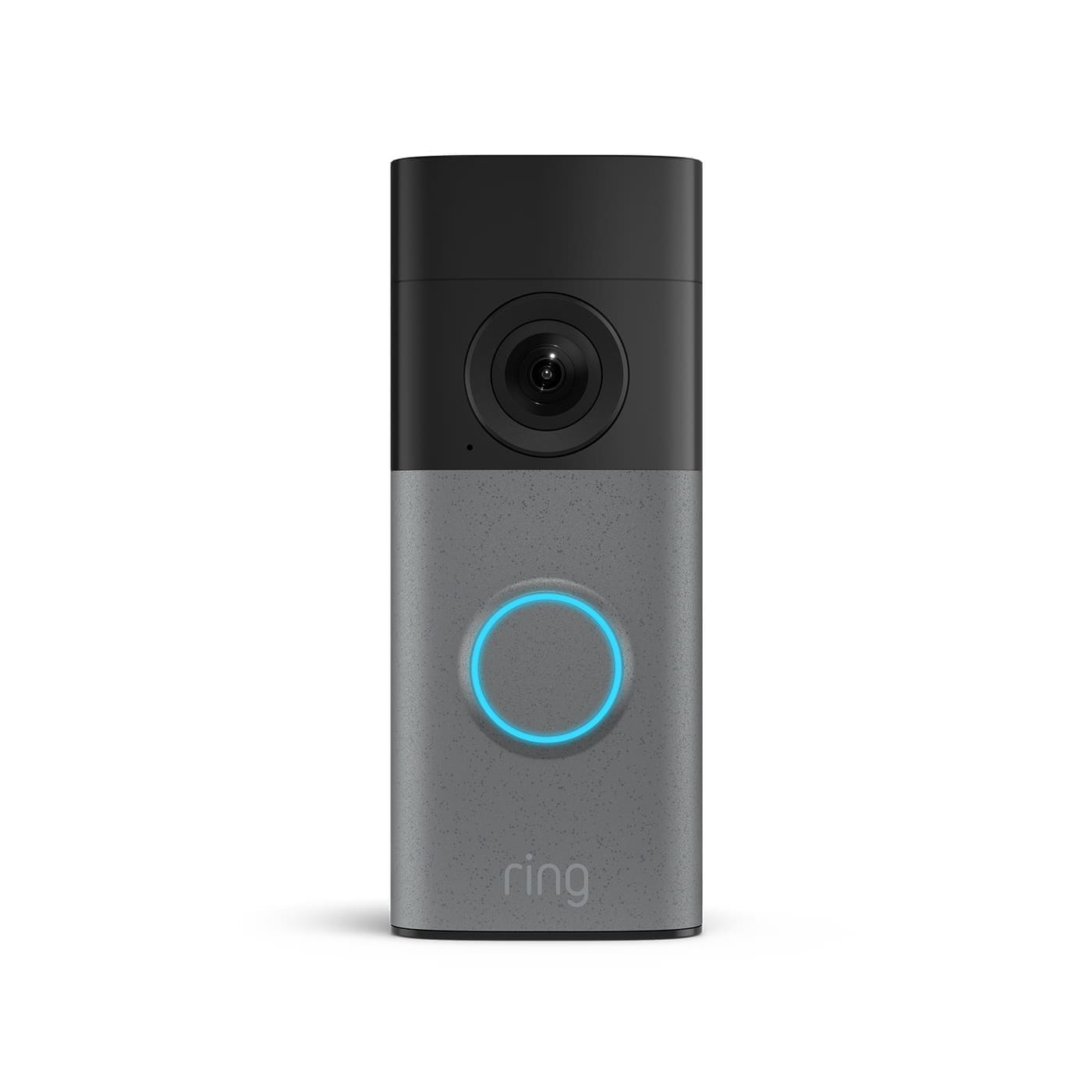
Ring produces two fundamentally different types of doorbell, and the installation process differs completely between them.
- Battery-powered doorbells (Ring Battery Doorbell, Battery Doorbell Plus, Battery Doorbell Pro) — fully wireless, charged via USB or solar, and suitable for any position on your home. No existing wiring required.
- Wired doorbells (Ring Video Doorbell Wired, Wired Doorbell Plus, Wired Doorbell Pro) — connect to your existing low-voltage doorbell circuit and draw power continuously. These offer richer features but need compatible UK wiring.
If you are unsure which is right for you, see our best video doorbells UK round-up for a head-to-head comparison of the current line-up.
What You Will Need
For either model, gather these before you begin:
- Phillips-head screwdriver
- Power drill with a 6 mm masonry bit (for brick or concrete) or a standard wood bit (for UPVC or timber)
- Wall anchors and screws (supplied in the Ring box)
- Spirit level (optional, but useful)
- Smartphone with the Ring app installed (iOS or Android)
- 2.4 GHz Wi-Fi password to hand
For wired installations you will also need a flat-head screwdriver for terminal connections and a voltage tester.
Step 1: Check Your Existing Wiring (Wired Models Only)
UK domestic doorbell systems typically run at 8 V to 24 V AC — well below the mains 230 V, and exempt from the notification requirements of Part P of the Building Regulations for low-voltage circuits. However, connecting your Ring doorbell directly to mains voltage will permanently damage it, so it is essential to confirm what you have.
- Locate your indoor chime unit. Press the existing doorbell button to find it — it is usually in a hallway cupboard or mounted on a wall.
- Turn off power at the consumer unit before opening the chime.
- Remove the chime cover and inspect the wiring. Thick brown or blue mains-rated cable means you have a mains-voltage system — stop and call a qualified electrician. Thin bell wire (usually grey or white, around 0.5 mm²) confirms a low-voltage system.
- Find the transformer label. Most UK transformers are labelled 8 V, 12 V, or 24 V. Ring Video Doorbell Wired requires 8–24 VAC; Ring Wired Doorbell Pro and Pro 2 require 16–24 VAC. If your transformer is only 8 V and you are fitting a Pro model, you will need a replacement 24 VAC transformer.
Ring's own wiring compatibility guide confirms that most UK homes with existing doorbell wiring will have a low-voltage system, but advises consulting a licensed electrician if you are at all uncertain.
Step 2: Charge or Prepare the Battery (Battery Models)
If you are fitting a battery-powered Ring doorbell, charge it fully before mounting — it is much easier on the bench than on the wall.
- For models with a removable battery (Battery Doorbell, Battery Doorbell Plus), slide the battery pack out and connect it to the included micro-USB or USB-C cable. The LED will turn green when fully charged.
- For models with a built-in battery (some older Ring Video Doorbell models), charge via the USB port on the unit itself before installation. The LED ring on the front lights up fully when done.
A full charge typically provides several weeks to a few months of battery life depending on motion sensitivity settings and how many live views you trigger.
Step 3: Position and Mark the Mounting Point
Ring recommends mounting the doorbell at approximately 1.2 metres (around 4 feet) above the ground for the best camera angle. At this height the wide-angle lens captures faces clearly and gives a useful view of the path or driveway.
- Hold the mounting bracket in position at door height and use a pencil to mark the screw holes.
- Check the bracket is level with a spirit level before marking.
- If you are mounting at an angle (for example, to face a path that is not directly in front of the door), use the angled corner kit or wedge kit included in some Ring boxes — or available separately.
Drilling into different surfaces
- Brick or concrete: Drill 6 mm pilot holes at the marked positions, insert the supplied wall anchors, then screw the bracket in place.
- UPVC door frame: Use short, fine-thread screws designed for UPVC. Avoid over-tightening, which can crack the frame. Some installers use self-adhesive pads as a temporary fix, but screws are more secure.
- Timber frame: No anchors needed — drive the screws directly into the wood.
Step 4: Mount the Doorbell
Battery models: Remove the battery before screwing the unit to the wall (this reduces weight and the risk of dropping the device). Once the bracket is secure, re-insert the battery, press the doorbell body onto the bracket until it clicks, and tighten the security screw at the base using the star-shaped screwdriver supplied. This screw prevents removal without the tool.
Wired models: After securing the mounting bracket, connect the two existing bell wires to the screw terminals on the back of the Ring doorbell — polarity does not matter for AC low-voltage systems. Press the doorbell onto the bracket and tighten the security screw.
Restore power at the consumer unit once everything is connected.
Step 5: Set Up in the Ring App
- Download the Ring app from the App Store or Google Play if you have not already.
- Tap Set Up a Device and select Doorbells.
- Scan the QR code on the back of your Ring doorbell (or on the box).
- Follow the on-screen instructions to connect to your home Wi-Fi. Ring doorbells work on 2.4 GHz Wi-Fi only — if your router broadcasts both 2.4 GHz and 5 GHz under the same name, you may need to separate them in your router settings or temporarily disable the 5 GHz band during setup.
- Name your device (for example, Front Door) and set your motion zones — these define which area triggers an alert.
- Enable or disable the in-home chime settings. Battery models do not ring a traditional mechanical chime by default; you can add a Ring Chime Pro to get an audible alert inside the house.
Once setup is complete, press the doorbell button from outside to confirm you receive a push notification. Use Live View in the app to check the camera angle and picture quality.
Step 6: Configure Motion Settings
Out of the box, Ring's motion sensitivity is set broadly and you may receive a high volume of alerts. Spend five minutes after installation tuning these:
- Motion Zones: Draw custom zones in the app to focus on your path or driveway and exclude the public pavement.
- Smart Alerts: If your model supports it, enable person-only detection so you are only notified when a human enters the zone, not a passing car or moving tree branch.
- Frequency: Set the alert frequency to Regularly or Periodically rather than Frequent if you are getting too many notifications.
Existing Chime Compatibility
One of the most common points of confusion in UK Ring installations is whether the new doorbell will ring your existing indoor chime unit.
- Battery-powered Ring doorbells cannot ring a mechanical chime (it needs constant power to activate the solenoid). You will need a Ring Chime or Ring Chime Pro, or rely on app notifications.
- Ring Video Doorbell Wired is compatible with many UK mechanical chimes running at 8–24 VAC. Check Ring's in-home chime compatibility list for your specific chime model.
- Ring Wired Doorbell Plus (2nd Gen) and Wired Doorbell Pro (3rd Gen) are not compatible with in-home mechanical chimes. Ring supplies a small Chime Kit Mini with these models to provide an audible alert through the Ring Chime ecosystem instead.
Common Installation Problems and Fixes
Doorbell not connecting to Wi-Fi
Ensure you are connecting to a 2.4 GHz network. Ring doorbells do not support 5 GHz Wi-Fi. If your router uses the same SSID for both bands, log into your router admin panel and create a separate 2.4 GHz network name. Also check that MAC address filtering is not blocking the doorbell's network access.
Weak signal at the front door
The distance from your router to the front door is often the biggest challenge in UK terraced and semi-detached houses. A Ring Chime Pro acts as a Wi-Fi extender specifically optimised for Ring devices and can significantly improve reliability in this situation.
Existing chime not ringing
In the Ring app, go to Device Settings → In-Home Chime Settings and confirm that the chime type is set correctly (mechanical or digital). If the chime still does not ring after adjusting settings, check that the transformer output voltage meets the minimum requirement for your model.
Motion alerts firing constantly
Reduce the motion sensitivity slider in the app, draw tighter motion zones, and if available enable People Only Mode to filter out vehicles, animals, and foliage.
Do You Need an Electrician?
For battery-powered Ring doorbells: no — these involve no electrical connections and are a straightforward DIY job. For wired models connecting to your existing low-voltage doorbell circuit: technically DIY-permissible under UK regulations, as low-voltage doorbell wiring (below 50 V AC) falls outside the notifiable work requirements of Part P of the Building Regulations. However, if new mains wiring is involved (for example, installing a new transformer from the consumer unit), this is notifiable work under Part P and should be carried out by a Part P-registered electrician. When in doubt, consult a qualified electrician — it usually takes under an hour and provides peace of mind.
Next Steps
Once your Ring doorbell is installed and working, it is worth exploring the wider Ring ecosystem. A Ring Chime Pro extends Wi-Fi reach and provides an audible indoor alert; Ring Protect subscription plans unlock video recording and event history; and Ring Alarm can tie your doorbell into a full home security system. For a detailed assessment of whether the subscription cost makes sense, see our guide to is Ring doorbell worth it UK.