What is the Ring Chime Pro?
The Ring Chime Pro (2nd Generation) is a plug-in accessory designed to work exclusively within the Ring ecosystem. It connects to your home WiFi and bridges the wireless signal between your router and your Ring Video Doorbells or Security Cameras — particularly useful if your front door or garden camera sits at the edge of your router's range.
Unlike a traditional chime box wired into your doorbell circuit, the Ring Chime Pro is entirely wireless. You plug it into a standard power socket, pair it with the Ring app, and it immediately begins relaying alerts from any Ring doorbell or camera on your account. If you have already invested in one or more Ring devices, the Chime Pro slips naturally into that ecosystem without any additional hub or bridge.
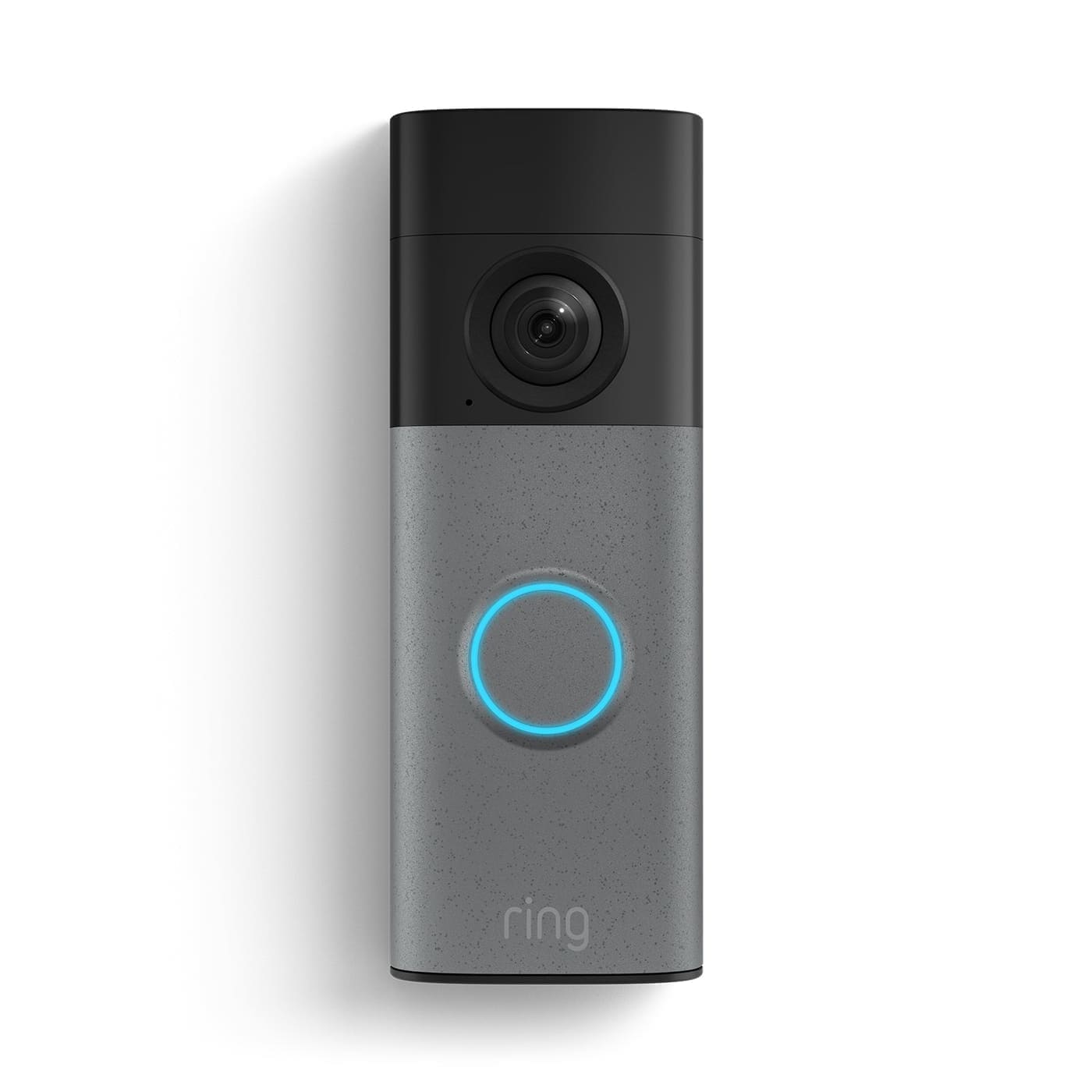
For a full picture of Ring's doorbell line-up, see our Ring doorbell review, which covers every current model in detail.
Design and build quality
The Chime Pro measures 103 mm × 69 mm × 29 mm — noticeably larger than the standard Ring Chime (77.8 mm × 62 mm × 25 mm) owing to the WiFi extender hardware inside. It plugs directly into the wall with a fixed UK-style plug, so it protrudes slightly from the socket. The finish is plain white gloss, which blends into most interiors without drawing attention.
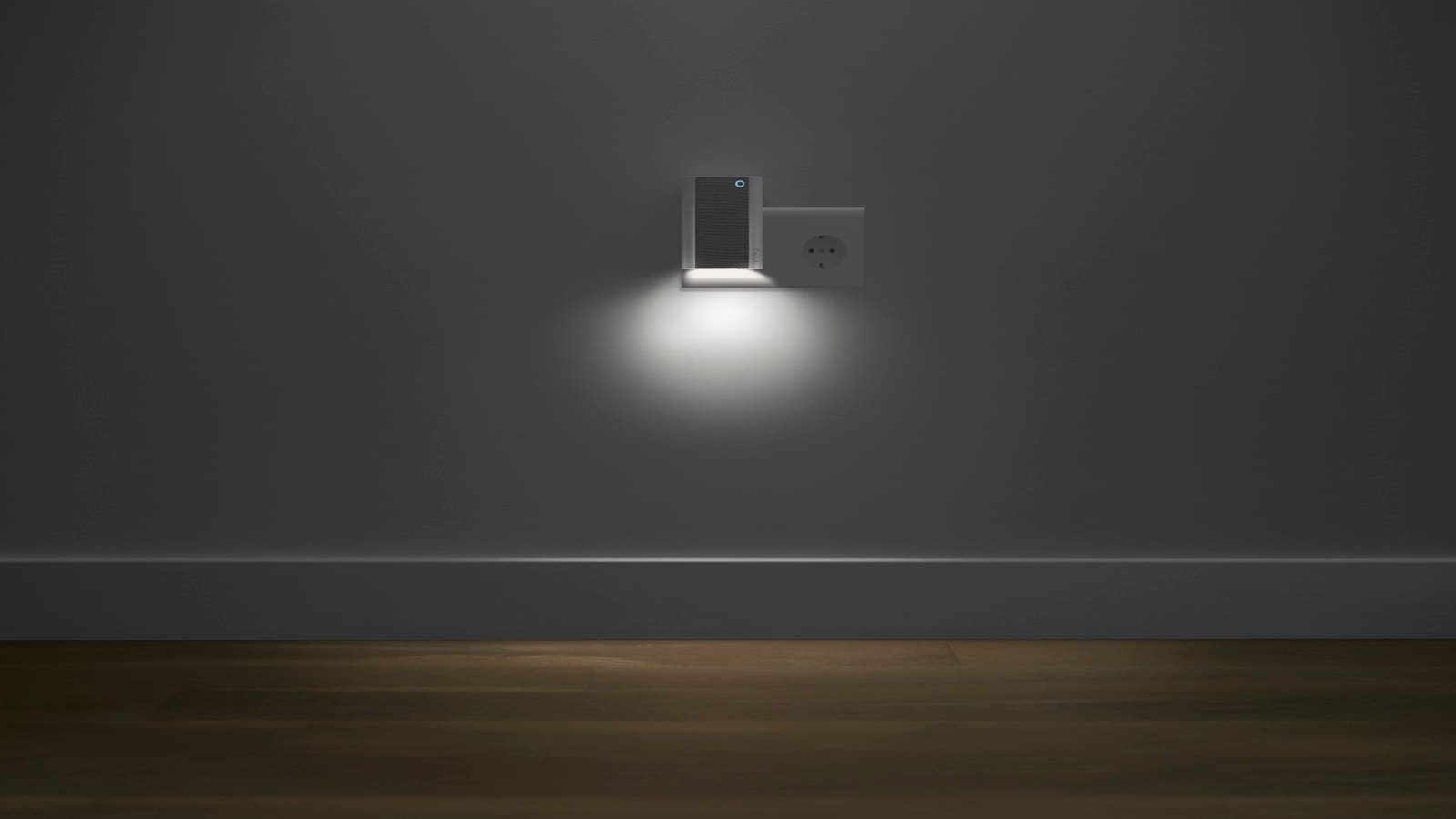
Night light. A warm-hued LED strip along the bottom of the unit activates automatically when ambient light drops below a set threshold. It is subtle rather than bright — useful for hallways and landings at night — and can be disabled entirely through the Ring app. There is no brightness adjustment, only on or off.
Speaker. The front-facing speaker delivers chime alerts at adjustable volume. The maximum output is adequate for most UK homes, though in open-plan spaces or particularly noisy environments some users find it is not quite loud enough at full volume. You can pair multiple Chime Pros across a property if you need alerts in several rooms.
Setup
Setup takes around five minutes. Open the Ring app, tap Set Up a Device, select Chimes and follow the on-screen steps. The app guides you to the optimal placement for WiFi extender performance — a feature Ring calls guided setup feedback — showing you signal strength in real time as you move the unit to different sockets. Once connected, the Chime Pro appears as a device in your Ring account and is linked to your doorbells and cameras automatically.
The 2nd Generation model supports dual-band WiFi: both 2.4 GHz and 5 GHz (802.11 a/b/g/n/ac). Your router must broadcast on both bands for the extender function to work at its best. If your router is single-band 2.4 GHz only, the Chime Pro will still connect but without the speed advantages of 5 GHz.
WiFi extender performance
This is the headline feature that separates the Chime Pro from the standard Ring Chime. The extender works by creating a dedicated wireless bridge between your router and Ring devices — it does not extend your general home WiFi network for phones, laptops or other smart home devices. Only Ring products benefit from the boosted signal.
In practice, this is enough to make a meaningful difference if your Ring Video Doorbell is dropping connection or producing laggy live-view footage. Positioning the Chime Pro roughly halfway between your router and the doorbell is the typical recommendation. Ring does not publish a specific range figure, but independent testing suggests it can bridge coverage gaps of around 10–15 metres through standard UK brick construction.
If WiFi dead spots are your main concern, it is worth weighing this against a dedicated mesh WiFi node, which would benefit all devices rather than just Ring products. Our guide to the best video doorbells UK also covers connectivity tips for each model.
Chime tones and notifications
The Ring Chime Pro offers over 30 classic and seasonal tones, selectable through the Ring app. You can assign a different sound for doorbell presses versus motion detection alerts, and set individual tones per doorbell or camera if you have multiple Ring devices. Volume is adjustable in the app across several steps from quiet to full.
Do Not Disturb mode lets you silence the chime entirely on a schedule — handy for nap times or late evenings — without affecting the motion alerts that still appear on your phone. The app also lets you test any tone before committing to it.
Ring Chime Pro vs Ring Chime: which should you buy?
The standard Ring Chime retails for around £30 and handles chime notifications and basic volume control. It connects at 2.4 GHz only, has no WiFi extender capability and no night light. For most people in smaller homes or flats where the router signal easily reaches the doorbell, the standard Chime does the job well.
The Ring Chime Pro at around £50 adds three things: dual-band WiFi extender for Ring devices, the built-in night light, and guided setup feedback. The £20 premium is easy to justify if your Ring doorbell suffers from connection issues or if your property is large enough that signal drop-off is a real problem. If your doorbell connects reliably and you don't need a night light, the standard Chime is the smarter buy.
| Feature | Ring Chime (~£30) | Ring Chime Pro (~£50) |
|---|---|---|
| WiFi extender (Ring devices) | No | Yes (2.4 & 5 GHz) |
| Night light | No | Yes (warm LED) |
| Chime tones | Yes (multiple) | Yes (30+) |
| Do Not Disturb | Yes | Yes |
| Standby power | ~0.63 W | ~2.6–3.0 W |
| Dimensions | 62 × 25 × 78 mm | 69 × 29 × 103 mm |
Alexa and smart home compatibility
The Ring Chime Pro does not act as an Alexa speaker and cannot be used for voice commands. It functions solely as a Ring-ecosystem device: chime, extender, and night light. If you want Alexa announcement features — such as having your Echo speaker announce when someone is at the door — that is handled separately through the Ring and Alexa app integration, not through the Chime Pro itself.
Compatibility is limited to Ring Video Doorbells and Ring Security Cameras. It will not extend WiFi for non-Ring devices, and it does not integrate with Google Home, Apple HomeKit or Matter.
Is the Ring Chime Pro worth it in the UK?
If you are already in the Ring ecosystem and experiencing unreliable doorbell performance due to WiFi range, the Chime Pro is a straightforward fix. At £50 it is considerably cheaper than a new mesh WiFi node, and the installation takes minutes rather than a full network reconfiguration. The night light is a minor but genuinely useful bonus.
If your doorbell works fine and you just want an indoor chime, spend £30 on the standard Ring Chime instead. And if you are still deciding whether Ring is the right doorbell brand for you, our piece on is Ring doorbell worth it UK covers the subscription costs, privacy considerations and long-term value in full.