What the Matter Lock Manager Does
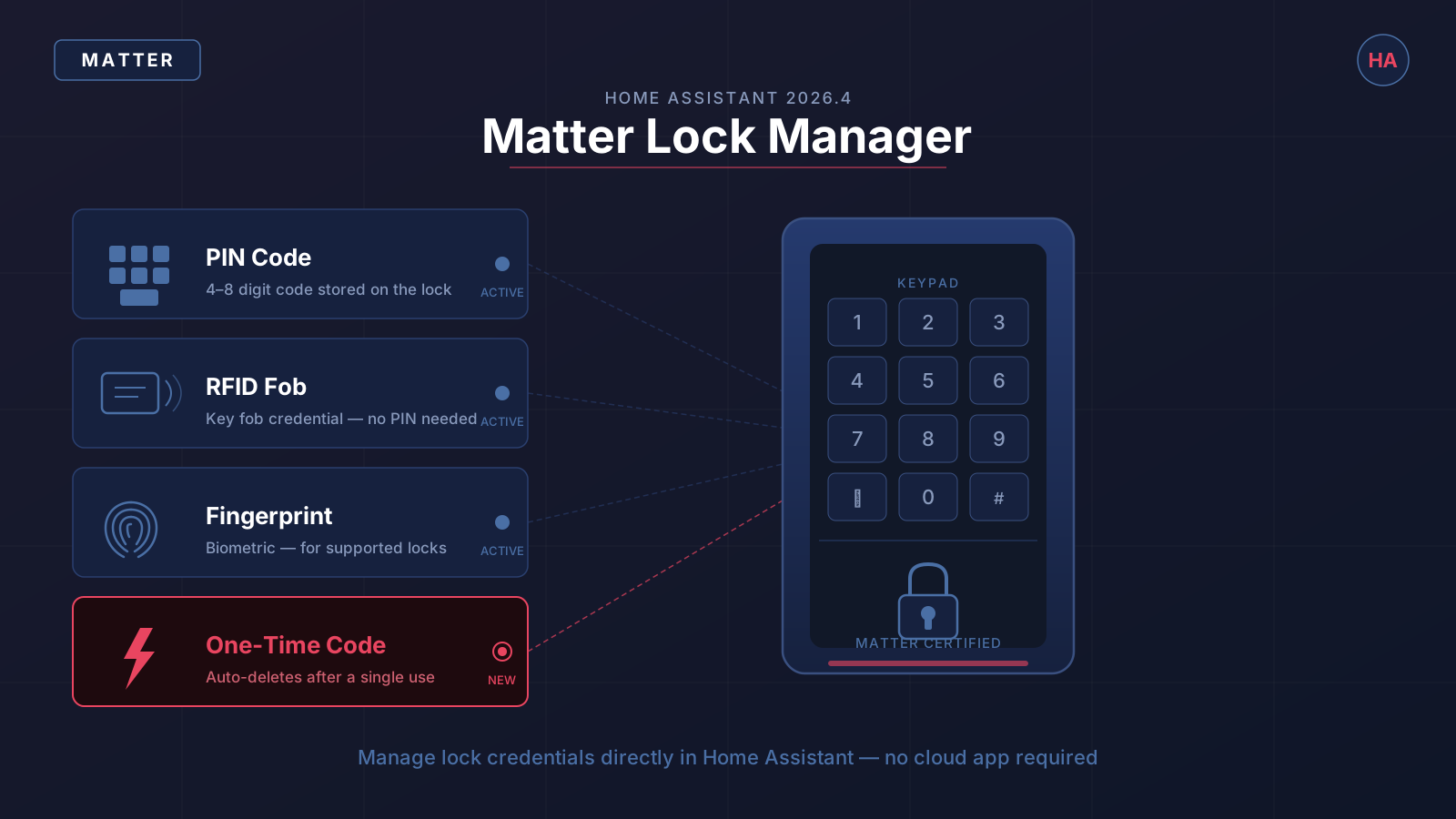
The Matter lock manager is a device panel in Home Assistant that exposes the credential management functions built into the Matter 1.x lock cluster. Prior to 2026.4, Home Assistant could lock and unlock a Matter door lock but had no way to manage who could access it — that still required the lock manufacturer's own app or cloud service.
With the 2026.4 update, you can do all of the following directly from Home Assistant, with no third-party app involved:
- Create named users on the lock (for example, "Cleaner" or "Dog Walker")
- Remove users when access is no longer needed
- Set PIN code credentials for any user
- Programme RFID fob credentials for locks that support them
- Register fingerprint credentials for locks with a biometric reader
- Generate one-time access codes that are automatically removed after a single successful entry
The manager surface lives in the device panel for any lock that reports the Matter lock credential cluster. If your lock hardware supports a credential type, the option appears in the interface. If it does not — for example, if it has no RFID reader — that section is simply absent.
The Four Credential Types
PIN Codes
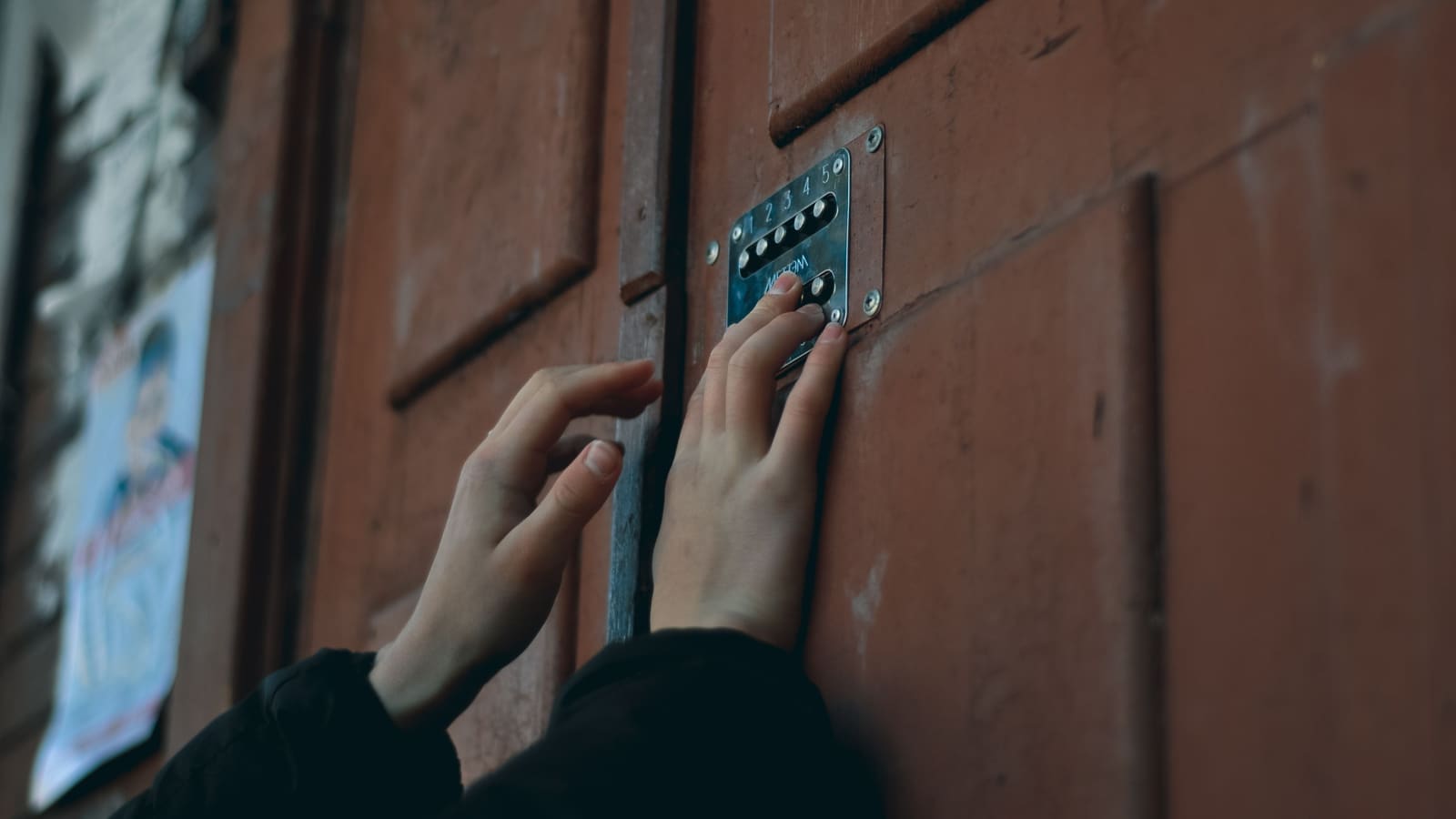
PIN codes are the most universal credential type. Every Matter-certified lock supports them. In the lock manager, you create a user, assign a PIN of the required length (typically 4–8 digits, depending on the hardware), and the lock stores it in its own memory. The code works whether Home Assistant is running or not — because it lives on the lock, not in HA's database.
This is important for reliability. A network outage or a Home Assistant restart does not lock anyone out; credentials already programmed into the lock remain active until you explicitly remove them.
RFID Fobs
For locks that include an RFID reader — common on higher-end models sold in the UK such as those compatible with Yale or Nuki's Matter firmware — you can register key fob credentials through the same interface. You assign the fob to a named user, scan or enter the fob's identifier, and it is written to the lock. RFID credentials work the same way as PINs: they are stored locally on the hardware.
Fingerprints
Some Matter locks include a built-in fingerprint reader. The lock manager surfaces fingerprint credential slots if the hardware declares support for biometrics in its Matter descriptor. The enrolment process — placing a finger on the reader — still happens at the physical device, but Home Assistant can create the named user slot, label it (for example, "Alice – right index"), and remove it remotely when needed.
One-Time Codes
One-time access codes are the feature that makes this update genuinely useful for day-to-day access sharing. You generate a PIN that is valid for a single entry. Once the lock recognises the code and the door opens, the credential is automatically deleted from the lock's memory. There is nothing to remember to clean up.
This is ideal for scenarios where you need to grant access without handing out a permanent code: a one-off delivery, a tradesperson visit, or a short-term guest who does not need ongoing access. Combined with Home Assistant's automations, you can generate a one-time code, send it via a notification or message automation, and log the access event — all without leaving the HA ecosystem.
How to Use the Matter Lock Manager
Before you start, you need a Matter-certified smart lock added to Home Assistant. If you have not yet set up Matter in Home Assistant, the Matter setup guide covers the prerequisites and commissioning process step by step.
Opening the lock manager:
- Go to Settings → Devices & Services and find your Matter lock.
- Open the device panel by clicking the device name.
- Scroll to the Lock Credentials section — this is the Matter lock manager interface added in 2026.4.
Creating a user and assigning a PIN:
- Click Add User and enter a name (for example, "Cleaner – Tuesday").
- Select PIN Code as the credential type.
- Enter the PIN. Home Assistant will validate it against the lock's minimum and maximum length requirements.
- Click Save. The credential is written to the lock immediately over Matter.
Creating a one-time code:
- Click Add User and name it something descriptive (for example, "Parcel – 27 Jun").
- Select PIN Code and enter the code.
- Tick the One-time use option.
- Click Save. The code appears as a one-time credential in the lock's slot list and will be deleted automatically after first use.
Removing a user:
- Find the user in the Lock Credentials list.
- Click the trash icon or select Remove.
- Confirm. The credential is deleted from the lock immediately.
Good Use Cases
Regular cleaners or dog walkers — create a named user with a PIN tied to the person. If their schedule changes or the relationship ends, remove the user from Home Assistant. No need to change the entire lock combination.
Short-term holiday lets or Airbnb guests — generate a one-time or time-limited PIN per guest. Combined with a Home Assistant automation, you can send the code to the guest via a script that fires when a booking is confirmed, and it will be valid for that stay only.
Unattended deliveries — one-time codes remove the anxiety of handing out a permanent code to a courier. Generate a one-time code, share it with the delivery notification, and it will not work a second time.
Household members — assign permanent PINs or RFID fobs to family members. Because credentials live on the lock, they are not dependent on any cloud service or even on Home Assistant being online.
Access codes become even more powerful when combined with the Home Assistant automations system. You can trigger a notification when a specific PIN is used, log who entered and when, or pair a code with a time window using a template condition — granting access only on weekday mornings, for example.
What Smart Locks Support It
The Matter lock manager works with any lock that is certified to the Matter 1.x specification and includes the Lock Cluster credential management functionality. In practice this means:
- Yale matter-enabled locks — Yale has certified several models in the UK market under Matter, including updated versions of the Conexis L1 and Smart Cabinet Lock ranges.
- Nuki Smart Lock with Matter bridge — the Nuki Bridge with Matter firmware exposes credential management to Home Assistant.
- Eve Lock — Eve's Thread-native lock with Matter certification supports the full credential cluster including PIN and one-time codes.
- Aqara U50 / U100 — Aqara's Matter-native locks support PIN, RFID, and fingerprint credential types.
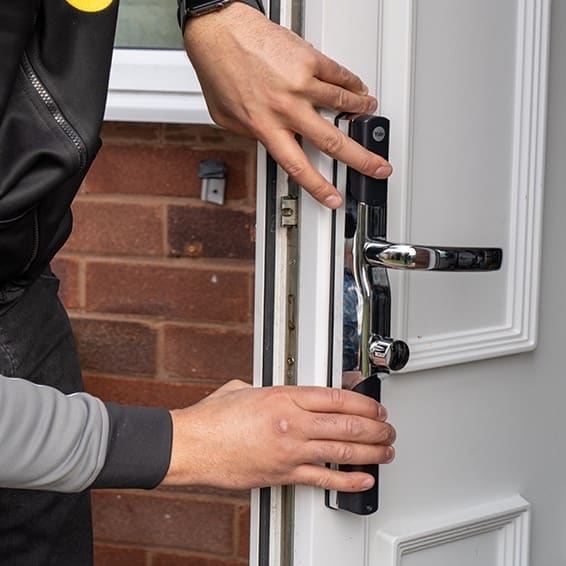
For a broader view of which Matter locks are available for UK homes and how to evaluate them, the best smart locks UK guide covers compatibility and value across the full market. If you are fitting a new lock, the smart lock installation guide covers the physical fitment requirements for UK euro cylinder and mortice doors.
The GitHub discussion thread in the zigpy/zha project is worth noting for context: Matter received lock credential management support before Zigbee did, which reflects how the Matter protocol's standardised lock cluster made it straightforward to implement. Zigbee credential management requires per-manufacturer quirks; Matter's specification-level definition means any certified lock works the same way.
Keeping Credentials Organised
As the number of users grows, naming discipline matters. A descriptive name like "Cleaner – Maria" or "Dog Walker – Tue/Thu" is far easier to audit six months later than "User 4". Home Assistant displays all credential slots with their names in the lock manager panel, so a quick scan tells you exactly who has access and what type of credential they hold.
One-time codes should be named with context — the date or the reason — so you can confirm after the fact that the delivery driver used the code and it was removed as expected. The Home Assistant logbook will show when the lock was operated, giving you an audit trail even if the credential is no longer present.