Why placement matters more than resolution
A 4K camera pointing at the sky is less useful than a 1080p camera covering your front door at face level. Statistics on UK domestic burglary from 2024–25 data show that around 67% of break-ins occur through the front of a property, approximately 26% at the rear, and just under 6% via side access. That distribution tells you exactly where to concentrate coverage. There were 166,577 domestic burglaries recorded in England and Wales in the year to March 2025 — that is roughly one every three minutes, making systematic placement essential rather than optional.
The other factor that placement governs is identification quality. A camera mounted too high captures the tops of heads rather than faces. A camera pointing into direct morning or evening sunlight produces silhouettes rather than usable footage. Get these decisions right at installation and you avoid the frustration of reviewing grainy, unusable clips after an incident.
The six positions every UK home should consider
1. Front door
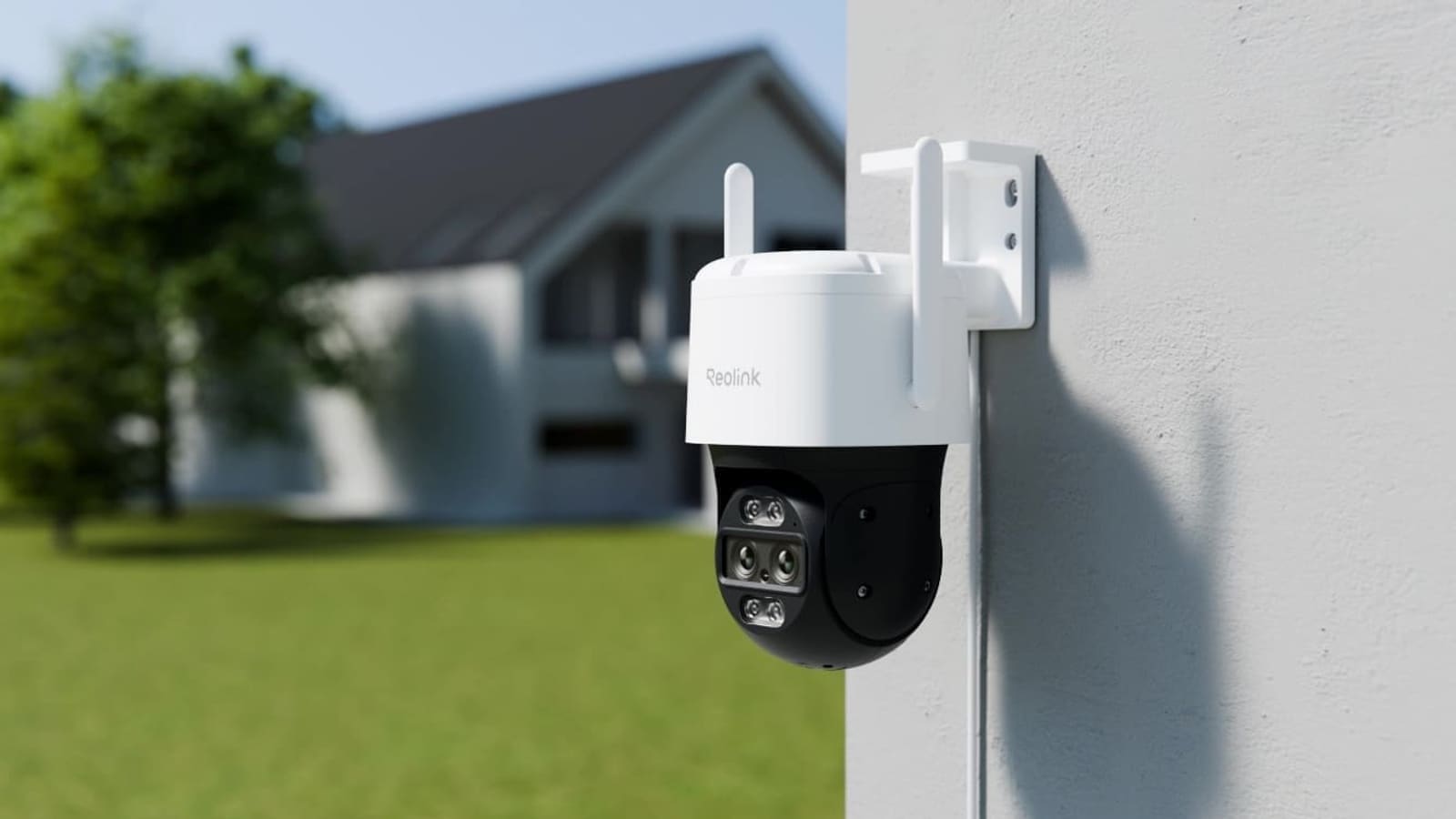
The front door is the highest-priority position. More than two-thirds of UK burglars test or enter here first, and the front door also handles all legitimate visitor activity — deliveries, trades, guests — making it doubly useful. Mount a camera at 2.4 to 3 metres above ground level and angle it slightly downward so it captures face height at the point where a person naturally pauses: the porch step or the door threshold. Avoid mounting so high that the frame is filled with the crown of visitors' heads.
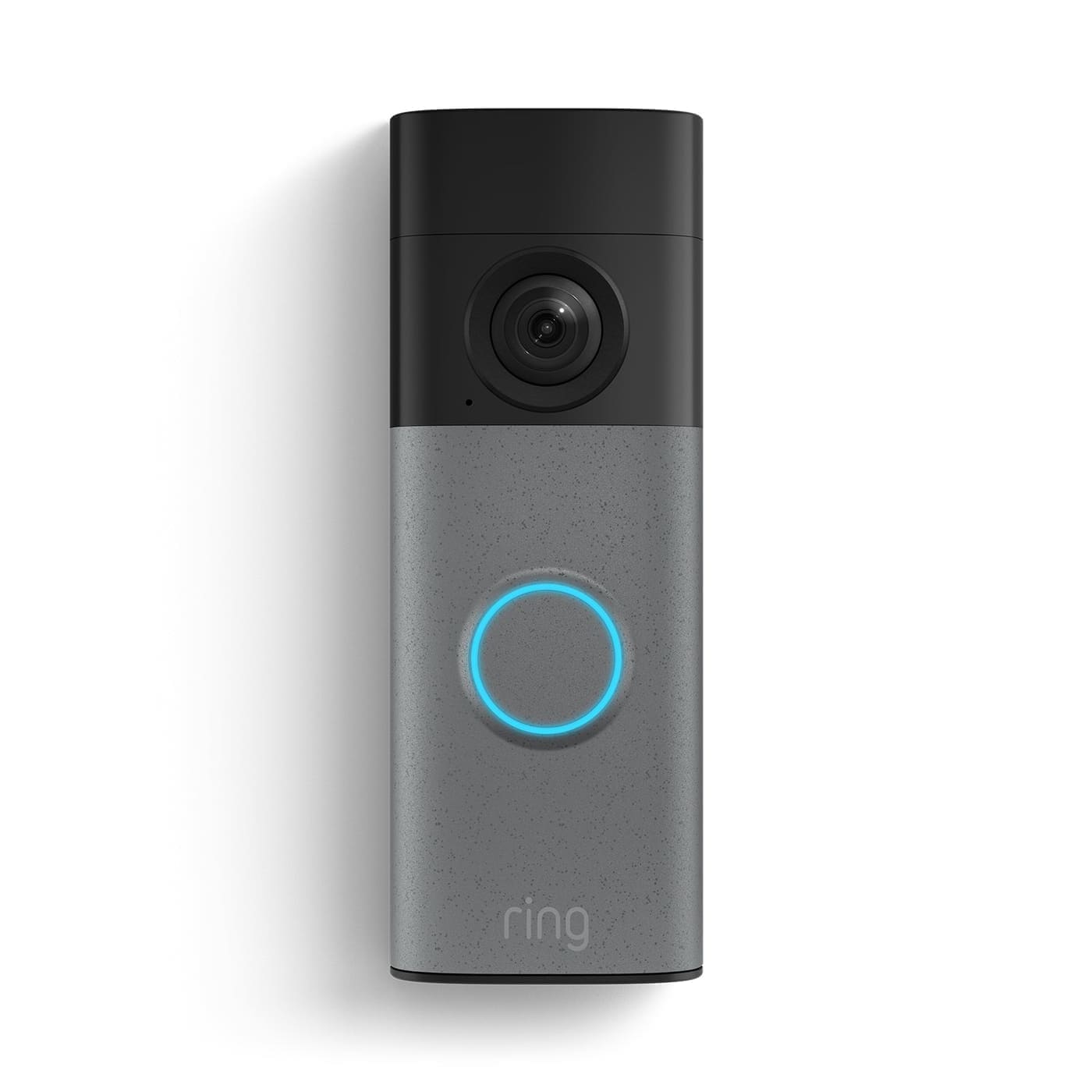
A video doorbell such as those reviewed in our best Ring doorbell guide handles this position well for most terraced and semi-detached homes, combining two-way audio with the camera. For larger porches or properties where the visitor approach is longer, a standalone outdoor camera with a wider field of view gives better approach coverage. Aim for a lens angle of 90–110° at this position so you capture the path, the door, and any packages left on the step.
2. Rear garden and back door
The rear of a UK home is the blind spot that burglars rely on. Back gardens typically offer cover from neighbours and passing pedestrians, which makes them attractive after an initial approach through a side gate. A camera covering the rear should be positioned to see the full width of the garden or at minimum the fence line, not just the back door — by the time an intruder reaches the door, your opportunity to capture their approach is already gone.
Mount the rear camera on the back of the house at 2.5–3 metres, angled to cover as much of the garden as possible. Wide-angle lenses (130°+) work well in open garden spaces. If you run a local NVR setup — for example using Home Assistant with Frigate, as described in our Home Assistant Frigate NVR guide — you can set a detection zone that triggers only on the garden area rather than the boundary beyond, reducing false alerts from passing animals.
3. Driveway and front approach
A driveway camera serves two purposes: vehicle security and approach monitoring. UK data from 2024 shows a 20% increase in shed and garage break-ins, with tools and equipment frequently targeted. A camera covering the driveway deters opportunistic vehicle interference and records the number plates of any vehicles that stop. Position it to capture the full width of the drive, including the pavement edge where a vehicle would pull up.
For number-plate legibility, use a narrower lens angle (60–80°) aimed directly down the driveway rather than a wide-angle that distorts plates at the edges. Check the night vision range of the camera against your actual driveway length — most consumer cameras offer effective IR range of 10–15 metres, which is sufficient for a standard residential drive.
4. Side gates and passageways
Side access is the route most often overlooked and most frequently used by burglars moving from front to rear. A narrow passageway with a gate is easily covered by a single camera positioned above the gate at 2–2.5 metres, angled to capture anyone opening or climbing the gate. Because the field of view needed is narrow, a tighter lens (4–6 mm) gives clearer detail in this position than a wide-angle.
If the side gate leads to a shared alley or public footpath, be careful about the angle. A camera that captures beyond your property boundary into a shared or public space creates data protection obligations under the Data Protection Act 2018 — covered in more detail in the legal section below.
5. Outbuildings: garage, shed, and workshop
Detached garages and garden sheds are frequently targeted as secondary objectives. Tools stolen from outbuildings are often used to gain entry to the main house. A camera covering the outbuilding door, mounted above it and angled down, gives you both deterrence and usable footage. If the outbuilding is at the far end of the garden, check that your Wi-Fi signal reaches there before committing to a wireless camera — a wired PoE camera is far more reliable over distance.
6. Internal cameras (optional)
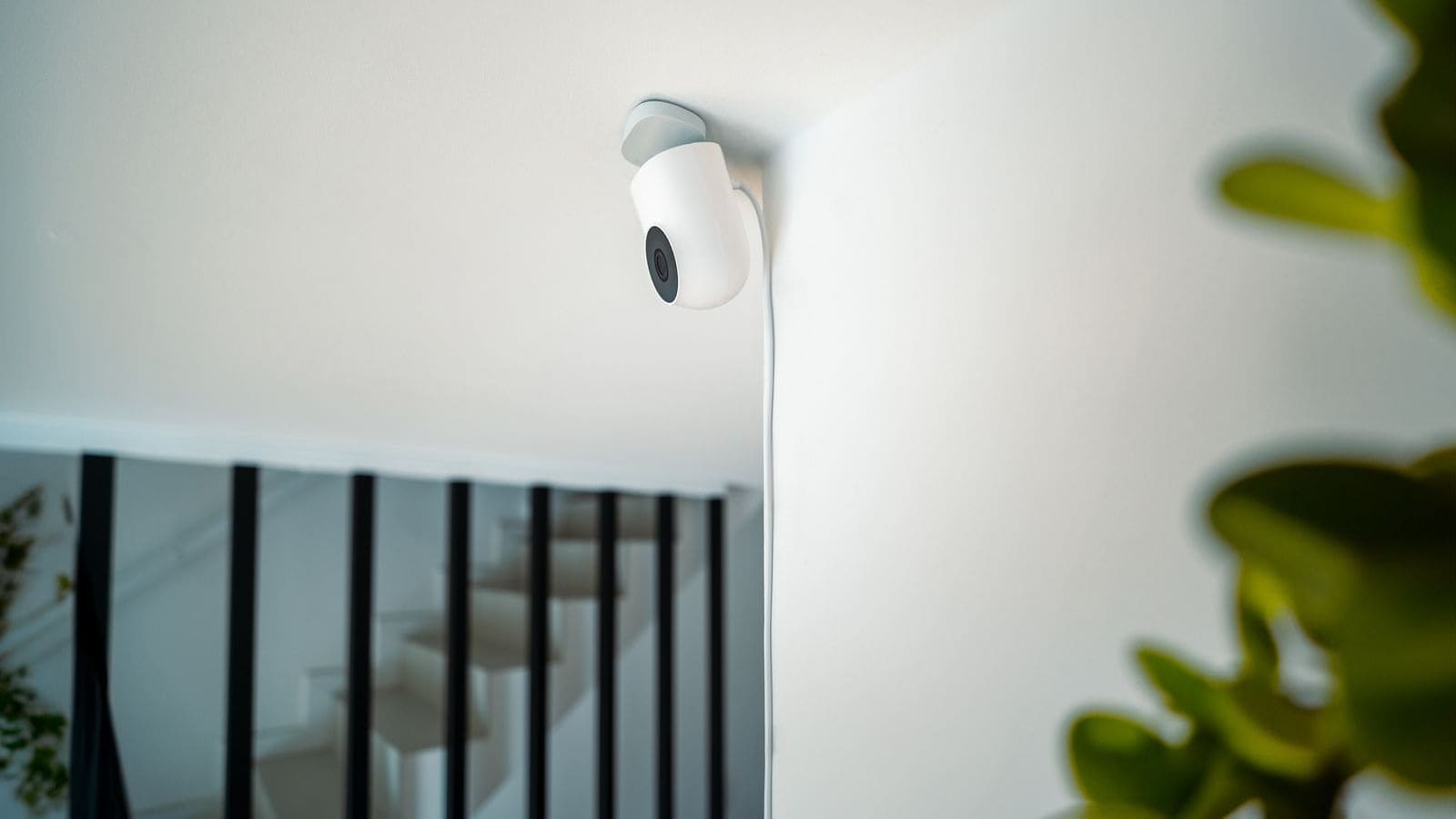
Internal cameras are a secondary layer rather than the primary defence. They are most useful in homes that have experienced repeated intrusions, or as a final evidence-capture point if exterior cameras are defeated. Position an internal camera to cover the main hallway or staircase — the pinch points that any intruder must pass through. Be mindful that internal cameras must be disclosed to all household members and, if you have lodgers or tenants, you have additional legal obligations under data protection law regarding consent and purpose limitation.
Mounting height and angle: the practical rules
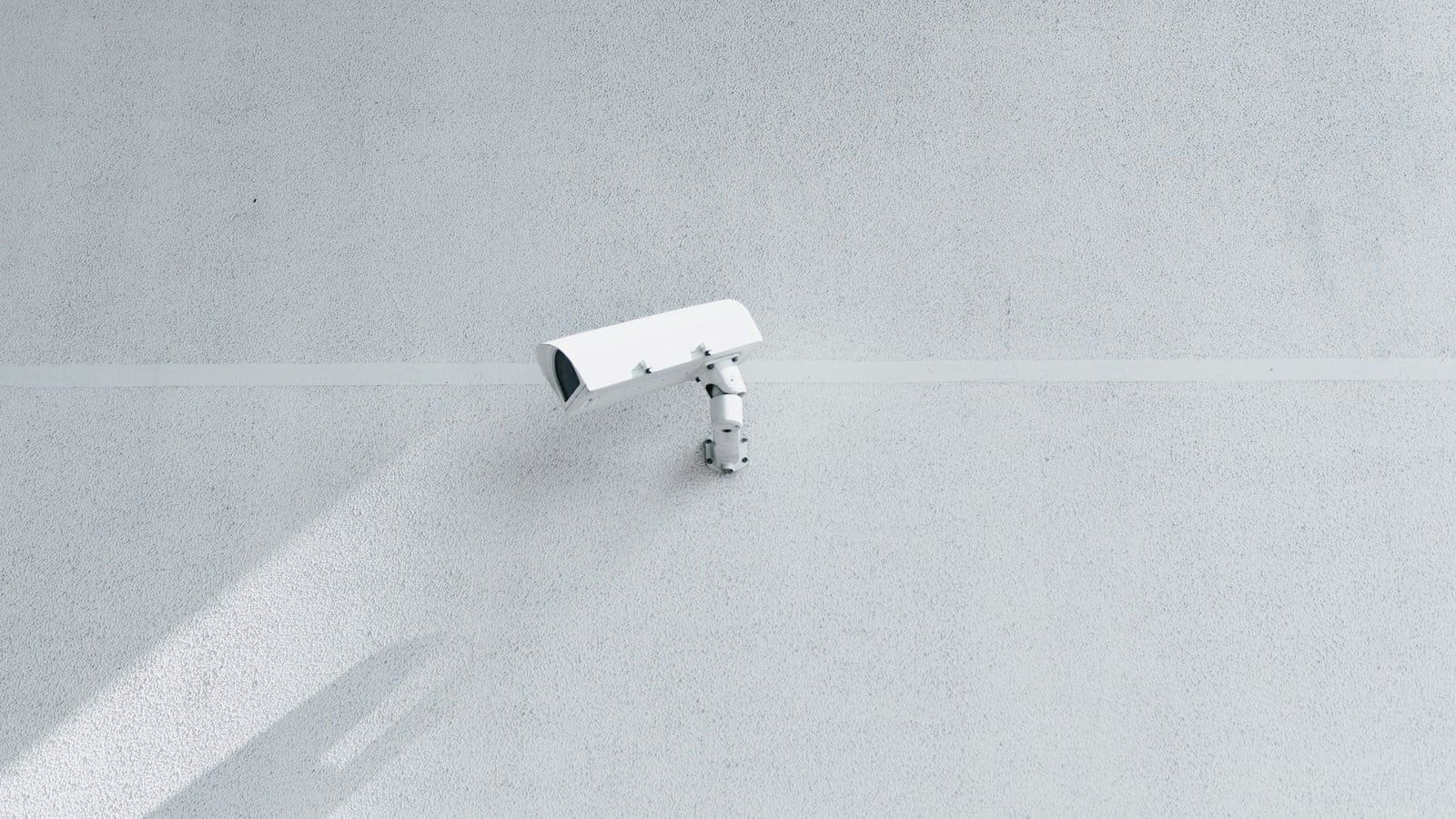
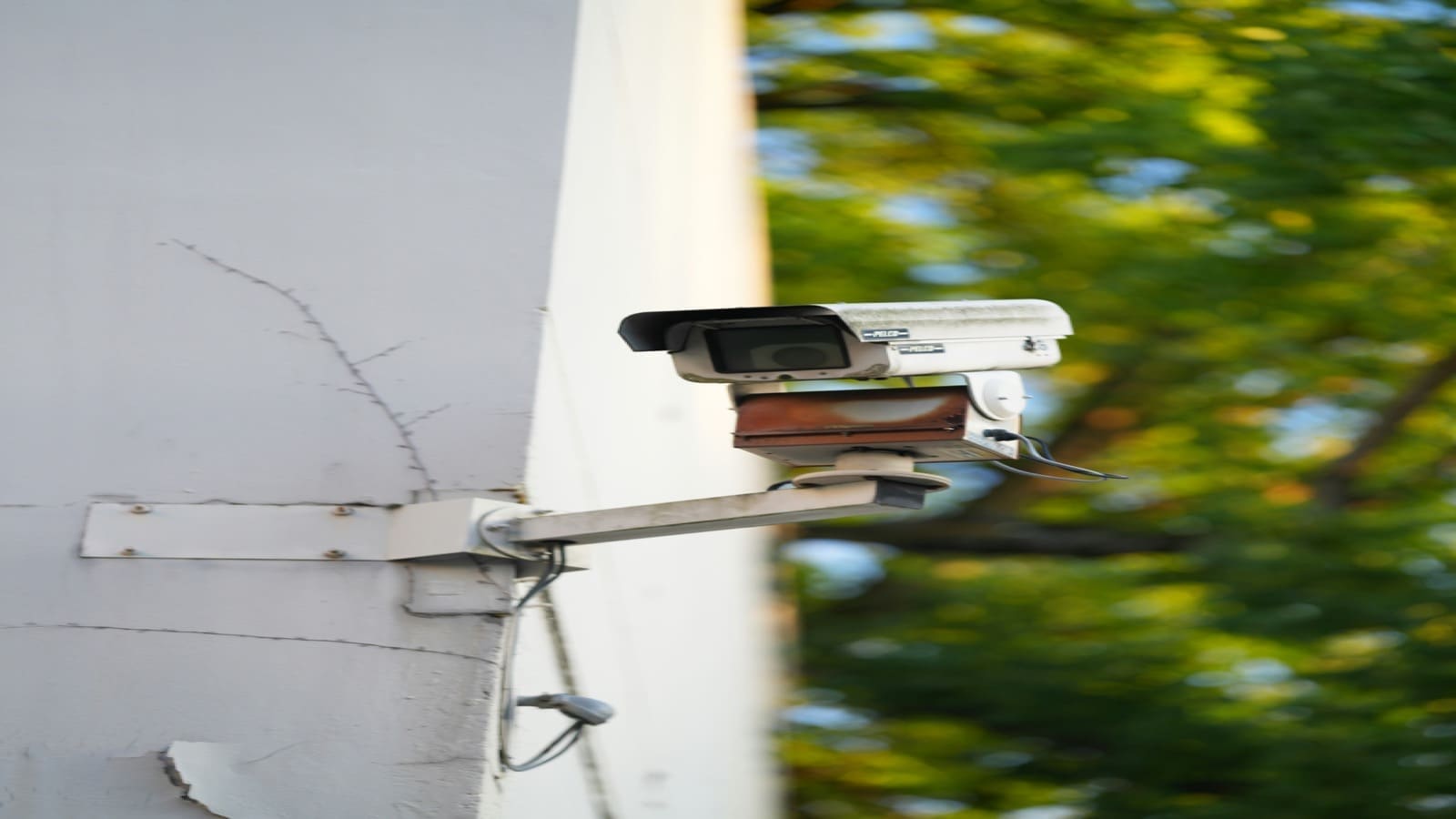
The target mounting height for most positions is 2.4 to 3 metres above ground level. This balances two competing requirements: height enough to resist tampering or obstruction, and low enough to capture faces and useful detail. Cameras mounted above 4 metres often produce footage that is useful for detecting motion but not for identifying individuals.
The angle should be slightly downward — roughly 15–30° below horizontal — to capture a natural line of sight on the approach path. A common mistake is over-tilting the camera toward the ground, which narrows the field of view and brings the blind spot directly below the camera closer. If you need to cover a larger area, fit a wider-angle lens rather than tilting down further.
Avoid pointing cameras directly at east-facing or west-facing horizons unless you have HDR capability or wide dynamic range (WDR) enabled on the camera. Morning and evening sun at these orientations will wash out faces and render footage unusable during peak hours.
Legal requirements for home CCTV in the UK
The Information Commissioner's Office (ICO) is the regulatory body for home CCTV in the UK, and its guidance is the definitive source. The key rule is straightforward: if your cameras capture only your own property — your driveway, your garden, your porch — you are exempt from the Data Protection Act 2018 for personal use. The moment your camera captures a neighbour's garden, a shared driveway, or a public footpath, the exemption disappears and you must comply with UK GDPR.
Practical compliance for cameras that capture public or shared space requires:
- Signage: display a clear "CCTV in operation" sign in a visible location, including the purpose of recording and contact details for the data controller (you).
- Retention limits: the ICO recommends deleting footage after 30 days unless it is needed as evidence for a specific incident.
- Access requests: anyone whose image you have captured can request to see or receive a copy of that footage. You must respond within one month.
- Privacy masking: most modern cameras support digital privacy zones. Use these to mask out neighbour windows, gardens, or any area where people have a reasonable expectation of privacy.
Disputes with neighbours about CCTV are increasingly common. The ICO can investigate complaints, issue enforcement notices, and in serious cases refer matters for civil action. Positioning cameras to avoid capturing neighbouring properties is both the most neighbourly approach and the most legally straightforward.
Wireless versus wired: choosing the right setup for each position
Wired Power-over-Ethernet (PoE) cameras are the more reliable choice for permanent outdoor positions. Wi-Fi signal strength degrades through brick walls, and the most important camera positions — rear of the house, outbuildings — are often furthest from the router. A PoE camera draws power and transmits data over a single Ethernet cable, eliminating battery changes, Wi-Fi dropouts, and the vulnerability of having a camera go offline at the worst moment.
Wireless cameras are a practical choice where running cable is genuinely impossible — a rental property, a listed building, or a temporary installation. If you go wireless, check Wi-Fi coverage at the camera location before purchasing. A mesh network such as those covered in our best mesh Wi-Fi guide can extend reliable coverage to garden cameras and outbuildings where a single-router setup struggles.
Battery-powered cameras are a last resort for permanent positions. Battery life varies enormously by motion frequency and temperature — UK winter conditions reduce battery performance significantly in most lithium-ion cells.
Integrating cameras with a smart home system
Security cameras become considerably more useful when integrated with automations. A camera that triggers a garden light when it detects motion is a stronger deterrent than one that simply records. In Home Assistant, cameras that support ONVIF or RTSP can be connected directly, with motion events used to trigger lighting scenes, push notifications, or even a siren. The Home Assistant alarm panel guide covers how to build a comprehensive alarm system that combines cameras, door sensors, and motion detectors into a single monitored system.
For AI-powered detection — distinguishing a person from a passing fox or a blowing leaf — Frigate NVR running on a local server or Raspberry Pi processes camera streams locally, sends person/vehicle/animal classifications back to Home Assistant, and avoids sending footage to third-party cloud services. This is particularly relevant for rear garden cameras where hedgehogs and foxes would otherwise generate dozens of nightly false alerts.
Not sure which power type or storage model suits your setup? Our security cameras buying guide breaks down wired vs wireless vs battery power, local vs cloud storage, and the UK rules on where a camera is legally allowed to point.