Smart Home Assistant

Nuki vs SwitchBot Lock UK: Go or Lock Pro? (2026)

SepehrBy Sepehr· 28 November 2026· Updated 28 November 2026· 4 min read
✓ Independent — no paid placements✓ UK-tested in real homes✓ Cited sources
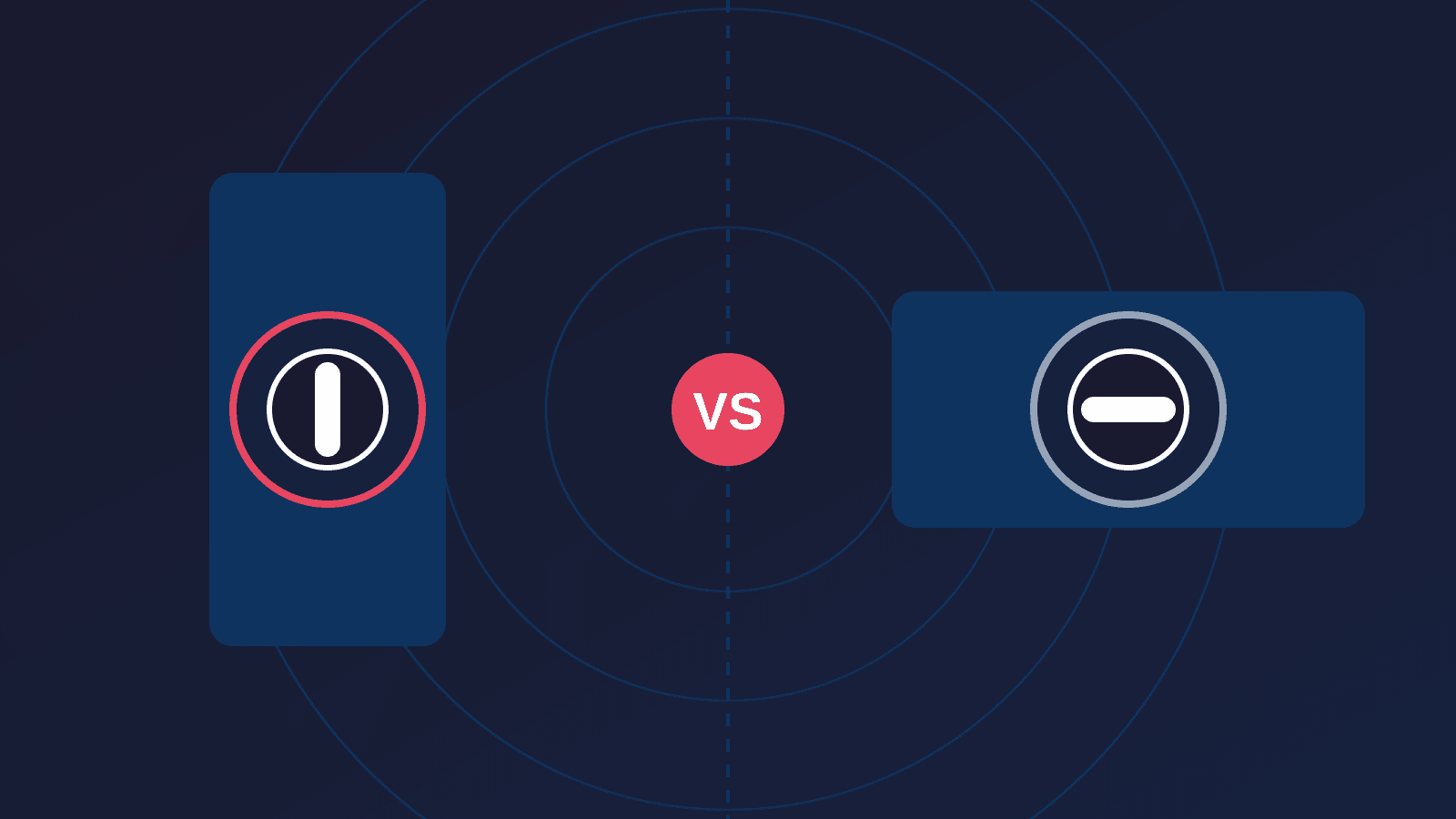
Abstract illustration of two door thumbturn locks facing each other across a versus badge on dark navy

Key takeaways

  • The Nuki Smart Lock Go (£139) suits Home Assistant best, using certified Matter over Thread, while the SwitchBot Lock Pro costs about £100.
  • The SwitchBot Lock Pro lists European, British oval and Swiss round cylinders and includes eight adaptors, so it fits more door shapes.
  • The Nuki Go runs on four AA batteries, and Nuki does not publish a runtime for it.
  • Neither motor can lift a uPVC multipoint handle, and Home Assistant's Matter integration may report a failed Nuki lock as unlocked, not jammed.
  • SwitchBot geofenced auto-unlock stays inside its app, and Nuki PIN codes stay in the Nuki app, so neither appears in Home Assistant.
On this page[tap to expand]

Nuki vs SwitchBot lock UK: the Nuki Smart Lock Go wins for Home Assistant and Matter at £139, while the SwitchBot Lock Pro wins on price at about £100 and fits more cylinder types. Both clamp over your existing thumbturn, keep your keys working and need no drilling.

The two are the most common first retrofit locks for British doors, so the choice comes down to ecosystem, battery and what you want Home Assistant to see. The table covers the Go, the Nuki Pro step-up and the SwitchBot Lock Pro side by side.

Nuki Smart Lock GoSwitchBot Lock Pro
Typical UK price£139 (Nuki UK store)About £100 on Amazon UK
FitsEuro-profile key-and-knob cylinders over the thumbturnEuropean, British oval, Swiss round and knob cylinders; 8 adaptors in the box
Power4 replaceable AA batteriesBattery-powered; calibration survives a battery change
Home Assistant routeMatter over Thread (Works with Home Assistant certified)Official SwitchBot integration over local Bluetooth, no hub needed
What Home Assistant seesLock entity and battery sensorLock entity via the SwitchBot integration
Extra neededA Thread border routerA Bluetooth adapter or proxy near the door
KeypadNuki Keypad sold separatelyKeypad sold separately

Which is cheaper to buy?

The SwitchBot Lock Pro is cheaper, at about £100 on Amazon UK against £139 for the Nuki Smart Lock Go in Nuki's UK store. The gap is roughly £40, and the SwitchBot's price includes eight cylinder adaptors in the box, so there is no separate adapter to buy.

The Amazon UK listing we link is a bundle that adds a Matter-capable SwitchBot Hub Mini, which helps Apple Home, Alexa and Google Home but does not change how Home Assistant talks to the lock. Prices move around sales events, so check the retailer before you order. If you want the rechargeable Nuki instead, the Smart Lock Pro costs £229, about £90 more than the Go.

Which works better with Home Assistant?

The Nuki Smart Lock Go works better for most Home Assistant owners because Matter over Thread is a standard, certified route that needs no Bluetooth range planning. The SwitchBot is simpler if you have no Thread network, since the official integration needs only a Bluetooth adapter.

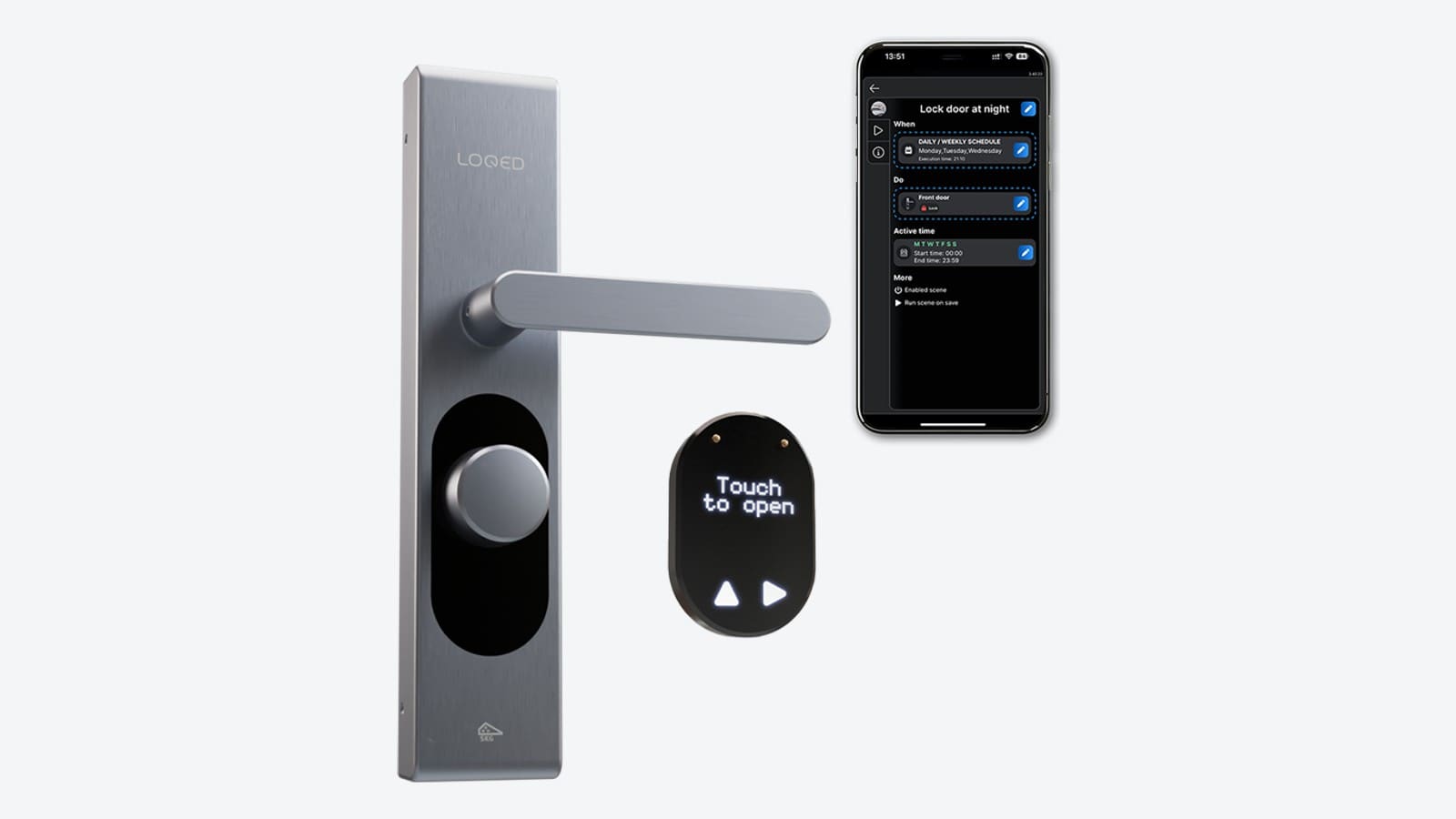
Both have limits. Over Matter, the Nuki exposes only a bare lock entity (locked, unlocked, locking, unlocking) and a battery sensor. PIN codes and auto-lock scheduling stay in the Nuki app, and the Go needs an existing Thread border router, plus a share-to-fabric pairing step through the Nuki app. The SwitchBot integration runs locally over Bluetooth, but its geofenced auto-unlock lives entirely in the SwitchBot app and never appears as an entity or trigger. The Home Assistant Matter and SwitchBot integration pages describe each route.

Which fits more UK doors?

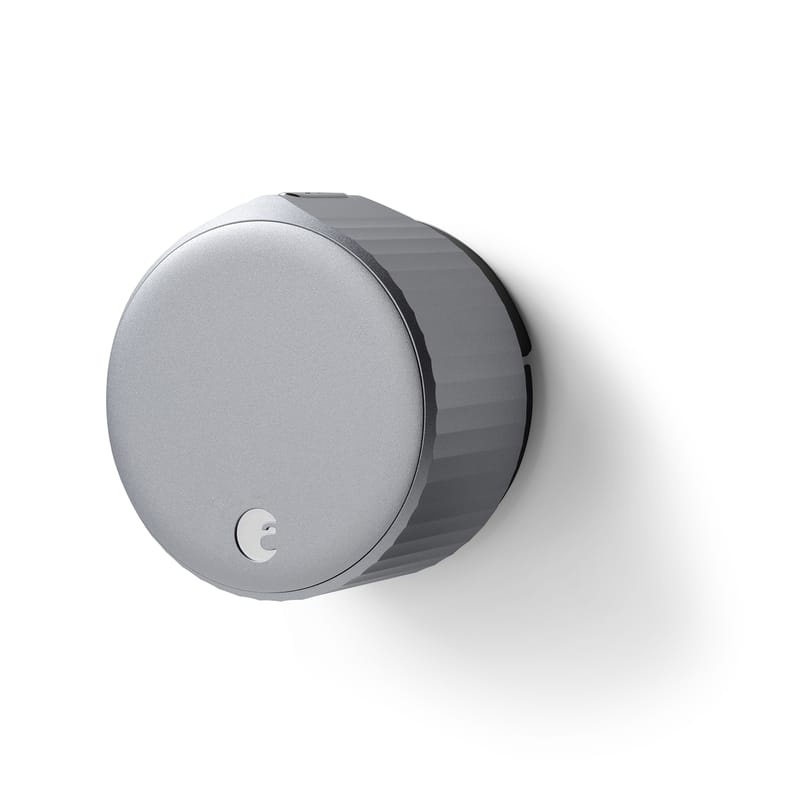
The SwitchBot Lock Pro fits more UK doors on paper: SwitchBot lists European, British oval and Swiss round cylinders, with eight adaptors included. The Nuki Go clamps over a key-and-knob euro-profile cylinder, which covers most uPVC and composite doors.

Neither can do anything about a multipoint door. On the common uPVC multipoint design the handle usually has to be lifted before the deadbolt will throw, and a motor on the thumbturn cannot lift it. Home Assistant's Matter integration also maps a failed lock to unlocked rather than jammed, so build an automation that checks whether the door is still unlocked a few seconds after a lock command. Our smart lock installation guide shows how to check your cylinder first.

Which is better on batteries?

The SwitchBot Lock Pro is the simpler option to keep running, while the Nuki Go uses four standard AA batteries that you swap yourself. Nuki does not publish a runtime for the Go on AAs, so treat battery life as something to watch rather than a promise.

A real SwitchBot advantage is that its calibration persists when you remove the battery, so a swap does not leave the Home Assistant lock entity untrustworthy until you recalibrate in the app. If you want a rechargeable Nuki, the best retrofit smart locks roundup covers the Pro, which charges over USB-C in about two hours, lasts roughly six months per charge, and supports an optional door sensor that shows up in Home Assistant as open or closed.

Does the Nuki Go or SwitchBot work without internet?

Yes, both can be controlled locally in Home Assistant without a cloud account. The Nuki pairs over Matter and Thread, and the SwitchBot integration talks to the lock over Bluetooth, so day-to-day locking works if your broadband drops.

Remote access away from home is where they differ. Nuki sells remote access as an add-on for the Go, while the SwitchBot's separate built-in Wi-Fi model or a SwitchBot hub serves SwitchBot's own cloud app. For remote control through Home Assistant, you would normally use your own Home Assistant remote access instead.

Which should you buy?

Buy the Nuki Smart Lock Go if you already run Thread, want a Works with Home Assistant certified lock and are happy to pay £139 for a cleaner Matter setup. Buy the SwitchBot Lock Pro if you want the lowest price, an unusual cylinder shape is a worry, and you can place a Bluetooth adapter or proxy near the door.

Buy neither if your door has no inside thumbturn, or you want a keypad on the outside as the main feature. A retrofit motor does not upgrade the lock underneath it, so replace the cylinder if that is weak, and check your insurer's wording. For other options see our best smart door locks guide.
Buy the picks in this guide

Recommended for Smart Security

See all devices →

Frequently asked questions

Is Nuki or SwitchBot better for Home Assistant?
Nuki is better for most Home Assistant users because the Smart Lock Go is officially Works with Home Assistant certified through Matter over Thread, so it pairs through a standard route and exposes a lock entity and a battery sensor. The SwitchBot Lock Pro uses the official SwitchBot integration over local Bluetooth, needs no hub and is cheaper at about £100, but it is not separately certified. The catch with both is that useful extras, such as PIN codes, auto-lock and geofencing, stay inside each maker's app and never appear as Home Assistant entities. Choose Nuki if you already have a Thread border router, and SwitchBot if you would rather add a Bluetooth proxy near the door and save about £40.
Does the SwitchBot Lock Pro fit a UK door?
The SwitchBot Lock Pro fits most UK doors that have a thumbturn on the inside, because SwitchBot lists support for European, British oval, Swiss round and knob cylinders and includes eight cylinder adaptors in the box. That makes it a safe choice for renters who cannot swap the cylinder. The main catch is the same as for any retrofit lock: a uPVC multipoint door usually needs the handle lifted before the deadbolt will throw, and a motor on the thumbturn cannot do that for you. Check that your cylinder has an inside thumbturn and enough clearance before ordering, and keep a physical key to hand as a backup.
Do Nuki and SwitchBot locks need a hub?
Neither needs a hub for Home Assistant, but each needs something nearby. The Nuki Smart Lock Go uses Thread, so you need a Thread border router in range, which many Home Assistant setups already have. The SwitchBot Lock Pro talks to Home Assistant over local Bluetooth, so you need a Bluetooth adapter or proxy close to the door. The Amazon UK SwitchBot bundle includes a Hub Mini, but that serves Apple Home, Alexa and Google Home rather than the Home Assistant integration. If you only want the lock in a phone app and not in Home Assistant, both work without any extra hardware.
Can I use the Nuki Go and SwitchBot Lock Pro on a multipoint uPVC door?
You can fit either lock on a multipoint uPVC door, but you must lift the handle for the deadbolt to throw, and neither motor can do that for you. In practice that means the door may look locked in the app when only the latch is engaged. The Nuki Go also has a Home Assistant quirk: its Matter integration reports a failed lock as unlocked rather than jammed, so a lock-failed automation should check whether the door is still unlocked a few seconds after a lock command. Test the lock with the door open before relying on it, and consider a door sensor such as the one supported by the Nuki Smart Lock Pro.

Sources

Sources verified 2026-11-28

  1. Nuki — Nuki Smart Lock Go (UK)
  2. Nuki — Nuki Smart Lock Pro, 5th generation (UK)
  3. SwitchBot — SwitchBot Lock Pro
  4. Home Assistant — SwitchBot integration
  5. Home Assistant — Matter integration
›How we researched this

Claims in this article are checked against primary sources — manufacturer specifications, official documentation, Which? research, Ofgem guidance, or gov.uk — rather than forum threads or video reviews. Where the author has direct hands-on experience with a product (most Home Assistant, Zigbee, and home-networking gear is running in his own homelab), that is stated explicitly in the text.

For categories outside that personal setup — such as boilers, heat pumps, and other areas that are traditionally a heating engineer's domain — verdicts are built from cross-referenced manufacturer data, published lab results, and vetted expert and owner reviews rather than a claim of personal hands-on testing. See the editorial policy for the full methodology.

Sepehr

Written by

Sepehr

10+ years hands-on with Home Assistant & networking · Research-backed elsewhere · No brand deals

Smart home specialist with 10+ years running a self-hosted Home Assistant setup — Zigbee2MQTT, Frigate NVR, and local-first automations. Independent coverage for UK homes, no brand deals.

LinkedIn →

Citing this page? Please use a dofollow link back to the original article — it helps us keep the data on this page accurate and up to date.

Related reading