What actually makes a camera "PTZ"
Real motorised movement, not digital zoom. Plenty of "360°" cameras on sale in the UK are actually fixed ultra-wide lenses that crop digitally — no motor, no physical pan. A true PTZ camera has stepper motors driving the pan and tilt axes, which is why specs list a pan/tilt range (e.g. 355° pan / 90° tilt) rather than just a field of view.
Auto-tracking versus manual PTZ. Auto-tracking uses onboard AI to detect a moving subject and slew the camera to keep it centred in frame. Manual PTZ means you (or an automation) send discrete move commands or jump to saved preset positions — useful for scripting a patrol route between several fixed points, such as a driveway gate and a side entrance, on a schedule.
Local control versus app-only control. A camera can have excellent PTZ hardware and still only expose it through the manufacturer's own app. For Home Assistant users, what matters is whether pan/tilt is reachable over RTSP/ONVIF or a documented local API — not just whether the product itself can physically move.
The 5 best PTZ security cameras in the UK
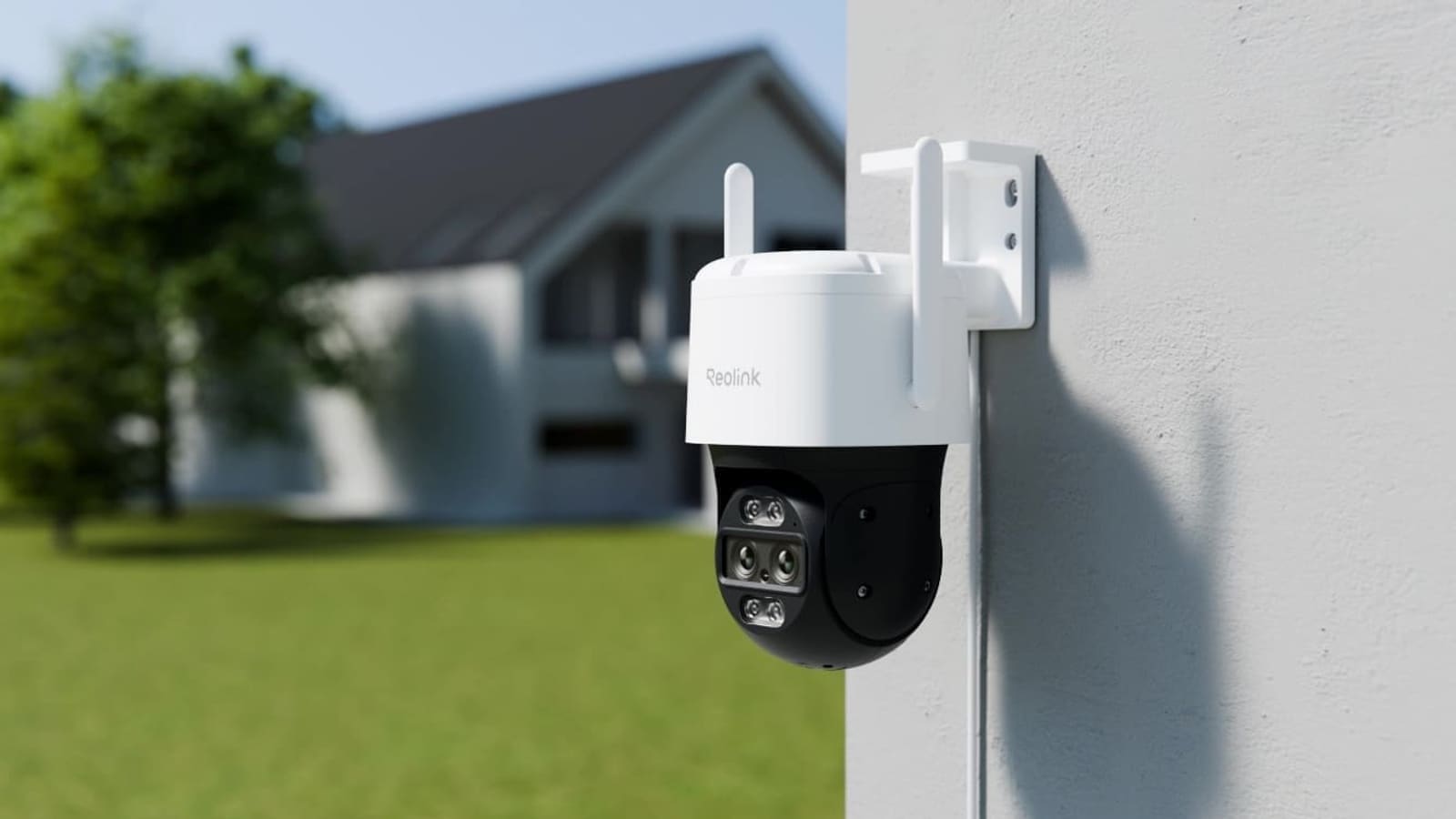
1. Reolink TrackMix WiFi — Best overall, Works with Home Assistant certified
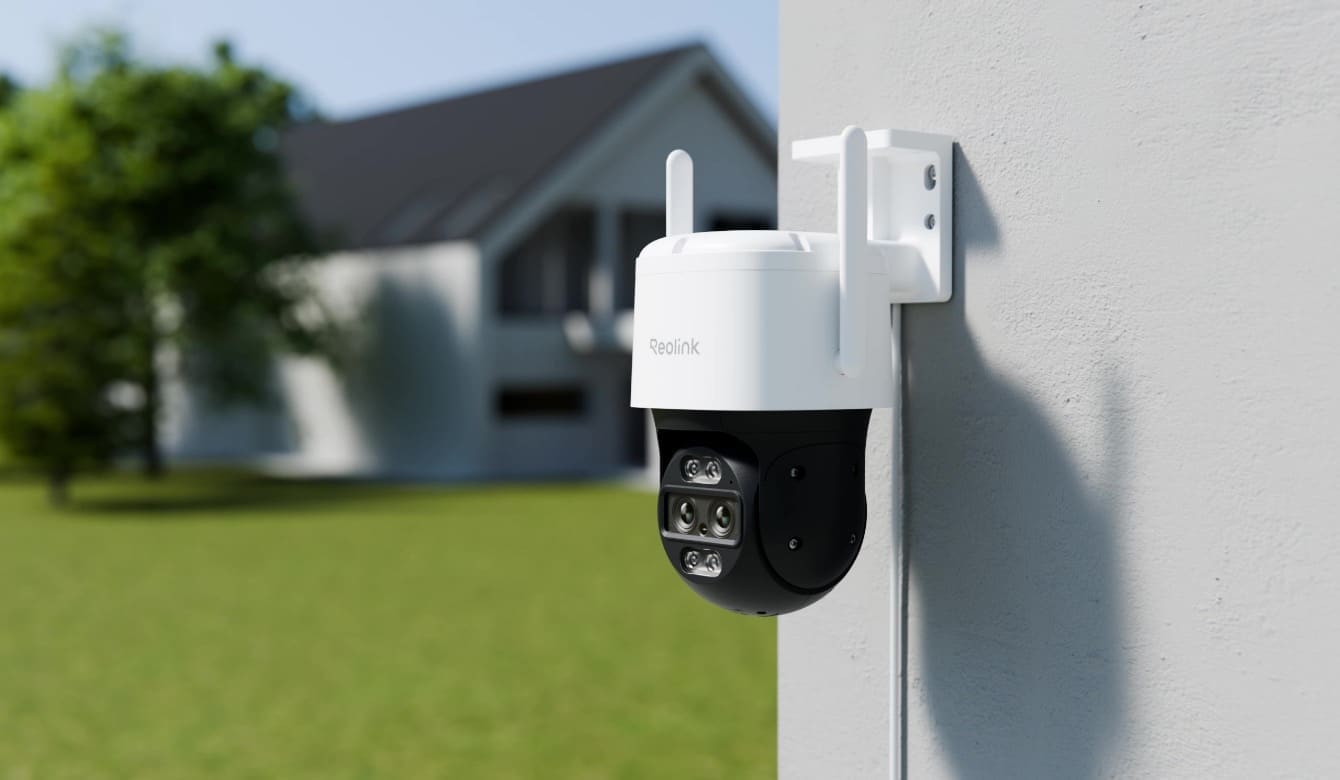
Pros: Dual-lens design — a fixed 4K wide lens plus a motorised 2MP telephoto lens with 355° pan / 90° tilt and 6× hybrid zoom; genuine AI auto-tracking on the tele lens while the wide lens keeps full-scene coverage; IP65 metal housing; dual-band Wi-Fi 6; local microSD storage up to 512GB; no subscription required.
Cons: Mains-powered only, no battery option; the most expensive camera on this list; auto-tracking and PTZ patrol don't play well together — a tracked subject interrupts a patrol route and the lens doesn't reliably resume from where it left off.
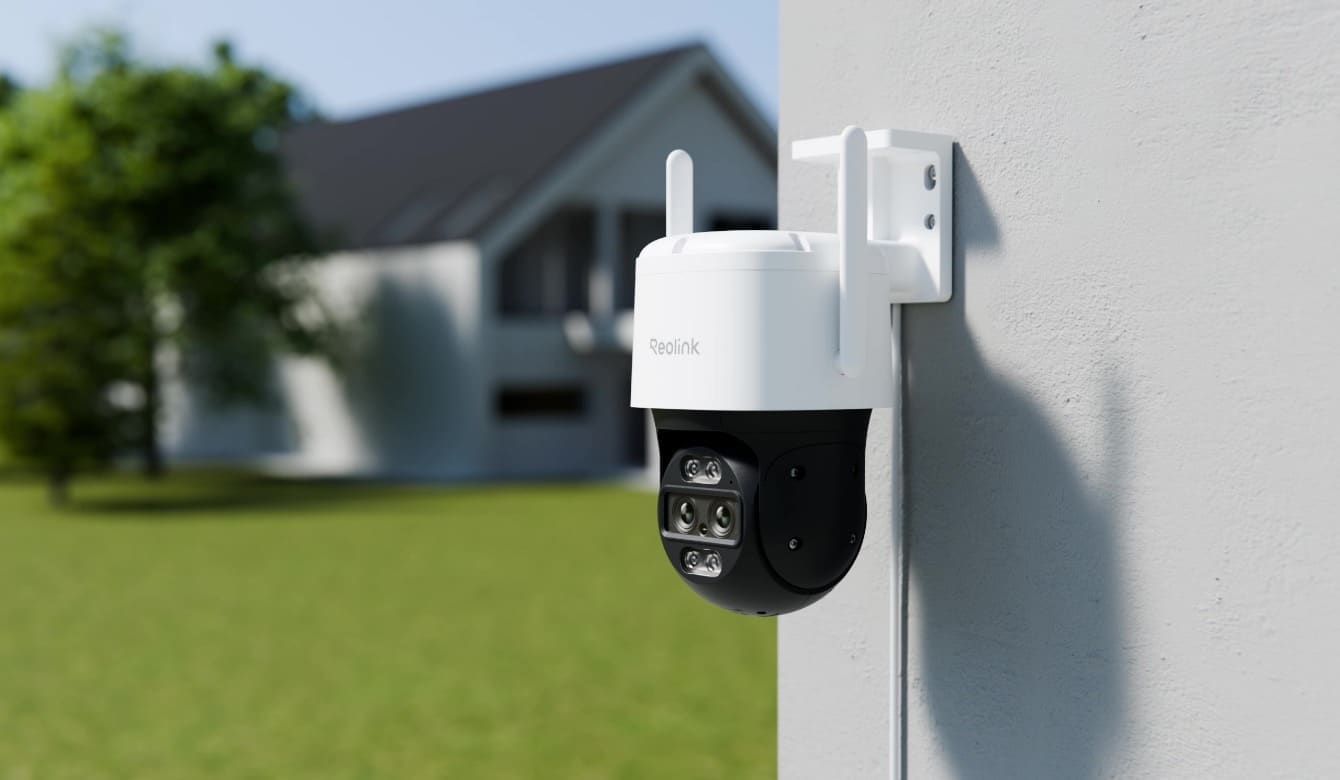
The TrackMix WiFi is one of the first cameras Reolink certified when it became a Platinum-tier Works with Home Assistant partner in April 2025, and it's the clearest example of what "proper" PTZ integration looks like. In Home Assistant, the Reolink integration exposes it as two separate camera entities rather than one: a static wide-angle stream that never moves, and an independent PTZ telephoto channel with its own pan/tilt/zoom controls, an auto-tracking switch, and a track-method selector (digital crop versus physical pan/tilt). Because they're separate entities, it's easy to accidentally point a PTZ automation at the wide-lens camera by mistake — presets and patrol calls just silently do nothing on that lens, since it has no motor.
Reolink doesn't publish UK pricing directly on its product page, but the TrackMix WiFi typically sells for around £180–£210 on Amazon UK, against an RRP closer to £270 — check current listings, as Reolink runs frequent promotions. For more on the brand generally, see our Reolink camera UK review.
Check current price on Amazon UK
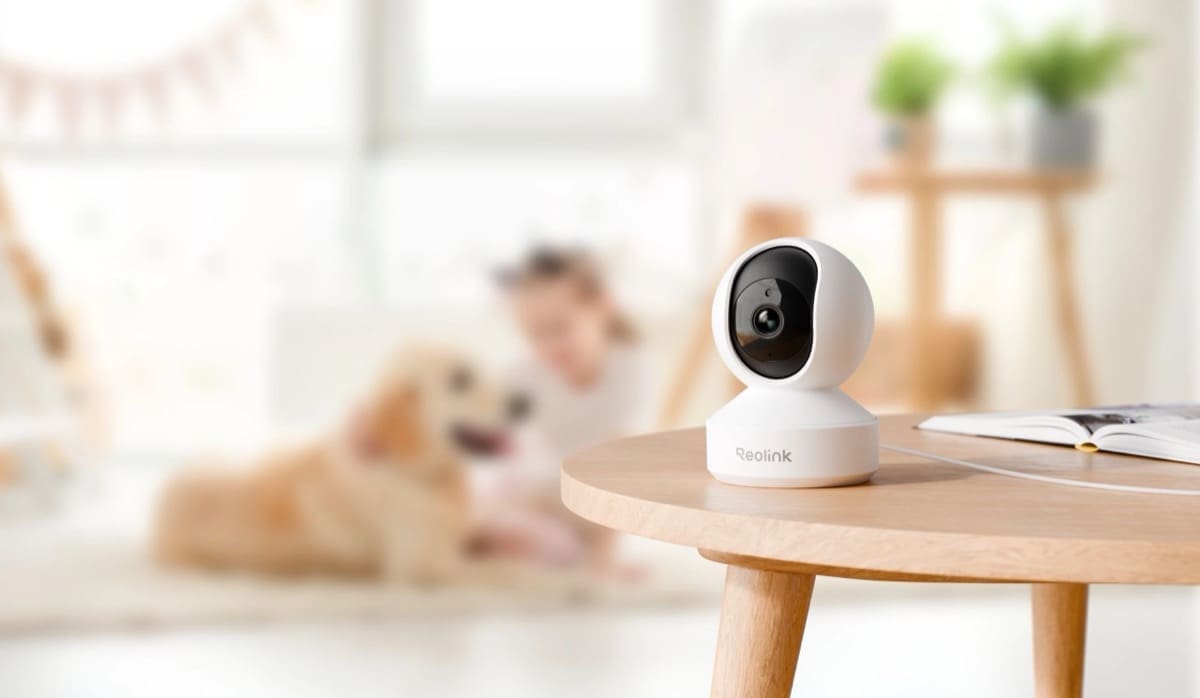
2. Reolink E1 Pro — Best for Home Assistant control
Pros: 355° pan / 50° tilt with up to 64 saved presets; native Home Assistant PTZ preset and patrol entities with zero HACS add-ons required; RTSP and ONVIF streaming; 12m night vision; two-way audio; no subscription.
Cons: Indoor use only; budget PTZ motors can drift out of true position over months of use — which is why Reolink also exposes a dedicated PTZ calibrate button in Home Assistant to re-home the mechanism.
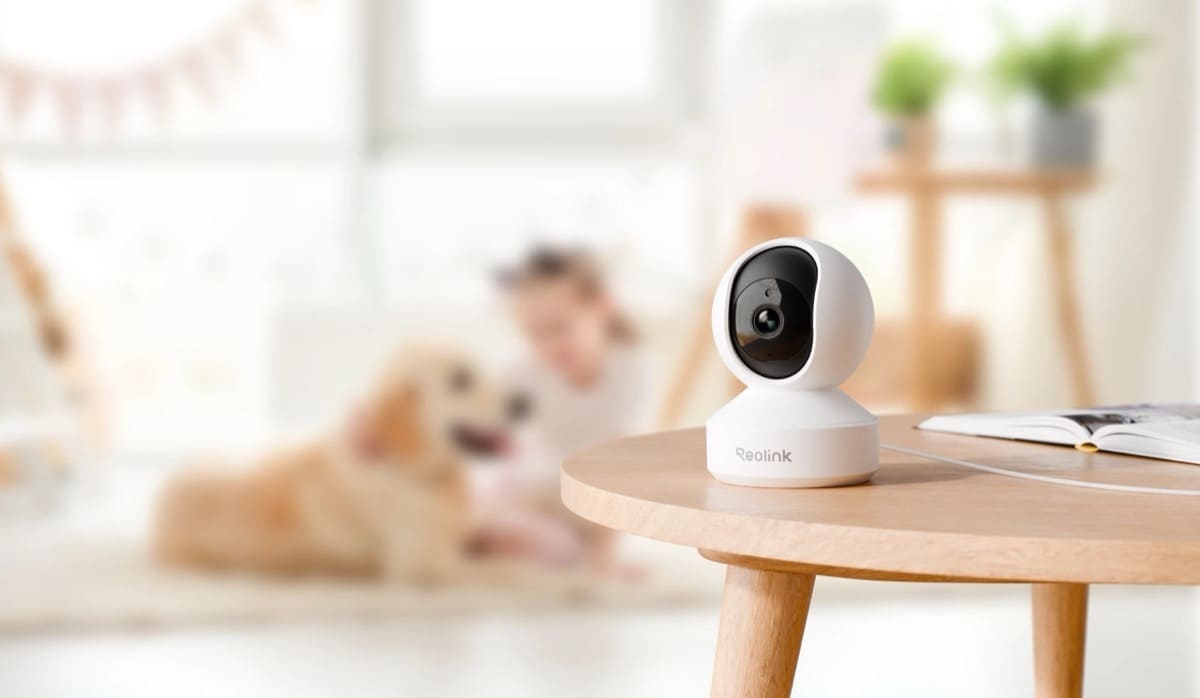
If controlling pan/tilt/zoom from Home Assistant automations matters more to you than resolution or outdoor weatherproofing, the E1 Pro is the pick. The native reolink integration adds a PTZ preset select entity (auto-populated from names set in the Reolink app), a PTZ patrol switch that cycles between saved presets, and an auto-tracking switch with its own track-method selector and left/right movement limits — all without installing anything from HACS. Being Wi-Fi-only, PTZ commands ride live over Wi-Fi rather than a wired link, so patrol responsiveness is more sensitive to signal strength than on Reolink's PoE PTZ models.
Prices vary by retailer, but the E1 Pro typically sells for around £40–£55 on Amazon UK.
Check current price on Amazon UK
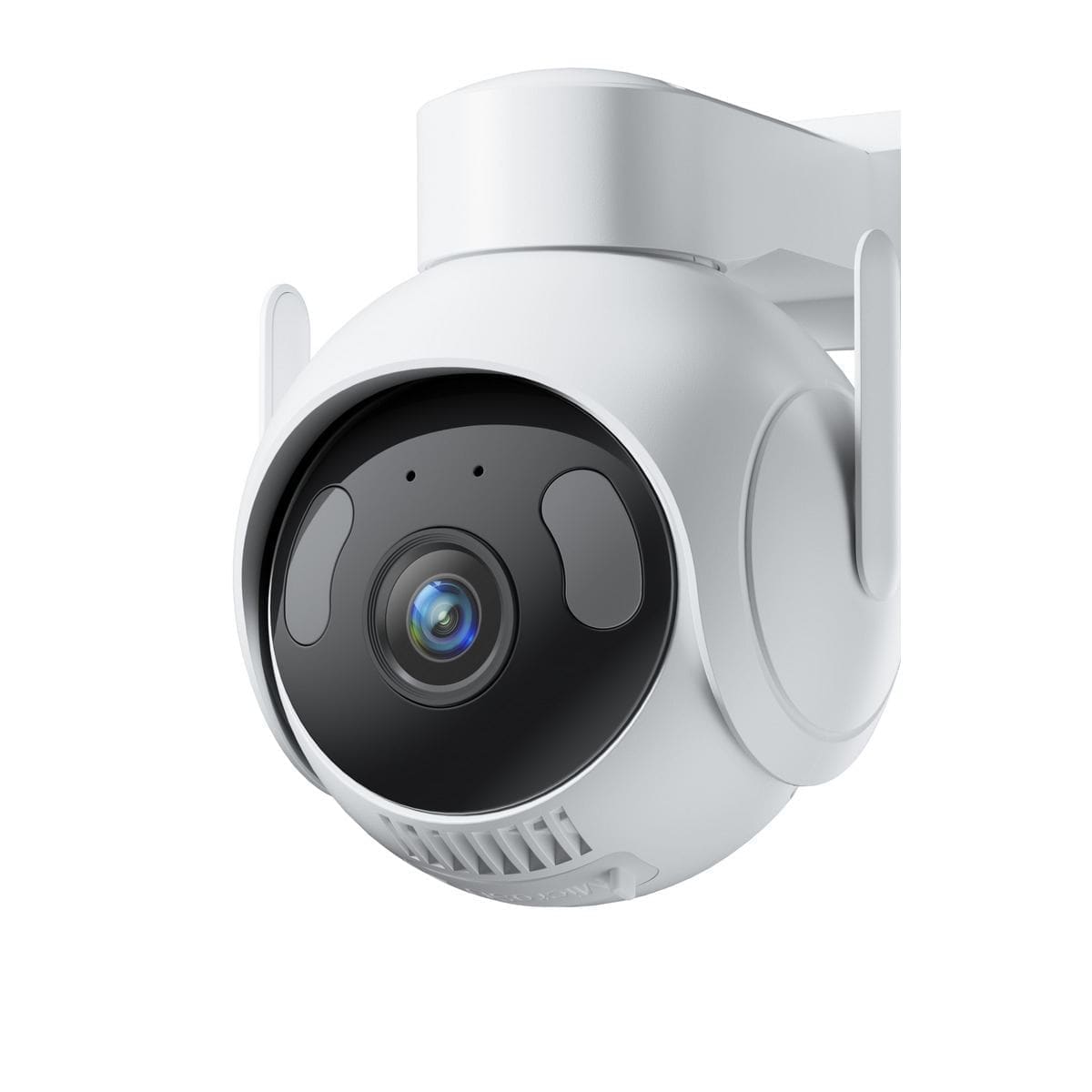
3. SwitchBot Outdoor Pan/Tilt Cam 3K — Best outdoor budget PTZ
Pros: 360° pan / 90° tilt with AI motion auto-tracking; IP66 rated to -20°C; 3K/5MP resolution with colour night vision; wired Ethernet option alongside 2.4GHz Wi-Fi; microSD up to 512GB; local RTSP/ONVIF streaming.
Cons: The standout "AI Event Alert" feature — plain-English summaries like "a delivery van dropped off a parcel" instead of a bare motion notification — runs through SwitchBot's cloud and requires an AI Guard Premium subscription from £3.99/month; pan/tilt control from Home Assistant via ONVIF is inconsistent, since SwitchBot's ONVIF implementation only partially covers the spec.
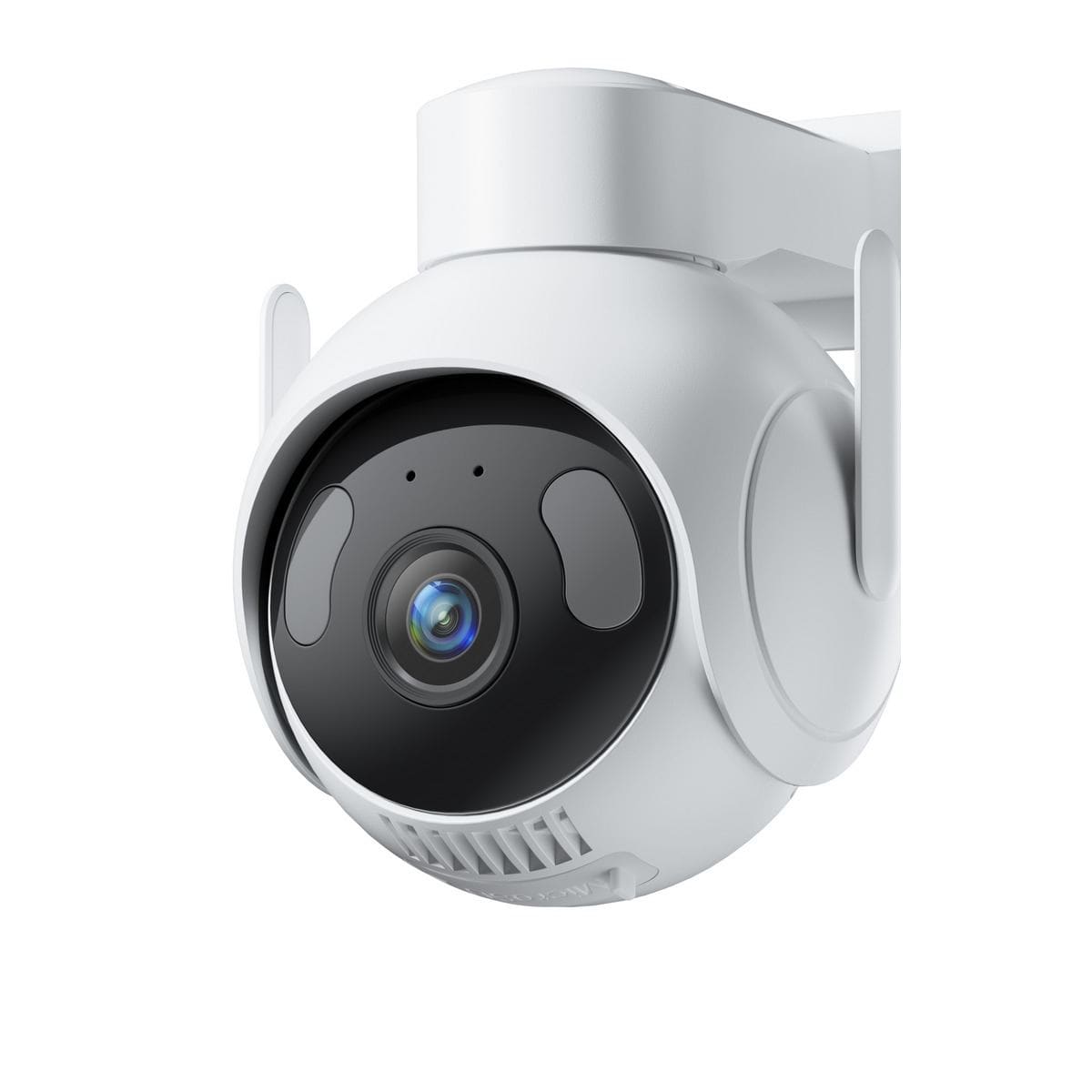
SwitchBot's outdoor PTZ camera launched in the UK on 1 July 2026 at an MSRP of £89.99. Local RTSP streaming isn't switched on by default — you first need to open the camera's settings in the SwitchBot app and create a dedicated Camera Account before RTSP (port 554) or ONVIF will respond on the LAN. Once that's done, the RTSP stream drops straight into Home Assistant's generic camera platform, or into Frigate for local, subscription-free person and vehicle detection — the paid AI Guard tier is only needed for SwitchBot's own natural-language summaries in its app, not for local viewing or automations. Treat ONVIF PTZ pan/tilt commands from Home Assistant with caution and drive physical movement from the SwitchBot app instead; we cover this in detail in our full SwitchBot Outdoor Pan/Tilt Cam 3K review.
Check current price at SwitchBot UK — typically around £89.99.
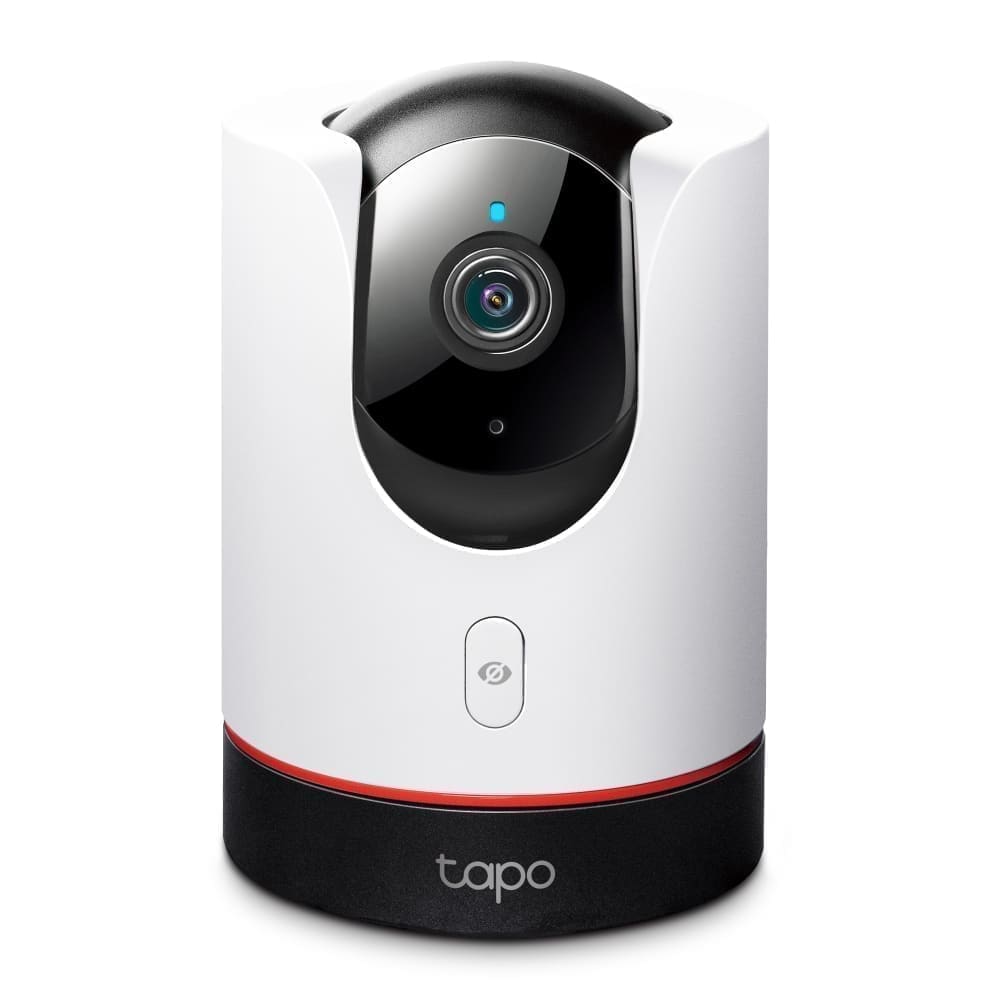
4. TP-Link Tapo C225 — Best budget indoor pick
Pros: 2K QHD with a starlight sensor for colour night vision; 360° pan / 149° tilt — the widest tilt range on this list; AI motion tracking that rotates at up to 120°/s; fully local RTSP/ONVIF streaming with no mandatory subscription.
Cons: Indoor use only; the native Home Assistant tplink integration adds a camera entity but does not expose pan/tilt at all — you need the separate community HACS "Tapo: Cameras Control" add-on to get directional pan/tilt entities in Home Assistant, and RTSP stays disabled until you create a Camera Account under Tapo App → Advanced Settings.
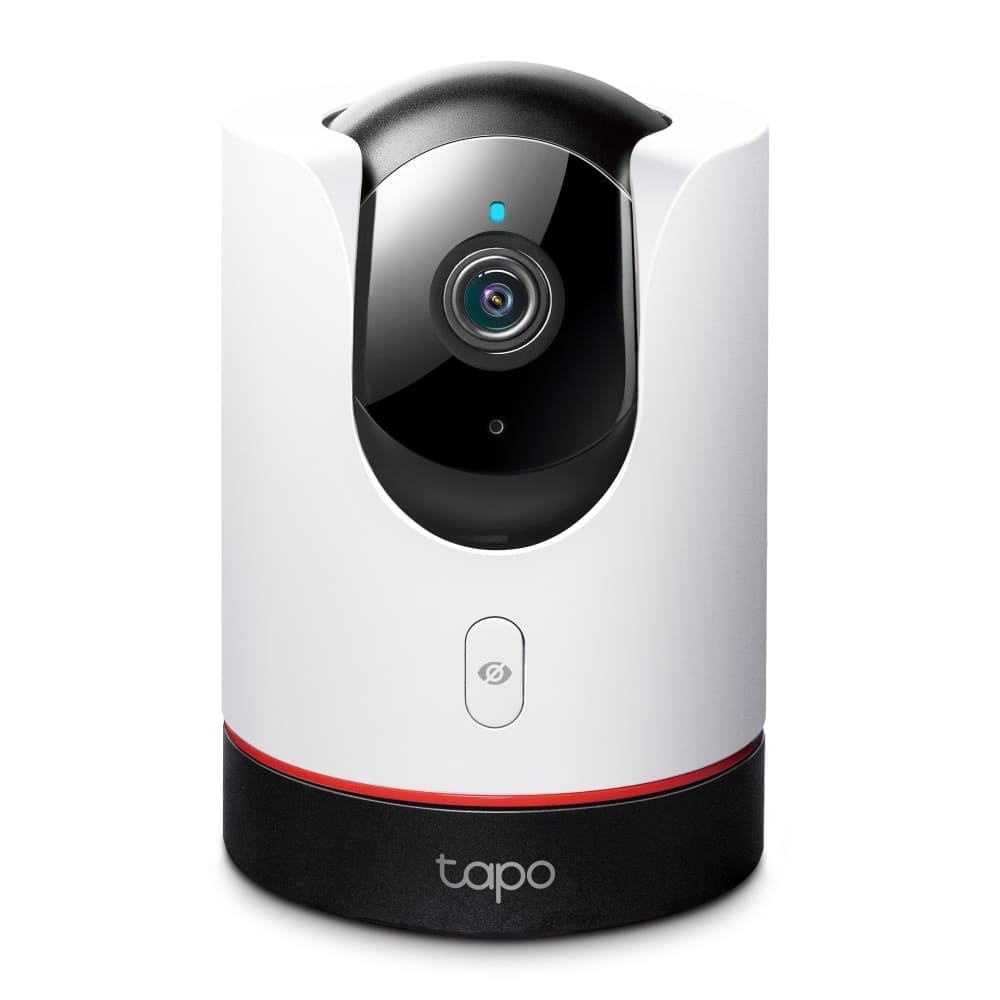
The C225 is the camera to buy if the room you're covering is large and open-plan and you don't want to run a Home Assistant automation to control it — TP-Link's own app handles pan/tilt tracking well out of the box. If you do want scripted preset sweeps from Home Assistant, budget time to set up the HACS component; without it, PTZ movement simply isn't reachable from HA at all. Prices vary by retailer — typically around £38–£49 on Amazon UK. For more on the wider Tapo camera range, see our TP-Link Tapo camera UK review.
Check current price on Amazon UK
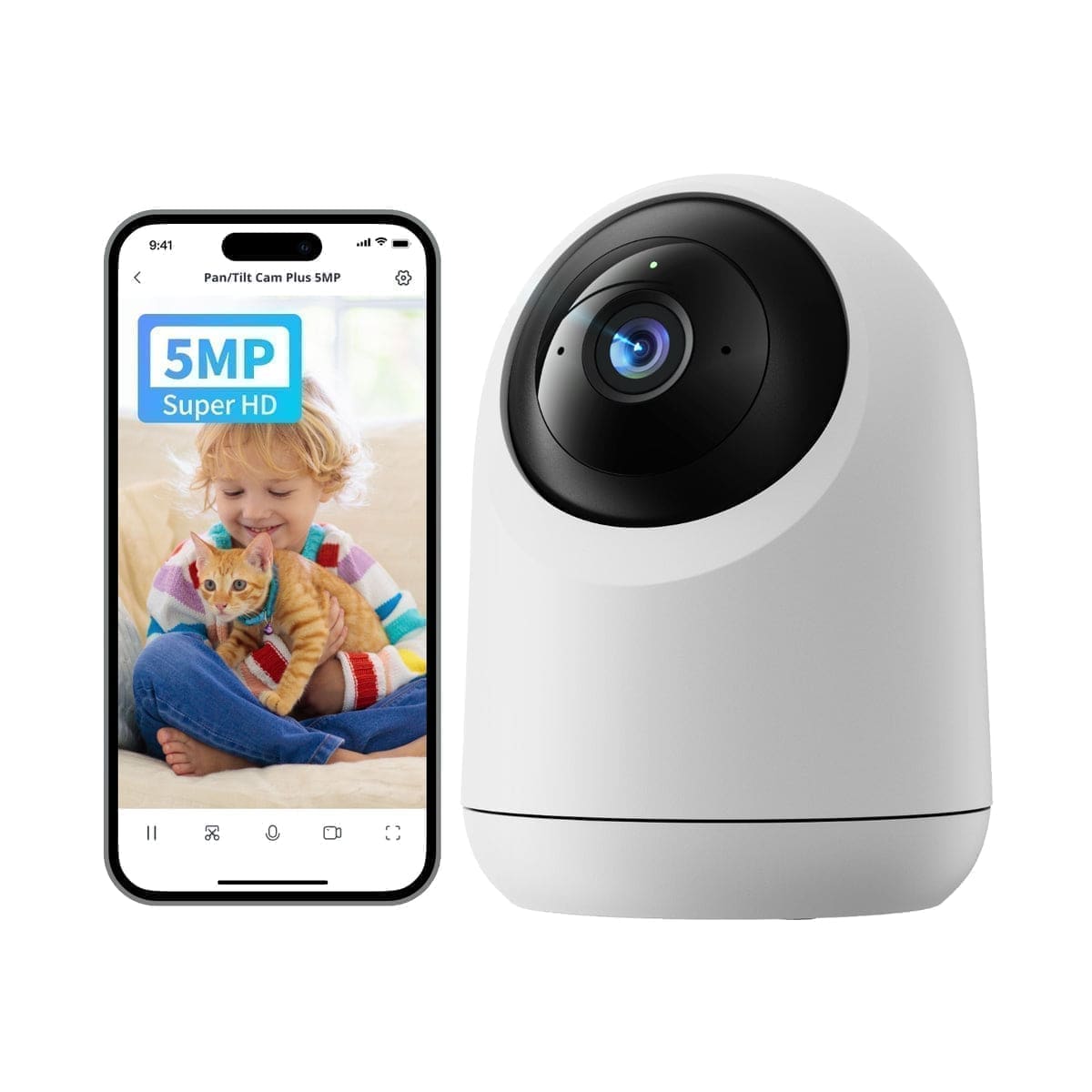
5. SwitchBot Pan/Tilt Cam Plus 3K — Best indoor night vision
Pros: 360° pan / 115° tilt with AI motion auto-tracking; 3K/5MP resolution; colour night vision reaching 10m via invisible 940nm IR rather than a visible red glow; two-way audio with a built-in siren; local RTSP/ONVIF streaming (Plus range only).
Cons: Indoor placement only; same partial ONVIF PTZ compliance as its outdoor sibling, so Home Assistant pan/tilt commands are unreliable — treat the RTSP feed as fixed-view for automations; requires the same app-side Camera Account setup before local streaming works.
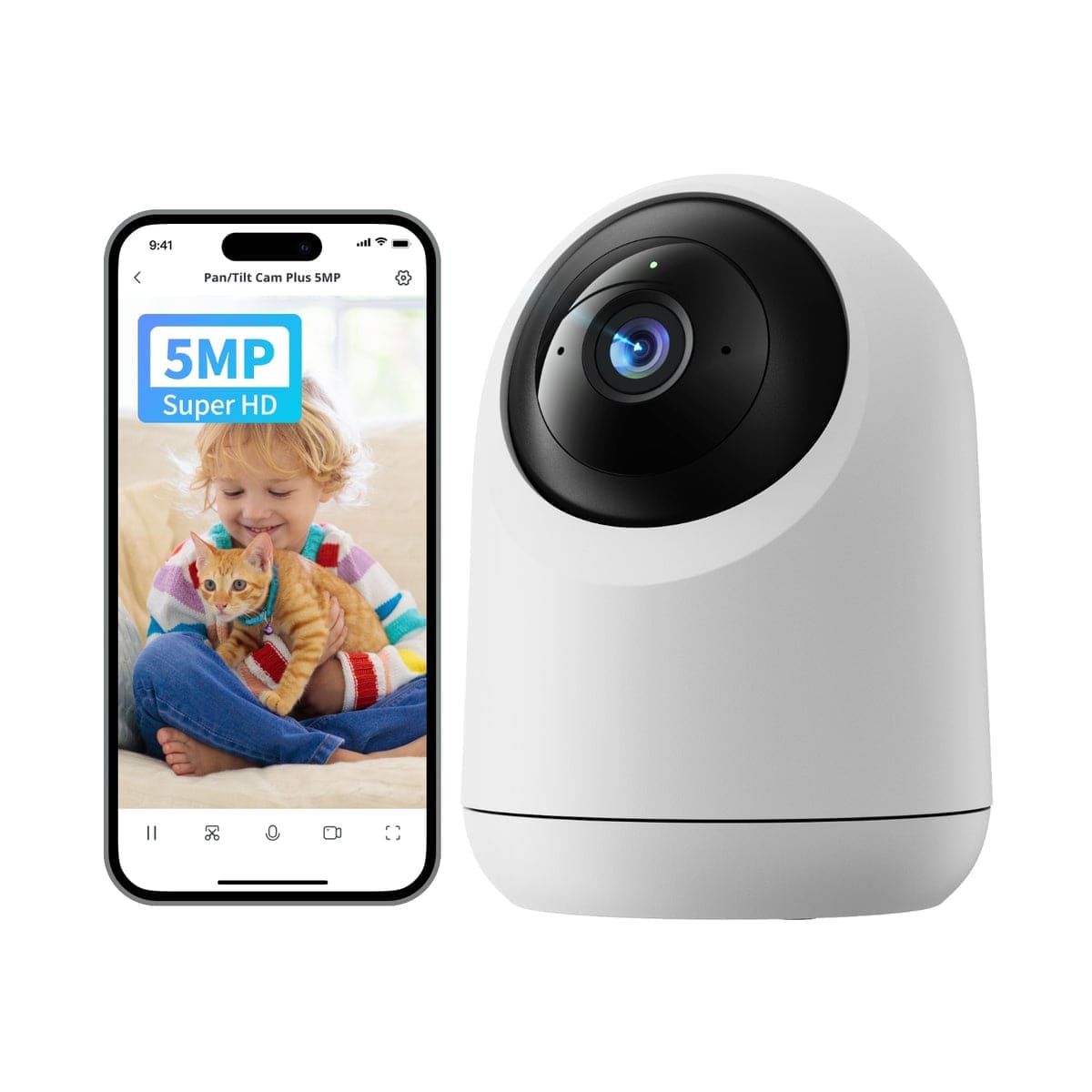
This is the indoor sibling of the Outdoor Pan/Tilt Cam 3K above, and shares its local-streaming architecture: enable a Camera Account in the SwitchBot app, then point Home Assistant's generic camera platform at the RTSP main stream for a reliable local feed. It's a strong pick for a hallway or living room where you want a brighter night image and an audible siren deterrent that the cheaper Tapo C210 and C225 don't offer, even though physical PTZ driving from Home Assistant isn't dependable yet. Prices vary — we've seen it listed from around £60 up to £80 depending on retailer and promotions.
Check current price on Amazon UK
PTZ range and Home Assistant control compared
| Camera | Pan / tilt range | Auto-tracking | PTZ from Home Assistant |
|---|---|---|---|
| Reolink TrackMix WiFi | 355° / 90° (tele lens) | Yes (tele lens only) | Native — full preset, patrol, auto-track control |
| Reolink E1 Pro | 355° / 50° | Yes | Native — full preset, patrol, auto-track control |
| SwitchBot Outdoor Pan/Tilt Cam 3K | 360° / 90° | Yes (app-side) | ONVIF PTZ — incomplete, unreliable |
| Tapo C225 | 360° / 149° | Yes (app-side) | Not native — needs HACS "Tapo: Cameras Control" |
| SwitchBot Pan/Tilt Cam Plus 3K | 360° / 115° | Yes (app-side) | ONVIF PTZ — incomplete, unreliable |
Verdict
For most UK buyers who want a PTZ camera that Home Assistant can genuinely drive, not just view, the Reolink E1 Pro and Reolink TrackMix WiFi are the only two on this list with native preset, patrol, and auto-track entities out of the box — pick the E1 Pro for an indoor room on a budget, and the TrackMix WiFi if you need outdoor coverage with genuine 6× zoom. The Tapo C225 is the best value if you're happy to drive PTZ from TP-Link's own app and only want Home Assistant for viewing and motion automations. SwitchBot's two Pan/Tilt Cam models are worth considering for their video quality and price, but treat their pan/tilt as app-controlled only until SwitchBot's ONVIF implementation matures.
If a fixed-lens camera would do the job just as well, our best outdoor security camera UK guide and best smart CCTV system UK guide cover cheaper, simpler alternatives. If you want a full multi-camera wired NVR kit instead of a single PTZ unit, see our best wired security camera system UK guide — and the full Works with Home Assistant camera finder lets you filter every camera on the site by local control and integration type.