Heatmiser (IMI)
Heatmiser neoStat Pro
- HACS component
- Local control
- Wi-Fi
Prices verified September 2026
See more thermostats & heating picks on our Amazon storefront →Our verdict
This is a UFH specialist, not a general-purpose room stat — skip it if you're just swapping out a radiator thermostat. Heatmiser's floor probe and screed floor-limit logic is built for wet UFH's slow thermal lag, something neither Hive nor tado properly handle on multi-zone underfloor systems. Budget the neoHub G3 (~£117) once, then ~£127 per additional zone — a 4-zone system lands around £625 before wiring centre and actuators. That's steeper than Hive's per-TRV pricing, but Hive has no floor-limit cutoff and tado's UFH support is patchy outside its own wiring centre. If your install already runs a Heatmiser wiring centre, this is the obvious upgrade path.
What can Home Assistant control on the Heatmiser neoStat Pro?
| Control | Type | What it does |
|---|---|---|
| Climate | Climate | Home, Boost, Standby and Away preset modes; target and current temperature per zone. |
| Hold temperature/duration | Attribute | Shows the override setpoint and countdown remaining on an active manual hold, so automations can check whether a hold is live before overwriting it. |
| Holiday mode | Binary sensor | Hub-wide holiday/away indicator — when active, all zones drop to frost protection independent of each zone's own schedule. |
| Keypad lock | Lock | Exposes the neoStat's physical keypad lock as a standard HA lock entity. |
| Floor temperature | Sensor | Reads the floor probe wired to the neoStat Pro for UFH screed temperature, used alongside the hub's floor-limit cutoff. |
The neoHub talks to each neoStat over a proprietary 868MHz mesh rather than the property's Wi-Fi, so mains-powered stats double as repeaters for weaker rooms — but the HA integration still needs a WebSocket API key generated inside the Heatmiser app before it can authenticate to the hub. Climate entities expose Home/Boost/Standby/Away presets plus hold-temperature and hold-duration attributes, so automations can read exactly how long an override has left. One real setup gotcha: rename each zone inside the Heatmiser app before pairing the hub to HA — stats added under generic default names surface as near-identical entity_ids that are painful to untangle afterward. Because a screeded UFH slab takes hours to respond to a setpoint change, automations behave better keyed off an optimum-start attribute or a weather forecast than off instantaneous temperature thresholds, which just make the hub chase a target it physically can't reach in time.
Specs
| power | 230V AC mains, wall-mounted (flush-mount backplate) |
|---|---|
| wiring | Requires Live, Neutral and switched Load (L/N/SL) at the backplate — not a 2-wire, battery-powered swap; most existing UFH wiring centres already have a spare neutral, but check before assuming a like-for-like install |
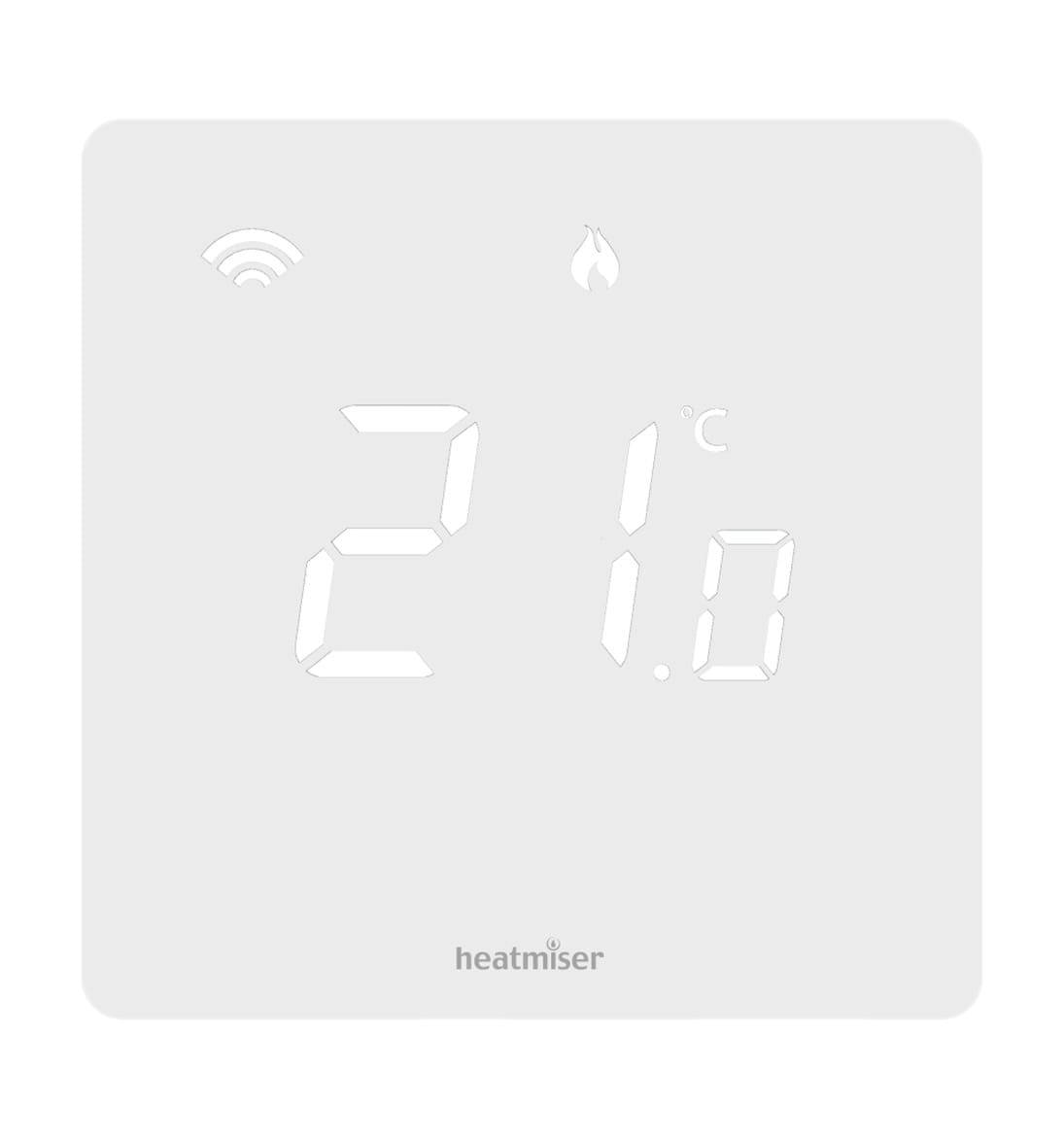
| display | Backlit soft-glow digital LCD, dimmable across two brightness levels or off |
| dimensions | 85 x 85 x 12mm faceplate (control panel); boxed 112 x 97 x 70mm |
| hub required | neoHub G3 (connects stats via Heatmiser's proprietary 868MHz RF mesh, not household Wi-Fi) |
| colour finish | Matt White only |
| heating types | wet UFH, electric UFH via neoStat-e, radiators, heat pump reverse cooling |
| max zones per hub | Up to 32 heating/hot water zones per neoHub |
How does the Heatmiser neoStat Pro compare?
| Product | From | Protocol | Local control | Integration |
|---|---|---|---|---|
| Heatmiser neoStat Pro (this product) | £127.52 | Wi-Fi | Yes | HACS |
| Aqara Floor Heating Thermostat W500 | £69.98 | Matter, Thread, Zigbee | Yes | Native |
| Aqara Radiator Thermostat E1 | £54.98 | Zigbee | Yes | Zigbee2MQTT / ZHA |
| Aqara Radiator Thermostat W600 | £49.99 | Matter, Thread, Zigbee | Yes | Native |
Frequently asked questions
- Does the Heatmiser neoStat Pro work with Home Assistant locally?
- Yes. The Heatmiser neoStat Pro is controlled locally in Home Assistant through a community integration installed through HACS (heatmiserneo), so it keeps working if your internet connection or the Heatmiser (IMI) cloud goes down. Control and state updates stay on your own network.
- Which protocol does the Heatmiser neoStat Pro use, and do I need a hub?
- The Heatmiser neoStat Pro uses Wi-Fi. To pair it with Home Assistant you need no hub — it joins your Wi-Fi network directly. Heatmiser (IMI)'s own hub is not required when you integrate through a community integration installed through HACS (heatmiserneo).
- How much does the Heatmiser neoStat Pro cost in the UK?
- The lowest price we have listed for the Heatmiser neoStat Pro is £127.52 at Heatmiser Shop. Prices were last checked in September 2026 and change often, so confirm on the retailer's page before buying.