How do you create an Alexa Routine?
Open the Alexa app, tap More in the bottom navigation, then Routines, then the + icon to start a new one. From there:
- Tap Add an event under "When this happens" and choose your trigger (see the trigger types below).
- Tap Add an action under "Add action" and choose what Alexa should do — you can add several actions to the same Routine, and they run in the order you list them.
- Tap Rename Routine to give it a memorable name (this matters if you're using a voice trigger).
- Tap Save.
Routines you create are private to your Amazon account by default, though household profiles set up through Alexa can trigger shared Routines too.
What triggers can start a Routine?
Alexa Routines support one trigger type per Routine, chosen from:
- Voice — a custom phrase you type in, such as "movie time" or "heading out"
- Schedule — a specific time, or sunrise/sunset with an offset
- Smart Home — a linked device changing state, such as a contact sensor opening, a smart lock unlocking, or a motion sensor triggering
- Arrives/Leaves — your phone's location entering or leaving a set area, useful for "Alexa, I'm home"-style automations without saying anything
- Sound Detection — an Echo device recognising a specific sound, such as a smoke alarm, a dog barking or a baby crying
- Alarms — an existing alarm or timer going off
- Echo Buttons — a physical button press, including compatible third-party buttons
A single Routine can carry up to seven custom voice phrases, so "good night", "bedtime" and "lights out" can all fire the same automation without you building three separate Routines.
What actions can a Routine perform?
Once triggered, a Routine can chain together smart home commands (lights, plugs, thermostats, locks, robot vacuums), start music, a podcast or a radio station on a chosen speaker, read out the news, weather or traffic, send a phone notification or announcement to other Echo devices in the house, and play a custom recorded or text-to-speech phrase through the Customized action. You're not limited to a single category — a "morning" Routine can raise the thermostat, open the smart blinds and read the day's calendar in one go.
Can Alexa+ create Routines by voice?
UK Alexa+ subscribers can ask Alexa to build a Routine conversationally — describing what should happen and when, without opening the app — and Alexa drafts the trigger and action list for confirmation. Under the hood it's building the same type of Routine described above; it's a faster way to set one up rather than a different automation system, and Routines created this way still show up in the Alexa app for editing afterwards.
Best Alexa Routine ideas for a UK smart home
| Routine | Trigger | What it does |
|---|---|---|
| Morning radio | Schedule, weekday mornings | Plays a chosen station and reads the weather as you get up |
| Vacant lights | Smart Home — no motion for 30 minutes | Turns off smart bulbs in an empty room to cut standing energy use |
| I'm home | Arrives | Unlocks the smart lock, turns on hallway lights and disarms the alarm as your phone reaches home |
| Time for bed | Voice or Schedule | Dims lights, locks doors, lowers the thermostat and plays sleep sounds |
| Appliance check | Sound Detection | Sends a phone notification if an appliance beeps continuously, so a forgotten washing machine or oven timer doesn't go unnoticed |
How do you edit, disable or delete a Routine?
Open More > Routines in the Alexa app and tap any Routine in the list to open it. From there you can tap the trigger or any action to change it, add further actions, or use the toggle at the top of the screen to disable the Routine temporarily without deleting it — handy for a "holiday lights" Routine you only want active a few weeks a year. To remove a Routine entirely, tap the three-dot menu in the top corner and choose Delete Routine. Routines built through Alexa+ voice requests appear in the same list and can be edited the same way, so switching between voice and manual setup doesn't create two separate systems to manage.
Alexa Routines vs Home Assistant automations — which should you use?
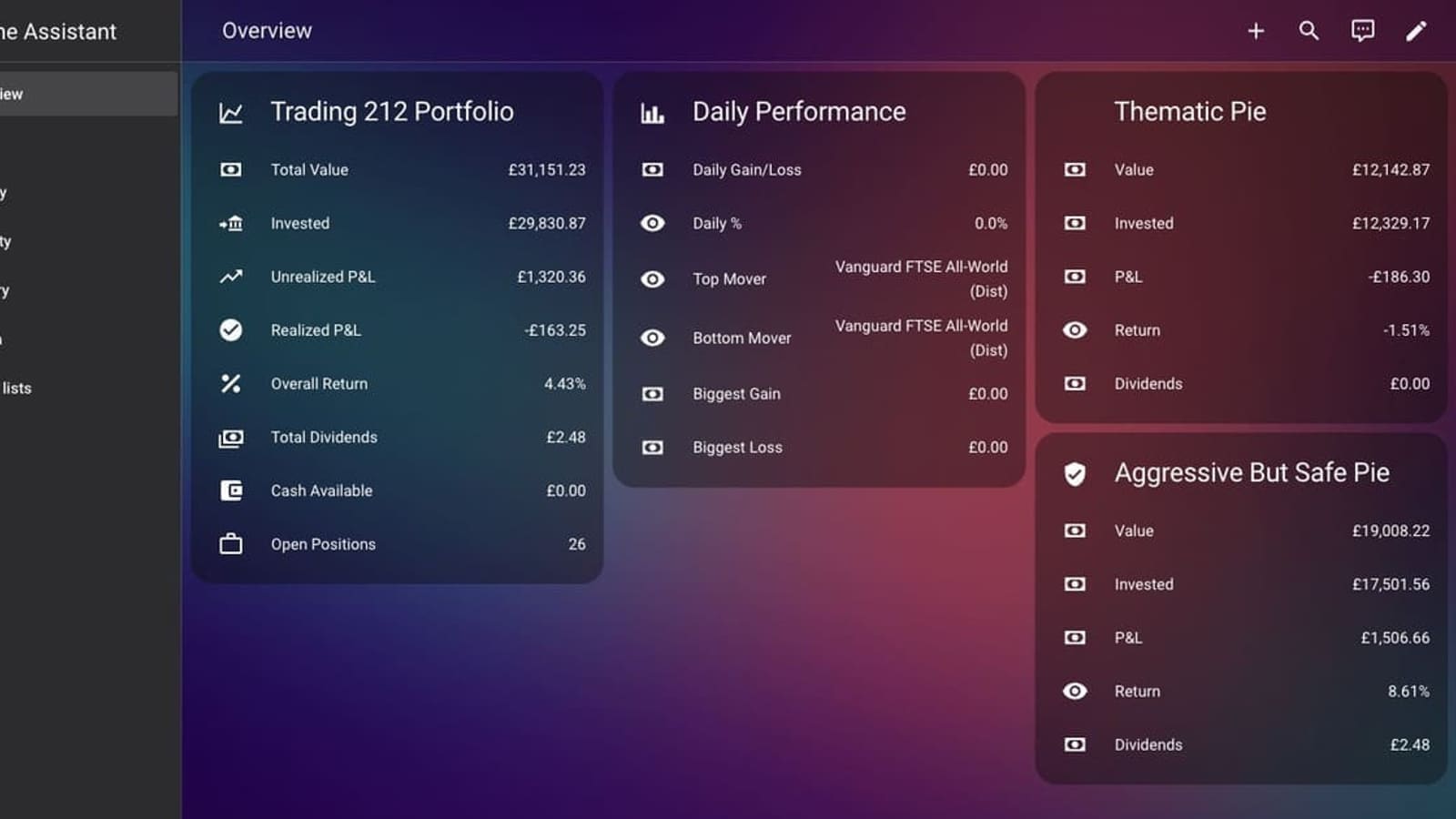
Routines cover the common cases well and need no technical setup, but they're built around a single trigger and a linear list of actions — there's no native "if this AND that" logic, no per-device conditions, and no way to branch based on more than one input without chaining several Routines together. If you find yourself wanting genuinely conditional automations — "only dim the lights if the TV is on and it's after sunset" — a platform like Home Assistant's Alexa integration gives you that logic while still letting Alexa handle voice control. For most households sticking within the Alexa ecosystem, see our wider comparison of Alexa vs Google Assistant for how each platform's automation tools stack up, and our guide to Alexa multiroom music if audio Routines are your main interest. Many households end up running both side by side — Alexa Routines for the quick, everyday chains that don't need much thought, and a dedicated automation platform for the handful of setups that genuinely need conditional logic.
Worth noting if you are on a non-Prime account: Alexa+ Early Access in the UK is ending, which is separate from classic Routines but will affect the monthly cost of running a newer Echo device once the free period closes.