Smart Home Assistant

ESPHome 2026.10: Faster Builds, Outgoing API and Changes

SepehrBy Sepehr· 24 October 2026· Updated 24 October 2026· 3 min read
✓ Independent — no paid placements✓ UK-tested in real homes✓ Cited sources
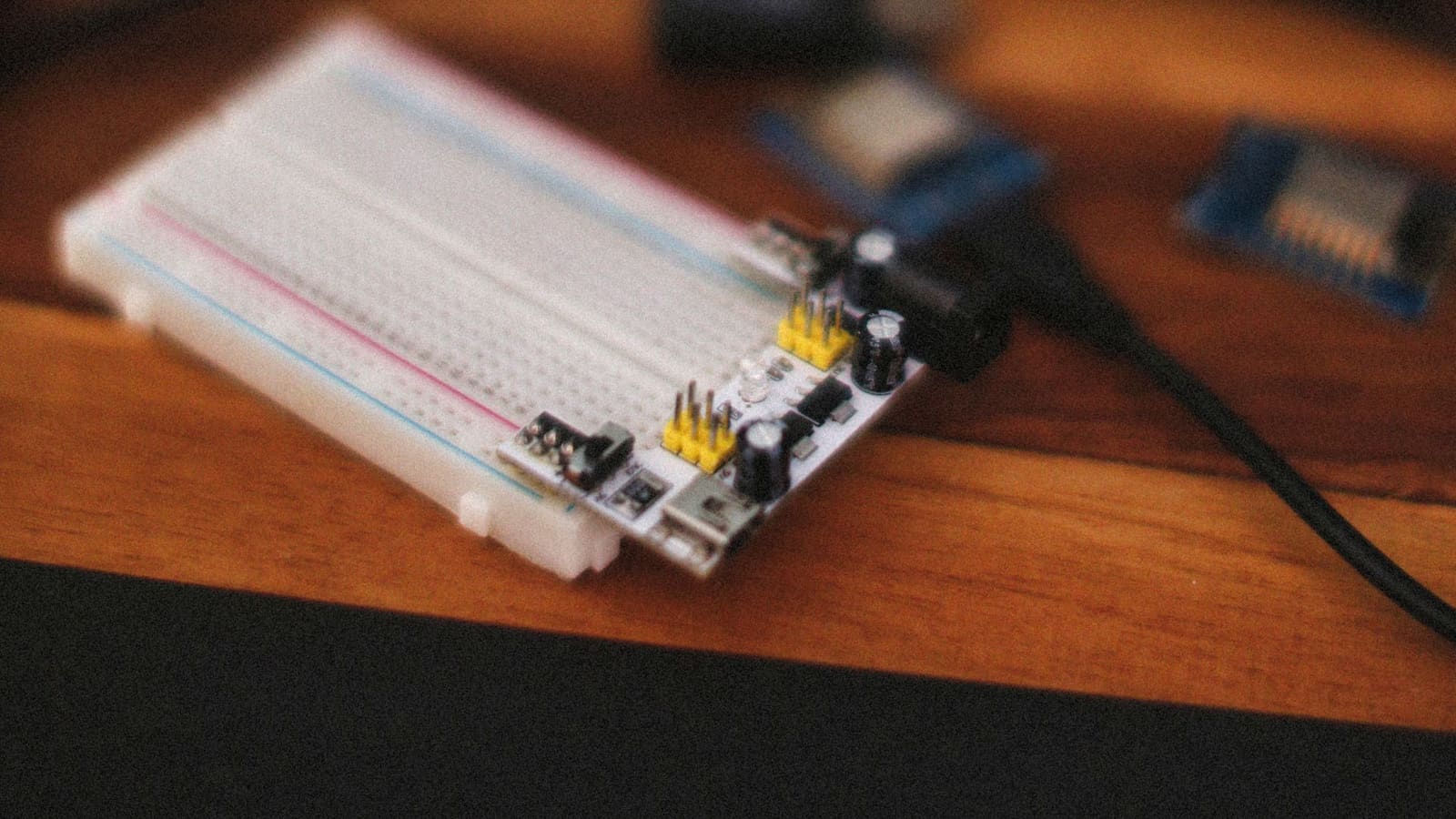
Breadboard with a power module and blue microcontroller boards on a wooden desk in front of a monitor.

Key takeaways

  • ESPHome 2026.10 was released on 21 October 2026 and makes ESP8266 builds about twice as fast with a new native toolchain.
  • Compressed OTA uploads make firmware images about one third smaller on ESP32, RP2040, LibreTiny and host builds.
  • The new outgoing_connection option lets a device dial out to Home Assistant, which helps across VLANs, but it requires API encryption.
  • Lights with initial_state now apply it at boot, so a light that stayed off after a power cut may switch on.
On this page[tap to expand]

ESPHome 2026.10, released on 21 October 2026, makes ESP8266 builds roughly twice as fast, shrinks over-the-air uploads by about a third on ESP32 and similar chips, and lets devices dial out to Home Assistant across VLANs. It also changes how lights restore after a power cut, so read the upgrade checklist first.

What is new in ESPHome 2026.10?

The ESPHome team announced the release on its blog on 21 October 2026. The headline changes are about build speed, upload size and connectivity rather than new device types:

ChangeWhat it doesWho benefits
Native ESP8266 toolchainNow the default; a cold compile fell from 17.8 s to 9.2 s on the team's test machineAnyone still running ESP8266 devices
Compressed OTAImages are about one third smaller on ESP32, RP2040, LibreTiny and host buildsDevices on weak Wi-Fi
outgoing_connectionThe device opens the API connection to Home Assistant itselfVLAN, NAT and routed set-ups
Browser flashingDevice Builder adds nRF52, Raspberry Pi Pico and LibreTiny chipsNon-ESP32 projects
20 new componentsIncludes Improv over BLE, UART bridging, a CO2 sensor (STCC4) and Xiaomi body scale supportSensor and bridge builders

On ESP8266, builds now use an ESPHome-built xtensa toolchain instead of the PlatformIO package, and the first build after upgrading is a clean build. You can keep the old path with toolchain: platformio under esp8266:, but ESPHome marks it deprecated and plans to remove it in 2027.4.0.

Compressed uploads are negotiated between client and device, so older firmware and clients keep working. If a device lacks the memory to decompress, it falls back to an uncompressed upload. In the team's test with 15% simulated packet loss on an ESP32, upload times dropped from 317 s and 113 s to 74 s and 67 s.

Can ESPHome devices now connect out to Home Assistant?

Yes. A new outgoing_connection option under api: makes the device initiate the native API connection itself, which helps when Home Assistant cannot reach the device inbound, for example across VLANs or behind NAT. Without a host: setting the device reconnects to the last client that dialled in; with one, it always dials out.

It requires API encryption, because the connection can leave your local network and the Noise key is the only reliable way to verify the other end. ESPHome says the matching aioesphomeapi library and Home Assistant core already support it, and a setup wizard block that needs Home Assistant 2026.11 or newer to display is also included. Older versions simply ignore it.

What could break when you upgrade?

A few changes can alter behaviour on devices that are already working, so test on one device before updating a whole fleet. The ones most likely to catch Home Assistant users out:

  • Lights with initial_state: now honour it at boot, so a light that used to stay off after a power cut may switch on.
  • Speakers: codec_support_enabled was removed, and volume and mute are now independent.
  • Climate IR: heat_cool is no longer offered unless you add supports_heat_cool: true.
  • Remote receiver: buffer_size is now in bytes on several chips, so multiply existing values by 4.
  • Sendspin: every connection is now encrypted and Music Assistant 2.10.7 or newer is required.

The light change is the one worth checking first, because an unexpected switch-on after a power cut is easy to miss until it happens at 3am. ESPHome also deprecates restore_mode: in favour of a new restore_state: key; the old one still works for now.

Why does this matter for Home Assistant users?

If you only use ESPHome through ready-made devices, very little changes day to day. If you build your own, the practical wins are faster compile times on ESP8266 boards and quicker updates on weak Wi-Fi, both of which show up in the ESPHome Device Builder dashboard. The outgoing connection option removes a common reason people give up on putting IoT devices on a separate VLAN.

New to the platform? Our ESPHome beginner's guide covers the basics, and the ESPHome Starter Kit write-up shows the official no-solder route. For the main platform release from earlier this month, see what changed in Home Assistant 2026.10.

Should you upgrade now or wait?

Upgrade one non-critical device first, then the rest. Compile a device that restores lights after power loss and confirm its boot state, check any speaker, climate IR or Sendspin configs against the list above, and expect the first ESP8266 build to take longer than usual because it is a clean build. If you rely on custom or external components, wait a few days: the release also contains developer-facing breaking changes that external code may need to catch up with.


Buy the picks in this guide

Recommended for Home Automation

See all devices →

Frequently asked questions

What is new in ESPHome 2026.10?
ESPHome 2026.10, released on 21 October 2026, is mostly about speed and connectivity. ESP8266 builds now use a native toolchain by default, with a cold compile falling from 17.8 s to 9.2 s in the team's test. Over-the-air uploads are compressed on ESP32, RP2040, LibreTiny and host builds, making images about a third smaller. A new outgoing_connection option lets a device open the API connection to Home Assistant itself, and Device Builder can now flash nRF52, Raspberry Pi Pico and LibreTiny chips from the browser. The release adds around 20 new components too. The caveat is a set of breaking changes, including light boot behaviour, so read the upgrade checklist before updating every device on your network at once.
Is it safe to update ESPHome devices to 2026.10?
For most simple devices it is, but update one non-critical device first. ESPHome 2026.10 changes how lights with initial_state behave, so a light that used to stay off after a power cut may now switch on at boot. Speaker configs that still set codec_support_enabled fail validation, climate IR devices lose heat_cool unless you add supports_heat_cool: true, and remote receiver buffer_size values on several chips now need multiplying by 4. The first ESP8266 build is also a clean build, so it takes longer than later ones. If you use external or custom components, wait a few days, because the release includes developer-facing breaking changes that those projects may not have caught up with yet.
What does the ESPHome outgoing_connection option do?
The outgoing_connection option, set under api: in your ESPHome config, makes the device start the native API connection to Home Assistant itself instead of waiting for Home Assistant to connect in. That helps when Home Assistant cannot reach the device inbound, such as across VLANs or behind NAT. Without a host: setting the device reconnects to the last client that dialled in; with a host: setting it always dials out. It requires API encryption, because the connection can leave your local network and the Noise key is the only reliable way to verify the other end. ESPHome says the aioesphomeapi library and Home Assistant core already support it, so you should not need to wait for a separate Home Assistant release to try it.

Sources

Sources verified 2026-10-24

  1. ESPHome — ESPHome 2026.10.0
  2. Local Smart Home Guide — Local smart home news, Oct 17-23, 2026
›How we researched this

Claims in this article are checked against primary sources — manufacturer specifications, official documentation, Which? research, Ofgem guidance, or gov.uk — rather than forum threads or video reviews. Where the author has direct hands-on experience with a product (most Home Assistant, Zigbee, and home-networking gear is running in his own homelab), that is stated explicitly in the text.

For categories outside that personal setup — such as boilers, heat pumps, and other areas that are traditionally a heating engineer's domain — verdicts are built from cross-referenced manufacturer data, published lab results, and vetted expert and owner reviews rather than a claim of personal hands-on testing. See the editorial policy for the full methodology.

Sepehr

Written by

Sepehr

10+ years hands-on with Home Assistant & networking · Research-backed elsewhere · No brand deals

Smart home specialist with 10+ years running a self-hosted Home Assistant setup — Zigbee2MQTT, Frigate NVR, and local-first automations. Independent coverage for UK homes, no brand deals.

LinkedIn →

Citing this page? Please use a dofollow link back to the original article — it helps us keep the data on this page accurate and up to date.

Related reading