Smart Home Assistant

Home Assistant 2026.10 Is Out: New Map, Profiles and Breaking Changes

SepehrBy Sepehr· 1 October 2026· Updated 7 October 2026· 4 min read
✓ Independent — no paid placements✓ UK-tested in real homes✓ Cited sources
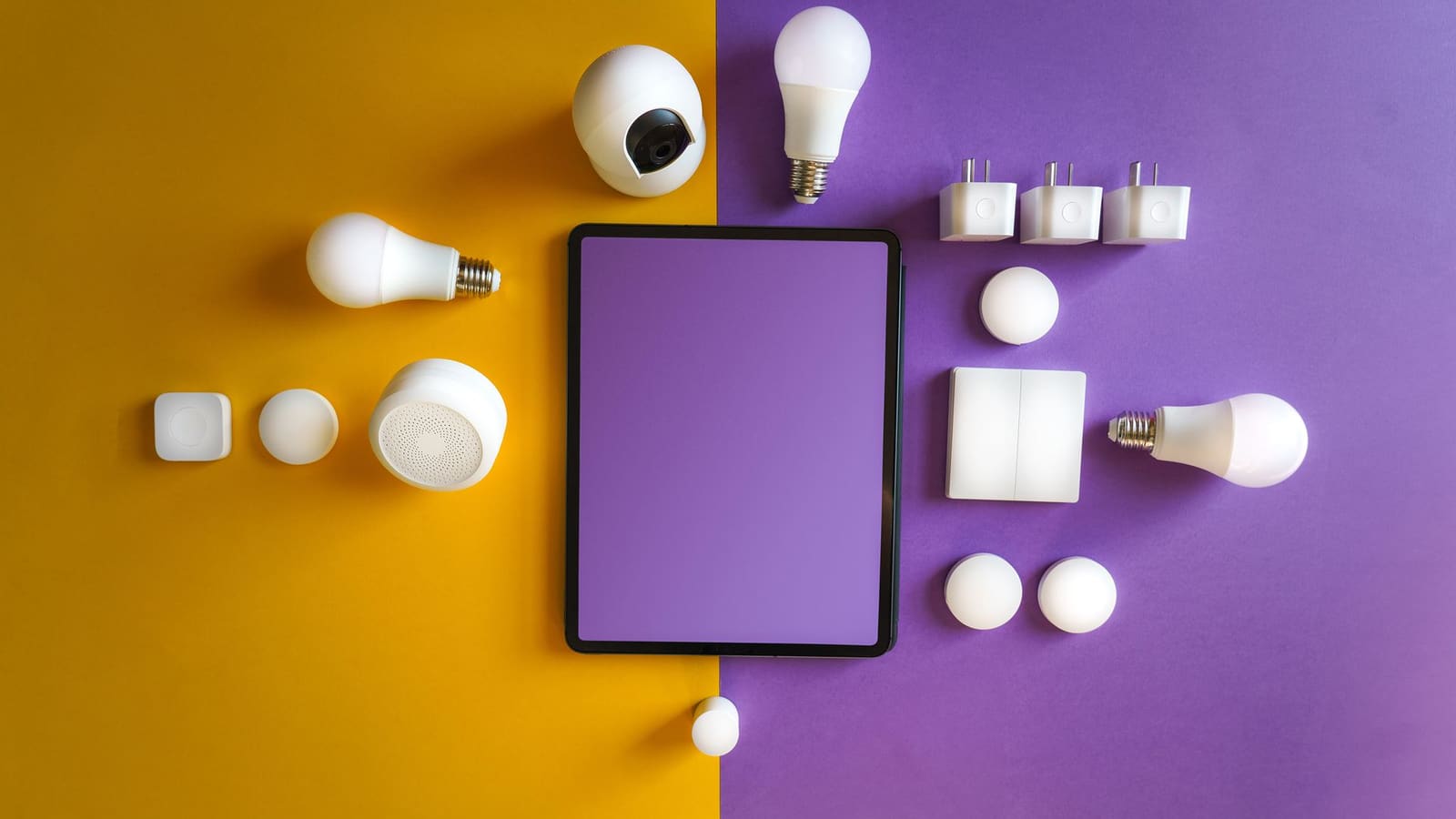
Flat lay of white smart bulbs, plugs, sensors and a camera around a tablet on yellow and purple backgrounds

Key takeaways

  • Home Assistant 2026.10 was released on 7 October 2026, replacing the old map with OpenStreetMap vector rendering and a dark mode.
  • The release adds 15 new integrations, including SolarEdge Modbus at platinum quality, Sunsynk, KACO Modbus and my-PV.
  • Breaking changes include legacy authentication removal, SolarEdge Local removal and admin-only MQTT publish and dump actions.
  • Every user can now edit their own profile picture and name, and one-click MCP server setup lives on the new AI settings page.
On this page[tap to expand]

Home Assistant 2026.10 is out, released on 7 October 2026. It replaces the map with an OpenStreetMap vector view, lets every user edit their own profile, adds one-click MCP server setup and 15 new integrations, and removes SolarEdge Local, so check the breaking changes before you update.

What is new in Home Assistant 2026.10?

The headline change is the map. Home Assistant has moved from pre-rendered tiles to OpenStreetMap vector rendering, so streets and labels stay sharp at every zoom level, with a dedicated dark mode. Markers show profile photos for people and zone icons in coloured bubbles, and a new Map dashboard overview lists People, Devices and Zones.

The profile page is reorganised into Appearance, Localization, This browser/app and Security. Users can now change their own profile picture and name without an administrator.

For automation builders, the "Triggered by" condition lets you pick triggers visually: they are numbered, IDs are generated for you, and existing manual YAML IDs keep working. Dashboard visibility conditions now accept the automation condition set (Template, Sun, Zone, Device) next to the Screen and User conditions. Our conditional visibility guide covers the existing approach.

The new AI settings page turns on the Model Context Protocol server in one click and gives you a copyable URL for tools such as Claude, ChatGPT or Cursor. For AI help inside your own automations, see our AI automation suggester guide.

Which new integrations arrived in 2026.10?

There are 15 new integrations: Axle Energy, Bitvis Power Hub, Gree Infrared, INDI Allsky, KACO Modbus, my-PV, OSRAM Infrared, Persang Infrared, SolarEdge Modbus, Sunsynk, Theben Conexa Smart Meter Gateway, Threema, Vitesy, Willow and Zonneplan. Energy and solar dominate: SolarEdge Modbus launched at platinum quality, the top tier of the quality scale, and Sunsynk, KACO Modbus and my-PV also target power kit. If you run solar, read our solar monitoring guide first.

Existing integrations improved too: Matter gains leak sensor controls, Tuya supports DIN rail meters, circuit breakers, EV chargers and water valves, ESPHome devices can open connections to Home Assistant themselves, Reolink gets pan and tilt control, Philips Hue gets MotionAware zone switches, LIFX gains Thread connectivity and Apple iCloud syncs calendars and reminders. The quality scale gained 11 platinum, 4 gold, 6 silver and 4 bronze integrations; the Met Office integration reached bronze.

Which breaking changes should you check before updating?

Read this table before you press update.

IntegrationWhat changes and what to do
AuthenticationLegacy mode removed; usernames normalised to lowercase with whitespace trimmed. Check scripts that match on the old username.
SolarEdge LocalRemoved. Move to the new SolarEdge Modbus integration.
MQTTThe publish and dump actions require an admin account. Check automations that run as non-admin users.
Synology DSMReboot and shutdown actions require an admin account.
Telegram botDownload directory paths must be in allowlist_external_dirs.
UniFi NetworkCannot be reconfigured by re-adding it; use the Reconfigure option.
SofarInverters without energy meters lose invalid load, import and export energy sensors.
easyEnergy / EnergyZero"Periods priced equal or lower/higher" sensors renamed; unit changes from hours to a count.
TeslemetryStreaming vehicles lose polling-only entities.
OpenEVSECharging status uses snake_case states such as charging and not_connected.
RejseplanenNeeds an API v2 key and UI setup; extra attributes removed.
State conditionsUsing for with state attributes, lists or references now fails validation.

Also changed: Linode and Tank Utility are disabled over unmaintained dependencies, Xbox drops its Game Pass binary sensor, and UpCloud polls at a fixed 60 seconds. Dublin Bus, Etherscan, Sigfox, Travis-CI and Zestimate are among the removed integrations.

The MQTT and authentication changes are the ones to read twice: a script or automation that runs as a non-admin user and publishes via MQTT will stop working until it runs as an admin.

Why does this matter for UK Home Assistant users?

For most UK households the practical effects are the map, the profile page and the energy integrations. The new map should make presence and zone setups easier to read; our presence detection guide explains the person and zone entities it draws on. Zonneplan, easyEnergy and EnergyZero target other European markets, but Sunsynk and SolarEdge Modbus may matter to UK solar owners, and the Met Office integration moving to bronze is a small quality win.

For the previous cycle, see our 2026.9 release round-up.

Should you update to 2026.10 now or wait?

Take a backup, scan the table above against the integrations you actually run, and update when you have time to fix anything that breaks. Our backup and restore guide shows how. If you rely on MQTT publishing, SolarEdge Local or a Synology or UniFi setup, wait a few days and read community reports first. No 2026.10.1 patch release had been published when this was updated, so the .0 release has no patch history yet.

Related: Nanoleaf has also opened its lights to AI assistants through MCP. Here is how the Nanoleaf MCP server works and how it sits alongside Home Assistant.


Buy the picks in this guide

Recommended for Home Automation

See all devices →

Frequently asked questions

When was Home Assistant 2026.10 released?
Home Assistant 2026.10 was released on 7 October 2026, following the beta that arrived on 30 September 2026, in line with the usual first-Wednesday-of-the-month cadence. It is the .0 release of the cycle, so patch releases usually follow over the next few weeks to fix early bugs. At the time of writing no 2026.10.1 release had been published. If you depend on any integration listed in the breaking-changes table, such as MQTT publishing, SolarEdge Local, Telegram bot or UniFi Network, read the official release notes before updating, and take a backup first so you can roll back quickly if something behaves differently from how it did on 2026.9.
What is new in the Home Assistant 2026.10 map?
The map in Home Assistant 2026.10 is drawn as vectors using OpenStreetMap, replacing pre-rendered tiles, so streets and labels stay sharp at any zoom level and there is a dedicated dark mode. Markers show profile photos for people and coloured zone icons, and a new Map dashboard overview lists People, Devices and Zones. There is a fallback for older devices that struggle with vector rendering, and the zone editor sorts zones alphabetically. It is a visual and usability change rather than new tracking capability, so existing person, device tracker and zone entities carry on working exactly as before after you update.
Does Home Assistant 2026.10 break anything?
Yes, there are several backward-incompatible changes, so check them before updating. Authentication drops legacy mode and normalises usernames to lowercase without whitespace. SolarEdge Local is removed in favour of SolarEdge Modbus, MQTT publish and dump actions need an admin account, and Synology reboot and shutdown actions do too. Telegram bot downloads must sit in an allowlisted directory, and UniFi Network can no longer be reconfigured by re-adding it. Most changes only affect people running the named integration, so a quick scan against your own setup is enough to know whether you are affected. Back up first, as that makes any breakage easy to undo if an automation stops working.
Can you set up an MCP server in Home Assistant 2026.10?
Yes. Home Assistant 2026.10 adds an AI settings page that enables Model Context Protocol server access in one click and gives you a copyable URL to paste into tools such as Claude, ChatGPT or Cursor. It also auto-discovers external MCP servers. That removes the manual setup previously needed to connect an outside AI client to your home. Because the feature gives an external tool access to your Home Assistant entities, think carefully about which tools you point at it and what they are allowed to control, and keep an eye on which entities are exposed before enabling it on a live system.

Sources

Sources verified 2026-10-07

  1. Home Assistant — 2026.10: Release notes
  2. Home Assistant — 2026.10 Beta release notes
›How we researched this

Claims in this article are checked against primary sources — manufacturer specifications, official documentation, Which? research, Ofgem guidance, or gov.uk — rather than forum threads or video reviews. Where the author has direct hands-on experience with a product (most Home Assistant, Zigbee, and home-networking gear is running in his own homelab), that is stated explicitly in the text.

For categories outside that personal setup — such as boilers, heat pumps, and other areas that are traditionally a heating engineer's domain — verdicts are built from cross-referenced manufacturer data, published lab results, and vetted expert and owner reviews rather than a claim of personal hands-on testing. See the editorial policy for the full methodology.

Sepehr

Written by

Sepehr

10+ years hands-on with Home Assistant & networking · Research-backed elsewhere · No brand deals

Smart home specialist with 10+ years running a self-hosted Home Assistant setup — Zigbee2MQTT, Frigate NVR, and local-first automations. Independent coverage for UK homes, no brand deals.

LinkedIn →

Citing this page? Please use a dofollow link back to the original article — it helps us keep the data on this page accurate and up to date.

Related reading