Smart Home Assistant

New Integrations in Home Assistant 2026.10: All 15 Explained

SepehrBy Sepehr· 9 October 2026· Updated 10 October 2026· 3 min read
✓ Independent — no paid placements✓ UK-tested in real homes✓ Cited sources
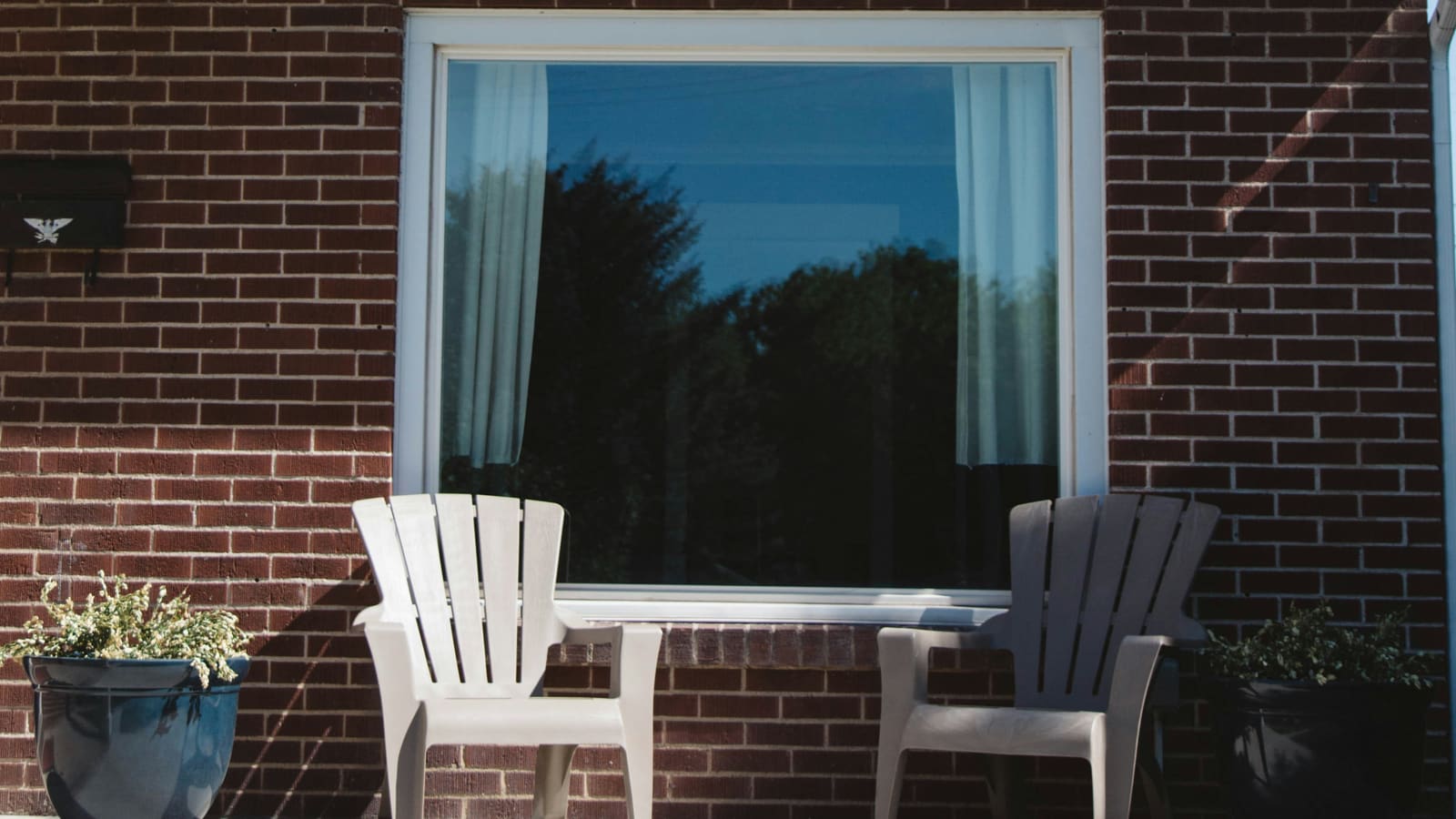
Brown brick house with solar panels on its roof beside a window and garden chairs

Key takeaways

  • Home Assistant 2026.10, released 7 October 2026, adds 15 new integrations, with solar and energy devices making up the largest group.
  • SolarEdge Modbus launched at Platinum quality, while Gree Infrared and OSRAM Infrared launched at Silver; the other twelve are unrated.
  • SolarEdge Local was removed because SolarEdge disabled its local web API in firmware updates starting in 2020.
  • Smart meter integrations Bitvis Power Hub and Theben Conexa target European meters, not standard UK smart meters.
  • Six of the 15 need a cloud account: Sunsynk, Axle Energy, Zonneplan, Threema, Vitesy and Willow.
On this page[tap to expand]

Update: Home Assistant 2026.10 is now out — see what is new in the stable release and what breaks.

The new integrations in Home Assistant 2026.10 number 15, released on 7 October 2026, and lean heavily towards energy: SolarEdge Modbus, Sunsynk, KACO Modbus and my-PV for solar, plus Axle Energy for grid events. Most run locally; the rest need a cloud account.

What has changed: which integrations are new in 2026.10?

Home Assistant's 2026.10 release notes list 15 new integrations. Only three carry an official Integration Quality Scale rating: SolarEdge Modbus (Platinum), plus Gree Infrared and OSRAM Infrared (both Silver). The scale marks code quality and reliability; unrated simply means newer or less audited. For the rest of the release, including the new map and the breaking changes, see our Home Assistant 2026.10 round-up.

IntegrationWhat it connectsConnectionQuality rating
SolarEdge ModbusSolarEdge solar invertersLocal (Modbus TCP)Platinum
KACO ModbusKACO solar invertersLocal (Modbus TCP)Not rated
SunsynkSunsynk hybrid inverter and batteryCloudNot rated
my-PVAC•THOR and AC ELWA 2 solar hot-water heatersLocalNot rated
Axle EnergyGrid event scheduleCloudNot rated
ZonneplanDutch dynamic electricity and gas pricesCloudNot rated
Bitvis Power HubSmart meter via HAN portLocalNot rated
Theben ConexaConexa 3.0 smart meter gatewayLocalNot rated
Gree InfraredGree air conditionersLocal (IR)Silver
OSRAM InfraredOSRAM and LEDVANCE RGB lights with 24-button remoteLocal (IR)Silver
Persang InfraredPersang Bluetooth speakersLocal (IR)Not rated
INDI AllskyAllsky astrophotography camera serverLocalNot rated
ThreemaEncrypted messages from automationsCloud (Threema Gateway)Not rated
VitesyVitesy Shelfy fridge air purifierCloudNot rated
WillowIndoor plant sensorsCloudNot rated

Which solar inverters can Home Assistant now read locally?

Three of the 15 target solar inverters, and two of them work entirely on your own network. SolarEdge Modbus connects a SolarEdge inverter over its Modbus TCP interface and launched at Platinum quality. KACO Modbus does the same for KACO new energy inverters. Sunsynk is the odd one out: it brings a Sunsynk hybrid inverter and battery in through your Sunsynk Connect account, so it depends on the vendor's cloud.

The SolarEdge change matters most. The old SolarEdge Local integration has been removed, because it relied on a local web API that SolarEdge disabled in inverter firmware updates starting in 2020. If you used it, you now choose between the existing cloud SolarEdge integration and the new local Modbus one. Once the data flows, our Home Assistant solar monitoring guide covers dashboards and automations.

What do my-PV, Axle Energy and Zonneplan add for energy automations?

These three are about using power at the right moment rather than just watching it. my-PV controls the AC•THOR range and AC ELWA 2, devices that turn surplus solar power into hot water, so you can build rules around export and tank temperature. Axle Energy imports the grid event schedule from your Axle Energy account, which suits automations that shift usage around grid events. Zonneplan pulls electricity and gas prices from a Dutch dynamic contract, so it is only useful in the Netherlands. UK readers on time-of-use tariffs should read our Octopus Energy smart tariff guide instead.

Can Home Assistant read smart meters through the HAN port?

Yes, with the right hardware. Bitvis Power Hub plugs into the meter's HAN port and reads real-time electricity data. Theben Conexa reads meter data locally from a Conexa 3.0 smart meter gateway through its built-in Home Area Network interface. Both are local, but both target continental European metering set-ups. They will not read a standard UK smart meter, so for UK homes a clamp-based monitor is still the practical route; see our best home energy monitors comparison.

What infrared and one-off integrations are new?

Three integrations turn an infrared transmitter you already run in Home Assistant into a controller for kit that has no network connection. Gree Infrared controls Gree air conditioners, OSRAM Infrared controls OSRAM and LEDVANCE RGB lights that ship with a 24-button remote, and Persang Infrared controls Persang Bluetooth speakers. The first two are Silver rated. All three need an IR blaster or compatible transmitter already set up, so they add no hardware support of their own. The last four are one-offs: INDI Allsky (astrophotography cameras), Threema (encrypted messages from automations, via Threema Gateway), Vitesy (the Shelfy fridge air purifier) and Willow (plant sensors).

Should you update for these integrations?

Only if you own the hardware. None of the 15 replaces something Matter, Zigbee or an existing integration already does, and the breaking changes in this release (legacy authentication removed, admin-only MQTT publish and dump actions, and others) deserve a read first. Take a backup before updating, as our backup and restore guide explains. If you missed the previous batch, our 2026.9 new integrations list covers EV chargers, spa control and the Sofar inverter.


Buy the picks in this guide

Recommended for Home Automation

See all devices →

Frequently asked questions

Which new Home Assistant 2026.10 integrations work locally?
Most of the 15 new Home Assistant 2026.10 integrations run locally. SolarEdge Modbus and KACO Modbus connect solar inverters over Modbus TCP on your own network, my-PV controls its solar hot-water devices locally, and Bitvis Power Hub and Theben Conexa read smart meter data locally. Gree Infrared, OSRAM Infrared and Persang Infrared work through an infrared transmitter you already run, and INDI Allsky talks to a camera server on your network. The cloud-based ones are Sunsynk, Axle Energy, Zonneplan, Threema, Vitesy and Willow, which all need a vendor account. The caveat is that local does not mean plug and play: each still needs the matching hardware, and Modbus must be enabled on the inverter first.
Does Home Assistant 2026.10 support SolarEdge inverters locally?
Yes. Home Assistant 2026.10 adds SolarEdge Modbus, which connects to a SolarEdge inverter over your own network using the Modbus TCP interface, and it launched at Platinum on the Integration Quality Scale, the highest rating. It replaces the removed SolarEdge Local integration, which relied on a local web API that SolarEdge disabled in inverter firmware updates starting in 2020. You can also keep using the cloud-based SolarEdge integration if you prefer. The caveat is that your inverter must support Modbus TCP and have it switched on, which may need an installer or a setting change in SolarEdge's own tools, so check before you swap integrations over.
Will the new smart meter integrations work with a UK smart meter?
Almost certainly not. Bitvis Power Hub plugs into a meter's HAN port and reads real-time electricity data, and Theben Conexa reads data from a Conexa 3.0 smart meter gateway through its Home Area Network interface. Both are aimed at European metering set-ups, and neither is described in the release notes as compatible with the DCC-based smart meters used in Great Britain. If you want live consumption in Home Assistant in the UK, a clip-on CT clamp energy monitor remains the dependable route, and some UK tariffs expose usage through their own integrations. Check the integration documentation for your exact hardware before buying anything, because the release notes only describe the devices named.
Do I need to update Home Assistant to get the 2026.10 integrations?
Yes. All 15 new integrations arrived in Home Assistant 2026.10, released on 7 October 2026, so you need to be on that version or later to add them. If you do not own any of the hardware or accounts involved, there is no urgency to update for these integrations alone. If you do, take a backup first, because the release also includes breaking changes: legacy authentication mode was removed, usernames are normalised to lowercase, and the MQTT publish and dump actions now require administrator privileges. Read the full changelog for anything touching integrations you already use, such as Proxmox VE, Synology DSM or Teslemetry, before you press the update button.

Sources

Sources verified 2026-10-09

  1. Home Assistant — 2026.10: You are here
  2. Home Assistant — Integration Quality Scale
›How we researched this

Claims in this article are checked against primary sources — manufacturer specifications, official documentation, Which? research, Ofgem guidance, or gov.uk — rather than forum threads or video reviews. Where the author has direct hands-on experience with a product (most Home Assistant, Zigbee, and home-networking gear is running in his own homelab), that is stated explicitly in the text.

For categories outside that personal setup — such as boilers, heat pumps, and other areas that are traditionally a heating engineer's domain — verdicts are built from cross-referenced manufacturer data, published lab results, and vetted expert and owner reviews rather than a claim of personal hands-on testing. See the editorial policy for the full methodology.

Sepehr

Written by

Sepehr

10+ years hands-on with Home Assistant & networking · Research-backed elsewhere · No brand deals

Smart home specialist with 10+ years running a self-hosted Home Assistant setup — Zigbee2MQTT, Frigate NVR, and local-first automations. Independent coverage for UK homes, no brand deals.

LinkedIn →

Citing this page? Please use a dofollow link back to the original article — it helps us keep the data on this page accurate and up to date.

Related reading