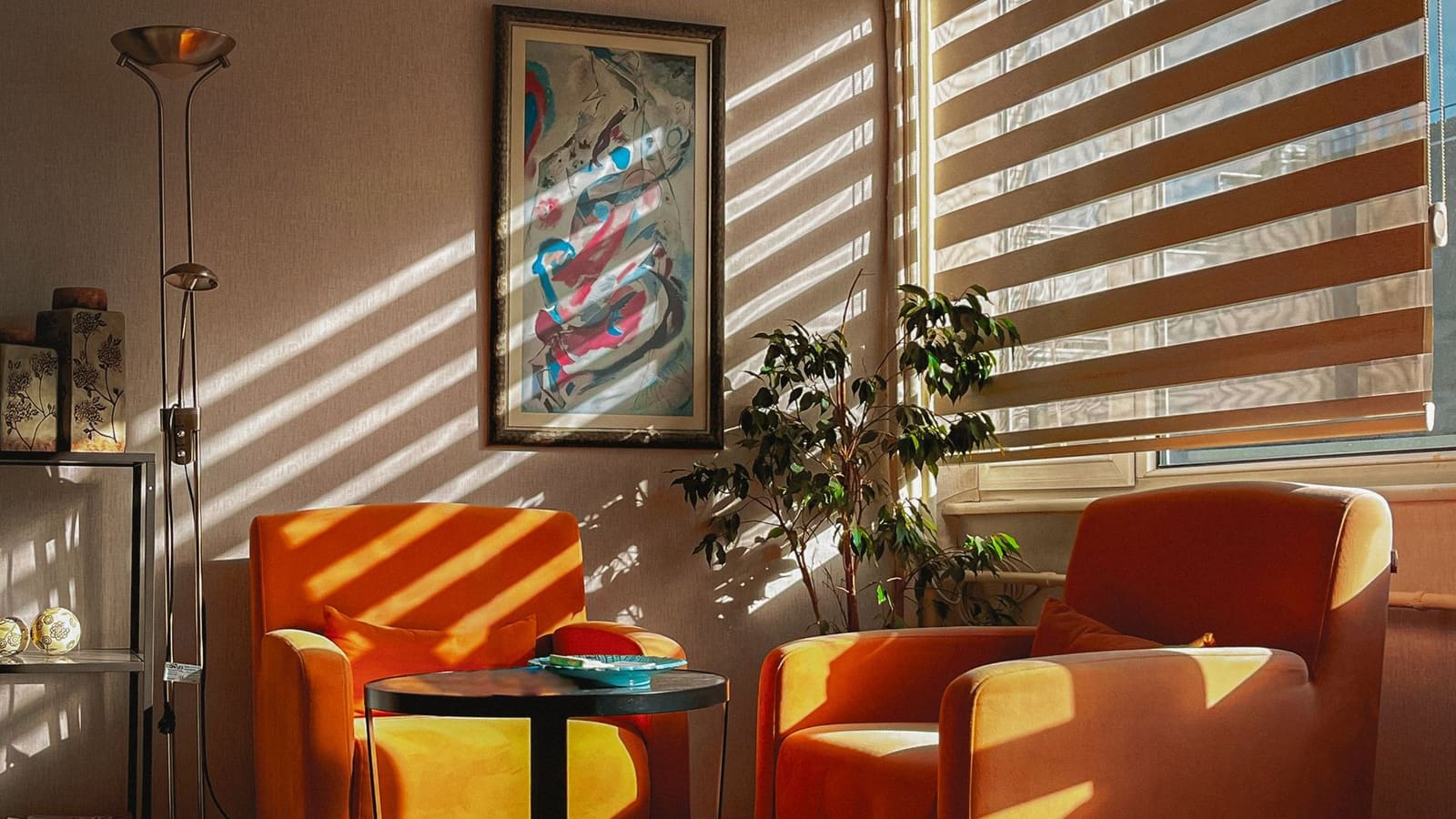
What do you need before you start?
- A motorised blind, shade or curtain motor in Home Assistant. Anything that appears as a
coverentity works, whether Zigbee, Matter, Z-Wave or Wi-Fi. Home Assistant's cover page lists the actions you will use: open, close, set position and stop. If you have not bought one yet, our best smart blinds in the UK roundup compares the options. - The Sun integration. It is enabled by default on most installs and provides sunrise, sunset and the sun's elevation and azimuth. Elevation is the angle between the sun and the horizon, and negative values mean the sun is below it.
- Your blind's entity ID. The examples use
cover.living_room_blind. Find yours under Settings, Devices & services, Entities. - Optional: a weather integration and a toggle helper, used in Steps 4 and 5.
Step 1: Check the blind reports a real position
Before automating anything, open the blind's entity page and move it from the more-info dialog. Confirm it opens, closes and stops, and note whether it offers a position slider.
Home Assistant defines position as a percentage where 0 means fully closed and 100 means fully open. Some cheap motors only offer open, close and stop with no slider. They still work for Steps 2 and 3, but you cannot use partial positions in Step 4.
Also test the travel time. If a blind takes 40 seconds to move, you will want to know that before you schedule it ahead of an alarm.
Step 2: Open the blind at sunrise
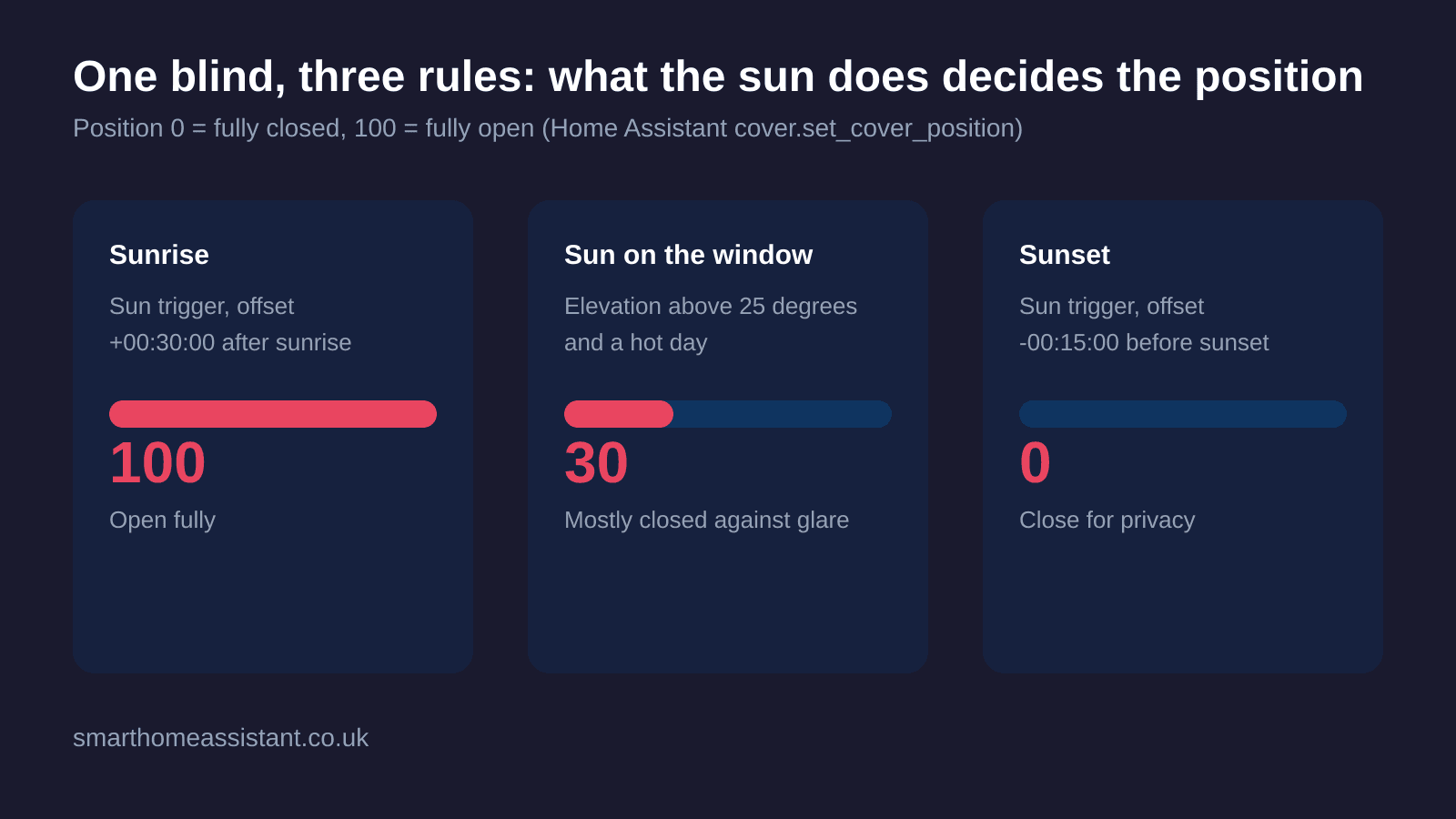
Create a new automation in Settings, Automations & scenes, switch to YAML mode and paste the block below. The sun trigger takes an event of sunrise or sunset and an optional offset, written as seconds or HH:MM:SS. A positive offset fires after the event and a negative one before it.
alias: Living room blind - open at sunrise
description: Open the blind half an hour after sunrise
mode: single
triggers:
  - trigger: sun
    event: sunrise
    offset: "00:30:00"
actions:
  - action: cover.set_cover_position
    target:
      entity_id: cover.living_room_blind
    data:
      position: 100
The half-hour offset avoids opening the blind into a dim, grey pre-dawn. In midwinter you may prefer a negative offset so the room is not dark when you get up. For a gentler start to the morning, pair it with our wake-up light automation.
Step 3: Close the blind at sunset
Add a second automation for the evening. Closing slightly before sunset gives privacy before your lights come on, which is when a lit room is most visible from the street.
alias: Living room blind - close at sunset
description: Close the blind 15 minutes before sunset
mode: single
triggers:
  - trigger: sun
    event: sunset
    offset: "-00:15:00"
actions:
  - action: cover.set_cover_position
    target:
      entity_id: cover.living_room_blind
    data:
      position: 0
If you want the blinds to be part of a wider evening routine, add them to your goodnight script as well, so one button press leaves the whole house closed up.
Step 4: Lower the blind when the sun is strong
This is the step that makes the setup feel smart. A numeric state trigger can watch an attribute rather than a state, and Home Assistant's own documentation uses the elevation attribute of sun.sun as its example. The trigger fires when the value crosses your threshold, not repeatedly while it stays above it.
alias: Living room blind - sun glare
description: Drop the blind to 30 percent when the sun climbs high
mode: single
triggers:
  - trigger: numeric_state
    entity_id: sun.sun
    attribute: elevation
    above: 25
conditions:
  - condition: state
    entity_id: weather.home
    state:
      - sunny
      - partlycloudy
  - condition: time
    after: "09:00:00"
    before: "17:00:00"
actions:
  - action: cover.set_cover_position
    target:
      entity_id: cover.living_room_blind
    data:
      position: 30
Treat 25 degrees as a starting point, not a rule. The right number depends on which way the window faces and what is outside it, so watch the room for a few sunny days and adjust. Home Assistant's weather states include sunny, partlycloudy, cloudy and rainy, which is why the condition above skips overcast days. Check the entity name of your own weather integration, because weather.home is only the common default.
Elevation also tells you about direction indirectly. The Sun integration provides azimuth too, measured clockwise from north, so a south-facing window and a north-facing window need different thresholds. You can duplicate this automation per room with its own number.
Step 5: Add a manual override
Nothing is more annoying than closing a blind to watch TV and watching it spring open again. Create a toggle helper called "Blinds auto mode" under Settings, Devices & services, Helpers, then add this condition to every blind automation:
  - condition: state
    entity_id: input_boolean.blinds_auto_mode
    state: "on"
Turn the helper off when you want manual control, for example on a day off or when you have guests. A simple dashboard button for it takes a minute. The same idea works for holiday periods, and our holiday mode guide shows how to make blinds and lights look lived in while you are away.
Step 6: Save energy by closing blinds against heat and cold
Blinds also affect heating comfort. In summer, lowering them when the sun is high can stop a south-facing room overheating. In winter, closing them at dusk adds a layer between the room and cold glass. The condition in Step 4 already handles summer glare. For heating, our guide to turning off heating when a window is open uses the same triggers-and-conditions approach.
Why does my blind not move or move at the wrong time?
The blind ignores the automation: open the automation's Traces view. If the trigger fired but the action failed, the entity ID is usually wrong or the motor is offline. Run the action manually from Developer tools, Actions to test the blind in isolation.
It fires at an odd time: the Sun integration reports times in UTC internally, but Home Assistant triggers use your configured time zone. Confirm your time zone under Settings, System, General. If you recently changed it, restart Home Assistant. Sunset offsets also fall at the wrong time of day after a sunset-related regression; see our note on sunset offsets firing late.
The glare automation never triggers: a numeric state trigger only fires when the value crosses the threshold. If the sun is already above 25 degrees when you save the automation, nothing happens until the next crossing tomorrow. Test by temporarily lowering the threshold or by running the actions manually.
The blind opens again straight away: two automations are fighting. A sunrise rule and a glare rule can both fire in the same morning. Give them separate time conditions or merge them into one automation with choose blocks.
Position steps do nothing: your motor may support only open and close. Use cover.open_cover and cover.close_cover instead of set_cover_position.
The same sunrise and sun-glare routines work for curtains. If you need the hardware, see the best smart curtain motors for the UK.
What should you build next?
Once one room works, copy the three automations for each blind or group several blinds as a target list. You can also trigger them from a presence sensor or a bedroom wake-up alarm. Keep the helper from Step 5 in place so that you can always take back control.