
Smart Home Assistant

Best Smart Curtain Motor UK: 4 Picks for Home Assistant (2026)

SepehrBy Sepehr· 27 November 2026· Updated 27 November 2026· 6 min read
✓ Independent — no paid placements✓ UK-tested in real homes✓ Cited sources

This article contains affiliate links — see our disclosure policy.

Sunlit sheer linen curtains hanging in front of a window above a wooden floor casting long shadows

Key takeaways

  • The SwitchBot Curtain 3 is our overall pick: it pulls up to 15kg and runs locally in Home Assistant over Bluetooth.
  • Aqara's Curtain Driver E1 is the Zigbee choice, rated for up to 12kg with a built-in light sensor.
  • Buy the version that matches your rail: Rod and Track models are not interchangeable, and curved tracks are not supported.
  • SwitchBot's open and close limits must be calibrated in its app before Home Assistant control works properly.
  • On 27 November 2026 UK prices ran from about £72 for Aqara's Track version to £99.99 for SwitchBot's Curtain 3.
On this page[tap to expand]
Affiliate disclosure: Some links in this article are affiliate links. If you buy via one of these links, we may earn a small commission at no extra cost to you. As an Amazon Associate, we earn from qualifying purchases. This never affects our editorial decisions — see our affiliate policy.
Our top pickBest overall
SwitchBot Curtain 3 (Rod)

SwitchBot

SwitchBot Curtain 3 (Rod)

Works with HA 4.4 (1,600)

We may earn a commission if you buy through our links, at no extra cost to you.

The best smart curtain motor UK homes can buy for Home Assistant is the SwitchBot Curtain 3: it clips onto an existing pole or track, needs no drilling, and talks to Home Assistant locally over Bluetooth. Aqara's Zigbee Curtain Driver E1 is the pick if you run a Zigbee network.

These are "curtain robots", not new curtain tracks. Each unit hangs from your existing rod or rail and drags the fabric along, which is why they suit rented flats and homes where you do not want to replace anything. Prices below were checked on 27 November 2026 and move often around Black Friday.

ModelBest forPrice bandKey spec
SwitchBot Curtain 3 (Rod)Best overall£££Up to 15kg, 10–40mm rods, local Bluetooth in HA
Aqara Curtain Driver E1 (Rod)Best for Zigbee££Up to 12kg, Zigbee 3.0, up to 1 year battery claimed
SwitchBot Curtain 3 (U-Rail)Best for plastic tracks£££Same motor, clips onto U-rail track
Aqara Curtain Driver E1 (Track)Best value££U-rail and I-rail track, 12kg, Zigbee
Our top picks

Top picks from this guide

See all devices →

How we chose these curtain motors

We ranked on what matters once a motor is on the wall: whether it fits your rail, how much curtain it can pull, how it connects to Home Assistant, and how often you will be recharging it. Every spec comes from the manufacturer's UK page or the Home Assistant and Zigbee2MQTT documentation, not from marketing roundups.

Local control was a hard requirement. Both brands work in Home Assistant without a cloud round trip, which is the main reason cheaper no-name Wi-Fi motors that rely on a vendor app did not make the list. We kept to curtains, not blinds: if you have roller blinds, see our best smart blinds guide instead. Nothing here was reviewed hands-on, so treat the picks as spec-led recommendations.

Which smart curtain motors are best in the UK?

1. SwitchBot Curtain 3 (Rod) — best overall

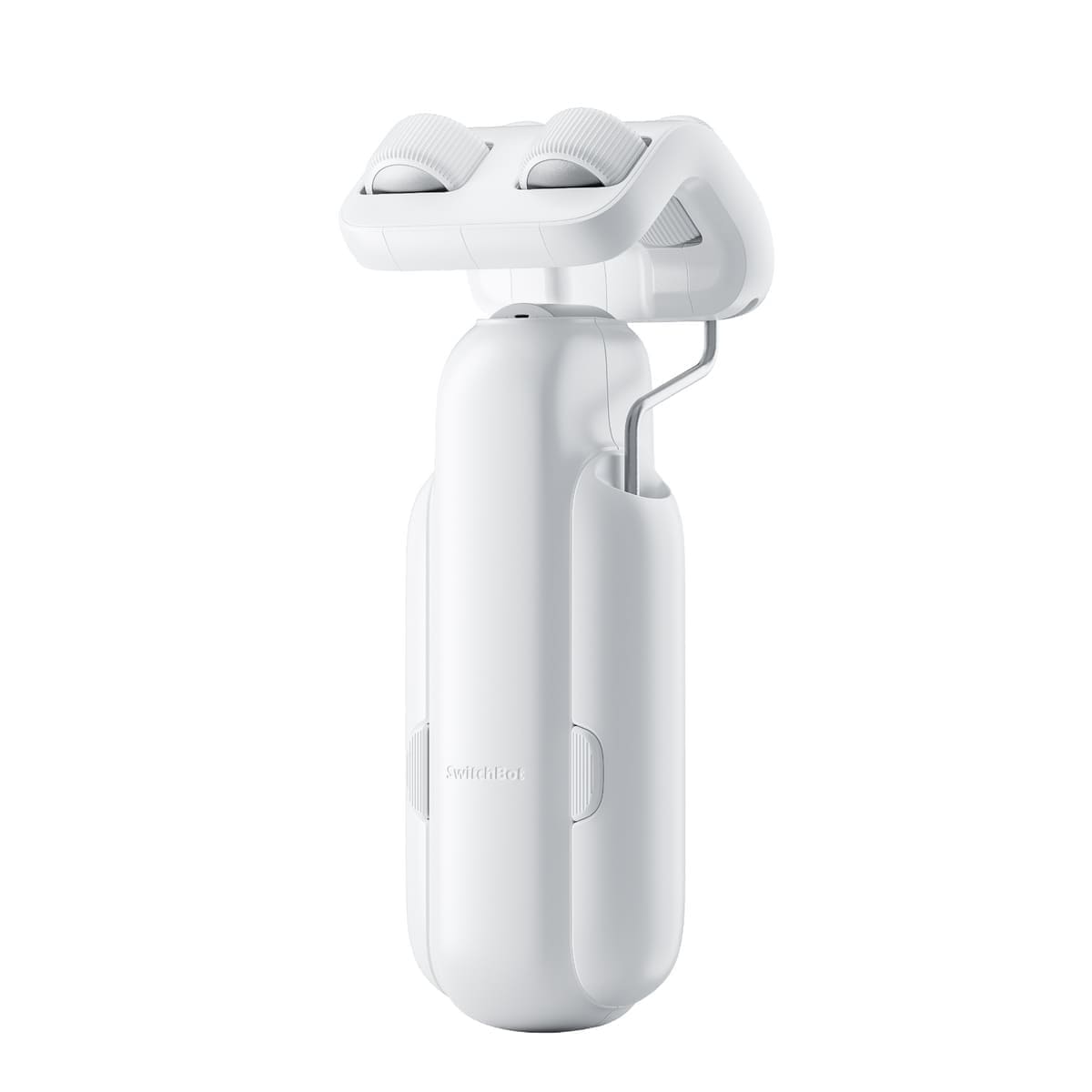
Who it is for: anyone with a standard curtain pole who wants the least fuss. SwitchBot says the Curtain 3 grips rods from 10 to 40mm and pulls up to 15kg, which covers heavy blackout or lined curtains. Installation is a clip-on job with no screws.

Home Assistant: the SwitchBot Curtain 3 is one of the devices the Home Assistant docs list as certified for the built-in SwitchBot Bluetooth integration, and the integration connects locally without the SwitchBot cloud. One catch from the same docs: calibrating the open and close limits has to happen in the SwitchBot app before Home Assistant can drive it properly. If the motor is a few rooms from your Home Assistant server, a Bluetooth adapter or an ESP32 Bluetooth proxy keeps the connection snappy.

The catch: it costs more than Aqara's equivalent. SwitchBot's UK store listed a single unit at £99.99 when we checked, so shop around. A QuietDrift mode (SwitchBot quotes as low as 25dB) and an optional solar panel that charges from about three hours of light a day are nice extras.
View on Amazon UK

Editor’s PickSwitchBot Curtain 3 (Rod)
SwitchBotSwitchBot Curtain 3 (Rod)✓ Local control, no cloud required★ 4.4 (1,600)£65.99at SwitchBot UKCheck price at SwitchBot UK →Also at Amazon UK — £76.49 →

2. Aqara Curtain Driver E1 (Rod) — best for Zigbee

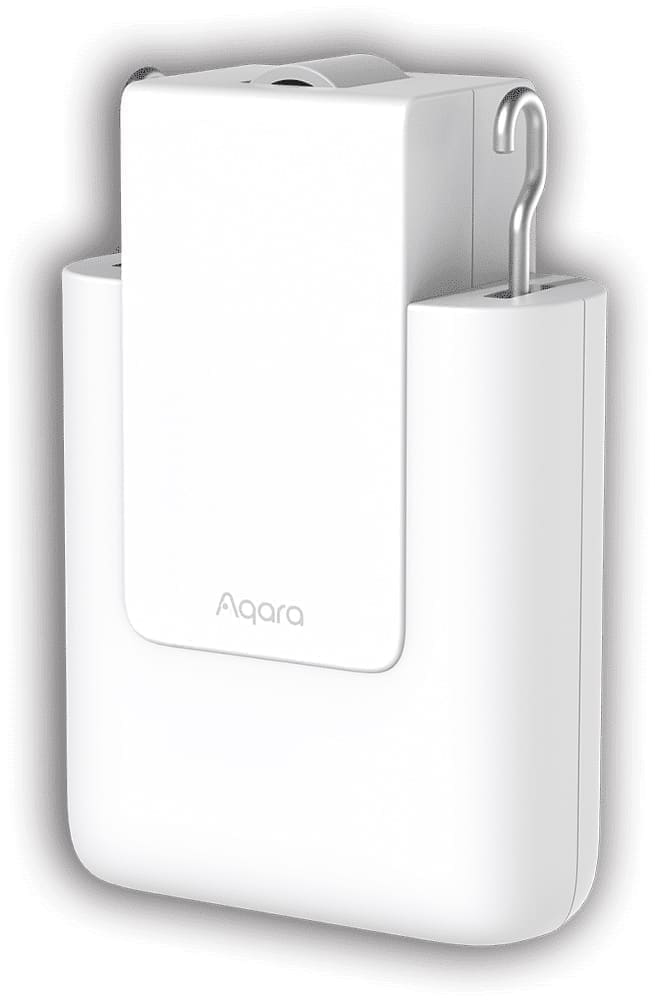
Who it is for: Home Assistant users who already run Zigbee2MQTT or ZHA and would rather add a mesh-friendly device than another Bluetooth one. It handles up to 12kg and Aqara claims up to a year of battery life, with a built-in light sensor you can use to open the curtains by daylight.

Home Assistant: Zigbee2MQTT supports it as the ZNCLBL01LM and exposes cover position, motor state, a hooks lock, illuminance, battery and a manual-open/manual-close action when someone pulls the curtain by hand. That last one is handy for syncing scenes. Pairing means holding the reset button for about five seconds. You will need a Zigbee coordinator; Aqara's UK shop lists a hub as required only for the Aqara app route, not for Zigbee2MQTT.

The catch: its 12kg limit is below SwitchBot's 15kg, and Aqara says the Rod version is the one for poles, so check your pole diameter against Aqara's specifications before buying. Aqara's UK shop had it at £79.99 on promotion when we checked.
View at Aqara UK Shop

Works with Home AssistantAqara Curtain Driver E1 (Rod)
AqaraAqara Curtain Driver E1 (Rod)✓ Works via Zigbee2MQTT / ZHA★ 4.2 (213)£99.99at Amazon UKCheck price at Amazon UK →Also at Aqara UK Shop — £89.99 →

3. SwitchBot Curtain 3 (U-Rail) — best for plastic tracks

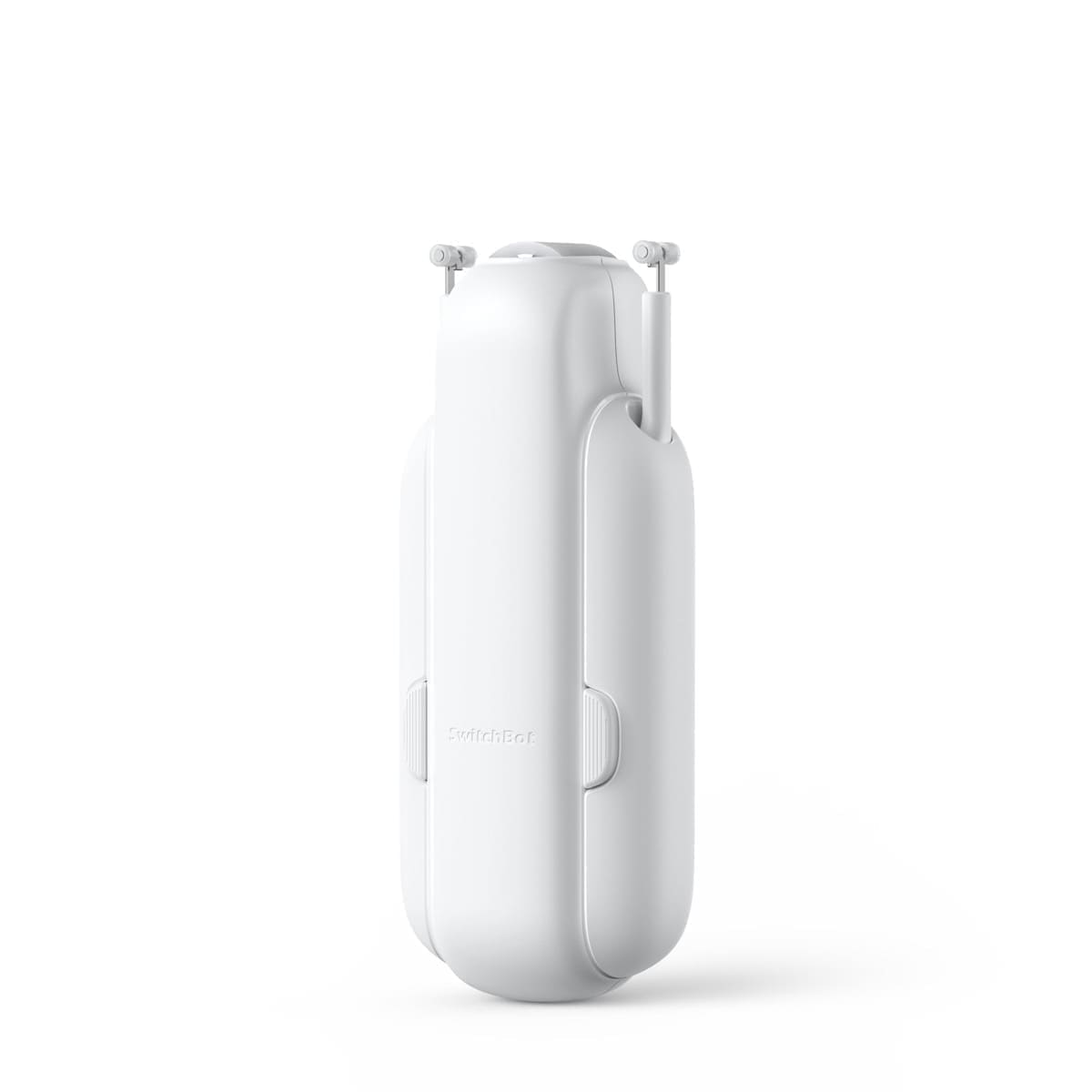
Who it is for: many UK new-builds and flats use boxy U-shaped plastic track rather than a pole. The U-Rail version is the same Curtain 3 motor with a track clip, so you get the same 15kg rating and the same Home Assistant behaviour. Do not buy the Rod version for a track: the two are not interchangeable.

The catch: prices have swung widely on this one, so compare Amazon UK against SwitchBot's own store, and make sure your track is the U-rail shape before you order.
View on Amazon UK

Works with Home AssistantSwitchBot Curtain 3 (U-Rail)
SwitchBotSwitchBot Curtain 3 (U-Rail)✓ Local control, no cloud required★ 4.3 (501)£66.99at Amazon UKCheck price at Amazon UK →

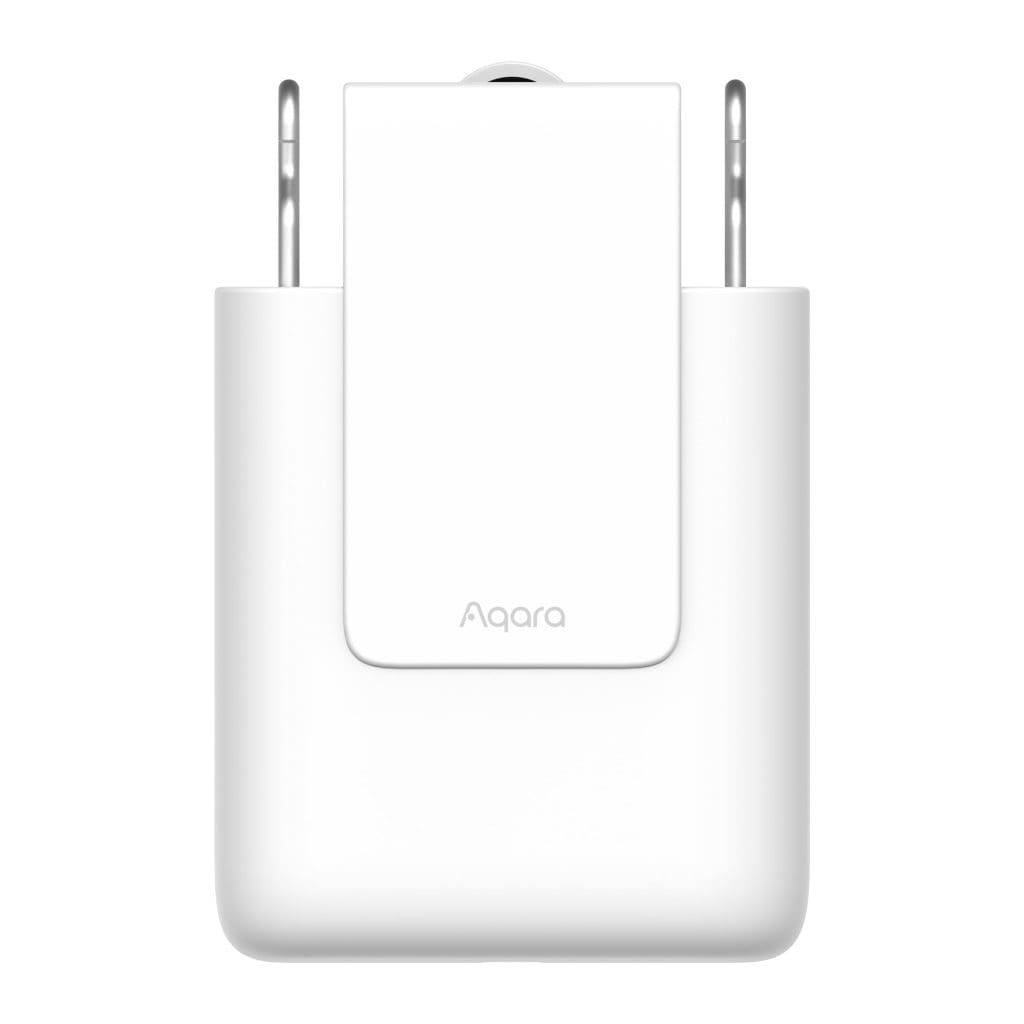
4. Aqara Curtain Driver E1 (Track) — best value

Who it is for: Zigbee users with track-mounted curtains who want to spend the least. Aqara says the Track version supports U-rail and I-rail track only, while the Rod version supports every type. It is cheaper than the Rod version: £71.99 at Aqara's UK shop on promotion when we checked.

The catch: it only suits straight track, so curved or bay-window rails are out. Zigbee2MQTT lists the Rod and Track versions under the same device model, so the same Home Assistant behaviour applies.
View at Aqara UK Shop

Works with Home AssistantAqara Curtain Driver E1 (Track Version)
AqaraAqara Curtain Driver E1 (Track Version)✓ Works via Zigbee2MQTT / ZHA£80.99at Aqara UK ShopCheck price at Aqara UK Shop →

Bluetooth or Zigbee: which curtain motor connection is better?

Zigbee is the better choice if you already have a coordinator, and Bluetooth is better if you do not. A Zigbee device joins a mesh that mains-powered devices help carry, while Bluetooth depends on an adapter or proxy being within range. If you are weighing the two radios more generally, our Zigbee vs Wi-Fi guide covers the trade-offs.

The SwitchBot is easier to start with, because Home Assistant can discover it over Bluetooth with no extra hardware if your server has a Bluetooth adapter. The Aqara needs a Zigbee stick first, which is a sunk cost if you do not already have one.

Will a curtain robot fit my pole or track?

Only if you match the version to the rail. Measure your pole diameter, or check whether your track is a U-rail or I-rail, before choosing between the Rod and Track variants. SwitchBot's Rod version covers 10–40mm poles and its U-Rail version covers U-shaped track. Aqara's Track version supports only U-rail and I-rail track.

Weight matters too. SwitchBot rates 15kg and Aqara 12kg, so heavy lined curtains on a long span are worth weighing if you are near the limit. Our blinds and curtain automation guide covers sunrise and sun-glare routines once the hardware is on the wall.

What should you check before buying a curtain motor?

Check four things, in this order: rail type, curtain weight, connection, and power. Most returns happen because the clip does not fit the rail, so start there. Then work out the weight of your curtains, because lined or blackout fabric on a wide window can be heavier than you expect.

  • Rail type: pole, U-rail or I-rail track. Each maker sells separate versions, and the wrong one will not clip on.
  • Curtain weight: SwitchBot rates the Curtain 3 to 15kg and Aqara rates the E1 to 12kg. If you are close, choose the SwitchBot.
  • Connection: Bluetooth for SwitchBot, Zigbee for Aqara. Decide which radio your Home Assistant setup already has.
  • Power: both recharge over USB-C. SwitchBot offers a separate solar panel; Aqara quotes up to a year per charge.

It is also worth deciding whether you want one motor or two per window. Aqara says two Curtain Driver E1 units can be grouped to open a pair of curtains together, which suits a wide window with curtains that part in the middle.

How do you set up a curtain motor with Home Assistant?

For the SwitchBot, calibrate the open and close limits in the SwitchBot app first, then let Home Assistant discover the device over Bluetooth and add it from Settings > Devices & services. The Home Assistant docs note that calibrating cover limits has to be done in the SwitchBot app, not in Home Assistant itself.

For the Aqara, put Zigbee2MQTT or ZHA into pairing mode, then hold the driver's reset button for about five seconds until the blue light blinks. Once it joins, you get a standard cover entity with position control. From there you can build automations around sunrise, a bedtime routine, or the built-in light sensor, using the same patterns as in our blinds automation guide.

Who should skip a curtain motor?

Skip it if you have roller blinds, a bay window with curved track, or curtains already on a motorised track. Roller blinds need a different product, and a motorised track usually has its own controller that a relay can drive instead. A battery curtain robot also has to be recharged, so factor in a USB-C cable or a solar panel, and expect to reach it behind the curtain every few months.

Frequently asked questions

Do smart curtain motors work with Home Assistant?
Yes. Both of our top picks work with Home Assistant without a cloud service. The SwitchBot Curtain 3 is listed as a certified device for the built-in SwitchBot Bluetooth integration, which connects to it locally. The Aqara Curtain Driver E1 works through Zigbee2MQTT as model ZNCLBL01LM, and ZHA is also an option if you use that instead. Either way you get a cover entity with open, close and position control, plus battery and, on the Aqara, a light sensor. The main caveat is setup: the SwitchBot's open and close limits must be calibrated in the SwitchBot app before Home Assistant can control it well, and the Aqara needs a Zigbee coordinator. If you already have one of those two radios, pick the matching motor and you can skip buying extra hardware.
Are smart curtain motors worth it for a rented flat?
Often yes, because curtain robots clip onto your existing pole or track and need no drilling, screws or rewiring. SwitchBot describes the Curtain 3 as a 30-second, no-screw install, and Aqara says the Curtain Driver E1 mounts without additional tools, so you can take either away when you move out. The real cost is the price of the unit, which sits between roughly £70 and £100 per window at current UK prices, so fitting several windows adds up quickly. The other catch is that a battery motor needs recharging over USB-C every few months unless you add SwitchBot's solar panel. If you only want your bedroom curtains to open with a morning routine, one motor is usually enough and the rest can stay manual.
What is the difference between the Rod and Track versions?
The motor is the same, but the mounting differs, and they are not interchangeable. The Rod versions grip a round curtain pole, while the Track versions clip onto plastic or metal rail. SwitchBot says the Curtain 3 Rod version fits poles from 10 to 40mm, and sells a separate U-Rail version for U-shaped track. Aqara says its Rod version supports all rail types, while the cheaper Track version supports only U-rail and I-rail track. That means the wrong choice will not clip on, so check your rail before ordering. Curved or bay-window tracks are the usual problem, and the Track versions only suit straight track. When in doubt, measure the pole diameter or photograph the track end and compare it with the manufacturer's installation guide.

Sources

Sources verified 2026-11-27

  1. Home Assistant — SwitchBot Bluetooth integration
  2. Zigbee2MQTT — Aqara ZNCLBL01LM control via MQTT
  3. SwitchBot UK — SwitchBot Curtain 3 Rod Type 1
  4. Aqara UK Shop — Aqara Curtain Driver E1 - Rod Version
  5. Aqara — Curtain Driver E1 (Track Version)
  6. Wikimedia Commons — Windows Curtains Tbilisi (Unsplash), CC0, Orlova Maria
›How we researched this

Claims in this article are checked against primary sources — manufacturer specifications, official documentation, Which? research, Ofgem guidance, or gov.uk — rather than forum threads or video reviews. Where the author has direct hands-on experience with a product (most Home Assistant, Zigbee, and home-networking gear is running in his own homelab), that is stated explicitly in the text.

For categories outside that personal setup — such as boilers, heat pumps, and other areas that are traditionally a heating engineer's domain — verdicts are built from cross-referenced manufacturer data, published lab results, and vetted expert and owner reviews rather than a claim of personal hands-on testing. See the editorial policy for the full methodology.

Sepehr

Written by

Sepehr

10+ years hands-on with Home Assistant & networking · Research-backed elsewhere · No brand deals

Smart home specialist with 10+ years running a self-hosted Home Assistant setup — Zigbee2MQTT, Frigate NVR, and local-first automations. Independent coverage for UK homes, no brand deals.

LinkedIn →

Citing this page? Please use a dofollow link back to the original article — it helps us keep the data on this page accurate and up to date.

Related reading