How Zigbee Works
Zigbee is a low-power mesh protocol based on the IEEE 802.15.4 standard, operating on the 2.4 GHz radio band. Unlike Wi-Fi, which sends all traffic through a central router, Zigbee devices form a self-healing mesh: mains-powered devices (bulbs, plugs) act as routers and relay signals to battery-powered sensors that might otherwise be out of direct range of the hub.
Each Zigbee hop covers roughly 10–20 metres indoors depending on walls and interference. Because mains devices extend the mesh automatically, a well-designed Zigbee network can reach every corner of a detached house without any additional hardware. The Zigbee specification supports up to 65,000 devices on a single network in theory, though practical coordinator limits sit in the hundreds.
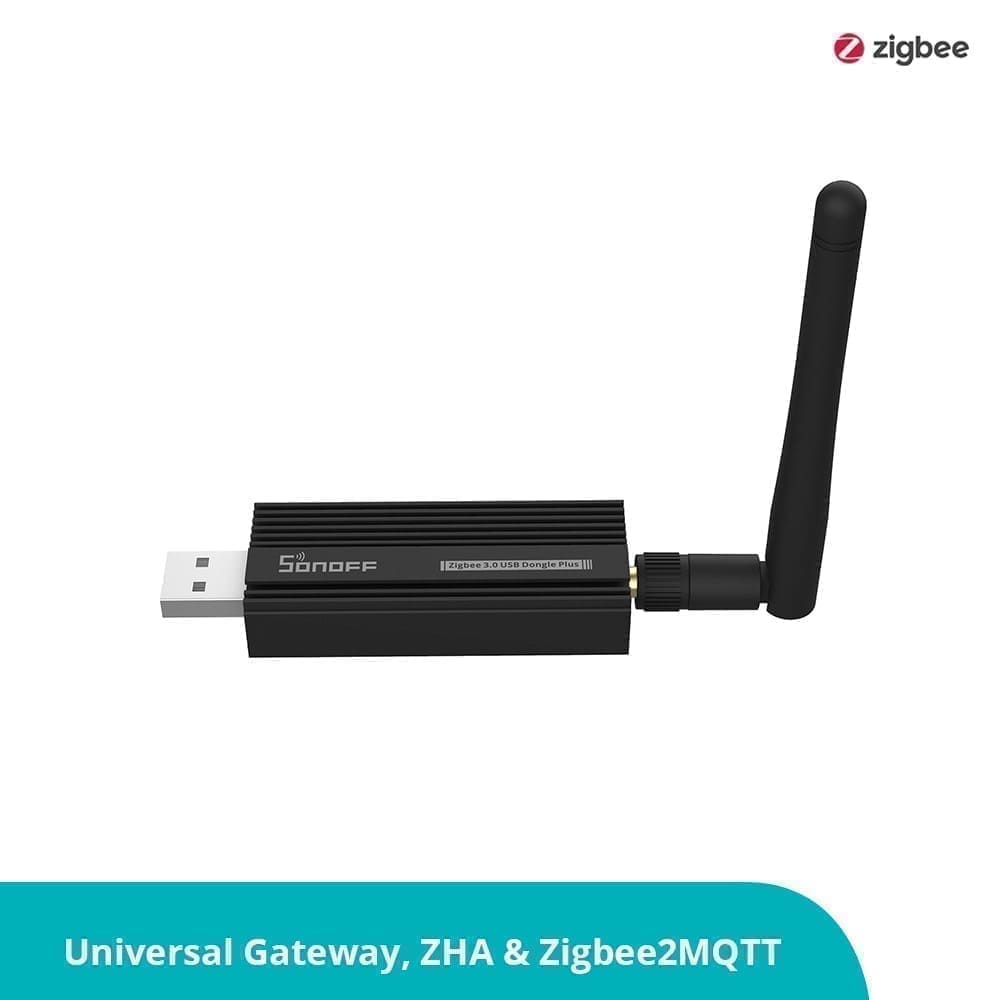
Zigbee requires a coordinator — a hub or USB stick that acts as the network's brain. Popular UK options include the Philips Hue Bridge (free with starter kits), the IKEA DIRIGERA hub, and the Aqara Hub M2. For Home Assistant users, a Zigbee USB stick such as the Sonoff Zigbee 3.0 USB Dongle Plus or the HUSBZB-1 lets you run Zigbee2MQTT or the built-in ZHA integration directly on your server, with no cloud dependency whatsoever.
How Wi-Fi Smart Devices Work
Wi-Fi smart devices connect directly to your home router, just like a laptop or phone. There is no additional hub to buy: you plug in a TP-Link Tapo socket or set up a Govee LED strip, open the app, and connect it to your 2.4 GHz network. This simplicity is the protocol's biggest selling point for beginners.
Most consumer smart home devices still target the 2.4 GHz band rather than 5 GHz, because 2.4 GHz penetrates walls better and the chips are cheaper. The downside is that 2.4 GHz is a shared, unlicensed band. A typical UK three-bedroom home now has 15–30 connected devices competing for airtime alongside neighbours' networks on the same three non-overlapping channels (1, 6, and 11). Zigbee also uses 2.4 GHz but operates on different sub-channels and at much lower power, so the two generally coexist without major conflict.
Wi-Fi devices almost always rely on cloud servers for control. When you tap a button in the Kasa or Govee app, the command travels from your phone → cloud server → back to your router → device. This round-trip typically adds 50–200 ms of latency and means that if the manufacturer's servers go down — or the company ceases trading — your devices stop responding to app commands.
Head-to-Head Comparison
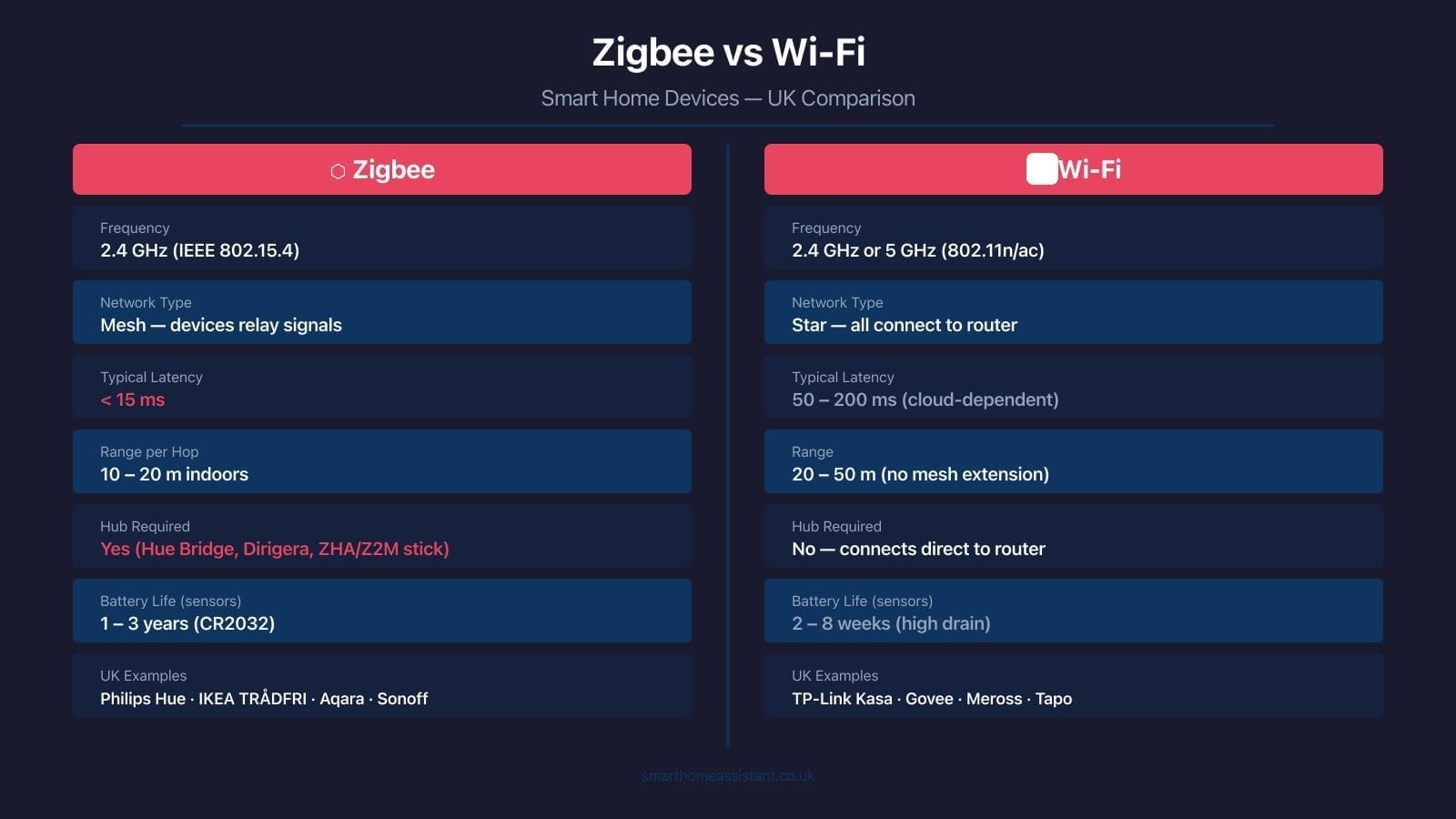
| Feature | Zigbee | Wi-Fi |
|---|---|---|
| Standard / frequency | IEEE 802.15.4, 2.4 GHz | 802.11n/ac/ax, 2.4 or 5 GHz |
| Network topology | Mesh (devices relay signals) | Star (all connect to router) |
| Typical command latency | typically < 30 ms (local) | 50–200 ms (usually cloud) |
| Indoor range per hop | 10–20 m (extendable via mesh) | 20–50 m (no self-extension) |
| Hub/coordinator required | Yes | No |
| Battery life (motion sensor) | 1–3 years (CR2032) | 2–8 weeks (AA or USB-C) |
| Cloud dependency | Optional (local possible) | Almost always required |
| Security encryption | AES-128 at network layer | WPA2/WPA3 + TLS (varies) |
| Setup complexity | Medium (hub needed first) | Low (scan QR code) |
| UK device variety | High (bulbs, sensors, plugs) | Very high (all categories) |
Battery Life: The Biggest Practical Difference
Zigbee sensors are the clear winner on battery life. The Aqara Motion Sensor P1 and the IKEA TRÅDFRI motion sensor both run for up to two years on a single CR2032 coin cell. This is possible because Zigbee devices spend nearly all their time in a deep sleep state, drawing microamps, and only wake to transmit a small packet when something changes.
Wi-Fi chips require significantly more power to maintain a connection to the network and negotiate the WPA2 handshake on wakeup. A comparable Wi-Fi motion sensor will need its AA batteries replaced every few weeks, or must stay plugged in via USB-C — which largely defeats the purpose of a wireless sensor you want to place anywhere inconvenient.
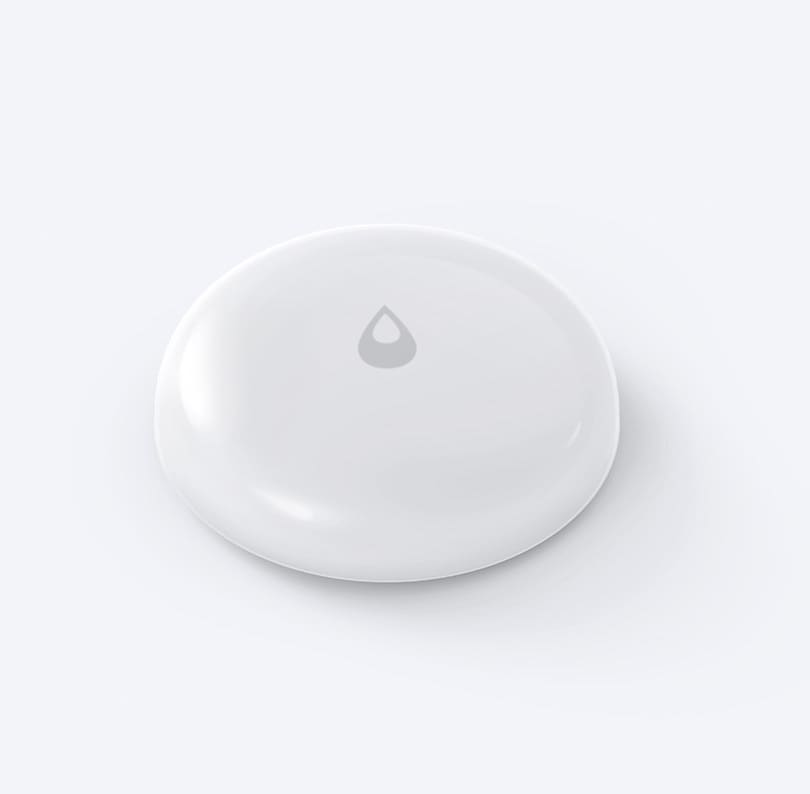
For battery-powered devices — door sensors, temperature monitors, presence detectors, leak detectors — Zigbee is almost always the better choice.
Setup and Ecosystem Complexity
Wi-Fi devices win on initial setup. Plug in a Meross smart plug, scan the QR code in the app, and it is working within two minutes. No coordinator, no pairing mode, no network key to manage. For a non-technical household adding one or two devices, this frictionless experience is genuinely valuable.
Zigbee requires an upfront investment in a coordinator. If you are already buying Philips Hue bulbs, the Hue Bridge is included in most starter kits and costs nothing extra. But if you want to mix brands — Aqara sensors alongside IKEA sockets and Sonoff relays — you need a coordinator that speaks to all of them. This is where Home Assistant shines: with a single Zigbee USB dongle, you can manage hundreds of devices from different manufacturers through Zigbee2MQTT or ZHA, all locally with no cloud. For a comparison of the available coordinator options, see our guide to the best Zigbee hubs in the UK.
UK Device Landscape
Popular Zigbee Devices in the UK
Philips Hue is the most widely sold Zigbee lighting ecosystem in the UK, with bulbs available from major retailers including Currys, John Lewis, and Amazon. The Hue Bridge supports up to 50 bulbs per hub and integrates with Alexa, Google Home, and Apple HomeKit. IKEA TRÅDFRI offers a more budget-friendly entry point: bulbs start at around £7–10 each and the DIRIGERA hub (the replacement for the original gateway) retails for around £60. Aqara provides an extensive range of sensors — motion, door/window, temperature, water leak — that are among the most popular choices for Home Assistant users. Sonoff sells Zigbee-based smart plugs, inline relays, and motion sensors at very competitive prices; many UK buyers combine Sonoff hardware with Zigbee2MQTT for a cost-effective local automation stack.
Popular Wi-Fi Smart Devices in the UK
TP-Link Kasa and Tapo are the most common Wi-Fi smart plugs and bulbs in the UK, widely available at Argos, Currys, and online. Kasa devices have local API support and strong Home Assistant integration. Govee dominates the LED strip and ambient lighting category; while primarily cloud-based, some newer Govee devices support Matter or local LAN control. Meross offers HomeKit-compatible smart plugs and switches that work locally over the home network, making them a rare Wi-Fi option that does not require cloud round-trips for Apple Home users. Shelly devices deserve a special mention: they run on Wi-Fi but are engineered for local control from day one, with an open REST API and native Home Assistant integration, making them a bridge between the convenience of Wi-Fi and the reliability of Zigbee.
Home Assistant: Where Zigbee Really Shines
If you run Home Assistant, Zigbee offers capabilities that Wi-Fi devices rarely match. Both Zigbee2MQTT and the built-in ZHA (Zigbee Home Automation) integration give you a fully local, cloud-free smart home. Automations trigger in under 100 ms — fast enough that light switches feel instantaneous. Device firmware can be updated over the air through the coordinator. Pairing a new sensor takes seconds in the HA UI.
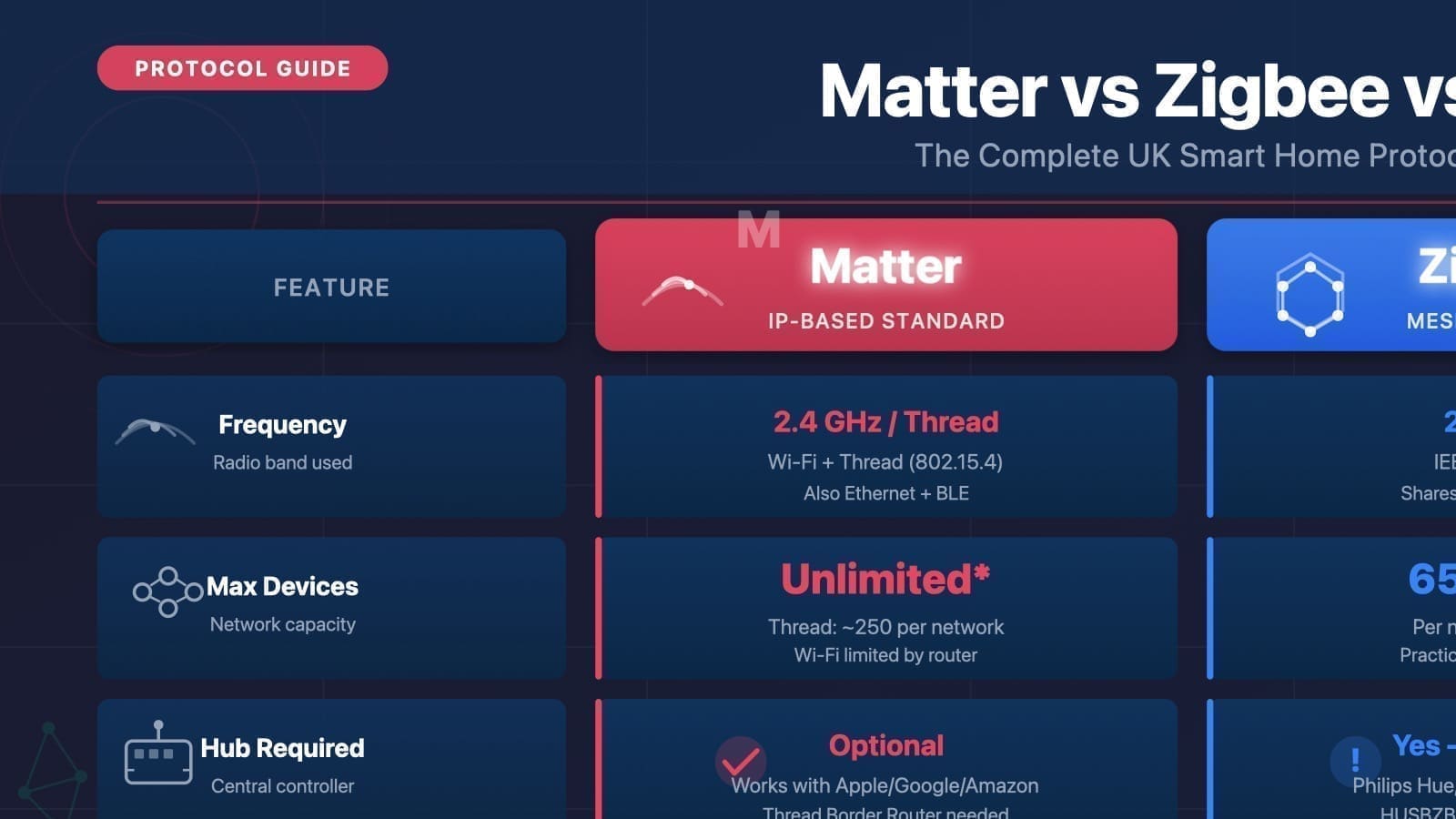
Wi-Fi devices work with Home Assistant too, but the experience varies. Kasa and Shelly devices support local polling or push-based control and work reliably. Govee and many cheaper Wi-Fi brands require cloud authentication and break whenever the manufacturer changes their API. For a future-proof, privacy-respecting setup, Zigbee with Home Assistant is hard to beat. If you are evaluating where Zigbee fits alongside newer standards, our Matter vs Zigbee vs Z-Wave comparison covers the protocol landscape in depth.
Which Should You Choose?
Choose Zigbee if: you want years of battery life from sensors, you plan to mix devices from different brands under one hub, you run or plan to run Home Assistant, you want local control with no cloud dependency, or you are building a larger installation where mesh range extension matters.
Choose Wi-Fi if: you are adding just one or two devices and do not want the complexity of a hub, you need mains-powered devices where battery life is irrelevant, you are deep in the Apple HomeKit ecosystem and want Matter-over-Wi-Fi support, or the specific product you want only comes in a Wi-Fi version.
Many UK smart home setups end up using both protocols: Wi-Fi for plugs and cameras that are always mains-powered and need high bandwidth, and Zigbee for sensors, bulbs, and dimmers where battery life and low latency matter most. There is no rule that says you must pick one — the two coexist on the same radio band without significant interference.
A Note on the Future: Thread and Matter
The smart home industry is converging on Matter, a new application-layer standard backed by Apple, Google, Amazon, and Samsung. Matter can run over Wi-Fi, Ethernet, or the newer Thread mesh protocol — which shares many of Zigbee's low-power mesh advantages but uses the standard IPv6 networking stack. Newer devices from Eve, Nanoleaf, and others already support Matter over Thread. For an in-depth look at what this means for your setup, read our Thread protocol UK guide. Zigbee is not going away any time soon — the installed base is enormous — but Thread is the protocol to watch for new purchases in 2026 and beyond.