What do you need before you start?
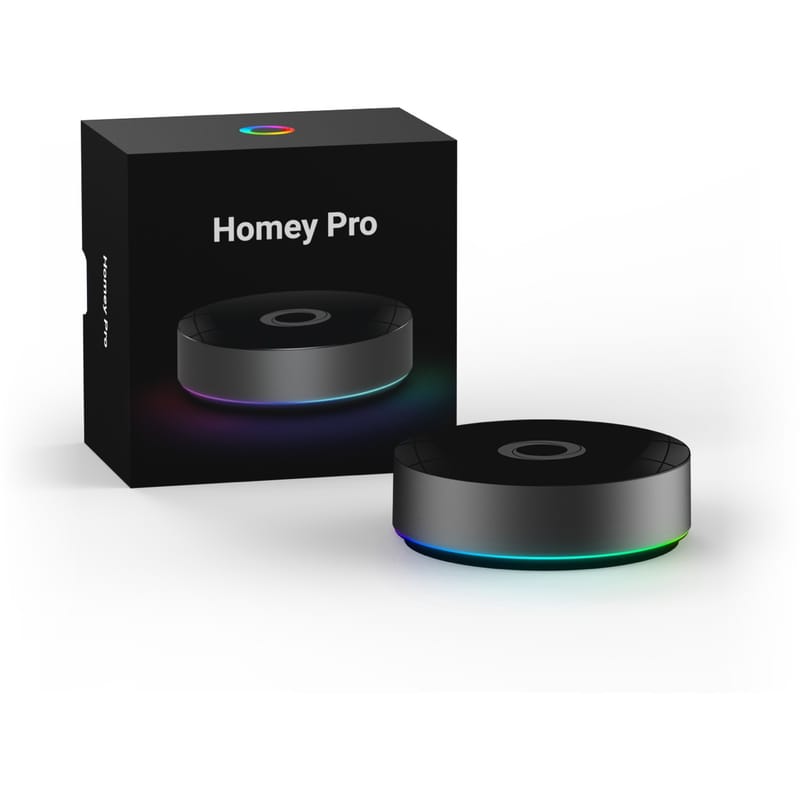
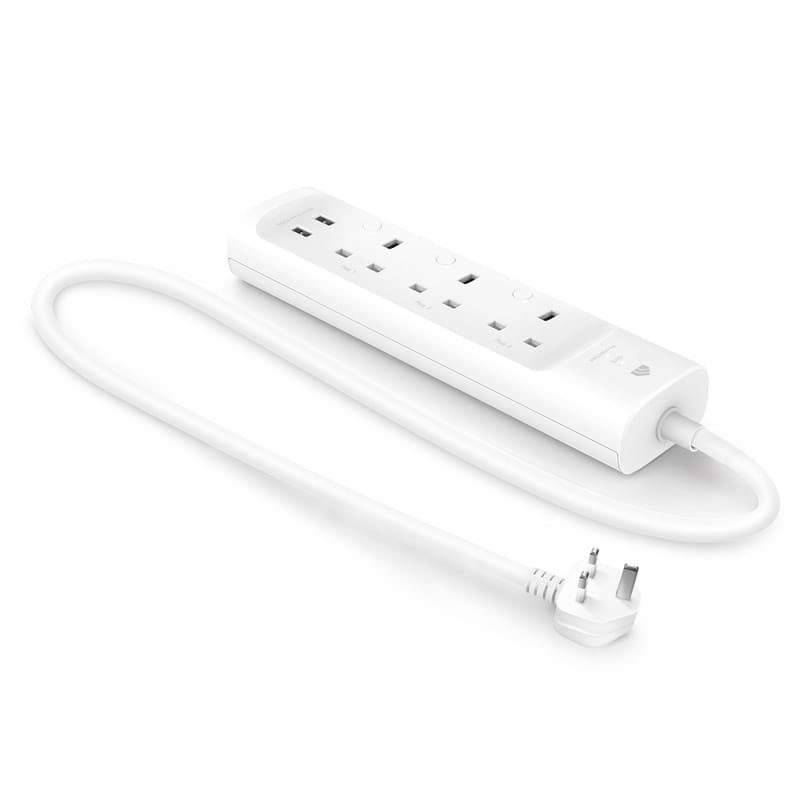
- A smart plug with power monitoring: it must report watts, not just switch on and off. Our best smart plug roundup lists energy-monitoring options that work locally with Home Assistant. Check the plug's rating first: a washing machine or tumble dryer can draw around 2 kW to 3 kW when heating, so the plug must be rated for the full 13 A of a UK socket. Many budget plugs are rated lower.
- Home Assistant with the plug already added: the plug should appear as a power sensor under Settings → Devices & services. If you want a wider view of what your plugs are using, see the Home Assistant energy monitoring guide.
- Phone notifications working: the Companion app is the simplest route. If you have not set it up, start with the Home Assistant notifications guide.
- The appliance on a plug you can leave in place: dishwashers and washing machines are often behind a kitchen unit, so confirm you can reach the socket before you buy.
Why does power draw tell you a cycle has finished?
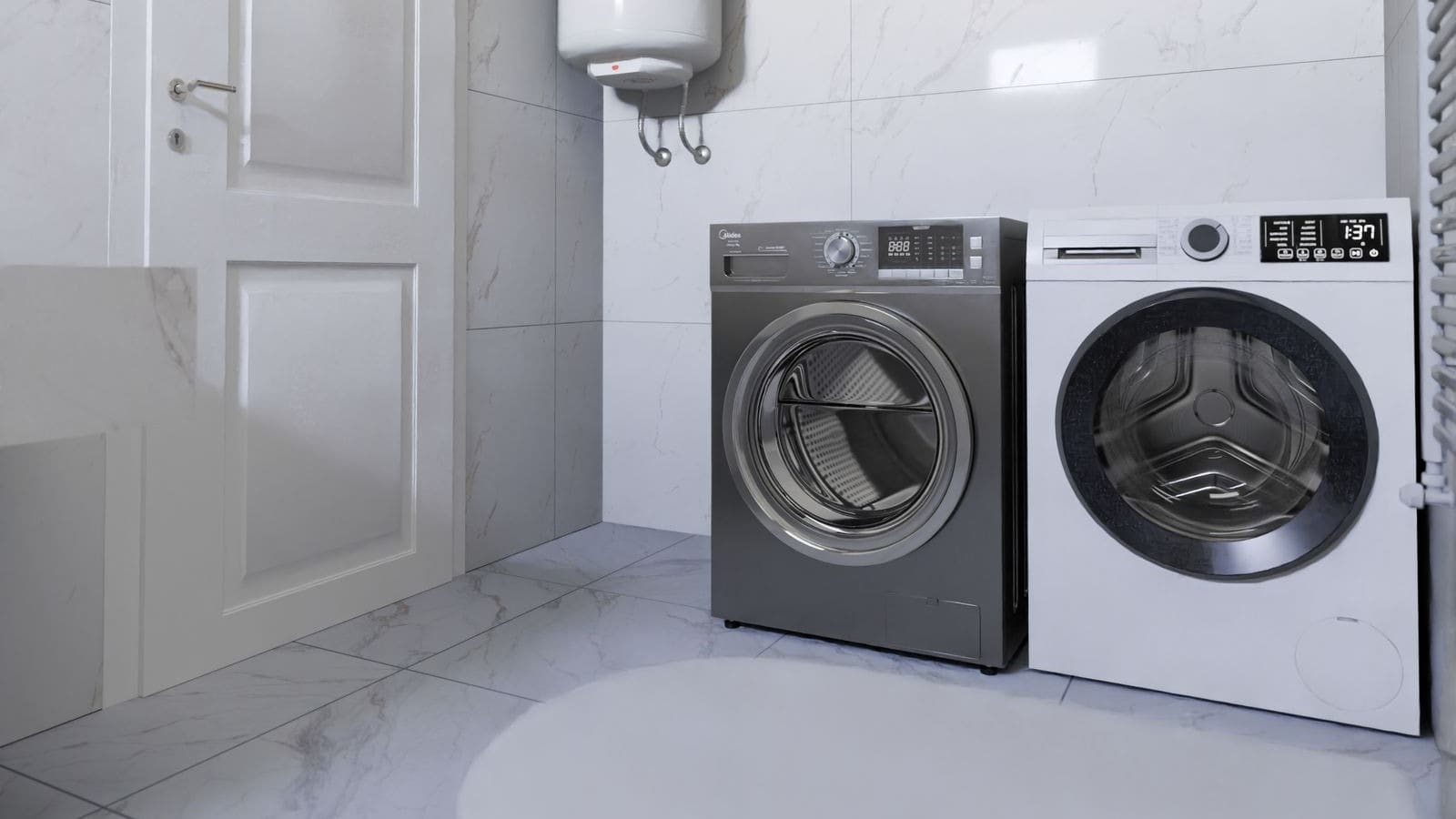
A washing machine's power draw falls to a few watts when it is idle, and this drop is a more reliable end-of-cycle signal than any timer. Home Assistant treats a sensor with the power device class as a measurement in watts (the docs list W, kW and other units), so any monitoring plug that reports power gives you a number to work with (Home Assistant sensor docs).
The pattern is the same across appliances, but the numbers differ:
| Appliance | While running | Idle or finished | Gotcha |
|---|---|---|---|
| Washing machine | Spikes while heating, drops while filling or soaking | Usually a few watts at most | Long pauses mid-cycle; needs a 5-10 minute delay |
| Tumble dryer | Steady high draw while heating, with cool-down periods | Near zero | Anti-crease phases can pulse power after the cycle ends |
| Dishwasher | Heating spikes, with long quiet stretches between them | Low standby or zero | Drying phases can go very quiet for 10+ minutes |
These ranges are indicative only. Every machine behaves differently, which is why Step 2 has you measure your own before you pick thresholds.
Step 1: Find the power sensor for your plug
Plug the appliance into the monitoring plug and open Settings → Devices & services, then select the plug. Look for an entity ending in _power or named "Power" with a unit of W. That is the entity this guide calls sensor.washing_machine_power; yours will have a different name, so substitute it throughout.
Do not confuse it with the energy sensor. The energy device class measures cumulative consumption in kWh, which only ever goes up, so it cannot tell you the machine has stopped (Home Assistant sensor docs). You want the instantaneous watts reading.
Rename the entity to something obvious like "Washing machine power" in the entity settings. You will be glad of it when you build automations later.
Step 2: Measure one real cycle
Start a normal wash and watch the power entity. Open the entity and look at its history graph, or use Developer tools → States to read the live value. Write down three numbers:
- Standby watts: what the machine reads when plugged in and idle. Anything under a few watts is typical, but read yours.
- Quietest mid-cycle reading: the lowest value you see while the drum is still doing something, such as soaking or filling. This is the number that causes false alarms.
- Longest quiet stretch: roughly how many minutes the machine stays under a low reading mid-cycle.
Your trigger threshold should sit comfortably above standby and below the quietest mid-cycle reading. Your delay should be longer than the longest quiet stretch. If the machine can go quiet for 8 minutes while soaking, a 10-minute delay is the minimum, and 12 to 15 is safer. Run the check on an eco or long programme as well, because those tend to have the longest pauses.
Step 3: Create the "finished" automation
Go to Settings → Automations & scenes → Create automation → Create new automation, open the three-dot menu and choose Edit in YAML. Paste the following, changing the entity, threshold and notify service to match your setup.
alias: "Washing machine finished"
description: "Notify when the washing machine has drawn almost no power for 10 minutes"
mode: single
triggers:
  - trigger: numeric_state
    entity_id: sensor.washing_machine_power
    below: 4
    for: "00:10:00"
actions:
  - action: notify.mobile_app_your_phone
    data:
      title: "Washing done"
      message: "The washing machine has finished. Time to hang it out."
Two details make this work. First, the numeric state trigger fires on a crossing: it does not keep firing while the value stays on the same side of the threshold (Home Assistant numeric state trigger). So the automation fires once as the machine falls below 4 W, not every few seconds while it sits idle.
Second, the for option sets how long the value must stay below the threshold before the trigger fires. The default is zero, so it would fire immediately without it. This is what stops a mid-cycle pause being mistaken for the end. Note the timer resets if Home Assistant restarts or automations are reloaded (Home Assistant numeric state trigger), so a restart mid-wash can cost you one notification.
Step 4: Add a "you forgot the washing" reminder
A single notification is easy to miss, and damp laundry left in a drum starts to smell. Add a second trigger on the same sensor with a much longer delay, and give each trigger an id so the actions can tell them apart.
alias: "Washing machine finished"
mode: single
triggers:
  - trigger: numeric_state
    id: finished
    entity_id: sensor.washing_machine_power
    below: 4
    for: "00:10:00"
  - trigger: numeric_state
    id: forgotten
    entity_id: sensor.washing_machine_power
    below: 4
    for: "01:30:00"
actions:
  - choose:
      - conditions:
          - condition: trigger
            id: finished
        sequence:
          - action: notify.mobile_app_your_phone
            data:
              title: "Washing done"
              message: "The washing machine has finished."
      - conditions:
          - condition: trigger
            id: forgotten
        sequence:
          - action: notify.mobile_app_your_phone
            data:
              title: "Washing still in the drum"
              message: "Still not emptied after 90 minutes. Hang it out before it smells."
Both timers start at the same crossing, so the reminder arrives 90 minutes after the machine dropped below the threshold, which is 80 minutes after the first message. If you start another wash before then, the power rises above the threshold, the timer is cancelled, and the reminder never fires. That is the behaviour you want.
Step 5: Test it without waiting for a wash
Waiting for a real cycle each time you tweak a number is miserable. Temporarily shorten the delay to 00:00:30, then switch the plug on and off, or unplug the appliance for a minute so the reading drops to zero. Confirm the notification arrives, then set the delay back to your real value.
You can also run the automation's actions from the automation editor to check the notify service and message text, though that skips the trigger itself. The proper end-to-end test is one full real cycle with your final numbers, so do one before you rely on it.
If you would like a notification on more than one phone, replace the notify action with a group or add a second action. The same idea underpins our power cut alert guide, which also leans on a numeric trigger and a delay to avoid false alarms.
Why isn't my washing machine notification firing?
It never fires at all: check the threshold sits above your machine's real standby reading. If the plug reports 6 W idle and your threshold is 4, the value never goes below it. Read the idle value in Developer tools and set the threshold a little above it.
It fires in the middle of the cycle: your delay is shorter than the longest quiet stretch. Increase the for value to 15 minutes and re-test with the longest programme you use.
It fires when nothing was washed: a false alert most often means the sensor dropped out and came back, so the value appears to cross the threshold again. Check the plug's Wi-Fi or Zigbee connection and look at the entity history for gaps.
The power value is stuck at zero: the plug is switched off, or its power reporting is disabled. Some plugs need energy monitoring switched on in the manufacturer app or the device's configuration entities.
It misses the end because the sensor reports in kW: if your plug uses kW, a threshold of 4 is huge and the automation will fire instantly. Confirm the unit on the entity and use 0.004 for kW values.
What should you build next?
Once this works, copy the automation for the dishwasher, and see our tumble dryer finished notification guide for the dryer, which needs a "running" helper to cope with anti-crease pulses. For the dishwasher, changing the entity, the threshold and the delay for each. Dryers and dishwashers have their own quiet phases, so measure them separately rather than reusing the washing machine numbers.
You can also trigger more than a message. A smart speaker announcement, a light that turns amber until you empty the drum, or a task added to a shopping list for detergent are all small extensions. If your washing machine has its own smart features, our smart washing machine Home Assistant guide covers the built-in options and how they compare with a plug. For a dishwasher, which has long quiet gaps mid-cycle, use our dishwasher finished notification guide instead.