What do you need before you start?
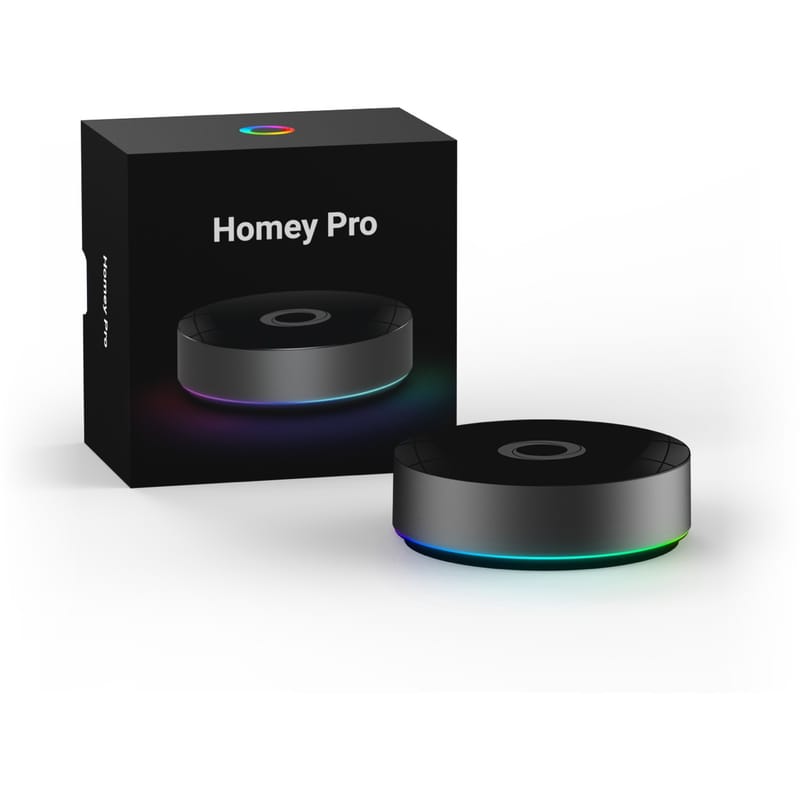
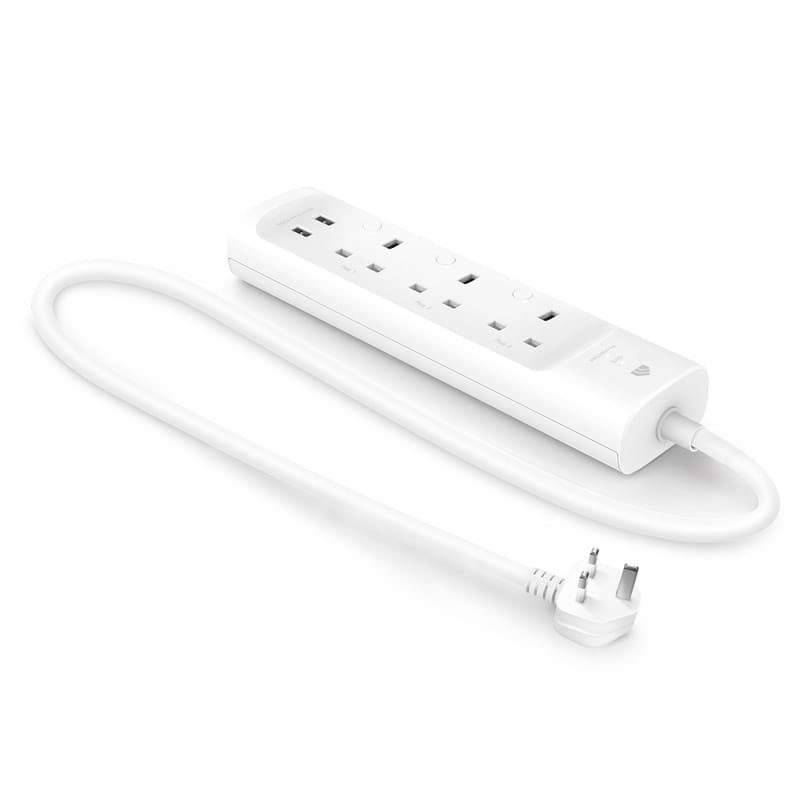
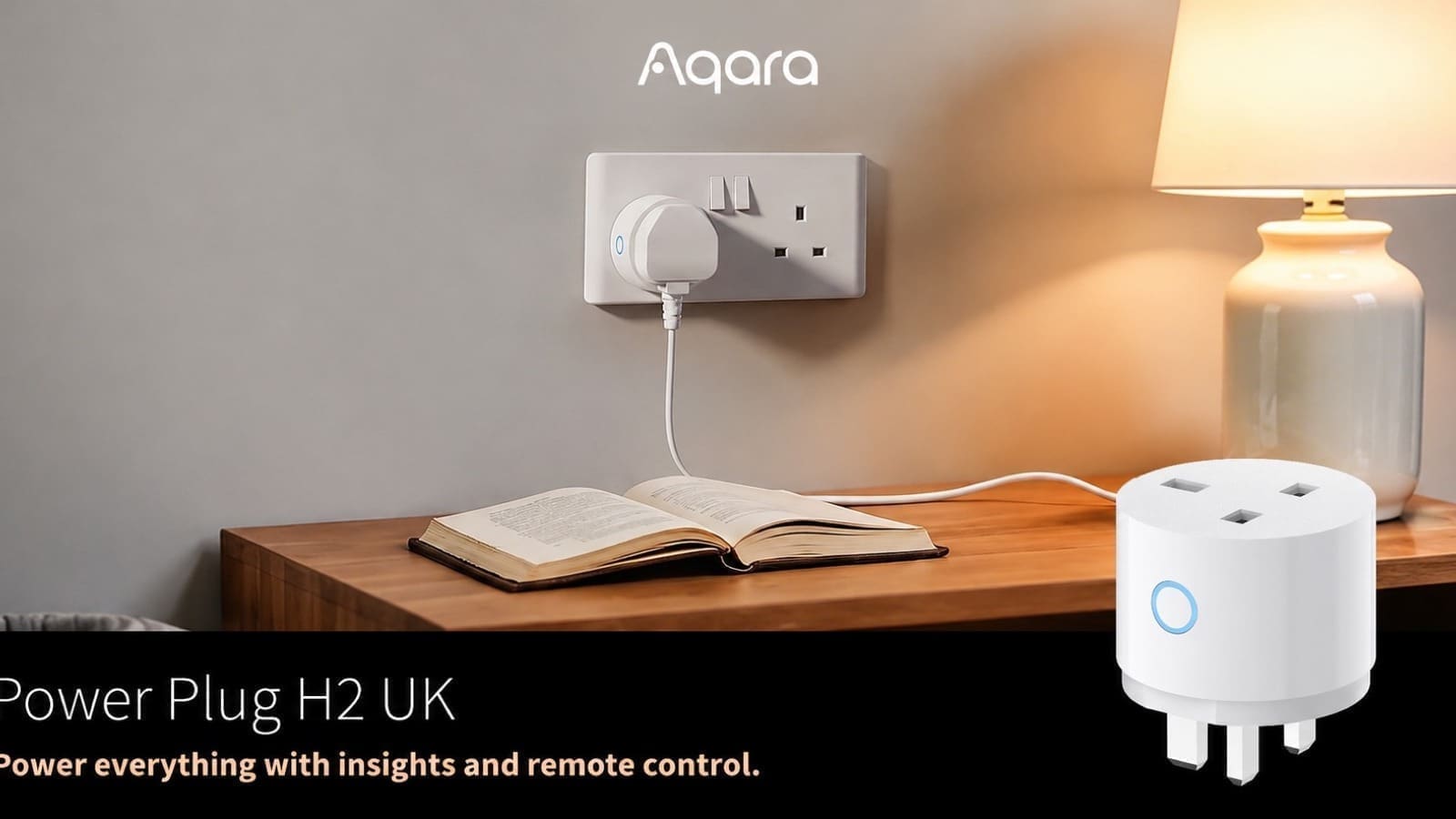
- A power-monitoring smart plug rated for the load: a UK socket supplies up to 13 A, which is roughly 3 kW at 230 V, and a dryer's heating element can use a large share of that. Check the plug's own rating before connecting a dryer; many budget plugs are rated lower. Our best smart plug roundup lists monitoring plugs that work well with Home Assistant. A dryer with a fixed spur or hard-wired connection cannot use a plug at all, and would need an electrician-fitted energy monitor instead.
- The plug already in Home Assistant: it should expose a power entity measured in watts. For a wider picture of what your appliances use, see the Home Assistant energy monitoring guide.
- Phone notifications working: the Companion app is the easiest route. If it is not set up yet, start with the Home Assistant notifications guide.
Why is a dryer harder to detect than a washing machine?
A dryer's power draw is less tidy than a washer's because the heater cycles on and off while the drum keeps turning. Many dryers also finish with a cool-down phase and an anti-crease routine that wakes the motor every so often after the clothes are dry. Home Assistant can read all of this from a sensor with the power device class, which reports instantaneous watts (Home Assistant sensor docs).
| Dryer phase | What the power reading does | Risk for your automation |
|---|---|---|
| Heating | High, with the element switching on and off | Brief dips could look like "finished" without a delay |
| Cool-down | Drops to motor-only draw | Low but not zero; threshold must sit above standby |
| Anti-crease | Short motor pulses after the cycle | Can restart a timer and delay the alert |
| Tank full or filter fault | Stops early | Looks exactly like a finished cycle |
Those behaviours vary by model and programme, so Step 2 has you measure your own dryer rather than trusting a generic number.
Step 1: Find the plug's power sensor
Plug the dryer into the monitoring plug, then open Settings → Devices & services and select the plug. Find the entity reporting watts; this guide calls it sensor.tumble_dryer_power, so substitute your own name throughout. Do not use the cumulative energy sensor in kWh: it only ever rises, so it can never show that the dryer has stopped (Home Assistant sensor docs).
Step 2: Measure one full dryer cycle
Run a normal load and watch the power entity's history graph. Note three numbers:
- Running level: a figure well above anything seen at rest, used to decide the dryer has started. Pick something comfortably below the heating draw but above the motor-only draw.
- Standby watts: what the dryer reads when idle. Your "finished" threshold sits just above this.
- Longest quiet gap mid-cycle and after the end: the longest time the reading sits low before climbing again, including anti-crease pulses.
Use these to choose a delay longer than any mid-cycle gap. If the dryer sits quiet for several minutes between pulses, a delay of at least that long stops false alarms.
Step 3: Create a "dryer running" helper
A toggle helper lets the automation remember that a real cycle started, so a plug blip or a restart cannot trigger a finished alert on its own. Go to Settings → Devices & services → Helpers → Create helper → Toggle and name it "Tumble dryer running". That gives you input_boolean.tumble_dryer_running (Home Assistant input boolean docs).
Step 4: Mark the cycle as started
Create a new automation, open the three-dot menu, choose Edit in YAML and paste this. Change the entity and the 100 watt level to suit your measurements.
alias: "Tumble dryer started"
mode: single
triggers:
  - trigger: numeric_state
    entity_id: sensor.tumble_dryer_power
    above: 100
    for: "00:02:00"
conditions:
  - condition: state
    entity_id: input_boolean.tumble_dryer_running
    state: "off"
actions:
  - action: input_boolean.turn_on
    target:
      entity_id: input_boolean.tumble_dryer_running
The for option means the reading must stay above the level for two minutes before the trigger fires, which ignores a momentary spike. The numeric state trigger fires on a crossing rather than repeatedly while the value stays on one side (Home Assistant numeric state trigger).
Step 5: Send the finished notification
Now the finish automation. It only fires if the helper says a cycle was running, and it checks how long the cycle lasted so you can tell a normal finish from an early stop.
alias: "Tumble dryer finished"
mode: single
triggers:
  - trigger: numeric_state
    entity_id: sensor.tumble_dryer_power
    below: 5
    for: "00:08:00"
conditions:
  - condition: state
    entity_id: input_boolean.tumble_dryer_running
    state: "on"
actions:
  - choose:
      - conditions:
          - condition: template
            value_template: >
              {{ now() - states.input_boolean.tumble_dryer_running.last_changed
                 < timedelta(minutes=25) }}
        sequence:
          - action: notify.mobile_app_your_phone
            data:
              title: "Dryer stopped early"
              message: "The dryer stopped after a short run. Check the water tank and lint filter."
    default:
      - action: notify.mobile_app_your_phone
        data:
          title: "Dryer finished"
          message: "The tumble dryer has finished. Take the clothes out while they are warm."
  - action: input_boolean.turn_off
    target:
      entity_id: input_boolean.tumble_dryer_running
The for: "00:08:00" delay rides out anti-crease pulses and cool-down dips, so raise it if your dryer pulses less often than that. The 25 minute cut-off is a guess: set it a little below your shortest genuine programme. A template condition like this is evaluated at the moment the trigger fires (Home Assistant conditions docs), and every Home Assistant entity records when its state last changed, which is what last_changed reads.
Step 6: Test without waiting for a full cycle
Temporarily set both for values to 30 seconds and the early-stop cut-off to something tiny. Start the dryer for a minute, switch it off and confirm the "started" and "finished" messages arrive in order. Then restore your real values and do one full cycle before relying on it. The Companion app's basic notification options are documented in the Companion notification docs.
Why isn't my dryer notification firing?
Nothing arrives at all: the "started" automation probably never fired, so the helper stayed off and the finish automation's condition blocked it. Open the helper in Developer tools → States mid-cycle and check it turned on. If not, lower the running level or check the unit is watts, not kW.
The alert arrives mid-cycle: the delay is shorter than a quiet gap. Lengthen it and re-test using your longest programme.
It arrives late or twice: anti-crease pulses are restarting the timer. A longer delay and a threshold slightly above standby usually settle this. For a similar delayed-trigger pattern in a different job, see our power cut alert guide.
The helper stays on after a restart: if Home Assistant restarts during a cycle, the finish timer resets. The helper's state survives, so the next quiet spell still fires the alert.
Can the same setup watch other appliances?
Yes. Copy both automations, swap the entity and re-measure for each machine. Heat pump and condenser dryers draw differently from vented ones, and a dishwasher has long quiet drying phases (see our dishwasher finished notification guide), so never reuse another appliance's numbers.