Who Should Buy a 4G Router?
4G routers suit three main groups. Rural homes without fibre are the biggest audience: if you're on slow ADSL or have no fixed line at all, plugging a 4G SIM into a dedicated router typically delivers faster and more consistent speeds than a mobile hotspot. Holiday homes and static caravans benefit from a permanent device that reconnects automatically — no smartphone tethering required. And home-office users who need a reliable failover can configure a 4G router to kick in the moment their main broadband drops, with some models supporting dual-WAN failover automatically.
Before buying, check which 4G network has the best outdoor coverage at your postcode. Ofcom's Connected Nations data shows that Three has the widest rural 4G footprint in the UK, with EE close behind in many areas. O2 and Vodafone tend to be stronger in towns and commuter belts. Use each network's own coverage checker and cross-reference with Ofcom's coverage tool before committing to a SIM.
What to Look for in a 4G Router
LTE Category (Cat) Rating
The Cat rating determines the maximum theoretical download speed. Cat4 peaks at around 150 Mbps, Cat6 at 300 Mbps, Cat12 at 600 Mbps, and Cat18 — the current consumer high-end — at 1,200 Mbps. Real-world speeds are much lower and depend on signal strength, cell congestion, and antenna quality, but a higher Cat ceiling gives you more headroom as networks improve. For rural homes where signal can be marginal, Cat12 or Cat18 hardware is worth the extra outlay.
External Antenna Ports
Most quality 4G routers include two TS-9 or SMA antenna ports. Attaching a directional Yagi or MIMO panel antenna pointed at the nearest mast can meaningfully boost weak signal — sometimes the difference between a usable connection and none at all. If your property has poor indoor signal, prioritise a router with external antenna support over one without.
Unlocked vs Locked
Network-branded routers (sold by EE, Three, etc.) are often locked to that network's SIM. Unlocked routers accept any SIM, which matters if you want to switch networks or test which performs best at your address. All the routers in this guide are unlocked or easily unlockable.
Wi-Fi Standard
Older 4G routers use single-band Wi-Fi 5 (802.11ac). Newer models include dual-band or Wi-Fi 6 (802.11ax), which reduces congestion when multiple devices are connected simultaneously. If you're using the router as your primary broadband connection, dual-band Wi-Fi 5 at minimum — and Wi-Fi 6 if budget allows.
SIM Card Size
Most modern routers take a nano-SIM (the same as current smartphones). A few older models use a micro-SIM. Check before ordering your SIM-only data plan.
Best 4G Routers for UK Buyers in 2026
How We Chose These 4G Routers
We compared routers on LTE Cat rating (real headroom for rural signal), external antenna support, whether they are network-locked or unlocked, Wi-Fi standard, and price — and only included unlocked or easily unlockable hardware that works across UK networks. Technical buyers who want VPN or multi-WAN failover are covered separately from those who just want a plug-and-play box.
1. Huawei B818 — Best Overall
Cat18, up to 1,200 Mbps theoretical download. The B818 is the benchmark for home 4G routers in the UK. It supports four-band carrier aggregation, two external antenna ports, and delivers dual-band Wi-Fi 5 across 64 simultaneous devices. The indoor antenna array is strong enough for rural locations with reasonable signal, and the management interface is clear and straightforward. Typically priced around £150 unlocked — a fair premium for Cat18 performance. Compatible with all major UK networks. This is the router most rural broadband forums recommend first.
2. TP-Link Archer MR600 — Best Value
Cat12, up to 600 Mbps theoretical download. The MR600 undercuts the B818 substantially while still offering Cat12 speeds that outpace most UK rural connections. It has two external antenna ports (TS-9), dual-band Wi-Fi 5, and a Gigabit LAN port for wired devices. The TP-Link Tether app makes setup simple. For most rural users whose real-world 4G speeds are 30–80 Mbps, the Cat12 ceiling is more than enough — and the MR600 leaves budget for a good external antenna. See our best routers for smart homes guide if you also want strong local Wi-Fi for smart home devices.
3. GL.iNet Spitz AX (GL-X3000) — Best for Technical Users
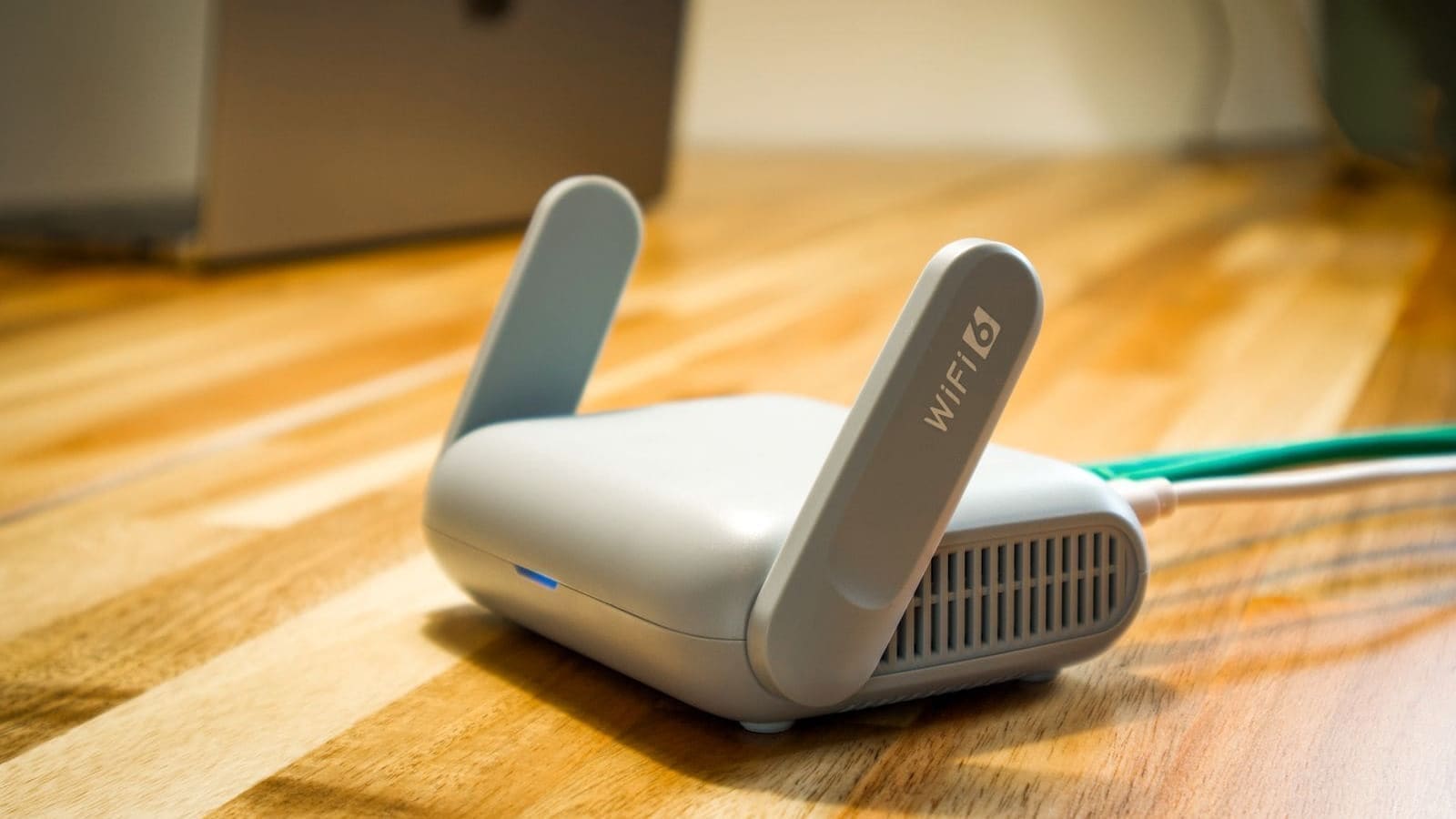
Wi-Fi 6, dual 5G/4G modem, OpenWrt-based. The Spitz AX is for users who want maximum control. Running OpenWrt out of the box, it supports WireGuard and OpenVPN natively, making it ideal for home-office setups that need a VPN kill switch. Wi-Fi 6 (802.11ax) handles congested home networks with ease, and the dual-modem design means you can configure true multi-WAN failover or load balancing between two SIMs. Typically priced around £149. This pairs particularly well with VLAN segmentation for isolating IoT devices on a separate network.
4. Huawei B535 — Best Budget Option
Cat7, up to 300 Mbps theoretical download. The B535 is the entry point for Huawei's home router range. It handles Cat7 speeds (adequate for most rural 4G signal conditions), two external antenna ports, and dual-band Wi-Fi. Build quality is solid and the interface is the same as the B818. Typically available unlocked for around £90. If your 4G signal is strong and your usage is light (browsing, streaming), this saves money without sacrificing too much headroom.
Which UK Network Has the Best 4G Coverage?
Coverage varies significantly by location. In rural areas, Three consistently scores highest for 4G geographic coverage in Ofcom's Connected Nations data. EE leads on indoor coverage and speeds in many regions. O2 and Vodafone are competitive in suburban and urban areas. The practical advice is to check all four operators' coverage checkers for your specific postcode, then trial a pay-as-you-go SIM before committing to a contract. If your postcode has strong 5G rather than just 4G coverage, it's also worth comparing dedicated 5G home broadband plans from Three, EE and Vodafone, which typically offer higher advertised speeds than a 4G-only router.
For primary broadband use, look for SIM-only unlimited data plans. Three offers unlimited data SIM-only plans suited to home broadband usage. Most networks enforce a fair-use policy rather than a hard data cap, but confirm before signing up — some unlimited plans throttle during peak hours or after a monthly threshold.
Setting Up Your 4G Router
Most 4G routers auto-detect your network APN settings once a SIM is inserted. If auto-detect fails, you'll need to enter the APN manually — your network provider will list the correct APN on their website. Set the router's admin password immediately after first login, and change the default Wi-Fi SSID and password. If you're also running a smart home, consider placing IoT devices on a separate SSID or VLAN — our best mesh Wi-Fi systems guide covers how to extend coverage reliably across a property once your 4G router is the uplink.
For external antennas, mount the antenna outside or in a window facing the nearest mast. A two-metre coaxial extension cable keeps the router inside while the antenna has line of sight. Check signal strength in the router admin panel before and after fitting the antenna — a 3–6 dB gain is a useful improvement in marginal areas.
Affiliate and Purchase Links
All routers in this guide are available unlocked on Amazon UK. Prices fluctuate, so compare before buying: