BT Smart Hub 3 release date and who gets it free
The Smart Hub 3 was announced as "coming soon" in April 2026 and began rolling out to customers in May 2026. It is free: BT supplies it as the standard router with new broadband and Full Fibre orders, and there is no separate charge or router fee. Existing customers on a Smart Hub 1 or older can generally get one on request, while Smart Hub 2 owners aren't sent one automatically unless they change package, though you can ask BT for the upgrade.
What are the BT Smart Hub 3's specs?
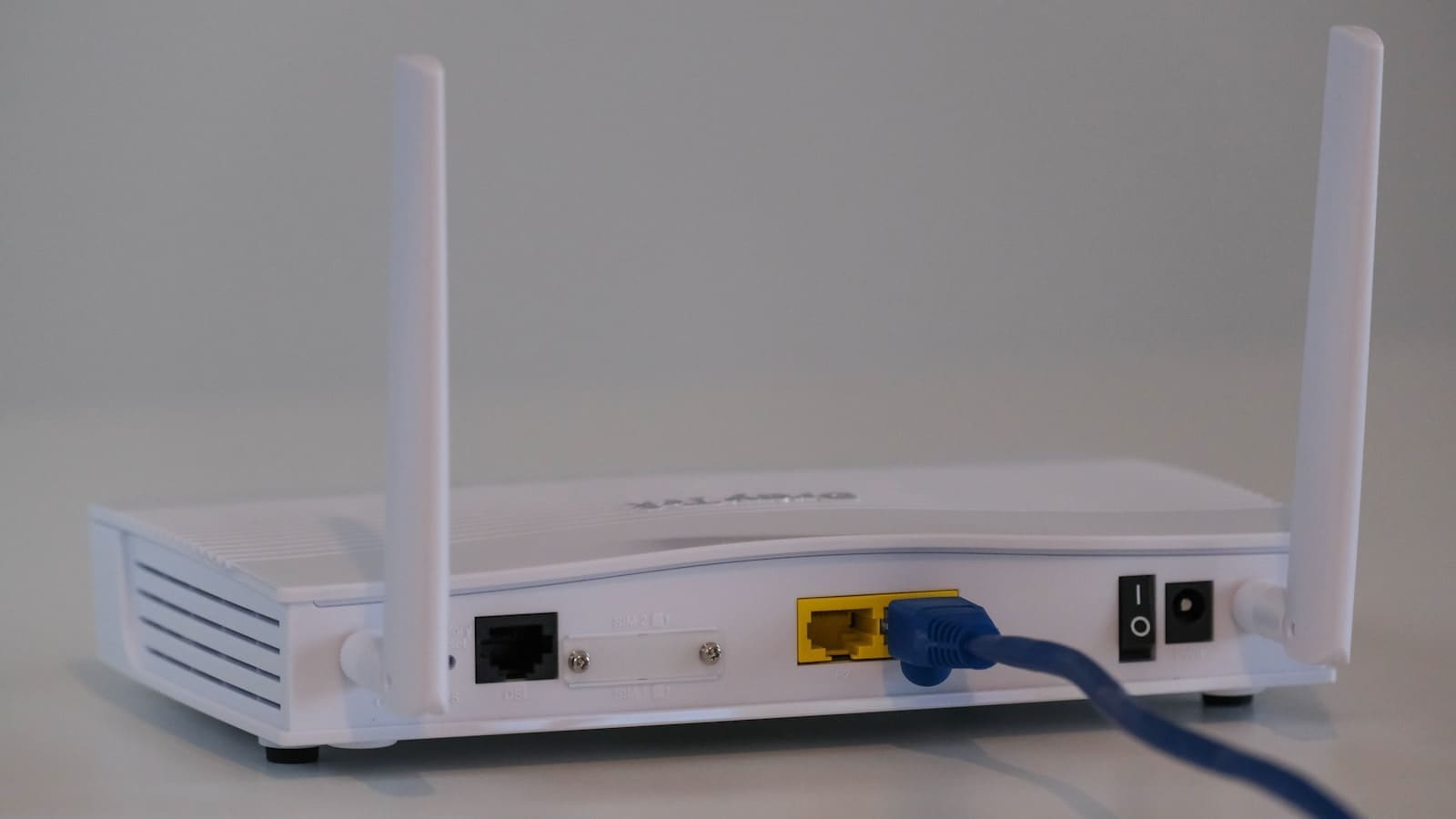
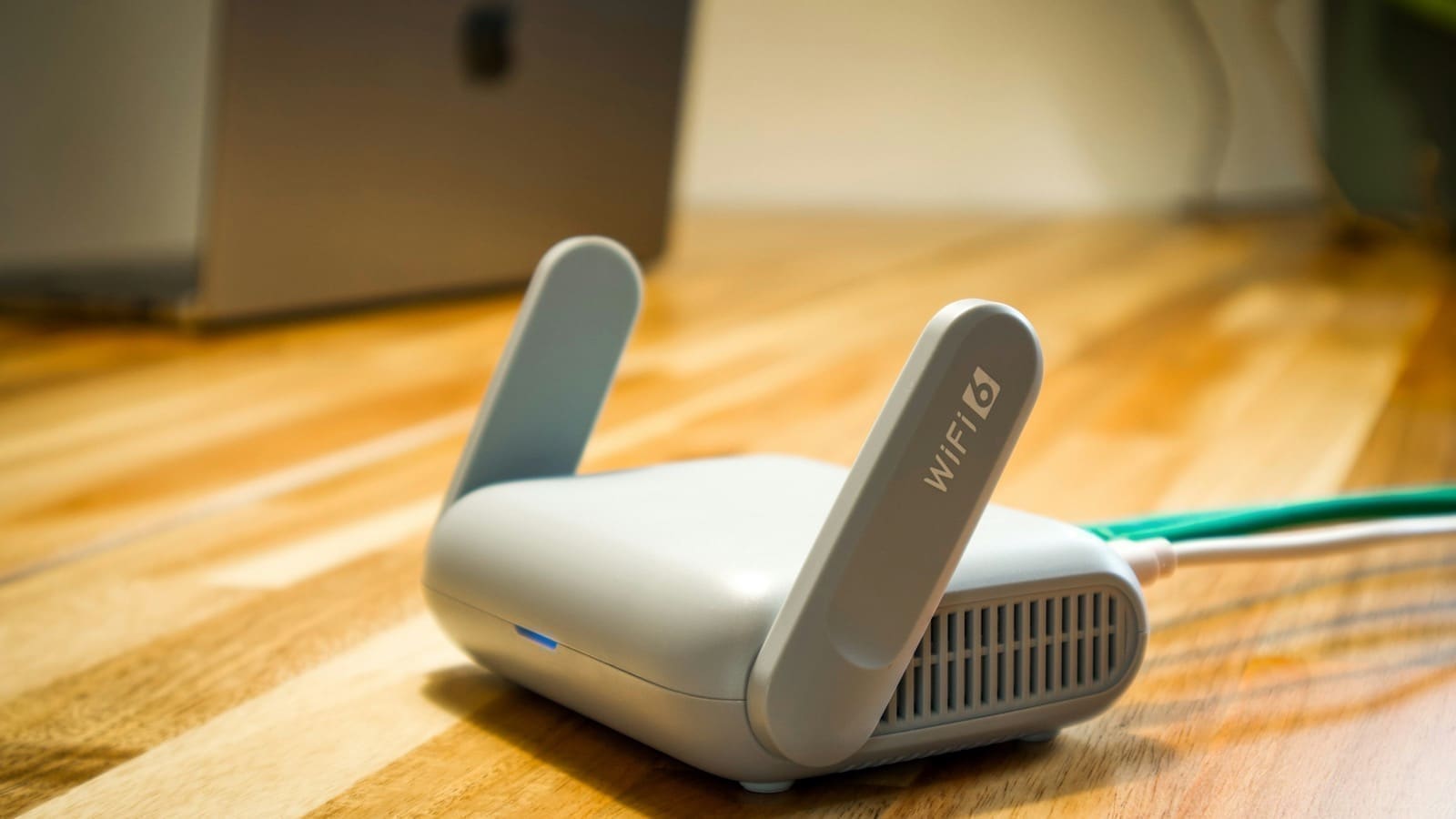
The Smart Hub 3 runs WiFi 6 with a dual-band 2.4GHz (3x3 MIMO) and 5GHz (4x4 MIMO) antenna configuration, giving theoretical maximum link speeds of up to 1148Mbps on 2.4GHz and 2400Mbps on 5GHz, according to BT's own Smart Hub 3 device guide, which lists dual-band 2.4GHz 3x3 and 5GHz 4x4 wireless and a 2.5Gbps WAN port. For wired connections it has four standard Gigabit Ethernet ports plus a single 2.5 Gigabit WAN port for connecting to Openreach's full-fibre equipment, a USB port, and a phone port that connects a landline handset to BT's Digital Voice service. On non-Full Fibre lines there is also a broadband port for the incoming line, which BT notes may not be present on Full Fibre (FTTP) connections. The casing is built from 100% recycled plastic, and BT ships it in plastic-free packaging.
| Spec | BT Smart Hub 3 |
|---|---|
| WiFi standard | WiFi 6 (dual-band) |
| 2.4GHz speed / MIMO | Up to 1148Mbps, 3x3 |
| 5GHz speed / MIMO | Up to 2400Mbps, 4x4 |
| LAN ports | 4x Gigabit |
| WAN port | 1x 2.5 Gigabit |
| Other ports | 1x USB, 1x phone port (Digital Voice) |
| Supported lines | Full Fibre; Part Fibre on select models |
| Wired speeds | LAN ports 1Gbps each; WAN port 2.5Gbps |
| Mesh support | Complete Wi-Fi Plus (extenders/discs, sold separately) |
| Security | WPA3, Hub Threat Protect, parental controls via My BT app |
| Price | Free with most BT broadband packages; standalone units typically cost £60–£80 second-hand |
Is the BT Smart Hub 3's WiFi actually fast enough?
Yes, for typical home use — real-world 5GHz throughput lands at around 700Mbps in BT's own testing conditions, well above what most UK full-fibre packages currently deliver even at the top end. That headroom matters more than the headline theoretical figures: WiFi 6 also improves how the router handles many devices talking at once (a feature called OFDMA), which is the bigger day-to-day win for a smart home with a dozen-plus WiFi-connected sensors, plugs and cameras rather than raw top speed. If you're on a gigabit-plus full-fibre tier and want to push closer to that ceiling over WiFi rather than Ethernet, a WiFi 6E or WiFi 7 router (see our best WiFi 7 routers) with a wider, less congested band will get you further, but the Smart Hub 3 is not the bottleneck for most households.
Does the BT Smart Hub 3 cover a whole house?
On its own, coverage is adequate for a typical semi-detached or terraced UK home, but it can struggle through multiple internal walls or in larger detached properties — the same limitation as most single-unit routers. BT's answer is Complete Wi-Fi Plus, its mesh add-on using small satellite discs that extend the same network with one SSID, sold separately or bundled into higher-tier broadband plans. If you already have a lot of smart home kit on a mesh system such as an alternative mesh WiFi setup, it's worth checking whether the Smart Hub 3 can be switched to modem-only or bridge mode so your existing mesh nodes keep handling WiFi, rather than running two overlapping networks.
Should you keep the BT Smart Hub 3 or replace it?
Keep it if: you're on a standard BT contract, have a small-to-medium home, and don't need advanced features like VLANs or a built-in VPN server. It's a capable, free, low-maintenance router with decent security defaults (WPA3, automatic firmware updates, Hub Threat Protect).
Replace it if: you're running a serious smart home setup that benefits from network segmentation — see our home network security guide for why isolating IoT devices on their own VLAN matters — or you want mesh coverage without paying for BT's own extenders, or you specifically want WiFi 6E/7 for the extra 6GHz band. In those cases, pairing the Smart Hub 3 in modem/bridge mode with a dedicated router from our best routers for smart homes guide, or a full third-party mesh system, gives you more control while keeping BT's line termination hardware in place.
BT Smart Hub 3 vs Smart Hub 2: what's different?
The Smart Hub 3 is a clear step up. The outgoing Smart Hub 2 uses WiFi 5, which lacks WiFi 6's efficiency gains for busy multi-device networks and tops out at lower theoretical speeds, and it doesn't have a 2.5Gbps WAN port, a limitation on BT's fastest full-fibre tiers where a Gigabit-only WAN port becomes the bottleneck. If you're still on a Smart Hub 2 and want the upgrade, BT will typically send a Smart Hub 3 on request, though new customers get it automatically.
| Feature | Smart Hub 3 | Smart Hub 2 |
|---|---|---|
| WiFi standard | WiFi 6 | WiFi 5 |
| Bands | Dual-band 2.4GHz 3x3 and 5GHz 4x4 | Dual-band 2.4GHz and 5GHz |
| WAN port | 2.5Gbps | Gigabit |
| LAN ports | 4x Gigabit | 4x Gigabit |
| Mesh | Complete Wi-Fi Plus | Complete Wi-Fi |
| Free with new BT broadband | Yes (current standard router) | Previous standard router |
Neither hub has WiFi 6E or WiFi 7. If 6GHz matters to you, compare them with our best routers for smart homes and best WiFi 7 routers.