What should you actually wire before decorating?
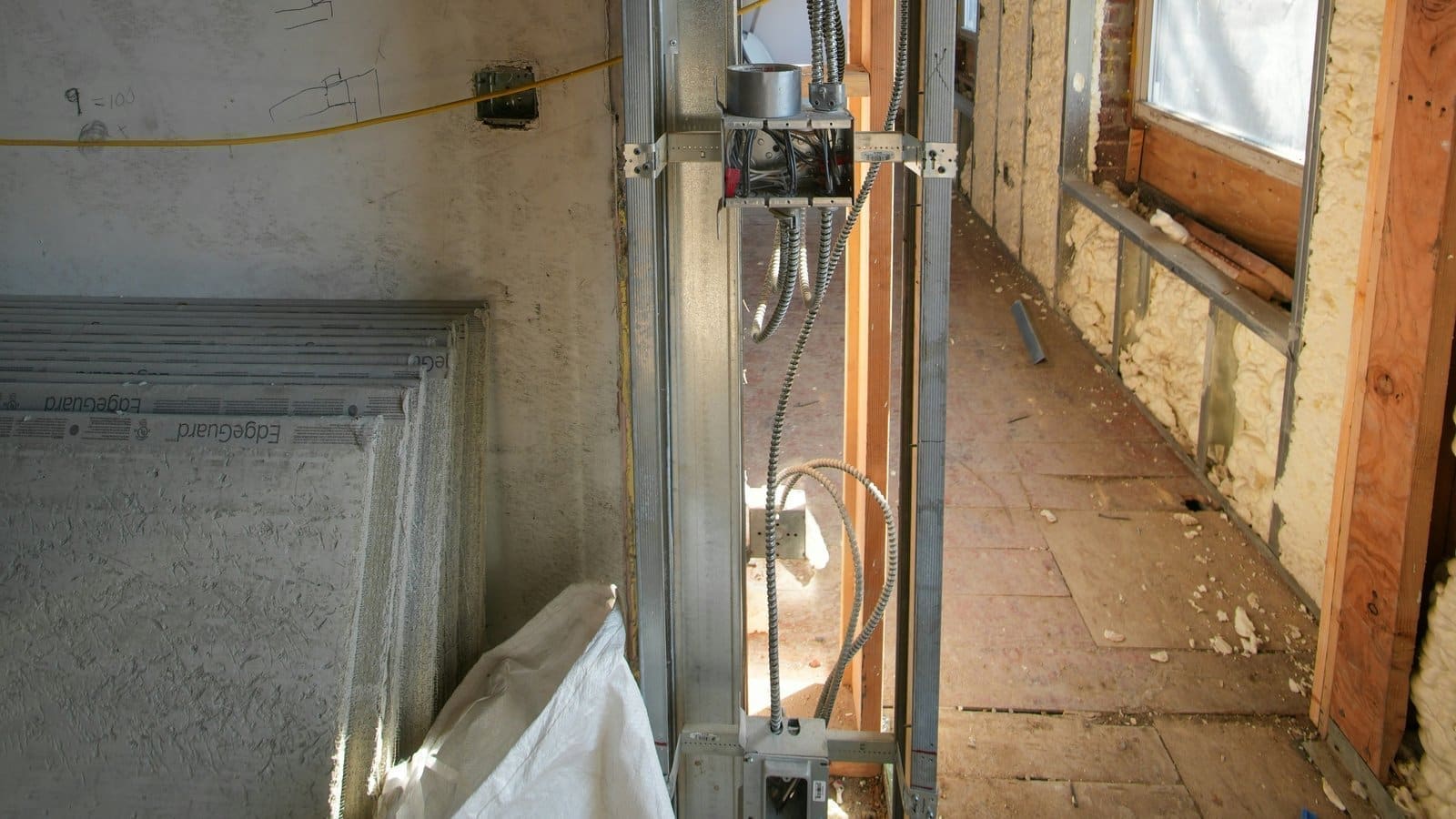
Wire for the things that genuinely benefit from a physical connection: your router/hub location, a small number of PoE security cameras or access points, and any room where you'll want rock-solid wired bandwidth (home office, media room, garden office). Everything else in a modern smart home — bulbs, smart plugs, door/window sensors, most thermostats — talks over Wi-Fi, Zigbee, Thread or Z-Wave and needs no cable at all, so there's little point pre-wiring every room for devices that were designed to be wireless. A realistic first-fix list for a typical three-bed UK house is: two Cat6a runs to a loft or understairs cabinet (one for the router/hub, one spare), one run each to the living room and home office, and one run to each planned PoE camera or outdoor access point location. That's usually 5–8 cable runs, well within a day's work for an electrician or cabling contractor already on site for other first-fix work.
Cat6 or Cat6a — which should you run in 2026?
Run Cat6a if there's any realistic chance you'll want 10 Gigabit Ethernet on that run — Cat6 is cheaper but only reliably supports 10GBASE-T over short, isolated runs, while Cat6a is specified for the full 100-metre channel. Cat6a's stricter alien-crosstalk specification is what makes the difference in a house, where cables usually run bundled together through joists and studs rather than isolated in open air, so a claim that Cat6 is fine because it's rated for 10G often doesn't hold up once several runs share a route. Cat6a is also only marginally more expensive to buy at first-fix stage, when the cost that actually matters is labour, not cable.
| Spec | Cat6 | Cat6a |
|---|---|---|
| Max frequency | 250 MHz | 500 MHz |
| 10GBASE-T at full 100m channel | Not guaranteed (typically ~37–55m in bundled runs) | Guaranteed to 100m |
| Alien crosstalk spec | Not specified | Specified (AXT) |
| Typical UK first-fix cost premium | Baseline | ~10–20% more per box |
Do smart light switches need a neutral wire?
Most Wi-Fi and Zigbee smart switches need a neutral conductor at the switch to power their internal radio, and a large number of older UK homes only ever ran line and switched-line to light switches, leaving no neutral there. If you're opening up walls anyway, pulling a neutral through to every switch drop is a small addition to the first fix and removes the problem permanently. If you're not rewiring, our guide to no-neutral smart switches covers the two realistic workarounds: a no-neutral switch designed to run off leakage current, or an in-wall relay module fitted at the ceiling rose (which almost always has a neutral) with your existing switch wired as a manual trigger.
Is PoE cabling covered by UK wiring regulations?
Yes — Power over Ethernet now has its own dedicated section in the UK wiring standard. Amendment 4:2026 to BS 7671 (the IET Wiring Regulations), published 15 April 2026, added Section 716 covering the supply of low-voltage DC power over Ethernet cabling, setting voltage limits (60V ripple-free DC in dry locations, 15V elsewhere), requiring SELV/PELV protection, and referencing BS ISO/IEC 11801-1 for the cabling itself. In practice this doesn't change what a competent installer does day-to-day with PoE cameras or access points, but it does mean a spec that was previously handled informally now has a formal place in the regulations electricians are trained and inspected against. If you're planning several PoE devices, our PoE switch guide covers picking a switch with enough budget per port.
Do you need an electrician for smart home cabling?
Running low-voltage data cable (Ethernet, speaker cable, low-voltage sensor wiring) isn't itself notifiable work under Part P of the Building Regulations, but any new mains circuit, consumer unit change, or new wiring in a kitchen or bathroom is — and a lot of smart home first-fix work happens on the same visit as that mains work, so it's usually bundled with your electrician anyway. Part P applies to fixed electrical installations in dwellings and requires notifiable work to be carried out by a registered competent person, or checked by building control. For a self-build or full rewire, get your data cabling and any mains changes for smart switches, relays or PoE injectors planned and quoted together — splitting them across separate trades on separate visits is where cables get missed.
Where should cables terminate?
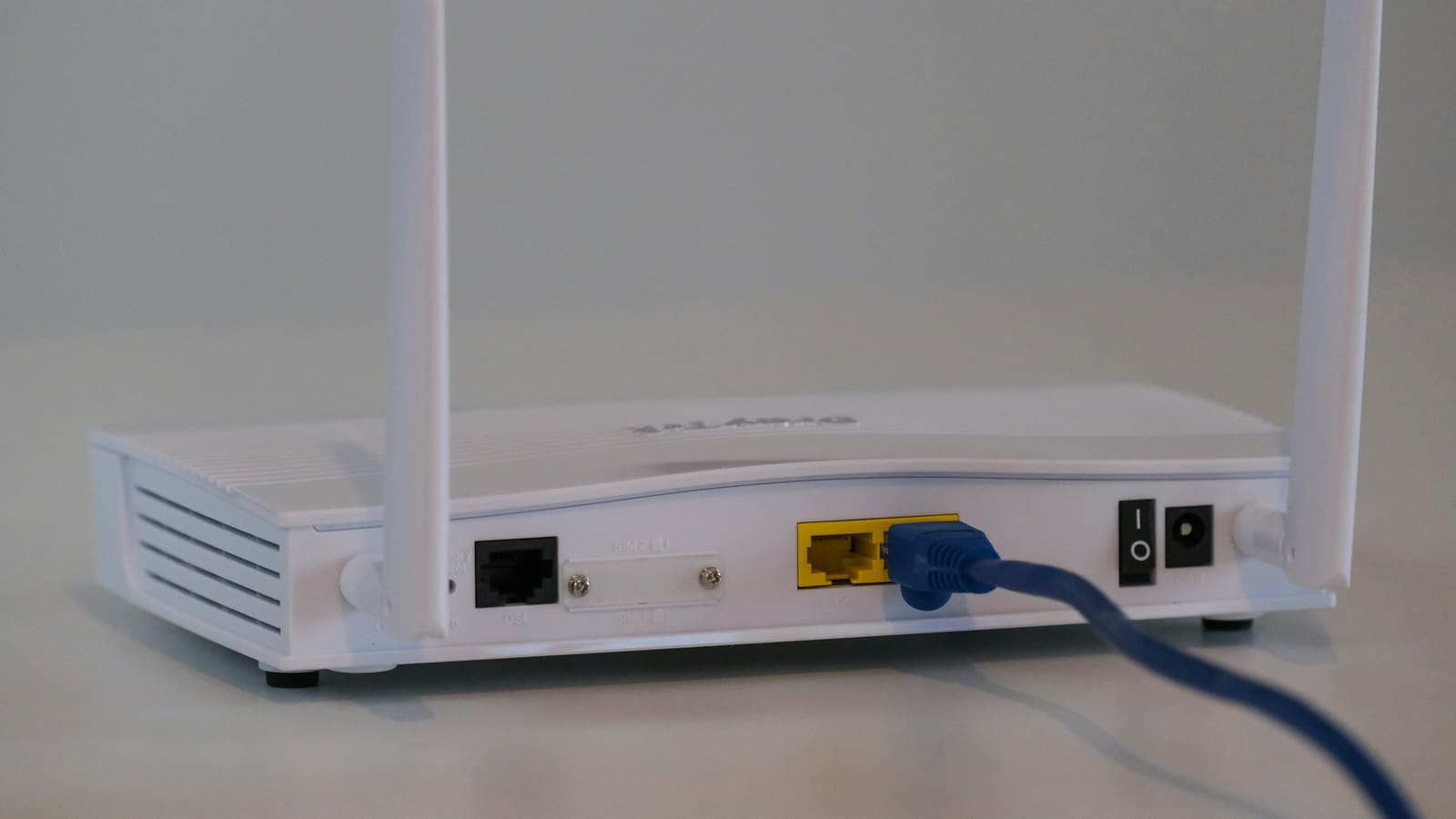
Every run should land on a patch panel in a single cabinet or cupboard, not directly into the back of a router — even a small 8–12 port panel with a basic unmanaged or lightly-managed switch makes it far easier to add or move devices later without re-pulling cable. Loft, understairs cupboard and garage are the usual UK choices; keep it near where your internet enters the property and leave a couple of spare runs terminated but unused, since adding "just one more" cable after the walls are closed is the single most common regret homeowners report. If you also want VLANs to keep IoT devices off your main network, that's a switch and router configuration question rather than a wiring one — see our home network VLAN guide for the setup once the cabling is in.
Can you retrofit smart home wiring without rewiring the house?
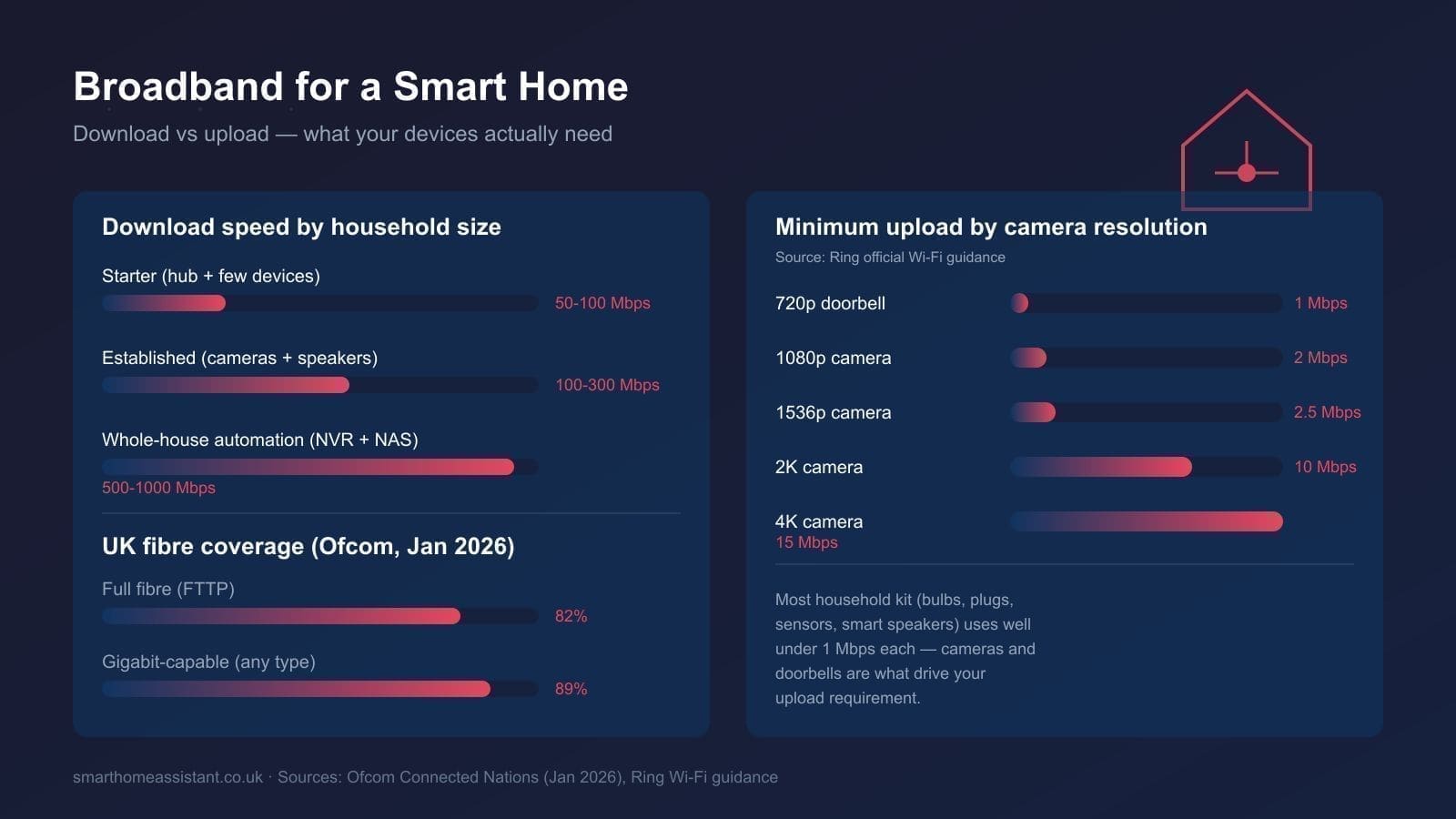
Yes, and for most people this is the right call: a Wi-Fi 6/6E mesh system plus battery-powered Zigbee or Thread sensors covers the bulk of a typical smart home without touching a single wall. Reserve actual cable-pulling for genuine gaps — a single Ethernet run to a garden office or loft conversion, or a neutral wire fished to one or two switches you specifically want to convert. Our Home Assistant network setup guide covers building a reliable wireless-first network, including where a single strategic cable run (to a mesh access point, for example) solves problems that adding more wireless nodes can't.