What was announced about the Deco BE11000 vulnerability?
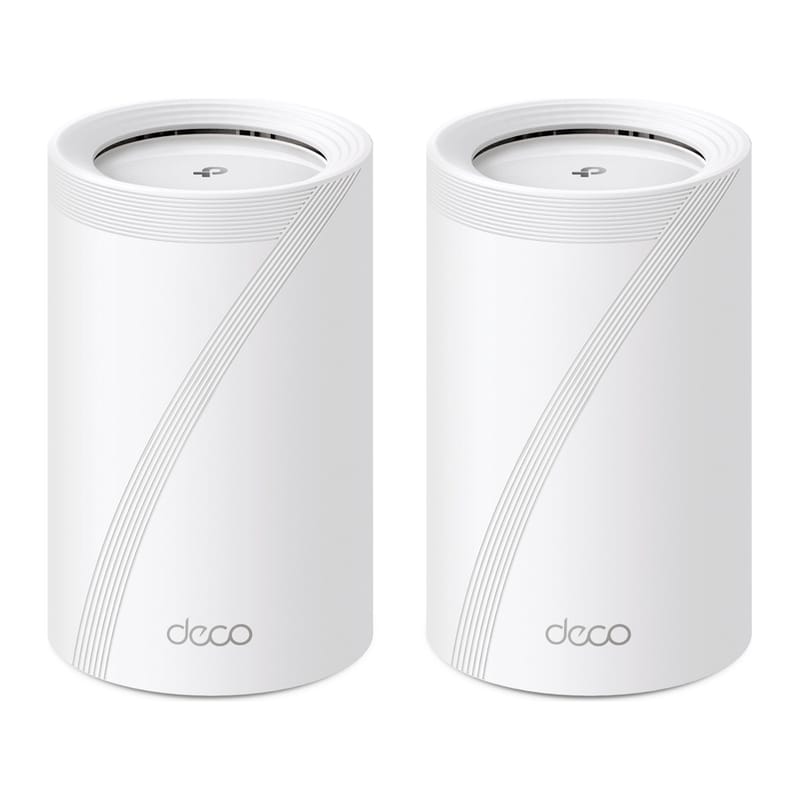
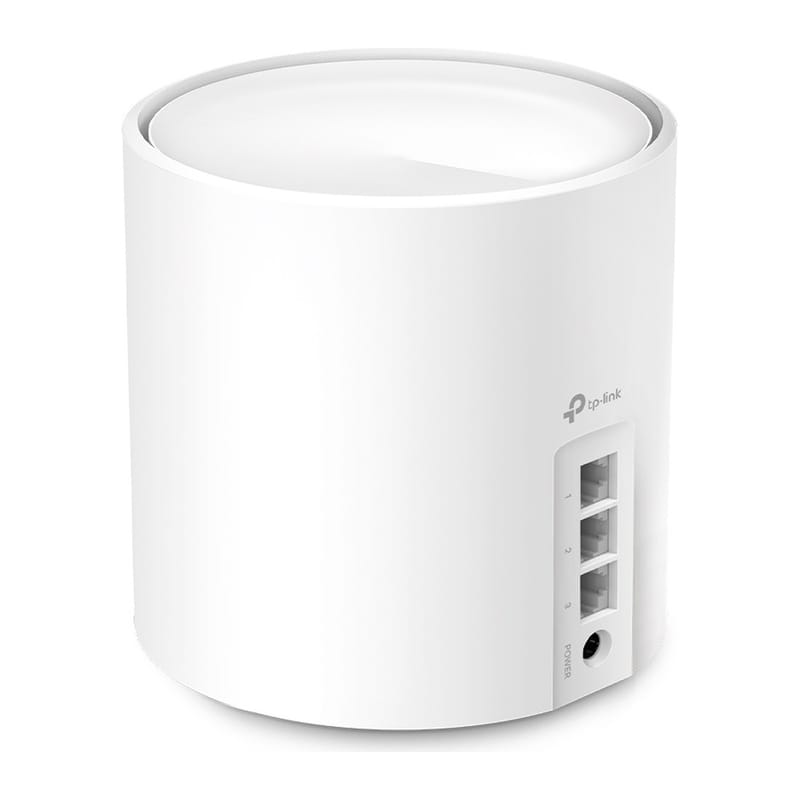
TP-Link's own security advisory describes an OS command injection vulnerability in the TDDP module of the Deco BE11000 (hardware version 2), the company's Wi-Fi 7 mesh router system. The device fails to properly validate input in certain UDP packets, so an attacker who can reach the router over the local network — an adjacent Wi-Fi client, a compromised smart plug, or any other device already inside the home network — can inject shell metacharacters and execute arbitrary commands with root privileges.
The flaw carries a CVSS v4.0 score of 7.7, rated High. Exploitation needs adjacent network access but no login credentials and no action from the router's owner, which is what pushes the severity up despite the attack not being reachable from the open internet. TP-Link's advisory warns that a successful attack can lead to complete device compromise: unauthorised command execution, changed router settings, and loss of confidentiality, integrity and availability for every device the Deco is routing traffic for.
TP-Link has already published a fix. Firmware version 1.3.5, build 26071712, patches the TDDP module's input handling and is available now through the Deco app or TP-Link's UK support pages.
| Detail | Value |
|---|---|
| CVE ID | CVE-2026-17176 |
| Affected product | Deco BE11000, hardware version 2 |
| Vulnerability type | OS command injection (TDDP module, malformed UDP packet) |
| CVSS v4.0 score | 7.7 — High |
| Disclosed | 10 September 2026 |
| Fixed firmware | 1.3.5, build 26071712 |
Why does this matter for Home Assistant users?
It matters because a mesh router like the Deco BE11000 usually sits at the centre of a smart home network, not at its edge. Anyone running Home Assistant alongside a Deco system is trusting that router to keep every Zigbee coordinator, Wi-Fi camera and voice assistant on the LAN isolated from anything that shouldn't be there. Root access to the router undermines that trust in one step: an attacker with root on the Deco can see and redirect traffic between every device on the network, including any Home Assistant instance, NAS box or smart lock bridge connected to it.
This is also a reminder that "local control" is not automatically "safe" — a device only stays trustworthy if its firmware is patched. Home Assistant's own security model assumes the local network is a reasonably safe perimeter; a compromised router breaks that assumption for every integration running on it, cloud-connected or not. Anyone who segments IoT devices onto a separate VLAN, as our own VLAN guide recommends, has some extra protection here, since an attacker would still need to reach the Deco's management interface from the IoT segment specifically — but VLANs don't replace patching the router itself.
How do I update my Deco BE11000 firmware?
Open the Deco app, go to More → Firmware Upgrade, and check whether your unit is already on 1.3.5, build 26071712, or newer. If not, tap Upgrade and let every node in the mesh update — TP-Link pushes the fix to all satellite units, not just the primary router. The update can also be triggered from the web interface at the router's local IP address for anyone who prefers not to use the app. TP-Link's advisory doesn't list a manual workaround short of updating, so there's no reason to delay once the update is available.
Should you replace your Deco or wait it out?
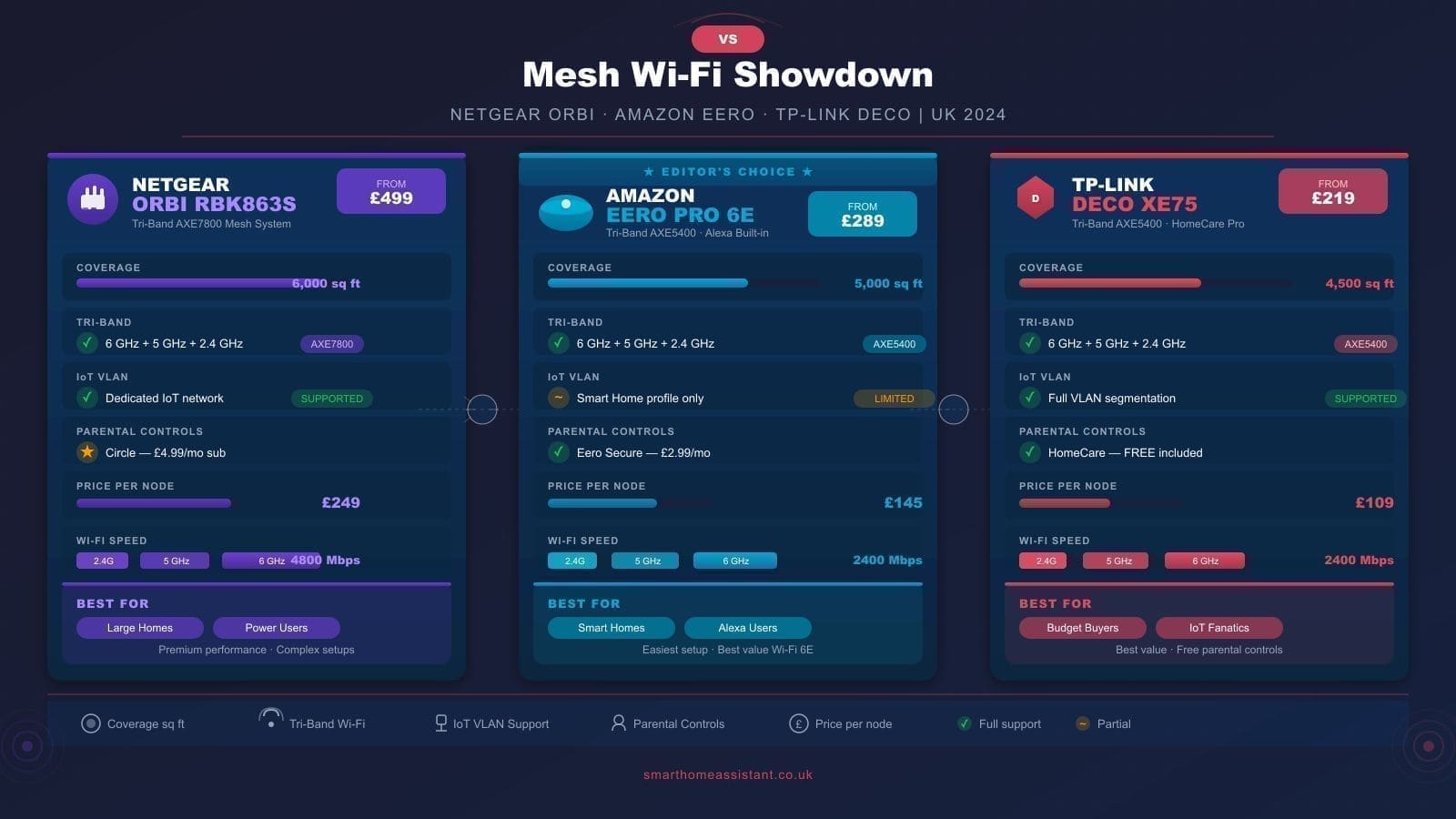
There's no need to replace the hardware. TP-Link responded with a firmware fix rather than a recall, which is the normal outcome for a router-firmware vulnerability like this one — the same pattern played out with the Deco BE25's command injection and path traversal flaws disclosed earlier in 2026. The practical response is simply to update promptly and to keep automatic firmware updates switched on in the Deco app afterwards, since router vendors routinely find and patch TDDP-style issues after release. If you're shopping for a mesh system today rather than patching one you already own, our TP-Link Deco review covers how the current line-up compares on performance and price, and our home network security guide covers the wider steps worth taking regardless of which router brand you use.
TP-Link cameras have had advisories too: see the Kasa EC70 and EC71 camera vulnerabilities for the firmware builds to install.