Why Mesh Wi-Fi Matters in UK Homes
UK houses — particularly Victorian and Edwardian properties — are notorious for thick brick and plaster walls that devour Wi-Fi signals. A single router placed in a hallway cupboard (where most BT Openreach master sockets live) rarely covers a typical semi-detached home end to end. A mesh system solves this by placing two or three satellite nodes around the house, all sharing a single network name. Your phone, tablet, and smart home devices roam seamlessly between nodes without you having to manually switch networks. If you only have one dead zone and a tighter budget, a standalone Wi-Fi extender may be all you need before committing to a full mesh system.
If you want to understand how mesh fits into a broader smart home network strategy, our guide to the best mesh Wi-Fi systems UK compares TP-Link Deco against Eero, Google Nest WiFi Pro, and Netgear Orbi. If you are specifically weighing up Deco versus Amazon's own mesh range, our eero mesh Wi-Fi review UK covers the full eero line-up in detail.
What Models Are in the TP-Link Deco Range?
The Deco line-up spans three Wi-Fi generations. Here is a quick orientation:
- WiFi 5 (AC): Older models such as the M4 and S4 — still sold but not recommended for new purchases.
- WiFi 6 (AX): The current mainstream tier. Includes the X20, X50, X55, X60, and XE75.
- WiFi 7 (BE): The premium tier. The BE65 and BE65 Pro are the headline models for 2026.
All current Deco systems use UK three-pin plugs and are sold through Amazon UK, John Lewis, and Currys. Prices vary by retailer and pack size, so always compare at time of purchase.
Deco X20 — Best Budget Pick
Standard and speeds: The Deco X20 is a dual-band WiFi 6 (AX1800) system delivering up to 1,201 Mbps on the 5 GHz band and 574 Mbps on 2.4 GHz. Each unit has two Gigabit ports with WAN/LAN auto-sensing, meaning you can connect the second port to a wired device such as a smart TV or NAS.
Coverage: A 3-pack covers up to roughly 540 m² according to TP-Link's own figures — more than enough for the average UK semi-detached. Owner reports commonly describe two nodes as sufficient for a two-storey, three-bedroom home.
Who it suits: Households with broadband up to around 500 Mbps and 10–30 connected devices. It supports over 150 devices in theory, but real-world saturation tends to appear above 50 active devices on AX1800 hardware. Budget-conscious buyers upgrading from an ISP-supplied router will notice a marked improvement in range and reliability.
Verdict: Excellent value for money. The X20 is now marked end-of-life on TP-Link's UK site, so stock may be limited — buy it if you find it at a strong price, or consider stepping up to the X50.
Deco X50 — Best All-Rounder
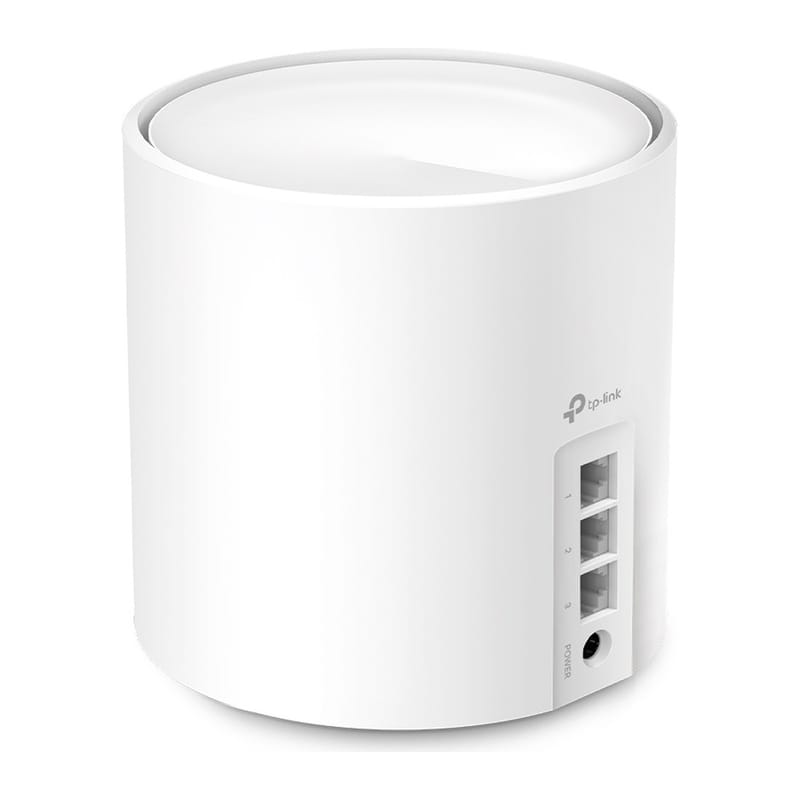
Standard and speeds: The Deco X50 steps up to AX3000 (dual-band WiFi 6), with a 5 GHz band rated at 2,402 Mbps using the wider HE160 channel mode. Each unit now has three Gigabit ports rather than two — useful for connecting a wired switch or desktop PC.
Coverage: A 2-pack covers up to around 420 m²; a 3-pack extends to around 600 m². The X50 also supports ethernet backhaul — if you run a cable between nodes, the wireless bands are freed up entirely for client devices, noticeably improving throughput in busy households.
Who it suits: Most UK homes will be well served by the X50 3-pack. If your ISP delivers gigabit speeds (common on Hyperoptic, City Fibre, or Virgin Media's top tier), the AX3000 rating means you will actually make use of the faster 5 GHz band — something the X20 cannot fully exploit.
Verdict: The X50 is the sweet spot in the Deco range. It costs meaningfully more than the X20 but the extra port and faster speeds justify the premium for most buyers. Available at Amazon UK, Currys, and John Lewis; prices vary so compare before buying.
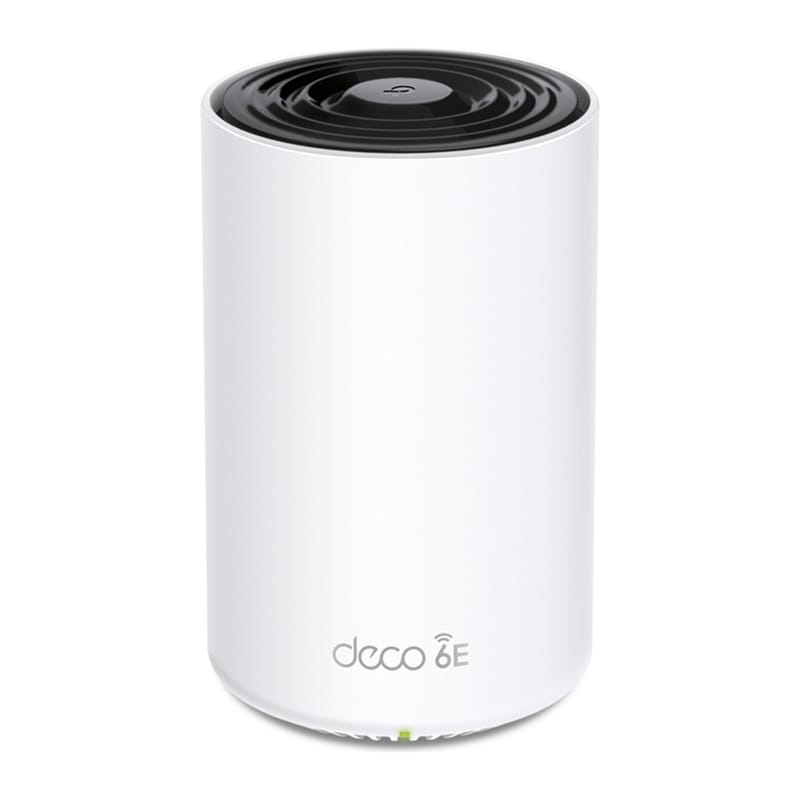
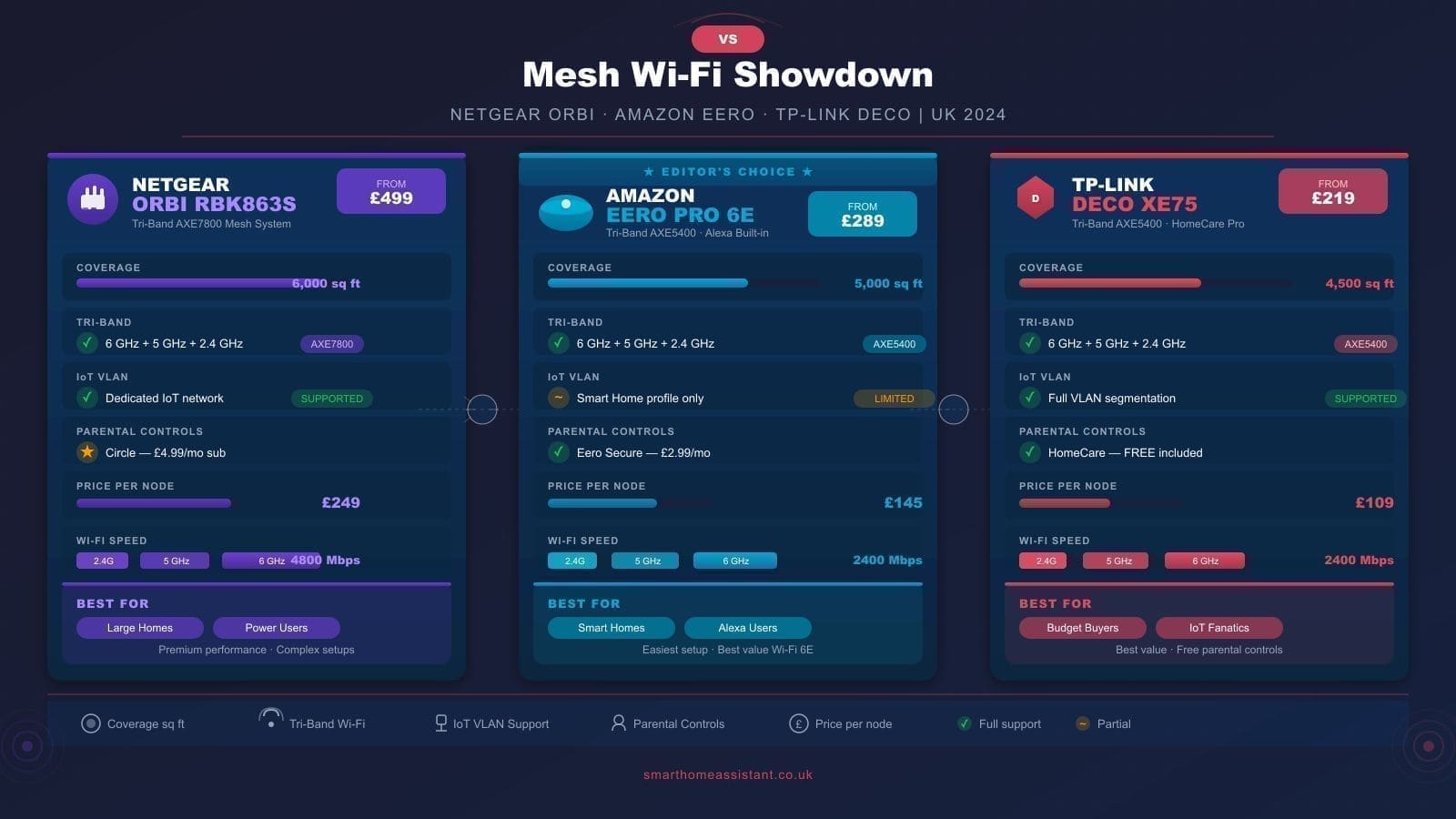
Deco XE75 — Best WiFi 6E Option
Standard and speeds: The XE75 adds the 6 GHz band (WiFi 6E), giving tri-band operation. The 6 GHz band is effectively congestion-free in most UK homes because few legacy devices compete on it. TP-Link uses this band as a dedicated wireless backhaul channel, which keeps the 5 GHz and 2.4 GHz bands free for client devices.
Who it suits: Homes with many WiFi 6E-capable devices — newer MacBooks, recent Android flagships — will benefit most. If your devices are mostly WiFi 5 or WiFi 6, the XE75 still improves backhaul reliability but the 6 GHz client benefit is limited. The XE75 is stocked at Currys in the UK.
Verdict: A solid step up for power users, but the price gap over the X50 is significant. Worth it if you have a larger home (over 200 m²) where a dedicated backhaul channel makes a real difference.
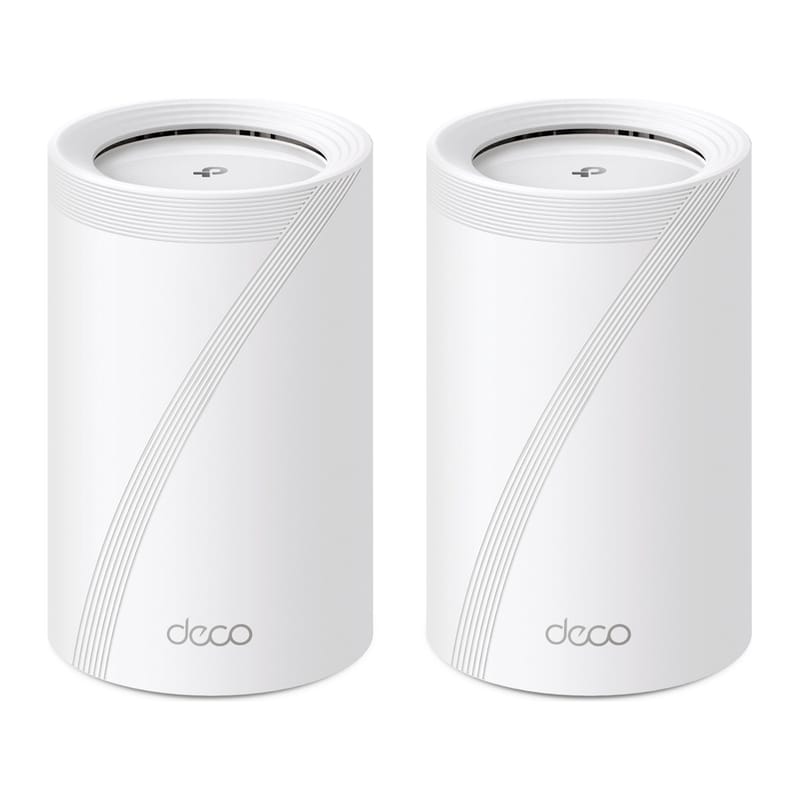
Deco BE65 — Best WiFi 7 System
Standard and speeds: The BE65 is TP-Link's mainstream WiFi 7 (802.11be) mesh system, offering a tri-band total throughput of 9.3 Gbps. The 6 GHz band alone is rated at 5,765 Mbps, and each unit ships with four 2.5 Gbps ports — a genuine upgrade over the Gigabit ports on lower models, and essential if you have a multi-gigabit internet connection.
WiFi 7 features in practice: Multi-Link Operation (MLO) allows devices to transmit and receive on multiple bands simultaneously, reducing latency. The 320 MHz channel support on 6 GHz doubles the bandwidth of WiFi 6E's 160 MHz maximum. In practice, the benefit is most noticeable for latency-sensitive applications — online gaming, video calls, and smart home hubs polling many devices rapidly.
Who it suits: Early adopters, larger detached homes, and anyone running a demanding smart home setup with dozens of simultaneous devices. The BE65 3-pack is available from Currys and was listed at approximately £445–£500 at launch, though prices vary. A 3-pack BE65 Pro is also available at a slight premium.
Verdict: Future-proof and impressively specified, but most households will not see the full benefit until WiFi 7 devices become mainstream. If you are upgrading now and plan to keep the system for five or more years, the BE65 makes sense.
HomeShield: Security and Parental Controls
Every current Deco ships with TP-Link's HomeShield platform. The free tier provides basic parental controls — content filtering and internet pause — managed through the Deco app. A paid HomeShield Pro subscription (billed monthly or annually) adds detailed web filtering categories, weekly network security reports, and advanced QoS traffic prioritisation.
For smart home users, HomeShield's network-level blocking is particularly useful: it can stop IoT devices from phoning home to unexpected servers without requiring per-device software. This pairs well with a proper IoT VLAN setup — see our best routers for smart homes UK guide for more on network segmentation. It is also worth keeping Deco firmware itself up to date rather than relying on network-level blocking alone — TP-Link disclosed a high-severity Deco BE11000 vulnerability in September 2026 that a firmware update fixes.
Setup and App Experience
Setup on every Deco model follows the same flow: plug in the main node, download the Deco app, scan the QR code on the base of the unit, and follow the prompts. Most users complete the process in under 15 minutes. Additional nodes are detected automatically once powered on and placed. The app handles firmware updates, speed tests, device management, and HomeShield controls in one place.
One UK-specific note: if your broadband uses PPPoE (common on BT, Sky, and TalkTalk lines), enter your ISP credentials during setup. The Deco app prompts for this automatically when it detects a PPPoE connection.
Which Deco Should You Buy?
- Tight budget, up to 500 Mbps broadband: Deco X20 (if available) or X50 entry pack.
- Most homes, gigabit broadband: Deco X50 3-pack — the best all-round choice.
- Large home or many WiFi 6E devices: Deco XE75 3-pack.
- Future-proof, five-year investment: Deco BE65 3-pack.