What Is the Hue Play HDMI Sync Box?
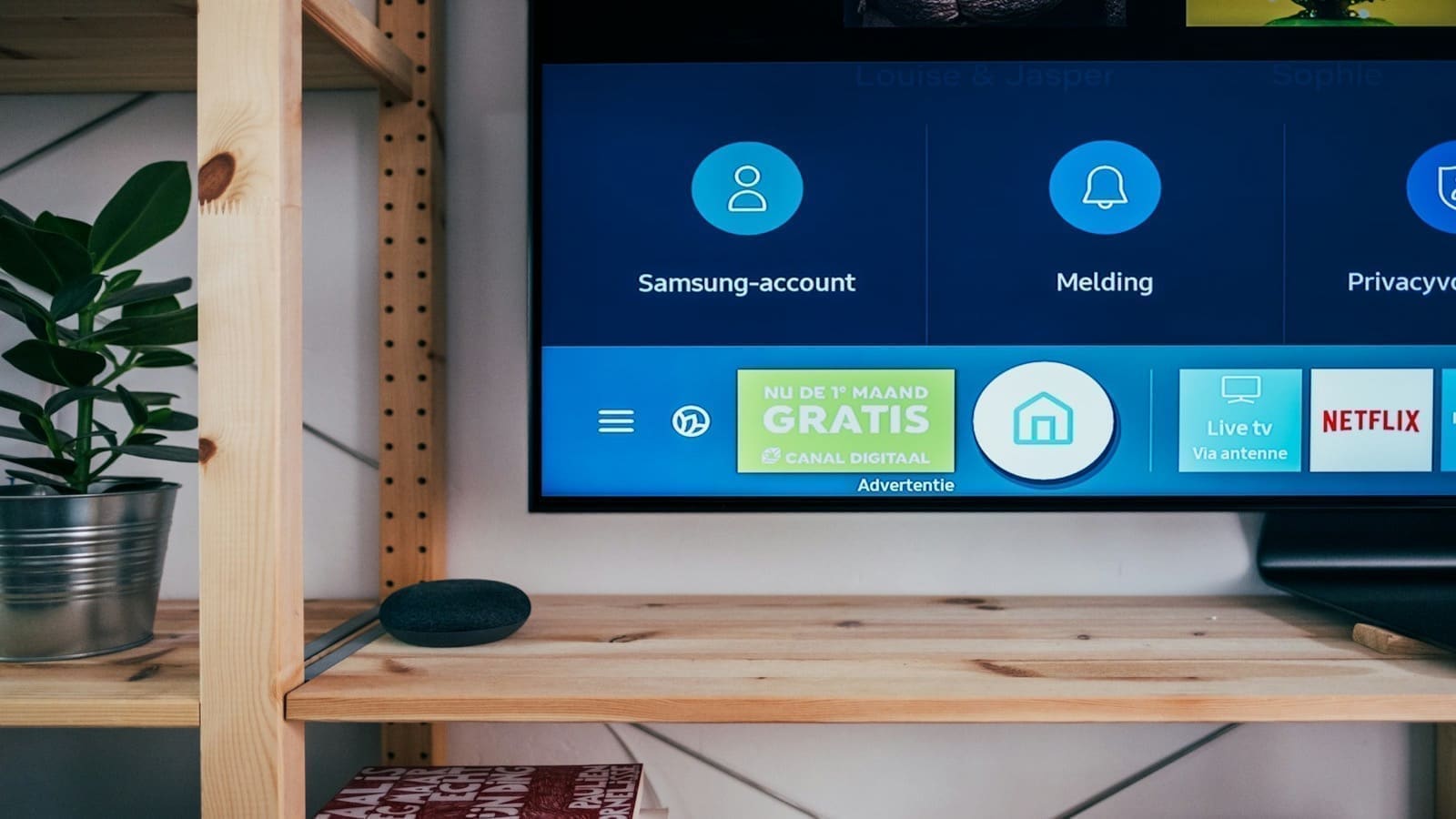
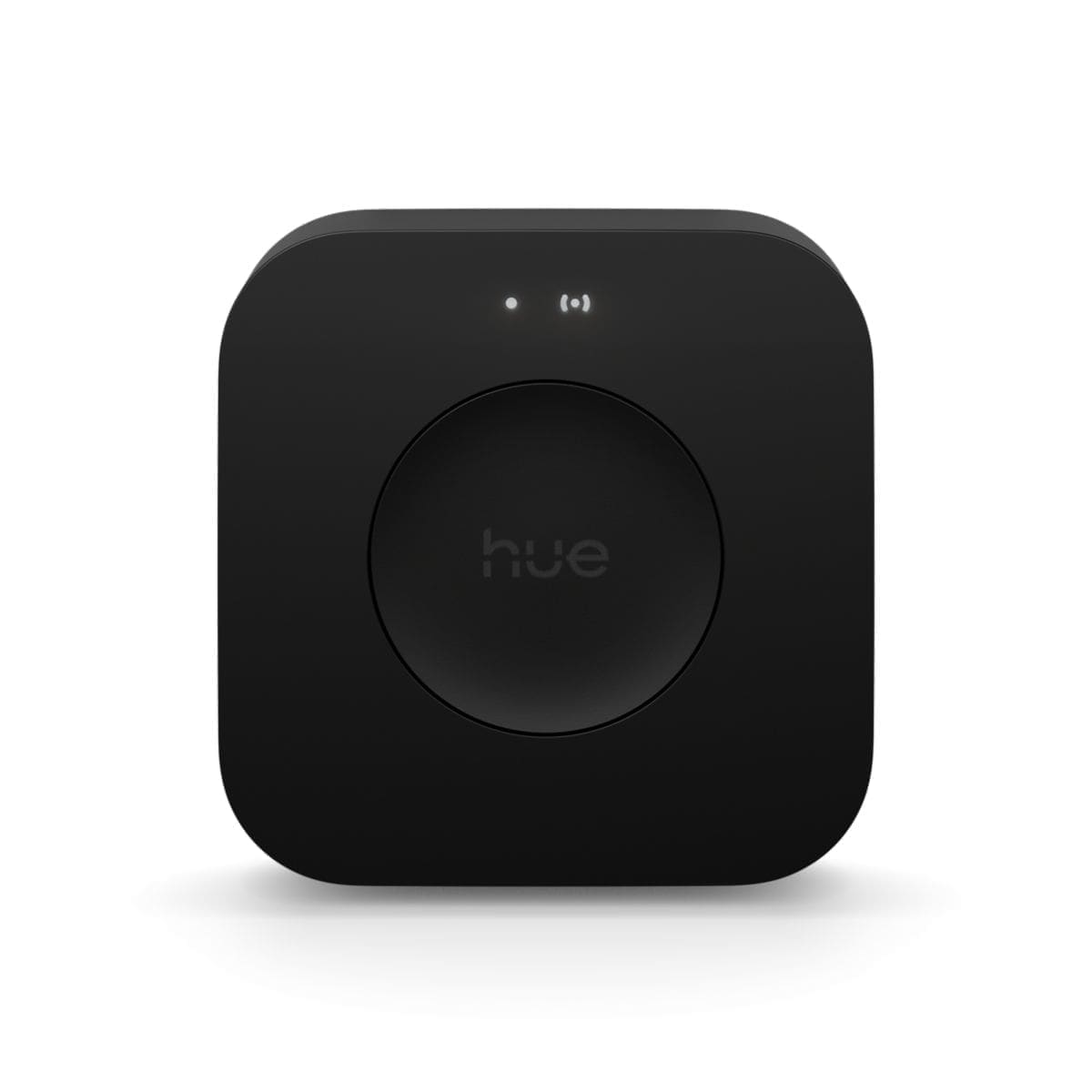
The Hue Play HDMI Sync Box is a pass-through HDMI switcher that analyses video and audio signals and translates them into real-time lighting instructions for your Philips Hue lights. It sits between your TV and up to four HDMI sources — think PlayStation 5, Xbox Series X, Sky Q, Amazon Fire Stick, or any other HDMI device — and routes the signal to your display via a single output.
As your content plays, the box reads colour and brightness data from the screen and broadcasts commands to your Hue Entertainment area via the Hue Bridge. The result is lights that pulse, shift colour, and react to on-screen action in near real time.
Key Specifications
| Spec | Hue Play HDMI Sync Box |
|---|---|
| Price | £229.99 RRP |
| HDMI version | HDMI 2.0 (4K HDR passthrough) |
| HDMI inputs | 4 sources, 1 output |
| Lights supported | Up to 10 Philips Hue lights in an Entertainment area |
| Requires | Philips Hue Bridge (sold separately, ~£49.99) |
| Sync modes | Video, Music, Game |
| Voice control | Alexa, Google Assistant, Apple HomeKit (via Hue Bridge) |
| App | Hue app (Entertainment area setup) + Hue HDMI Sync Box app |
Setup and Installation
Getting the Sync Box up and running takes roughly 20–30 minutes. You'll need an existing Philips Hue Bridge already set up on your network — the Sync Box communicates via Wi-Fi and uses the Bridge as its backbone. If you don't already own a Bridge, budget an extra ~£49.99.
The process runs through the Hue HDMI Sync Box app (iOS and Android), which walks you through connecting to your Wi-Fi network and pairing with the Bridge. You then use the main Hue app to create or assign an Entertainment area — a defined group of lights around your TV — before switching back to the Sync Box app for final calibration. If you haven't mapped an Entertainment area before, our Philips Hue Entertainment Areas setup guide walks through the room-mapping step and the other ways to feed it live colour beyond the Sync Box.
It sounds fiddly, but the guided flow is clear enough. The trickiest part is physically positioning lights to surround the TV effectively: Philips Hue Play bars on either side and a Hue gradient strip behind the screen are the ideal setup, though any compatible Hue lights will work.
Picture Quality and HDR Passthrough
One concern with any HDMI switcher is signal degradation. The Hue Sync Box uses HDMI 2.0, which supports 4K at 60Hz with HDR10 and Dolby Vision passthrough. In day-to-day testing on a 4K OLED TV, there was no discernible difference in picture quality between using the Sync Box and connecting devices directly. HDR tone mapping remained accurate, and there were no frame rate drops or signal dropout issues.
Worth noting: HDMI 2.0 does not support 4K at 120Hz, which means PS5 and Xbox Series X owners playing at 120fps will need to connect those consoles directly to the TV. For most 4K/60Hz use cases — streaming, Blu-ray, standard gaming — the passthrough is perfectly transparent.
Sync Quality: Video and Music Modes
In Video mode, the Sync Box samples the colour palette of the on-screen image multiple times per second and adjusts your Entertainment area lights accordingly. During a sunset scene, warm ambers and golds flood the room. A dark thriller shifts lights to deep blues and near-black. The effect is genuinely immersive once you've positioned your lights well.
The intensity slider in the app lets you dial in how aggressively lights react — from a subtle ambient glow to full reactive strobing. Most people settle somewhere in the middle.
Music mode works differently: it listens to audio via the TV's HDMI signal and reacts to bass, treble, and tempo. It's more of a party trick than a cinema feature, but effective for music streaming apps or concert recordings.
Game Mode: Low Latency Where It Counts
The Game mode is where the Sync Box earns its premium price for console owners. Lighting latency in Game mode is very low — Philips rates it as near-imperceptible — so explosions, muzzle flashes, and environmental shifts sync tightly to what's happening on screen without the half-second lag that would break immersion.
Switching between modes is instant via the app or a physical button on the device. If you find the lighting distracting mid-session, you can tap the device to pause sync without changing any settings.
Voice Control and Smart Home Integration
Because the Sync Box relies on the Hue Bridge, it inherits the full Hue ecosystem's smart home compatibility. You can control the sync state via Amazon Alexa, Google Assistant, and Apple HomeKit. Scenes and automations created in the Hue app interact with Entertainment areas too, so you could set an automation that activates Cinema mode in your Entertainment area when your Apple TV is turned on.
If you're building a broader smart home setup, see our guide to the best smart bulbs in the UK to find compatible Hue lights that work best in Entertainment areas.
Compatible Devices
Any HDMI source works with the Sync Box, including:
- PlayStation 5 (at 4K/60Hz)
- Xbox Series X (at 4K/60Hz)
- Sky Q and Sky Glass
- Amazon Fire TV Stick 4K
- Apple TV 4K
- Nintendo Switch (docked)
- Blu-ray players
What You Need to Buy (Total Cost)
The Sync Box alone won't do much. Here's what a realistic UK setup costs:
- Hue Play HDMI Sync Box: £229.99
- Philips Hue Bridge (if not already owned): ~£49.99
- Hue Play Light Bars (pair): ~£69.99
- Hue Play Gradient Strip (55"): ~£199.99
A full cinema-lighting setup from scratch could cost over £500. If you already own a Bridge and some Hue bulbs, the entry cost is just the Sync Box itself — and any compatible Hue lights placed behind or beside your TV will work.
Verdict: Should You Buy It?
The Hue Play HDMI Sync Box is the best TV ambient lighting solution available for the Philips Hue ecosystem. The 4K HDR passthrough is transparent, sync quality in all three modes is impressive, and Game mode latency is low enough to not be distracting. Setup is straightforward if you already own a Hue Bridge.
The barriers are cost and ecosystem lock-in. At £229.99 — before lights and Bridge — it's a significant spend. It also only works with Philips Hue; if you're considering alternatives, our best LED strip lights UK guide covers broader options including non-Hue bias lighting solutions.
For committed Hue users with a 4K TV and a dedicated viewing space, the Sync Box transforms movie nights and gaming sessions into something genuinely special. Highly recommended — with the caveat that you'll want to budget for proper light placement too.
Related: Philips Hue Lightstrip Plus review, Philips Hue vs LIFX comparison, and best colour-changing smart bulbs UK.
Building out a full dedicated viewing room rather than just one TV? Our smart lighting for a home cinema UK guide covers how to combine the Sync Box with ambient and bias lighting layers into one Home Assistant scene.
Philips Hue announced a slimmer successor, the Play HDMI Sync Box 4K, alongside a camera-based alternative at IFA Berlin 2026 — see our Philips Hue IFA 2026 lineup roundup for what changed and how the new camera compares to this Sync Box.